Correcting Eyelash Position
After adjusting the eyelash appearance using various eyelash morph sliders, misalignment may occasionally occur. In such cases, you can use the Correct Eyelash function provided by Character Creator to fix the issue.
- With the use of ZBrush, you can create customized eyelashes without caring about the position and alignment.
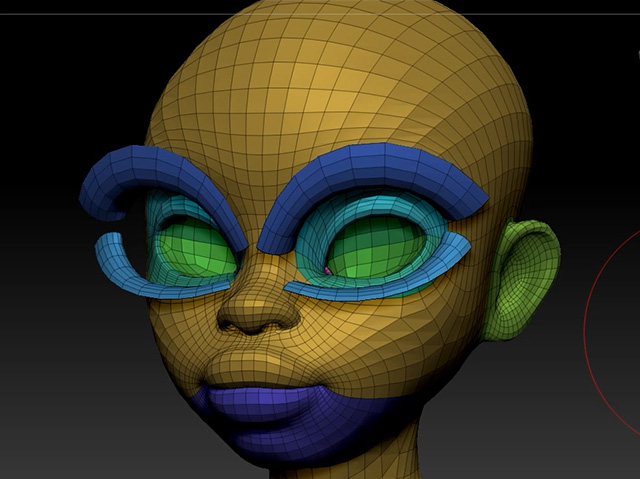
- Transfer the character back to Character Creator with GoZ feature, move the camera for
close-up of the eyes.
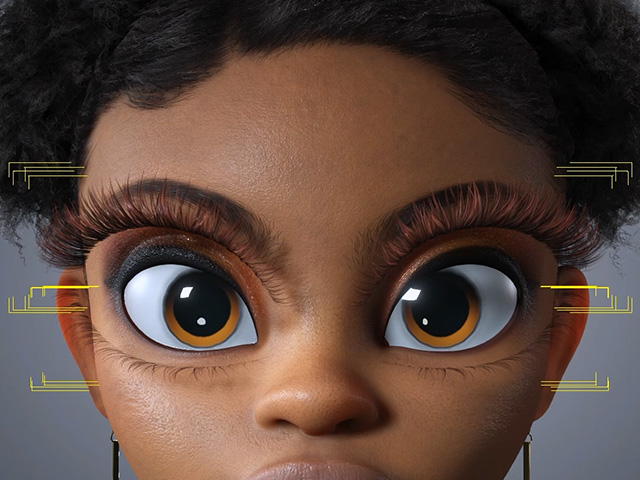
- Morph the eyelashes with sliders. As you can see, occasionally, the eyelashes will misaligned to the eyelids.
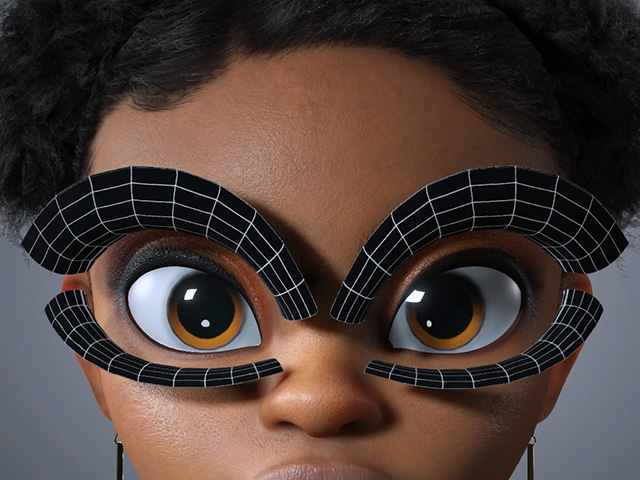
- Go to Character > Correct Eyelashes > Position > Correct Position.
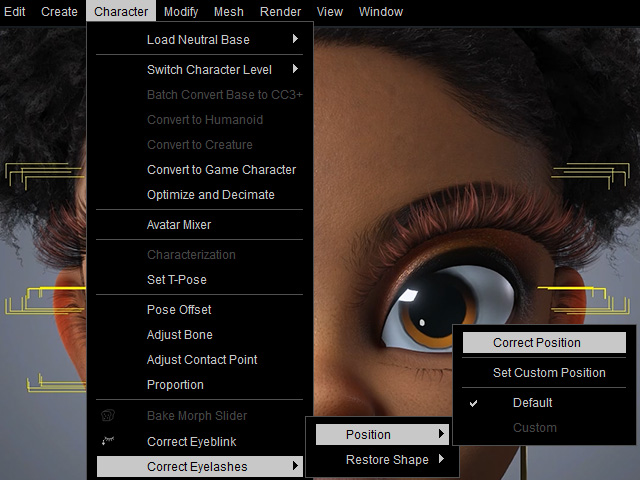
- The Correct Eyelash Positions panel will appear.
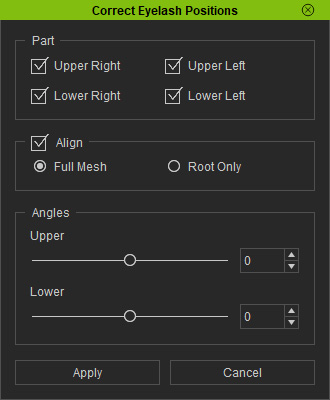
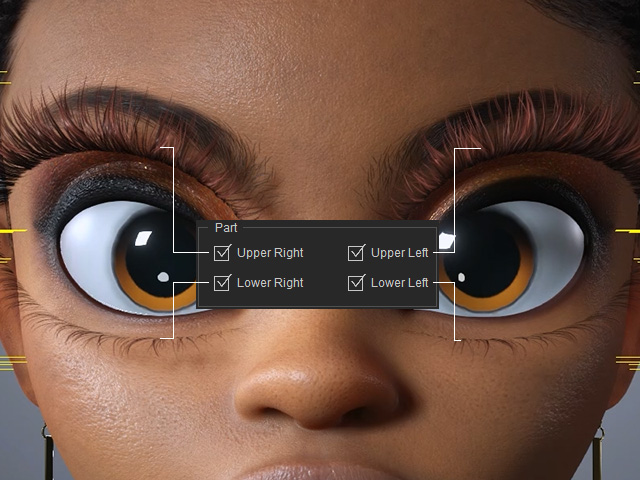
- Part: Specifies the part of the eyelashes for alignment.
- Align: Aligns the eyelash meshes to the correct position of the eyelids.
- Full Mesh: The entire eyelashes are aligned.
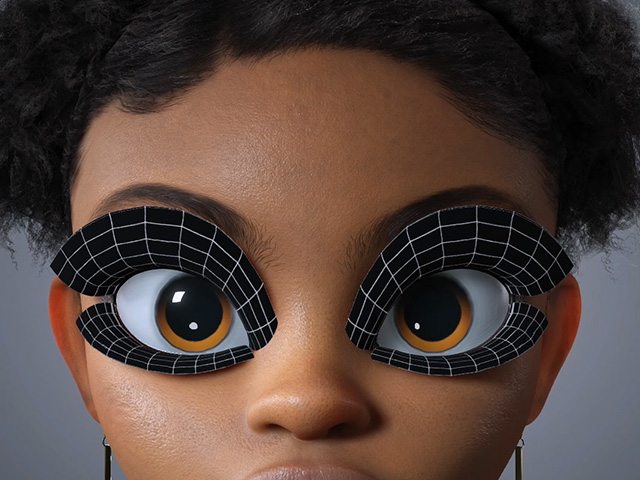
Before
The entire meshes will be moved for the alignment.
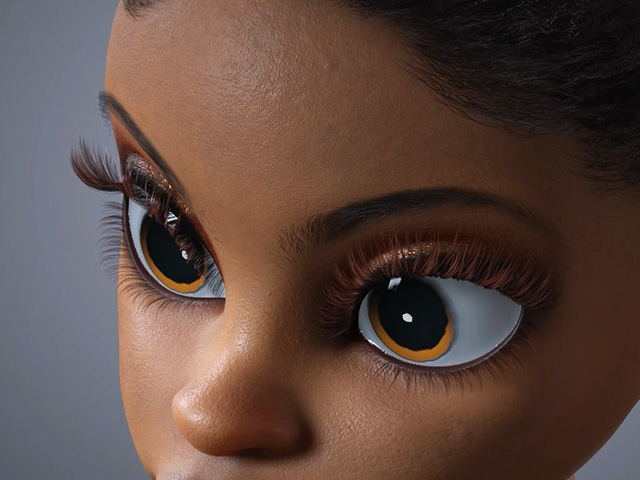
Final result
- Root Only: Only the root vertexes will be aligned to the eyelids.
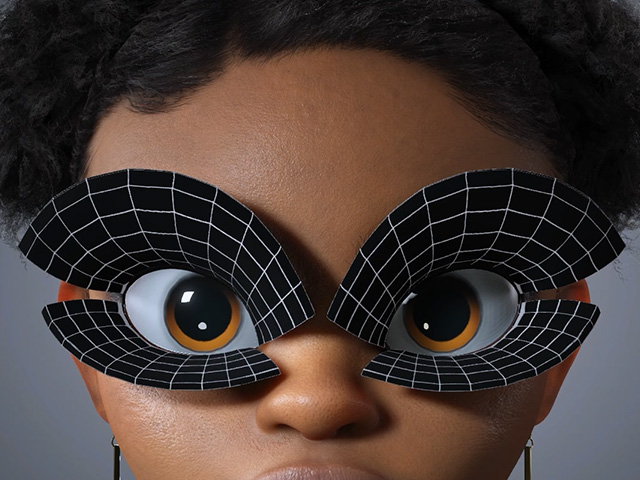
Before
The meshes may be stretched in this case.
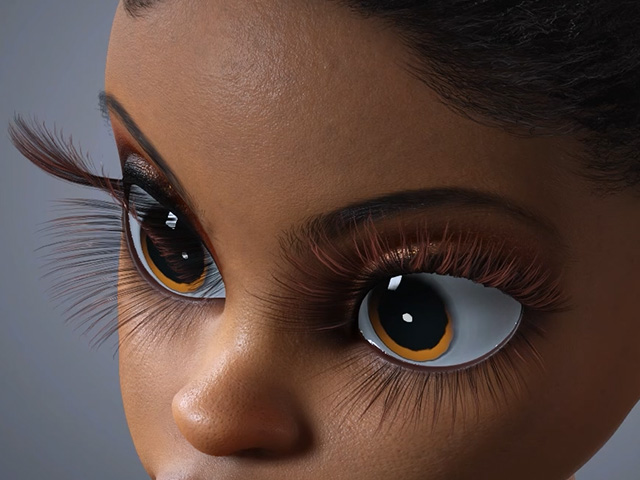
Final result
- Full Mesh: The entire eyelashes are aligned.
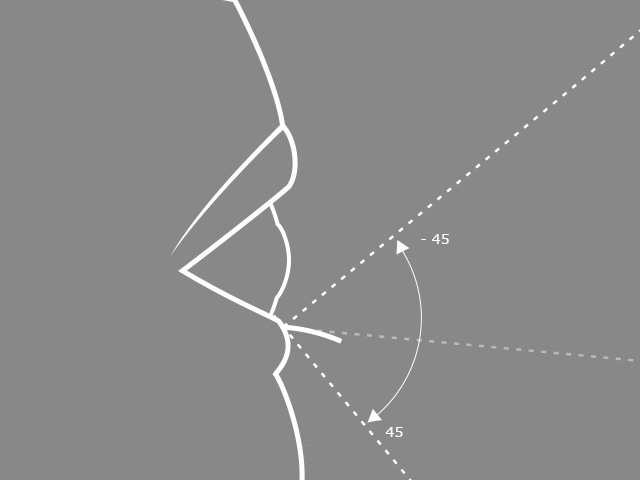
- Angles: You can optionally adjust the angle of the eyelashes.
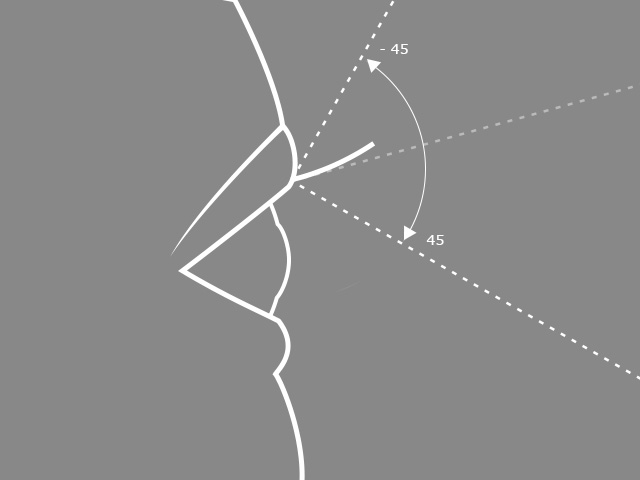
Angle limits for the upper eyelashes.
Angle limits for the lower eyelashes.
- Part: Specifies the part of the eyelashes for alignment.
