Restoring Eyelash Shape
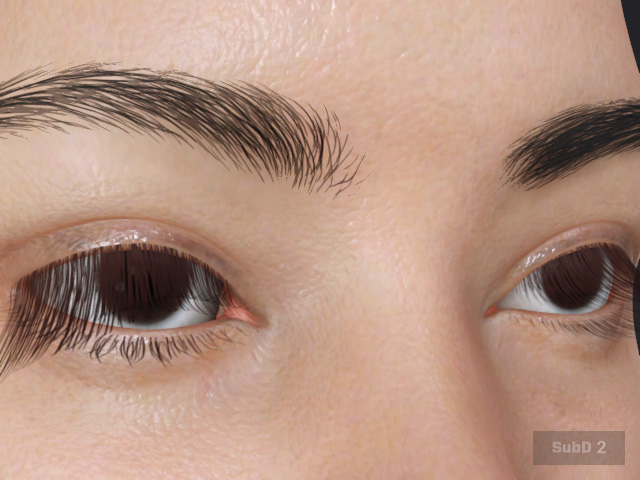
After adjusting the eyelash appearance using various eyelash morph sliders, shape deformation may occasionally occur. In some cases, the distortions cannot be fully corrected by adjusting Morph sliders manually. If this happens, use Restore Shape to instantly revert the eyelashes to their default state.
The default value restores the eyelashes to Neutral Eyelashes shape.
- After adjusting eyelash morph sliders, excessive stacking may cause irreversible shape deformation.
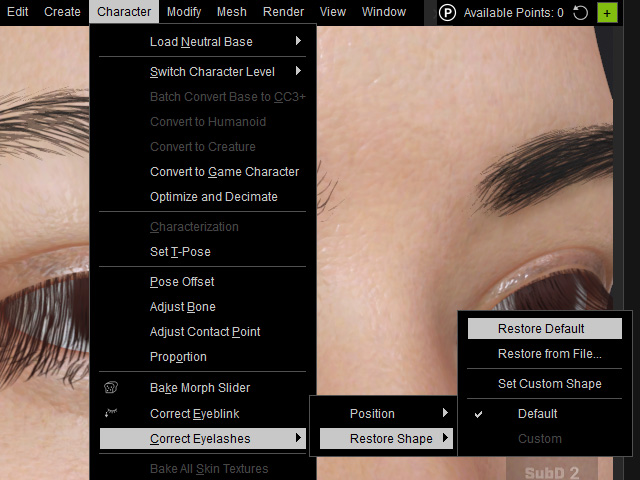
- Go to Character > Correct Eyelashes > Restore Shape > Restore Default.
- The Restore Eyelash Shape panel will appear.
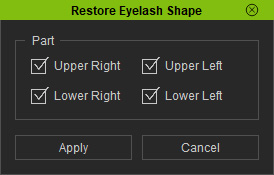
- Part: Specifies the part of the eyelashes for Restoring.
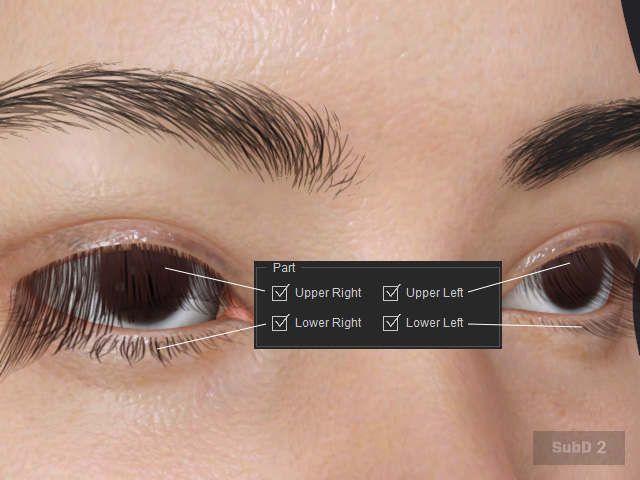
- Part: Specifies the part of the eyelashes for Restoring.
- The restore Eyelash Shape function only restores its shape but not the position. And the position of the eyelash might appear misaligned to the eyelids.
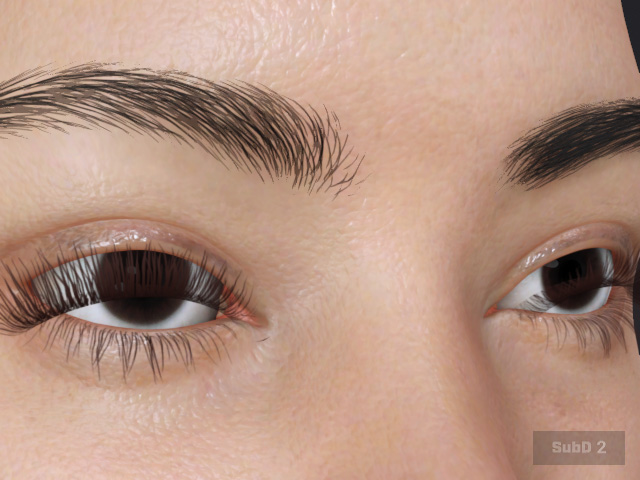
Make use of the Correct Eyelash Position function to properly correct the eyelashes.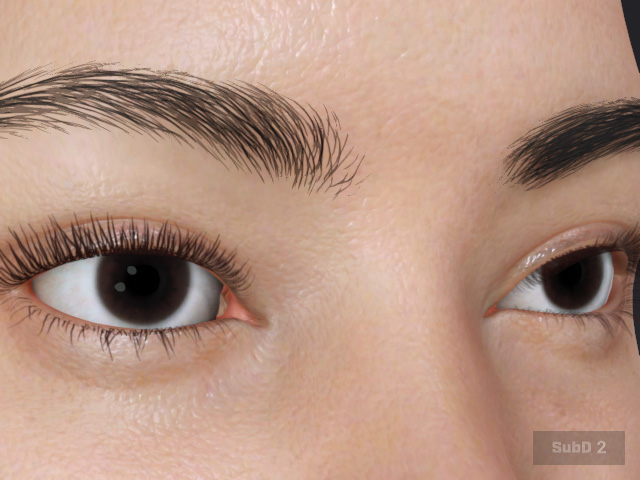
 Note:
Note:Aside from restoring to default, you can also:
- Use Restore From File… to restore an eyelash shape saved from a specific character.
- Use Set Custom Shape to save the current eyelash shape for future restoration.
