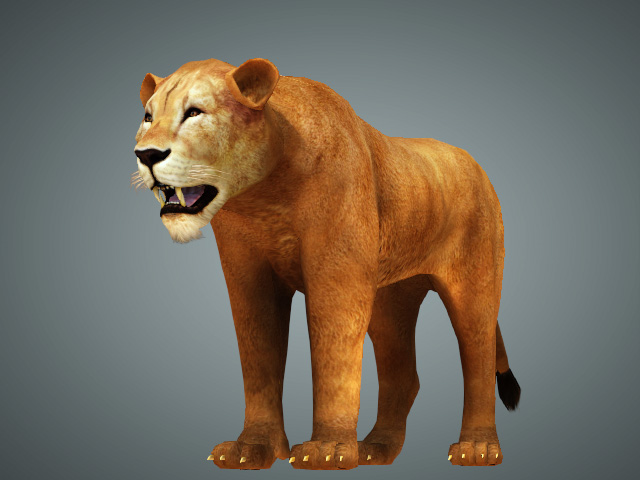
Deleting Mesh Faces
Character Creator provides Delete Face feature to delete unnecessary mesh faces for fixing or trimming models. The models whose faces are deletable includes Accessories, Props, Non-Standard Characters and Non- Human Characters.
 Note:
Note:
The Delete Face function in Edit Mesh is only available in Face and Element selection modes, and will only apply to Accessories, Props, and Non-Standard or Non-Human characters. It is not supported for Standard Characters, Clothes, or other asset types; to make parts of a Standard Character invisible, use the Hide Mesh feature instead.
- Create a project and select the object that can be applied with Edit Mesh feature.
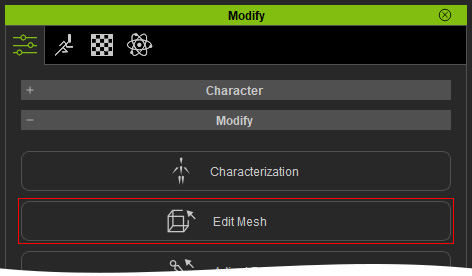
- Select the object and click the Edit Mesh button in the Modify panel.
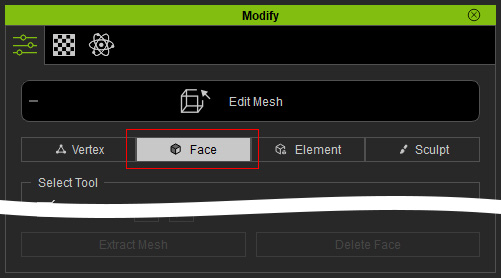
- Switch to the Face (or Element) mode.
- Select the faces you want to delete.
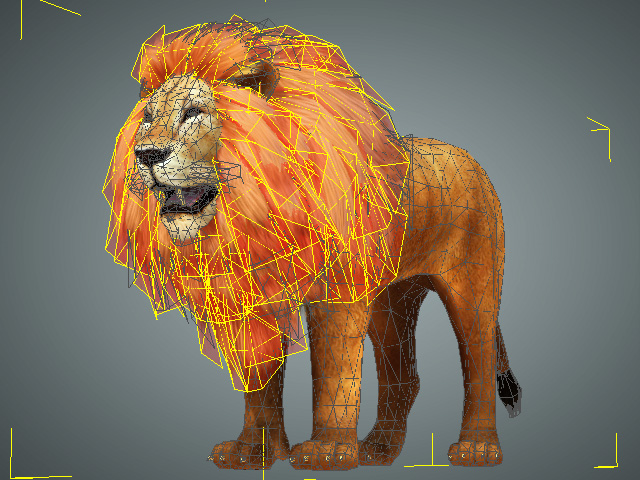
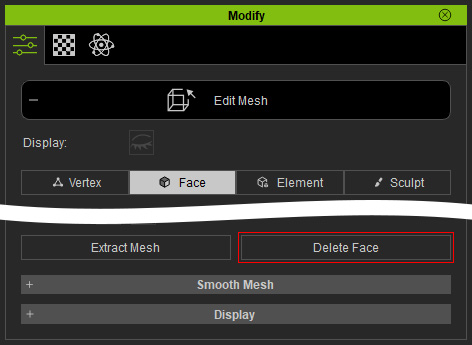
- Click the Delete Face button.
The selected faces will be deleted.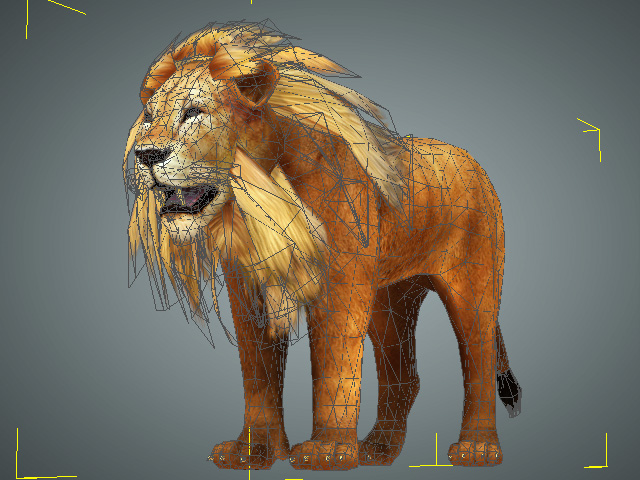 Supported Modes
The Delete Face feature only works for Face and Element modes in the Edit Mesh page.
- Repeat step 4 and 5 for the rest of the mesh faces until all the unnecessary faces are deleted.
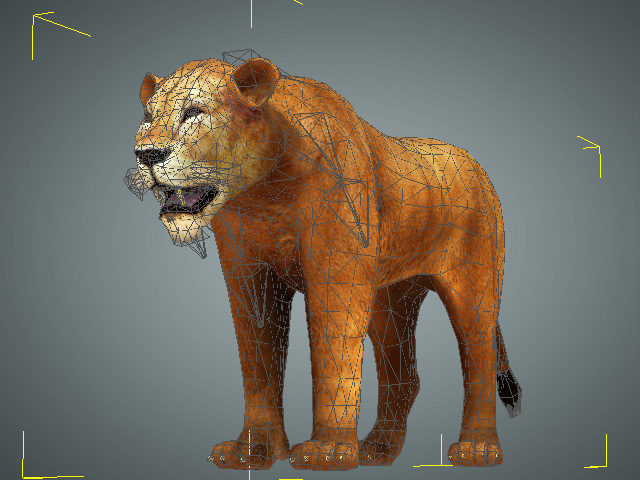
- Exit the Edit Mesh mode. The model is now trimmed to the ideal appearance.