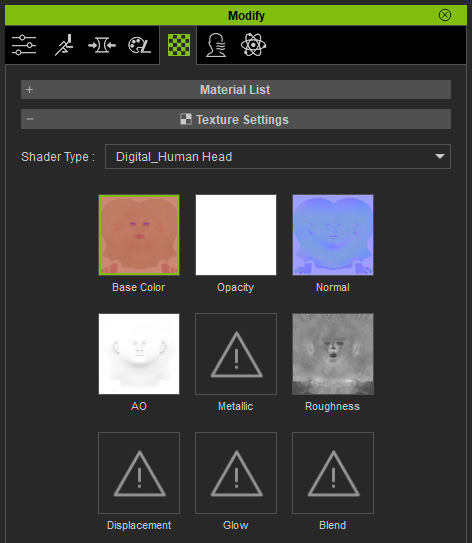
Baking DAZ Studio Textures
When you import a DAZ Studio character into Character Creator, you have the flexibility to use the textures provided by DAZ Studio or the textures from Character Creator.
* Notice that this feature applies only to the textures for the body, head, arms, feet, fingernails, toenails, and eyelashes materials.
Given a character created in DAZ Studio with various skin settings and makeup, export the character in FBX format.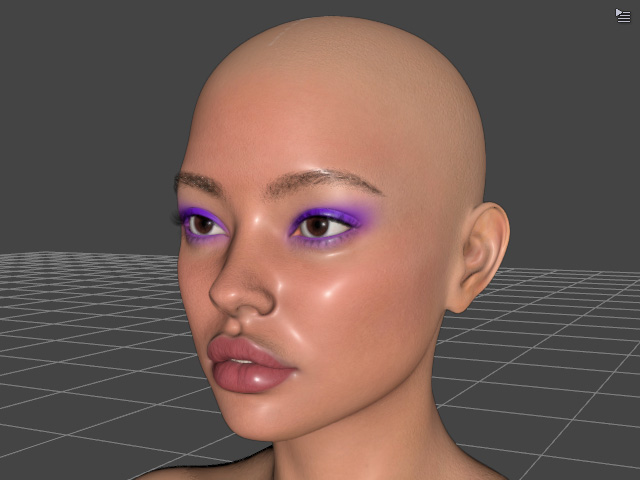
When you use the Transformer feature to load the FBX character with either the Basic or Advanced conversion method, you will be prompted with the Asset Import Status Report panel: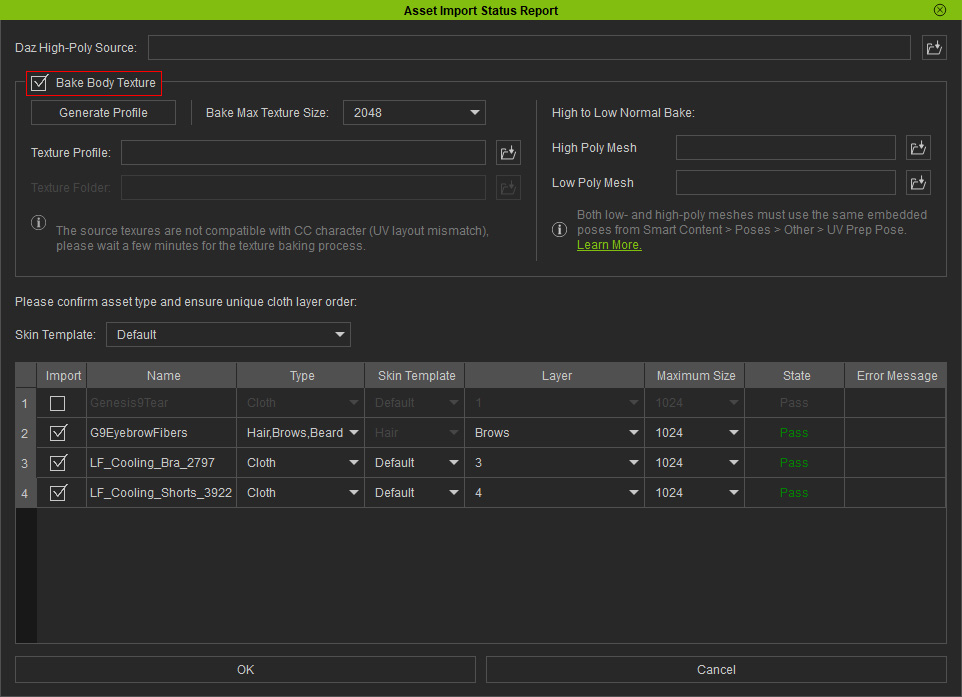
- Deactivate the Bake Body Texture box for auto-assignment of the default body textures, or activate the box to bake and use the DAZ Studio body textures.
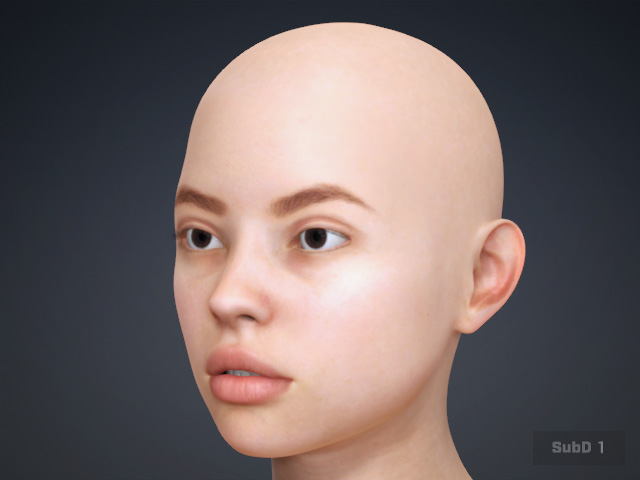
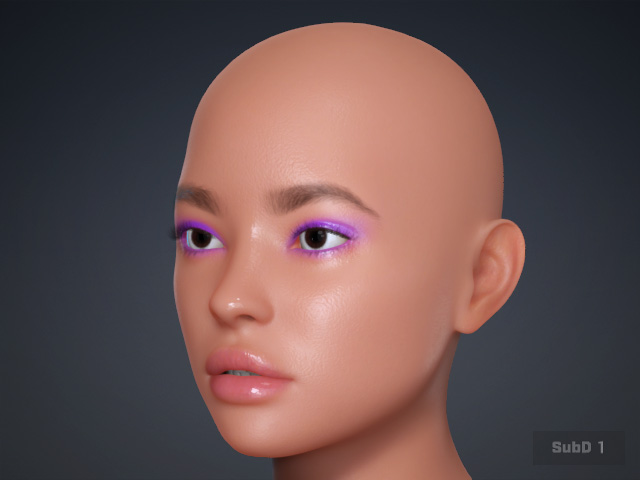
CC Default Skin
Bake DAZ Studio Diffuse
- Notice that since the FBX exported from DAZ Studio contains only the Diffuse texture for Body, Eyeballs, Teeth, Fingernails, Toenails, and the Opacity texture for Eyelashes, only the Diffuse or Opacity channels will be filled, while the other texture channels are filled by Character Creator.