Fixing Eye Close Flaw for Big-eye Character
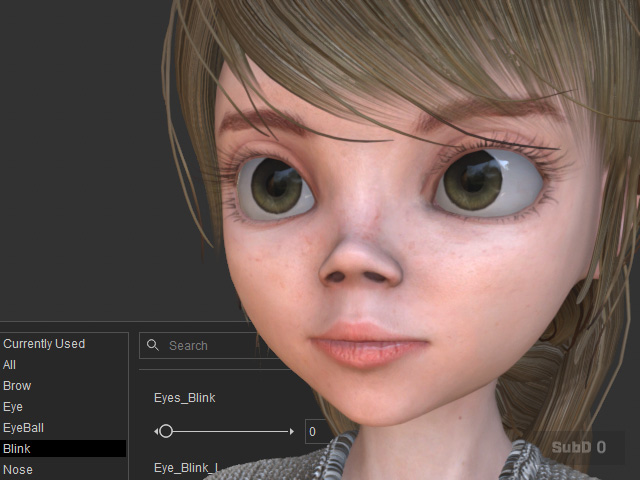
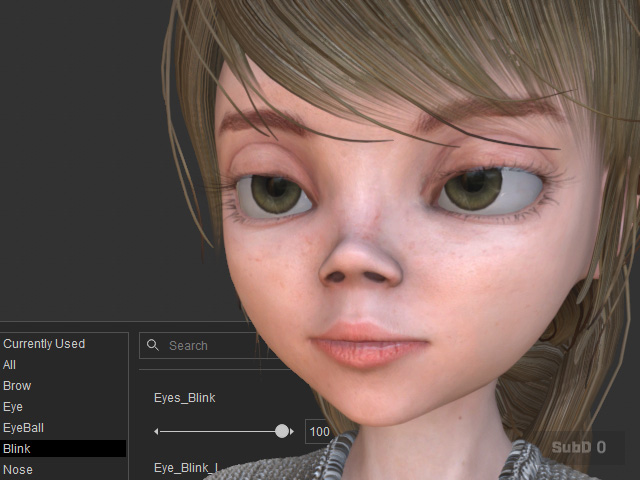
Characters with abnormally large eyes imported via Transformer may experience issues with blinking.
|
|
|
Eyes' blinking is set to 0. |
Eyes' blinking is set to 100. The eyes do not reach a complete close. |
Refer to the Refining Expressions by Adjusting Bones or Corrective Morphs section for instructions on fixing these flaws using the Expression Editor.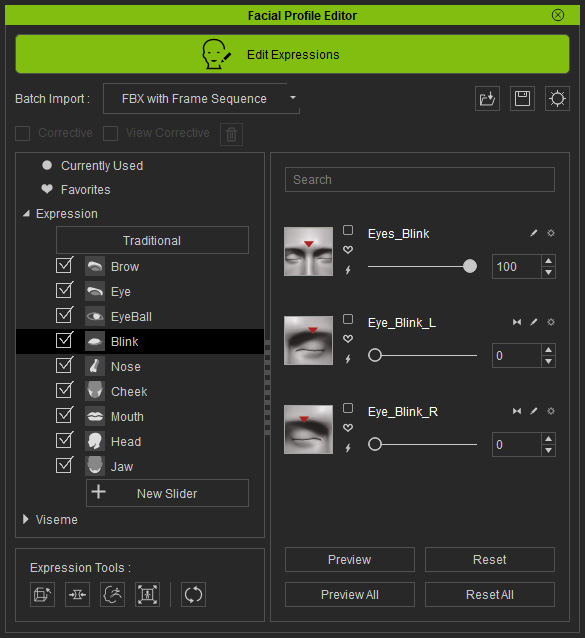
In the Edit Facial > Modify page, drag the Eyes Blink, Eye Blink L, or Eye Blink R sliders for the eyes until the flaw is corrected.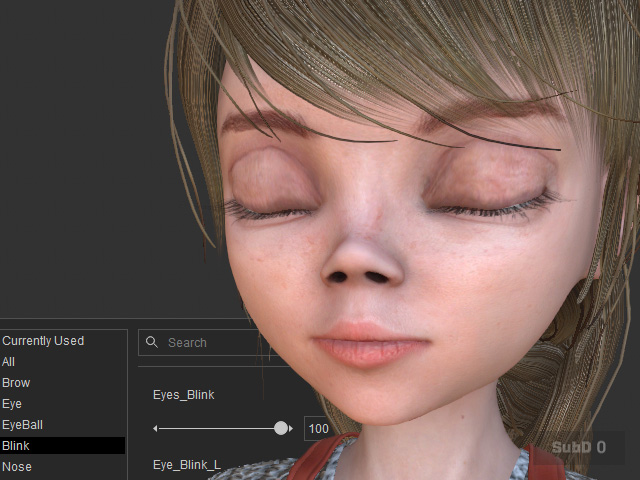
* You can save the character to the Content Manager
and the blinking information will be
saved as well.
