Fixing Eye Blinks
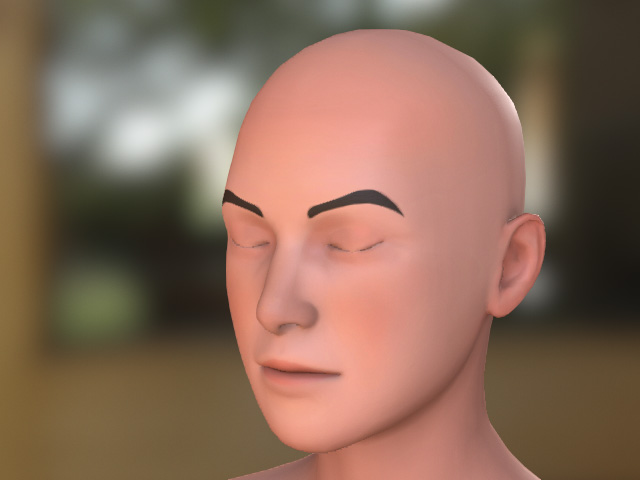
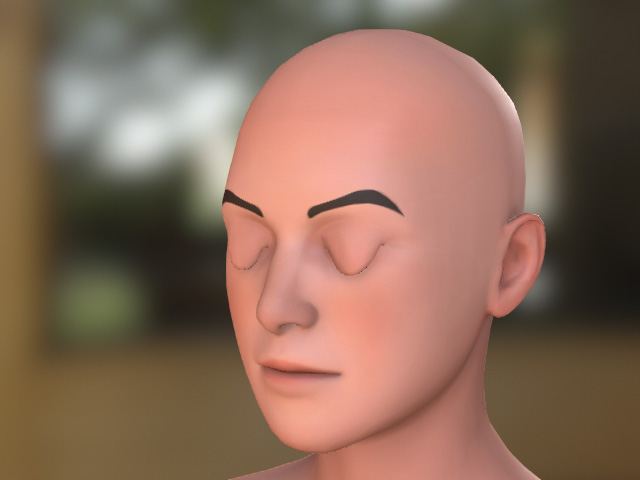
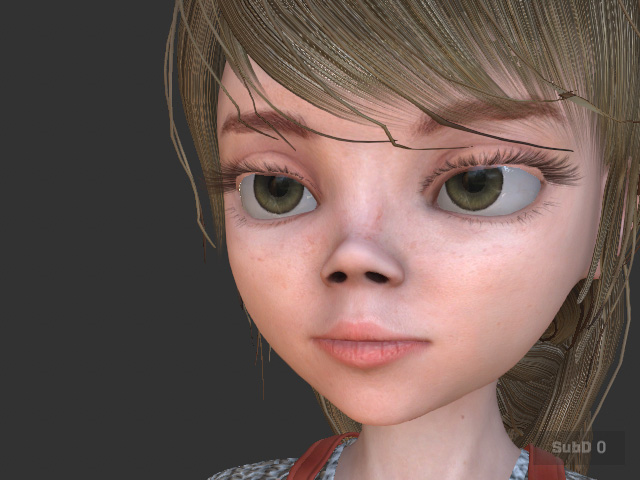
In addition to fixing eye blink issues with big eyed characters, you can utilize the following Character Creator features to resolve problems where eyelids fail to reach a complete close.
|
|
|
Eyelids over-extending. |
Eyelids not coming to a complete close. |
Fixing Blinking Flaws
- Load a character via the Transformer.
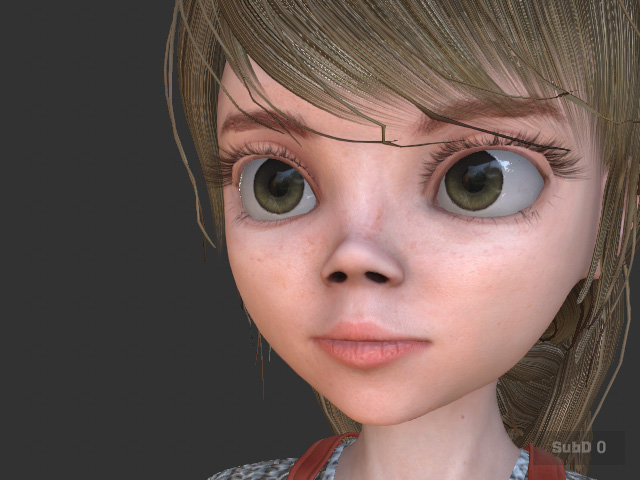
- In the Character section of the Modify panel, click the Eyes Open / Close button to set the eyes to a closed state.
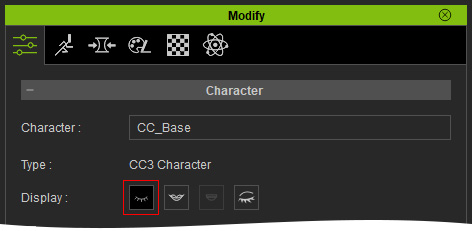
- If the character's eyes do not blink correctly (as illustrated at the beginning of this section), execute the Character > Correct Eyeblink command.
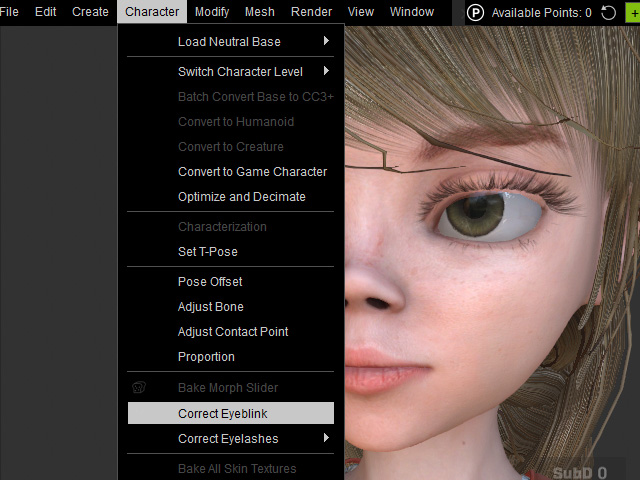
- Click the Eyes Open / Close button twice to refresh the result.
- The upper eyelid will be forced to snap to the lower eyelid, ensuring the eyes close perfectly.
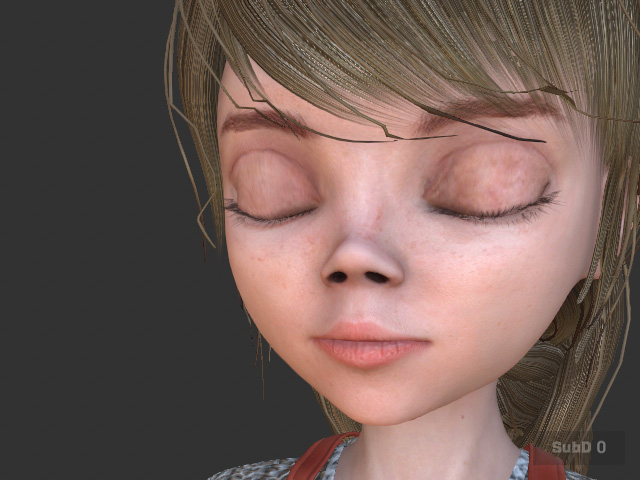
Even over-extended eyelids can be corrected using this feature.