Tear Line
The Tear Line sub-section can be used to offset the Eye Occlusion mesh in order to snuggly fit the eyeballs.
Note: If the Tearline element is not available on your character, it may not have been created yet. Characters converted from CC1, CC3, or imported via Transformer do not include Eye Elements by default.
Please refer to Adding Eye Elements for Custom Characters to create the Tearline element before adjusting these settings.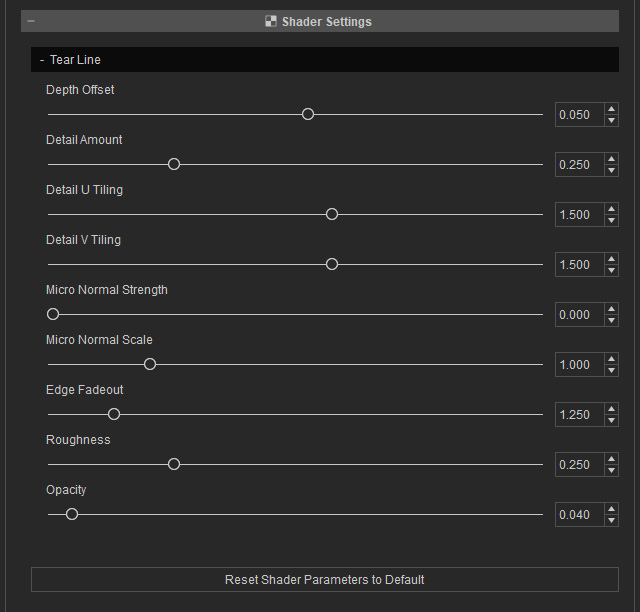
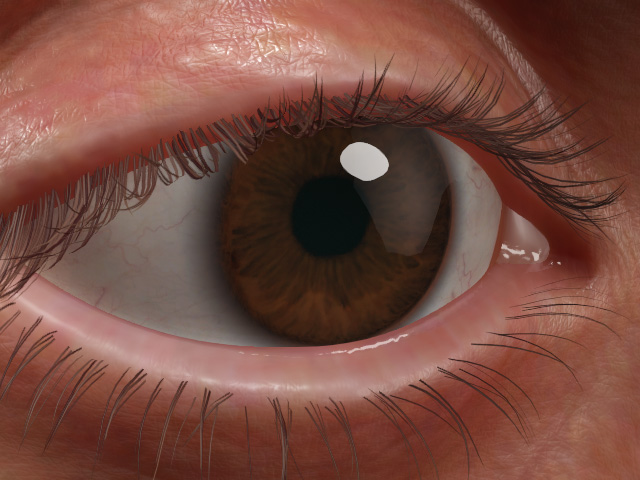
- Depth Offset: Use this slider to adjust the depth of the entire Tear Line.
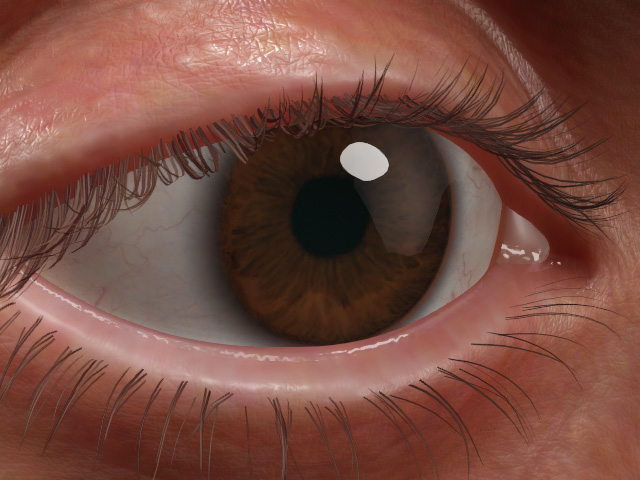
Depth Offset = 0.050 (default)
Depth Offset = -0.020
- Detail Amount
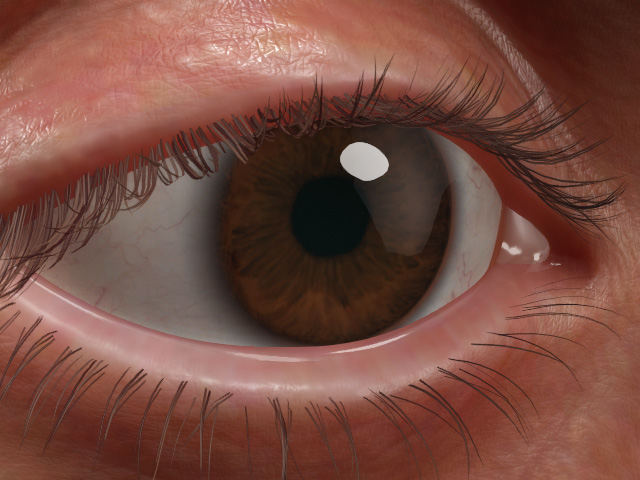
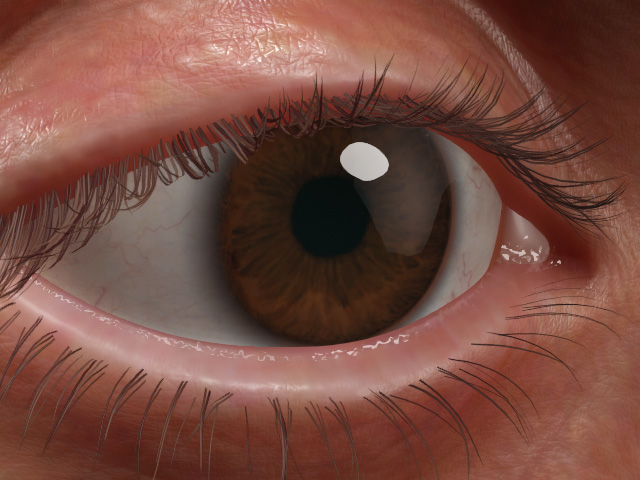
Detail Amount = 0.029
Detail Amount = 1.000
- Detail U Tiling: You must increase the Detail Amount
to view the effect of this slider.
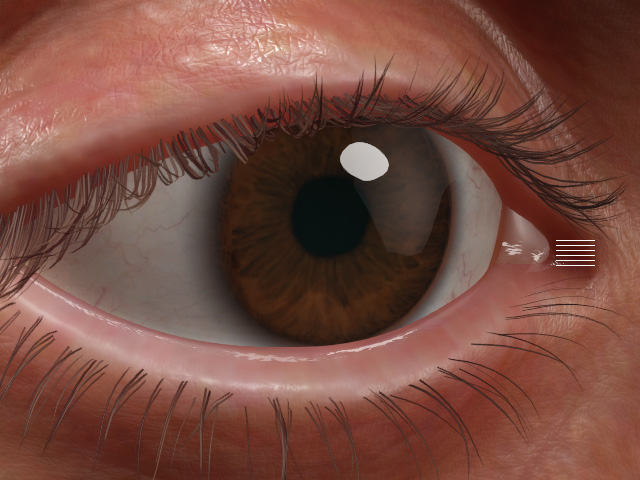
Detail U Tiling = 1.500
Detail U Tiling = 8.000
- Detail V Tiling: You must increase the Detail Amount to see the effect of this slider.
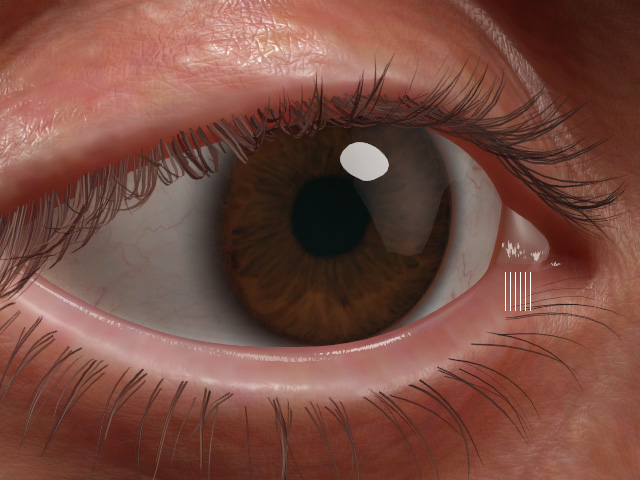
Detail V Tiling = 0.120
Detail V Tiling = 3.000
- Micro Normal Strength
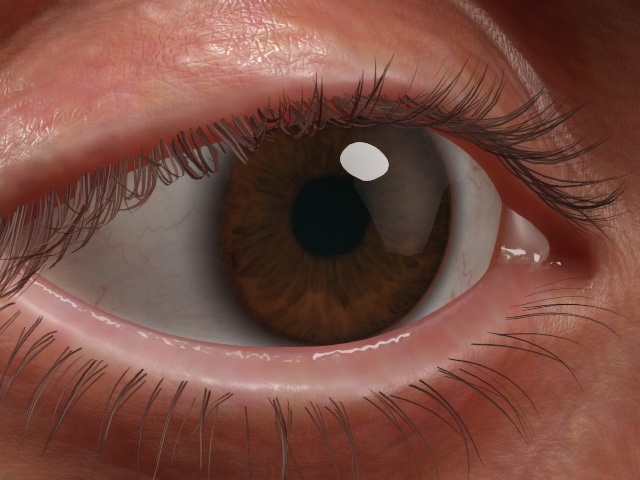
Micro Normal Strength = 0.000
Micro Normal Strength = 0.000
- Micro Normal Scale
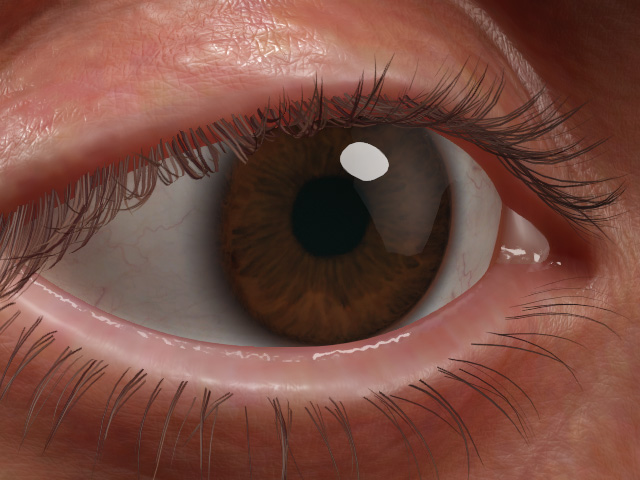
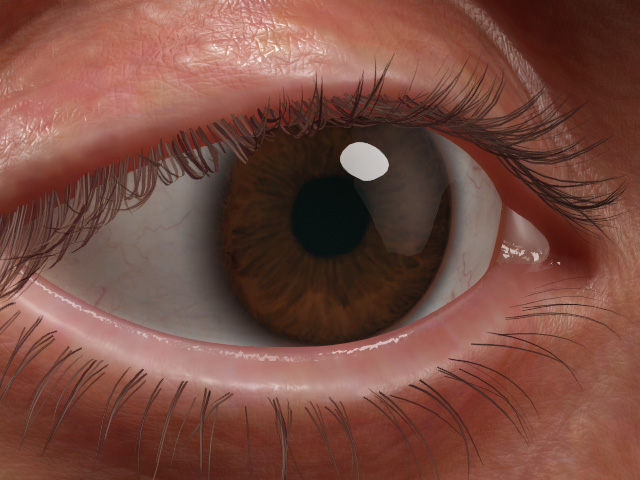
Micro Normal Scale = 1.000
Micro Normal Scale = 0.000
- Edge Fadeout
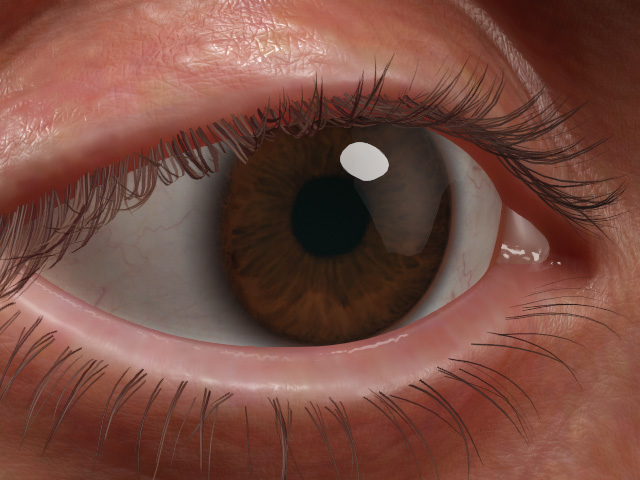
Edge Fadeout = 1.250
Edge Fadeout = 0.000
- Roughness
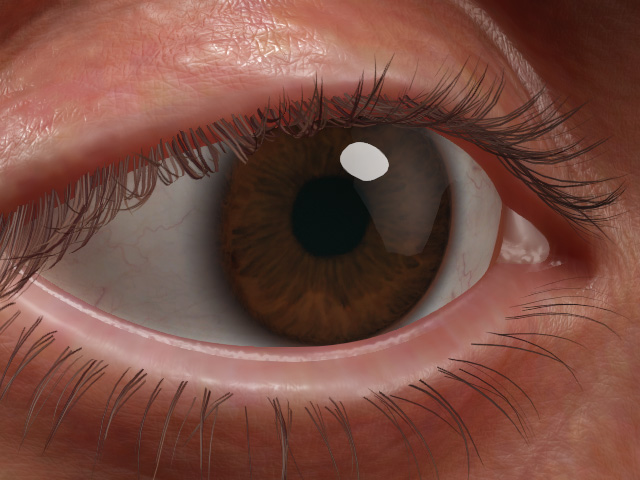
Roughness = 0.250
Roughness = 0.450
- Opacity
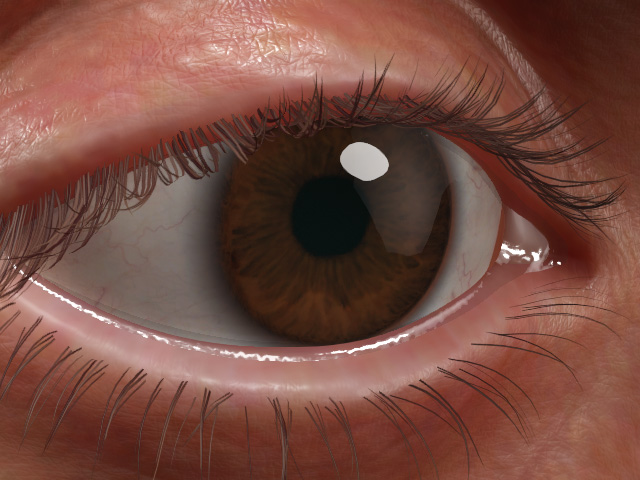
Opacity = 0.040
Opacity = 0.200
