Textures
There are five texture channels utilized by the Digital_Human Hair shader, they are Hair Tangent Map, Hair Flow Map, Hair Specular Mask Map, Hair Root Map and Hair ID Map.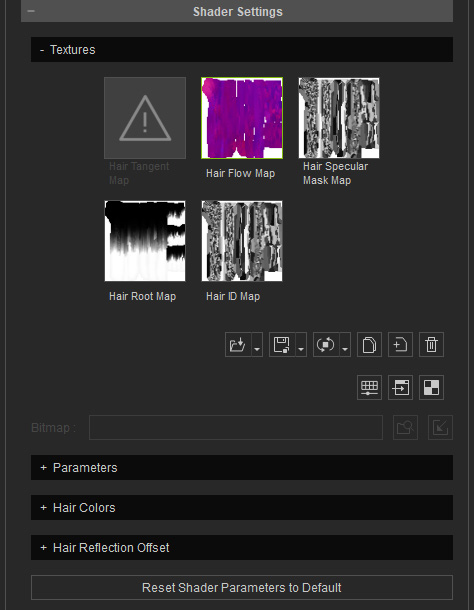
By default, when you convert the shader of the hair from PBR to Digital_Human Hair shader, the Base Color texture will be auto-loaded into the Hair Specular Mask Map in Grayscale; and the other channels remain empty. You need to manually create the missing channels because the UV settings of a hair content will vary upon creation.
A proper Hair Flow Map must be generated during the early hair creation workflow and cannot be created afterwards since it requires the original normal or strand direction data, you can refer to our video guide for more information on Creating Hair textures.
- Hair Tangent Map and Hair Flow Map: These two channels are exclusive to each other. If one is loaded with a texture, the other will be disabled. The texture in the Hair Flow Map channel must be created via specific procedure and cannot be produced separately from the hair creation workflow; while the texture in the Hair Tangent Map channel can be easily created for defining the hair direction with Red and Green colors at any time. Both textures ensure the correctness of the highlights on the hair.
- Apply a hair to the character and convert it into Digital_Human Hair
shader. Notice the faulty metallic reflections:
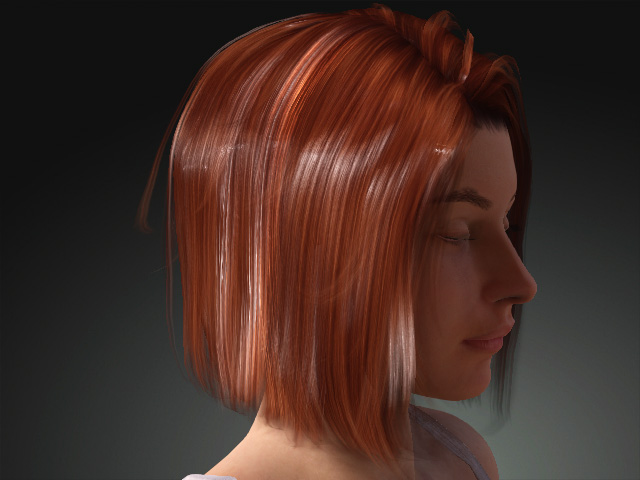
- Open the Base Color texture in your image editor.
- Check out the hair flow in the texture.
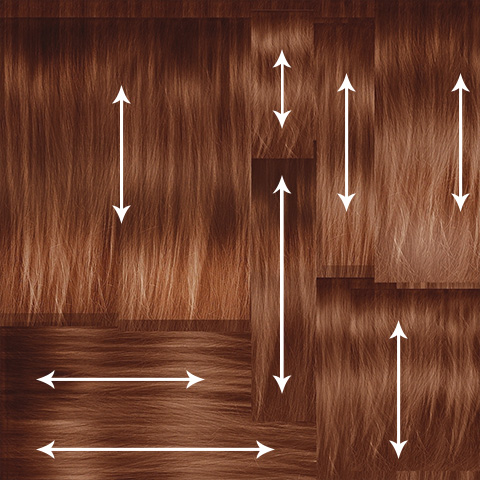
- Create another image
and apply red for the vertical direction and green for the
horizontal direction.
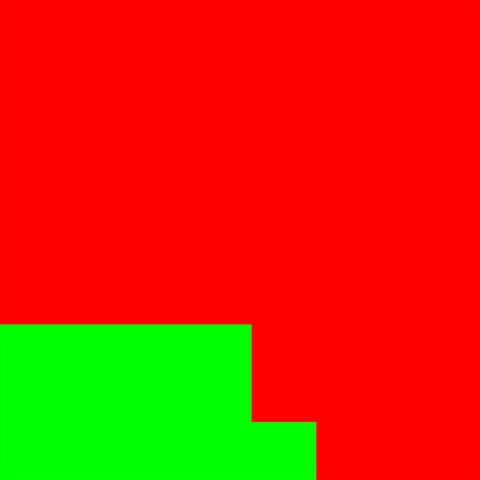
- Save this image and load it into the Hair Tangent Map channel.
- The reflections now appear correctly.
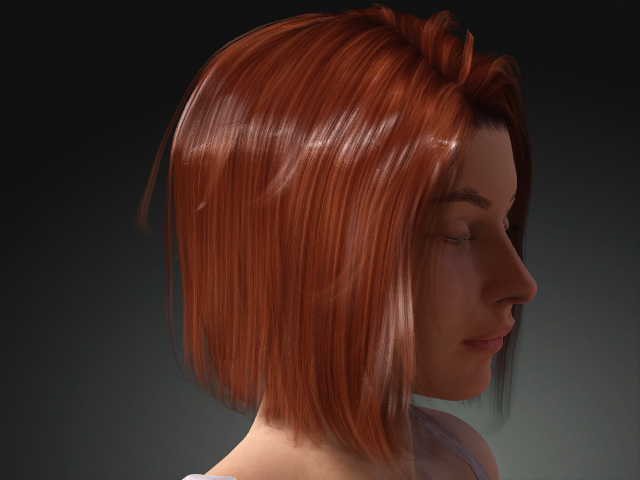
- Apply a hair to the character and convert it into Digital_Human Hair
shader. Notice the faulty metallic reflections:
- Hair Specular Mask map: This texture is used to define the specular reflection one the hair in grayscale.
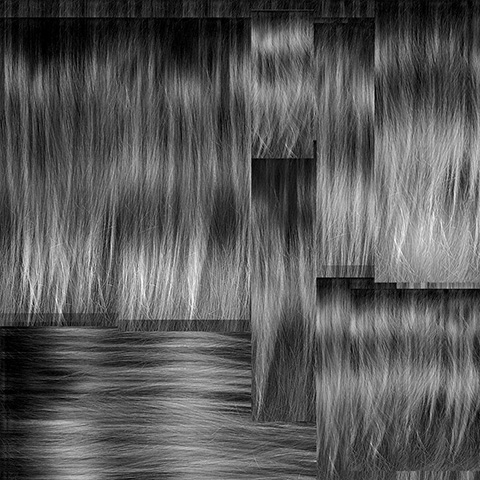
This texture is desaturated from the Base Color texture in order to restrain the over-exposed reflections on the hair caused by the roughness and metallic textures.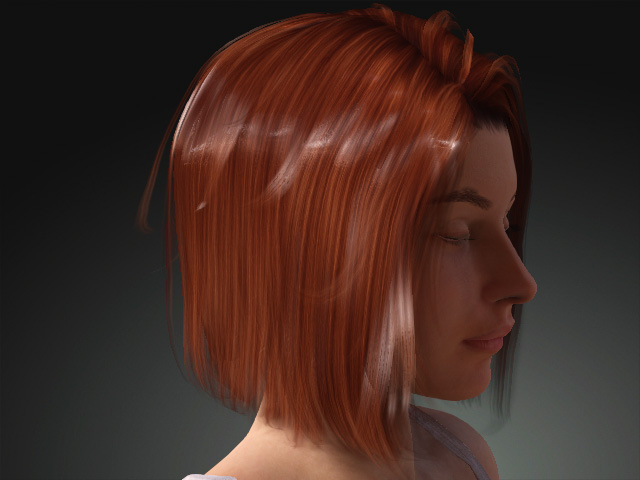
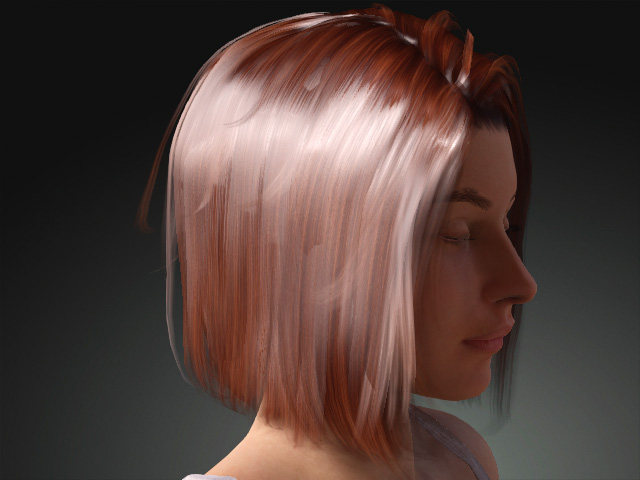
Hair with Hair Specular Mask map
Hair without Hair Specular Mask map
- Hair Root map: This texture is used to define the roots and ends of the hair. The black areas define the roots while the white ones define the ends. With this map, it is possible to blend different colors to the roots or ends of the hair.
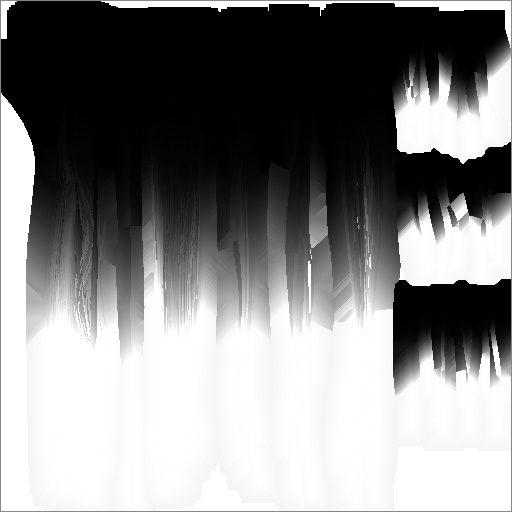
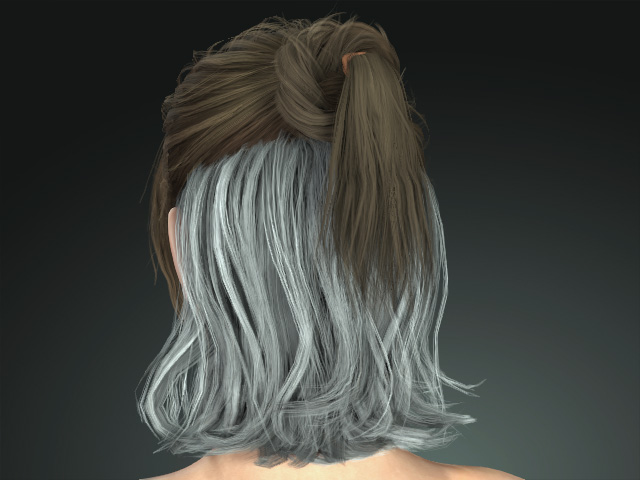
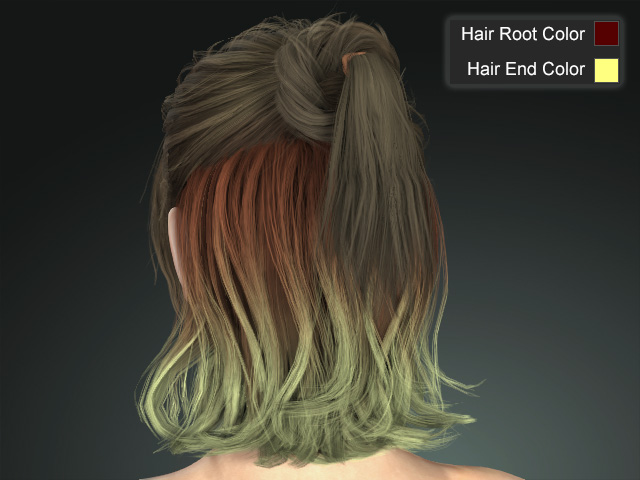
Hair without Hair Root map
Hair with Hair Root map
- Hair ID map: This texture is used to define the hairs on each piece of the mesh with black, white and gray. With this map, you can blend different highlight colors to the hair.
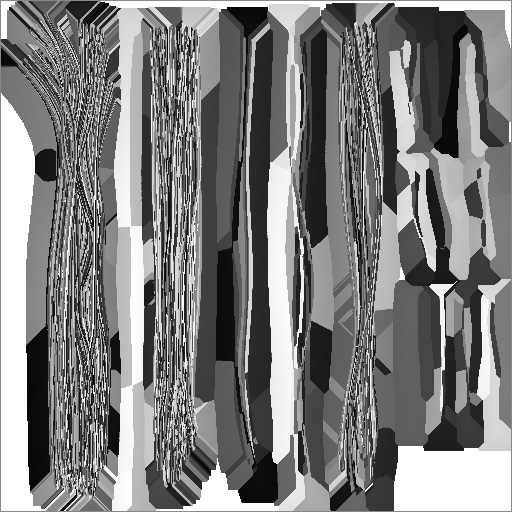
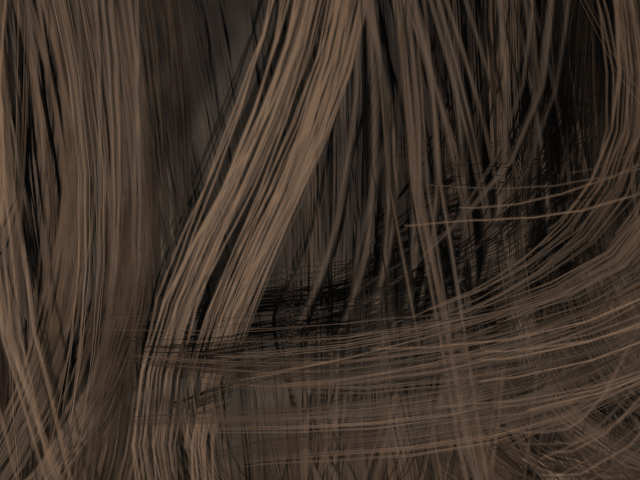
Hair without Hair ID map
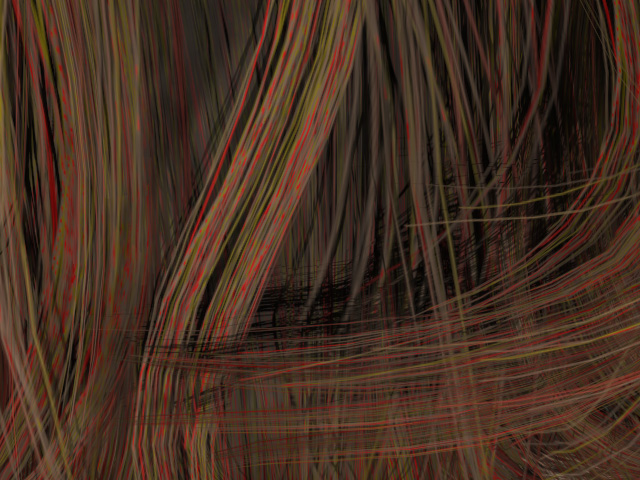
Hair with Hair ID map
 Note:
Note:
Hair content created in Character Creator version 3.3 or earlier will likely have some shader textures missing (Tangent Map, Flow Map, Root Map and ID Map), which can lead to some inaccessible settings in the Smart Hair shader. You can create the Tangent Map easily with the above instruction and for Root Map and ID Map, please refer to the Smart Hair Settings for Legacy Hair page.
