Locating Generated Front View Images (New for v5.2)
You can locate AI-generated Front View images from the Concept Design page using either of the following methods.
Method 1: Using Task Queue
- Open the Task Queue panel and switch to Concept Design.
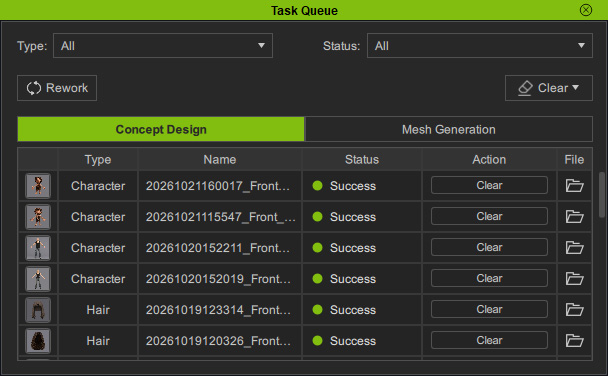
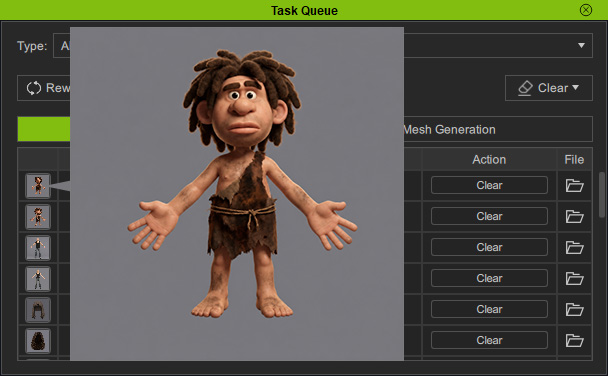
- Hover over a thumbnail to preview the image and identify the desired task.
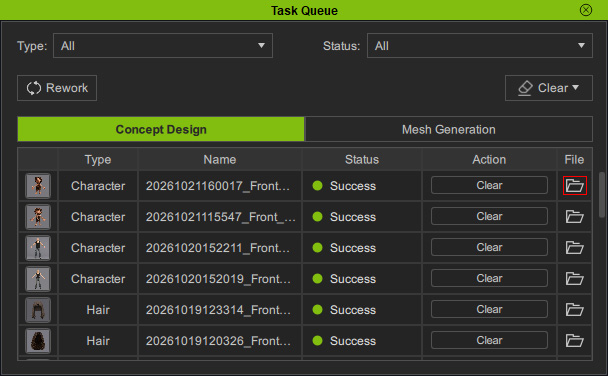
- Click the task's File button to open its folder in the system file browser.
Method 2: Using Content Manager
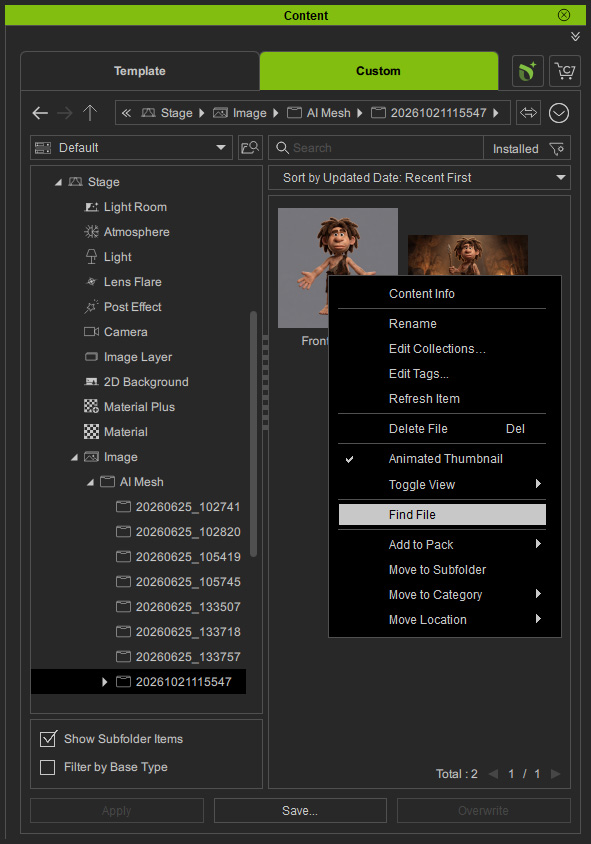
- Navigate to Content Manager > Custom > Stage > AI Mesh > [Numbered] Folder.
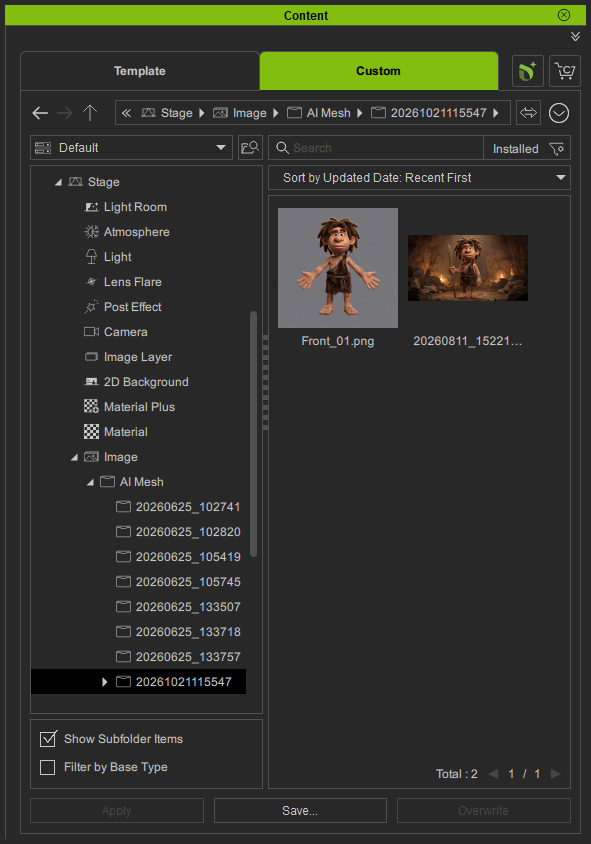
- You will see the generated Front View PNG image and the original reference image(s).
- Right-click the image and select Find File to locate it in the system file browser.
Generated Files
By default, the path is C:\Users\Public\Documents\Reallusion\Reallusion Custom\Media\Texture\AI Mesh\[Numbered] Folder. The folder contains the following files and subfolders: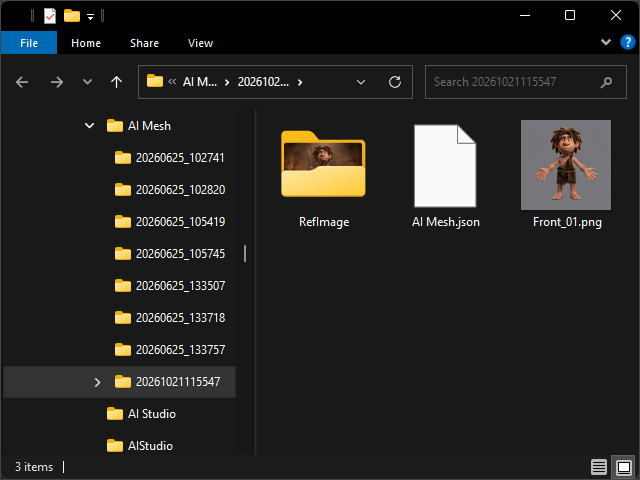
- RefImage folder: Contains original reference image(s).
- AI Mesh.json: Image generation project file. It is used for loading concept design project.
- .png: Includes the generated front image file(s).
