Creating a Pair of Gloves or Shoes with Mirror Duplicate (New for v5.2)
AI Mesh Generator generates only the left glove or shoe at a time. Use Mirror Duplicate to create the matching glove or shoe for the right hand or foot, then use Transfer Skin Weight to make both gloves or shoes conform to the character's hand or foot movements.
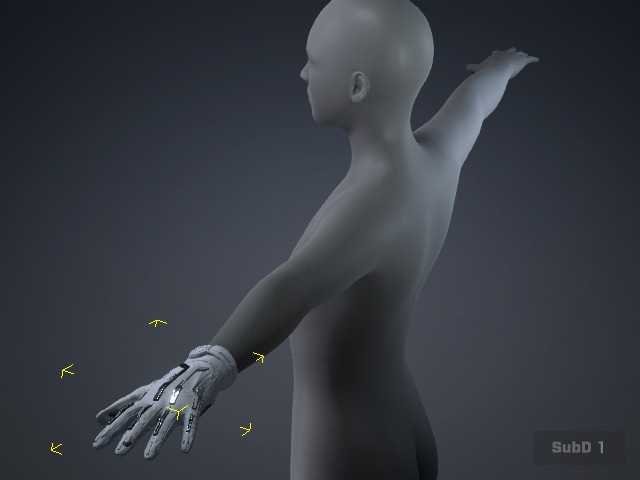
|
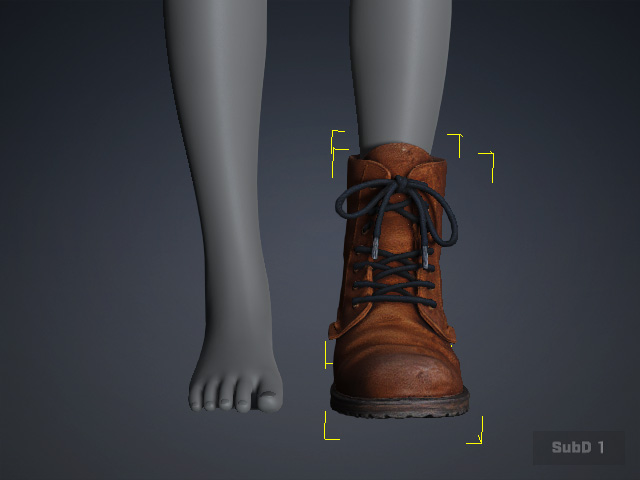
|
Duplicate the Glove
- Use Mirror Duplicate to create the matching glove or shoe for the opposite hand or foot. See Mirror Duplicating Props for details.
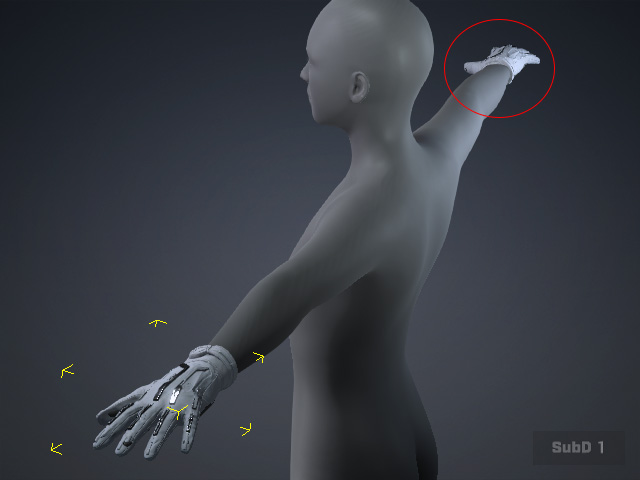
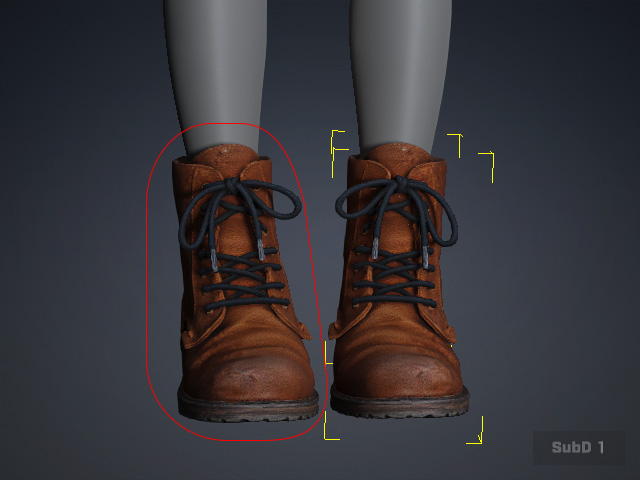
- Select both objects.
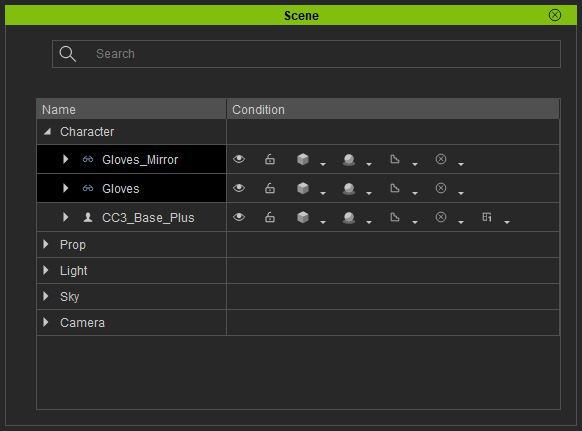
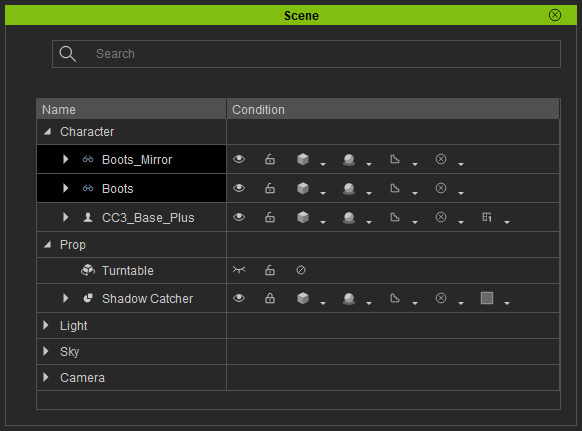
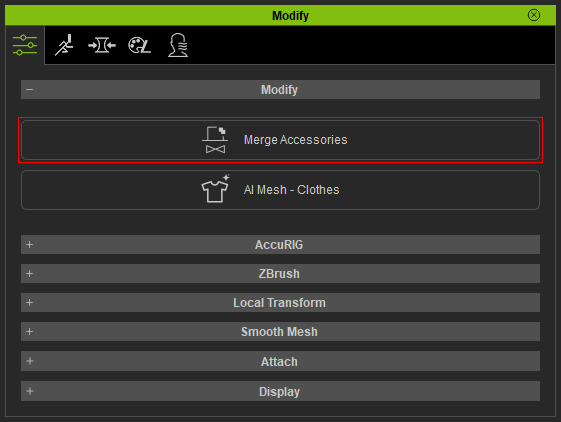
- Click the Merge Accessories button in the Modify panel.
Transfer Skin Weight
- Select the root node of the object in the Scene Manager.
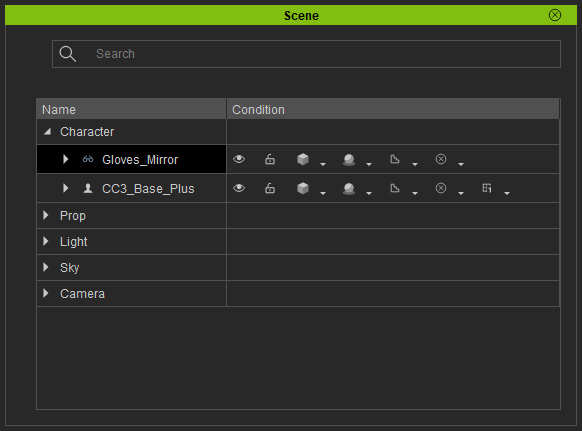
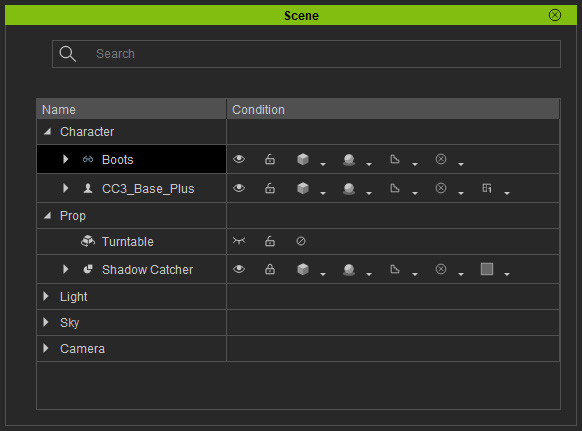
- Use Transfer Skin Weight to transfer the character's skin weights to both gloves or shoes, allowing them to follow the character's hand or foot movements.
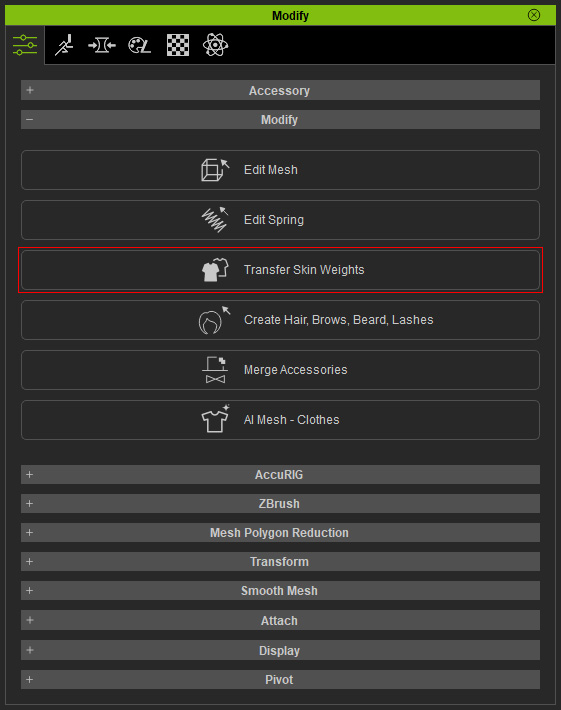
- Animate the hands or feet to see the results.
