DETECT JOINTS Step
The DETECT JOINTS step is the first phase of the template-based rigging and mesh alignment process. In this step, you manually place rough Guide Points at key body joints on your imported 3D model. The system then uses these guide points as a template to generate a standard Skeleton Structure, which serves as the foundation for calculating alignment points in the next step (ALIGN POINTS).
Open the Body Wrap panel and select the Template-based method and click the OK button to enter the DETECT JOINTS step.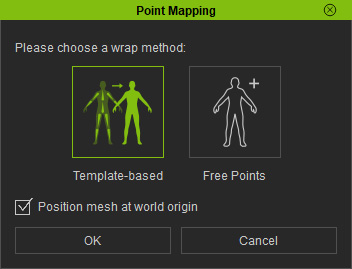
|
|
|
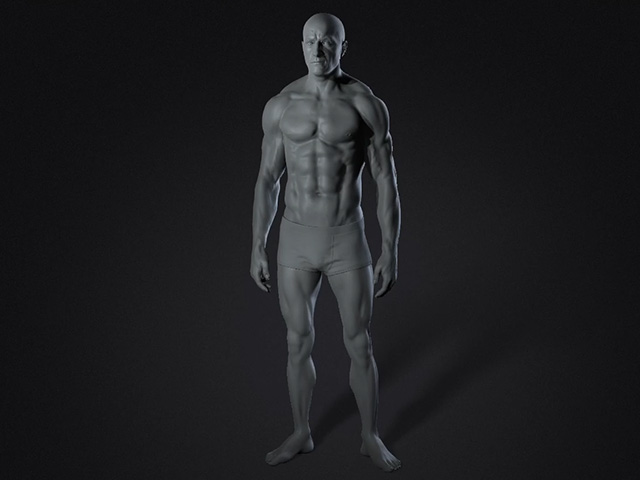
Suitable for Template-based method |
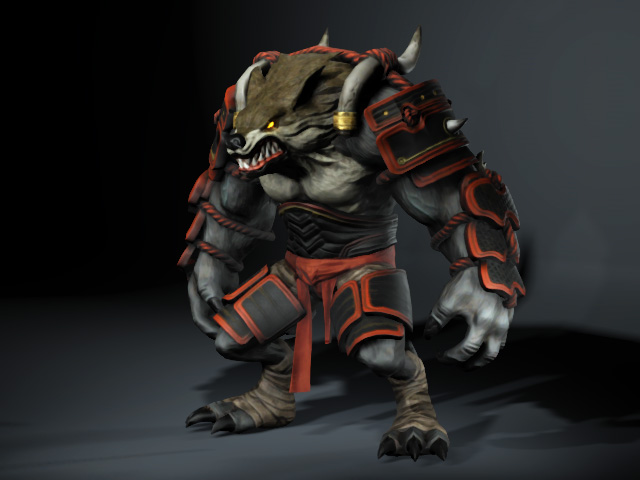
Suitable for Free Points |
* Choose the Free Points method to skip to the ALIGN POINTS step.
Key Objectives
- In the DETECT JOINTS step, define key joint positions on custom imported models.
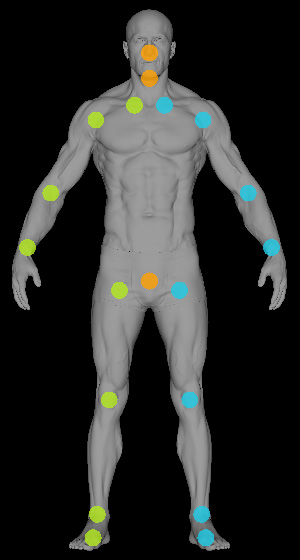
- System will generate an automated Skeleton Structure based on placed guide points.
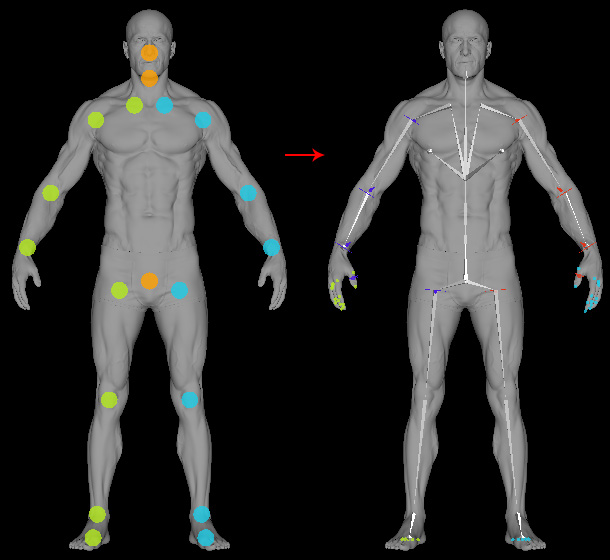
- System then generate alignment points for Step 2: ALIGN POINTS.
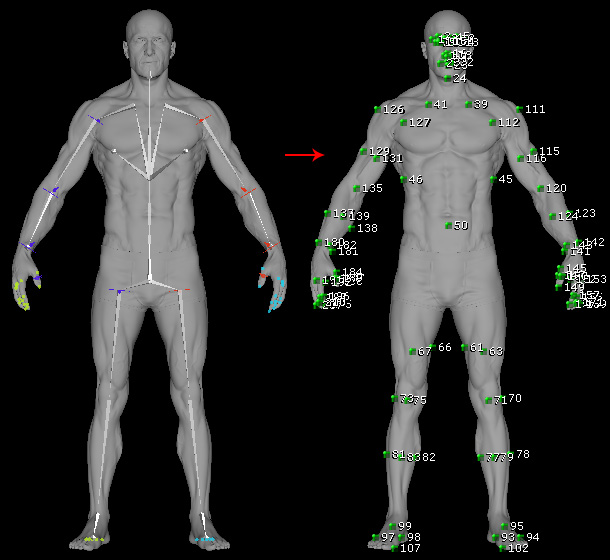
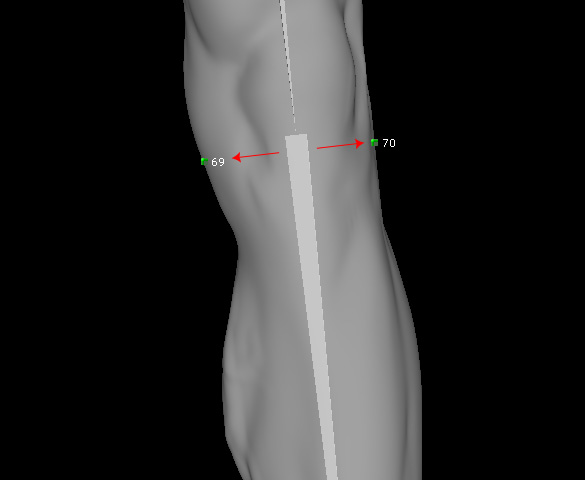
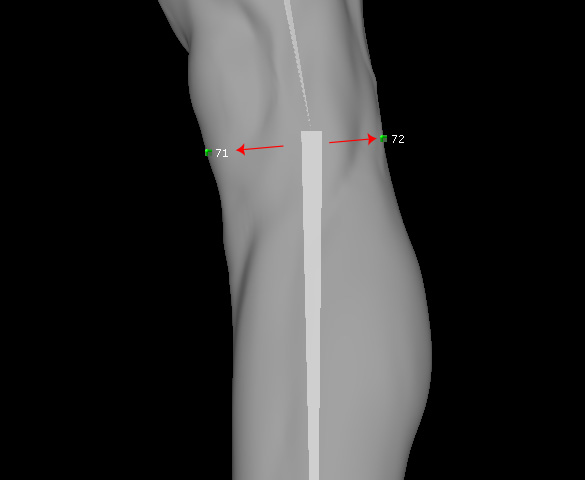
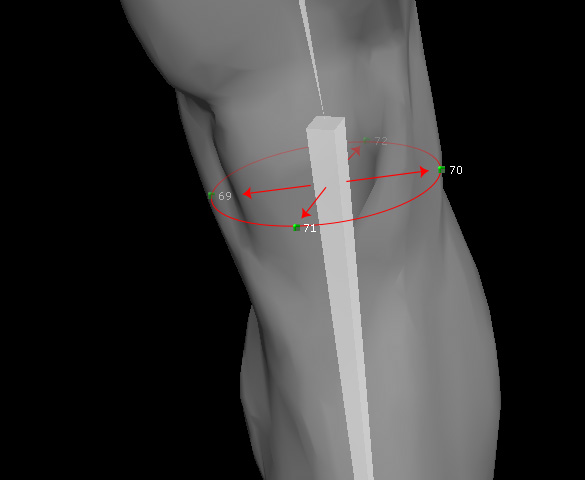
- Rays extend outward from each bone and intersect the mesh surface to generate alignment points around the model (typically four per bone for Torso and limbs, three per bone for shoulders).
Front view
Side view
Three-Quarter perspective view
 Note
Note
If you prefer to manually place all surface alignment points without system assistance, you may skip this step and use the Manual Alignment method directly in Step 2: ALIGN POINTS.
