ALIGN POINTS Step
The ALIGN POINTS step establishes visual and geometric correspondence between your imported mesh and the reference CC5 HD Neutral model. Utilizing the skeleton generated in Step 1: DETECT JOINTS, the system automatically places corresponding alignment points on both models. Alternatively, you can opt for a fully manual point-placement workflow. Once all point pairs accurately line up between both models, click Apply Alignment to compute the initial morph deformation for Step 3: REFINE MESH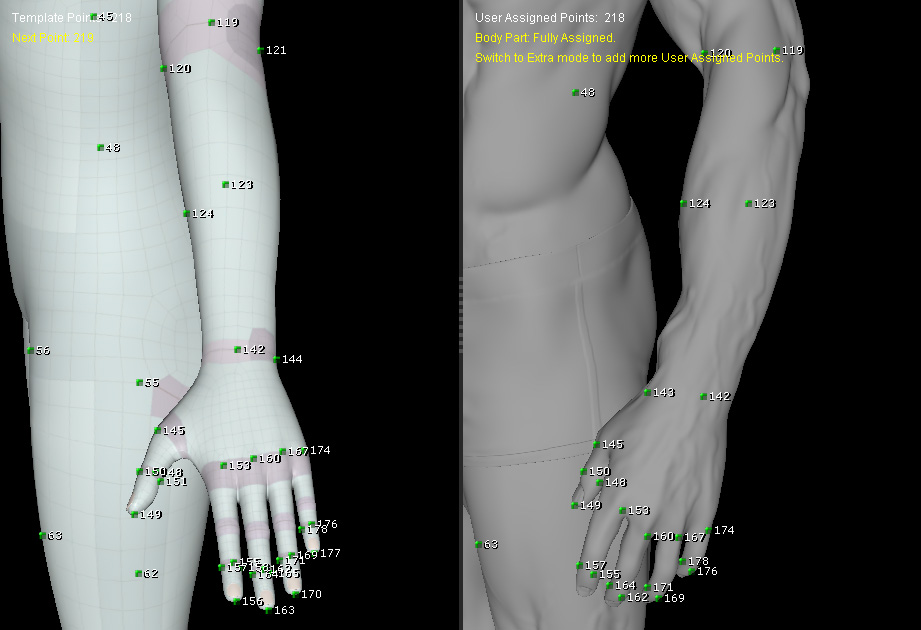
Alignment Approaches
|
Method |
Description |
Ideal For |
Example |
|
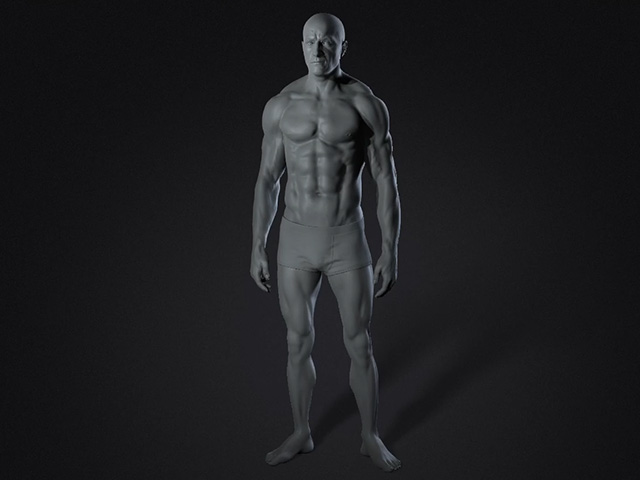
Template-based Auto Alignment |
Uses the skeleton from Step 1 to auto-generate corresponding point pairs across both meshes. |
Standard humanoid characters with clean joint placement. |
|
|
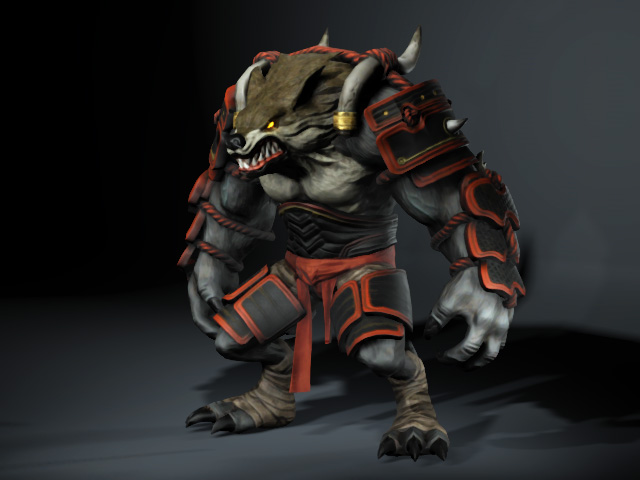
Manual Point Alignment |
User manually creates and places point pairs directly on both character surfaces without generating a skeleton. |
Non-standard body proportions or high-customization workflows. |
|
 Tip
Tip
Accurate point placement in this step directly impacts the quality of the automated surface fitting in Step 3. Ensure high-density feature areas (eyes, mouth, fingers) have adequate point pairs.
