Using Force Symmetry for Fully Symmetrical Models
Use Force Symmetry when the character model is completely symmetrical to generate matching Guide Points on both sides of the body and fingers. For asymmetrical models, leave it disabled to generate Guide Points independently on each side for more accurate positioning. 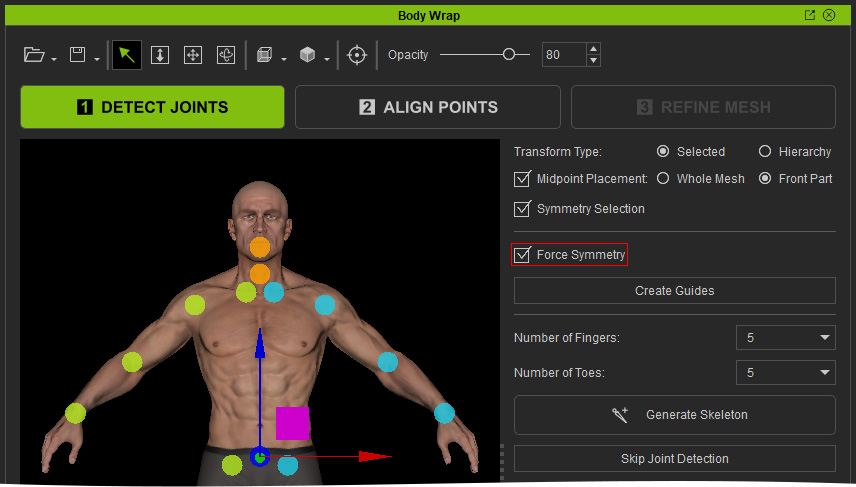
 Note
Note
Force Symmetry creates symmetrical guides for the whole model, with the right side as the reference. It does not mirror individual adjustments from one side to the other. For that, you'll need to use the Symmetry Selection checkbox.
Force Symmetry for Generating Body Guides
Force Symmetry activation depends on the body shape
of the imported model.
* Hands are not considered for creating
symmetrical guides.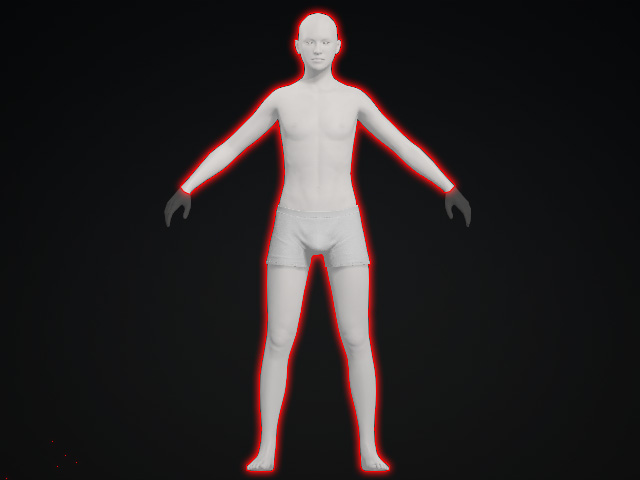
- For perfectly symmetrical bodies, you can activate the Force Symmetry checkbox to generate mirrored guides.
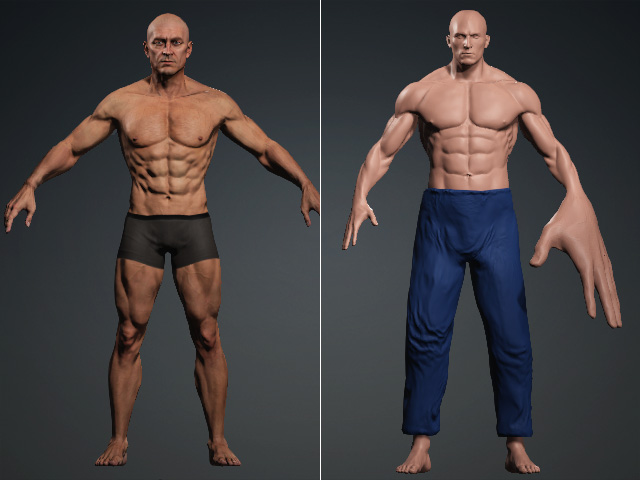
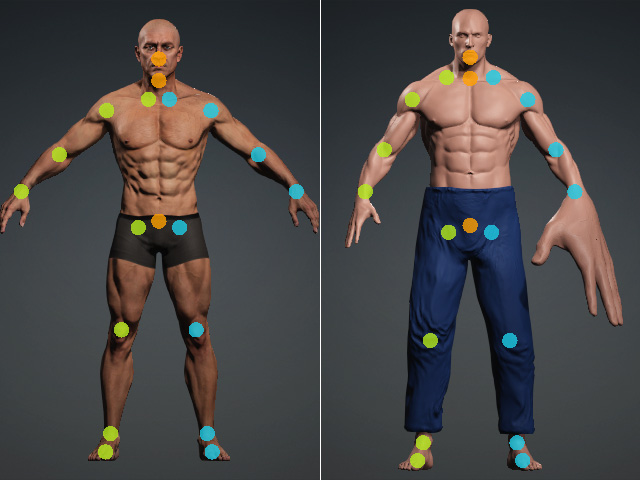
Before
After
- For asymmetrical bodies, deactivate the Force Symmetry
checkbox.
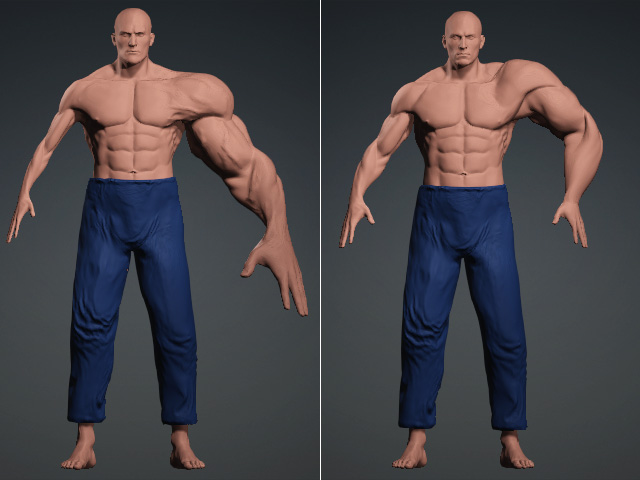
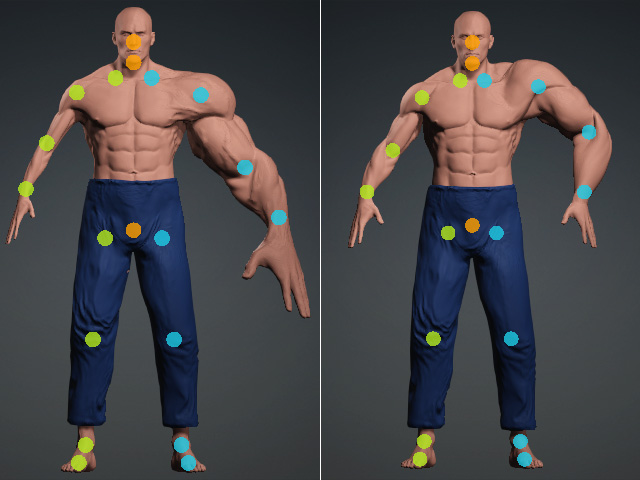
Before
After
Force Symmetry for Generating Hand Guides
Force Symmetry activation depends on the hand shape
of the imported model.
* The rest of the body is not considered
for creating symmetrical guides.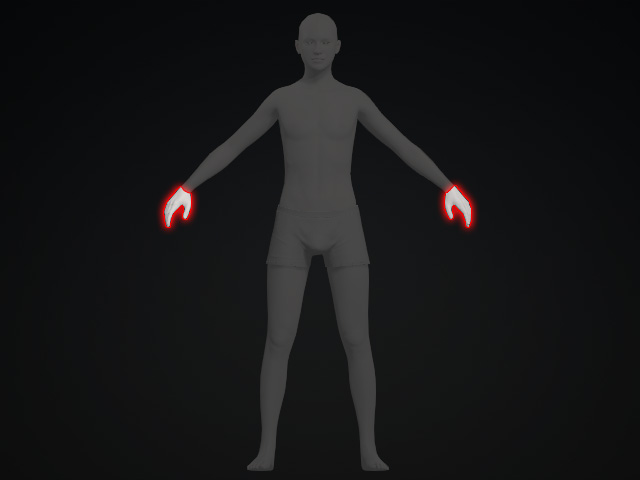
- For perfectly symmetrical hands, activate the Force Symmetry
checkbox to generate mirrored guides for the hands and
fingers.
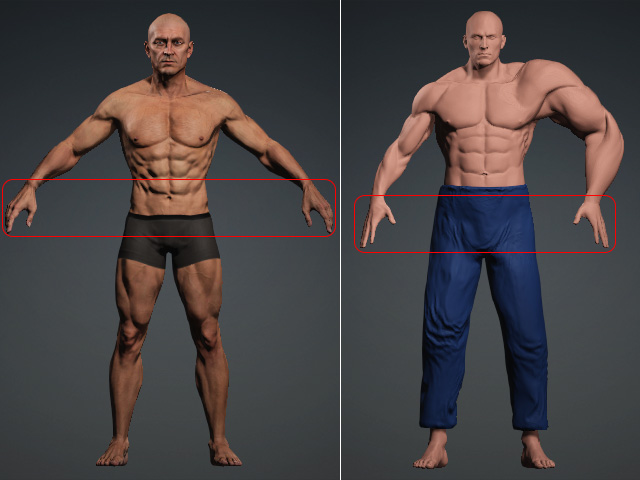
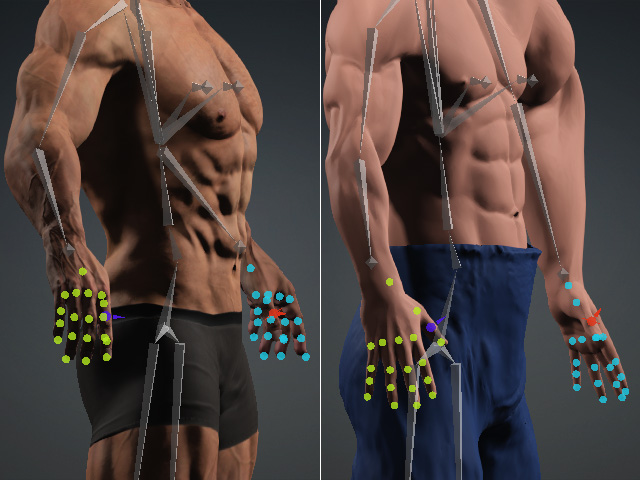
Before
After
- For asymmetrical hands, deactivate the Force Symmetry
checkbox.
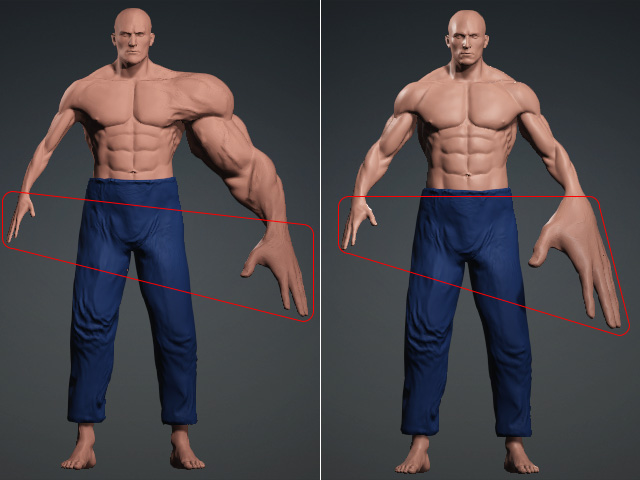
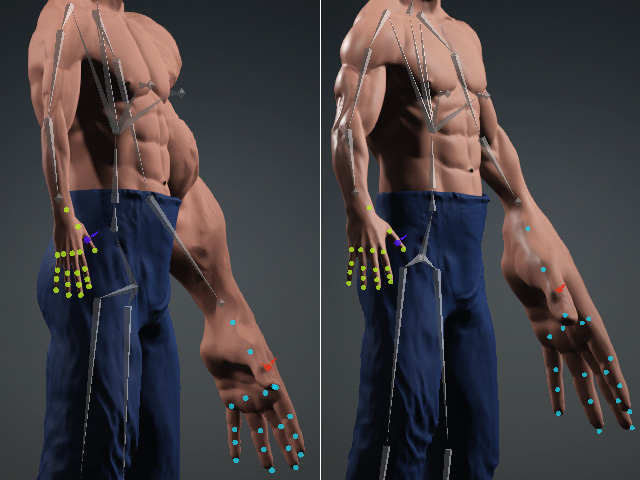
Before
After
