User Interface for DETECT JOINTS Step
The DETECT JOINTS step establishes the key joint positions of the imported character using Guide Points. These points are then used to generate a full-body skeleton, which serves as the basis for generating the Align Mesh Points required for the subsequent wrapping process.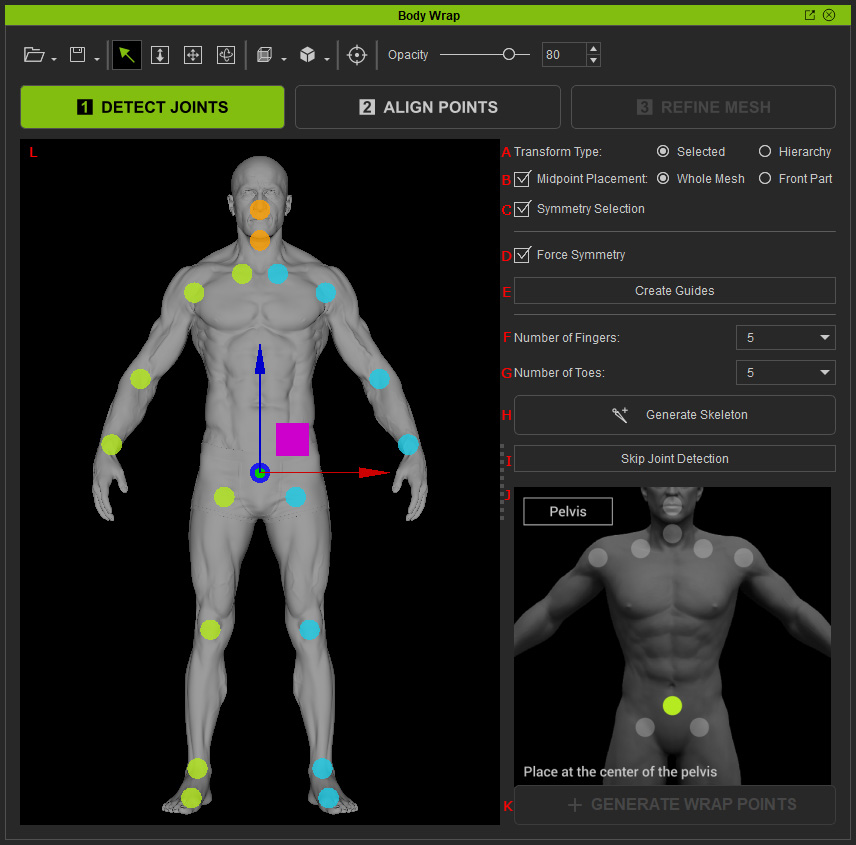
|
Feature |
Description |
|
|
A |
Transform Type |
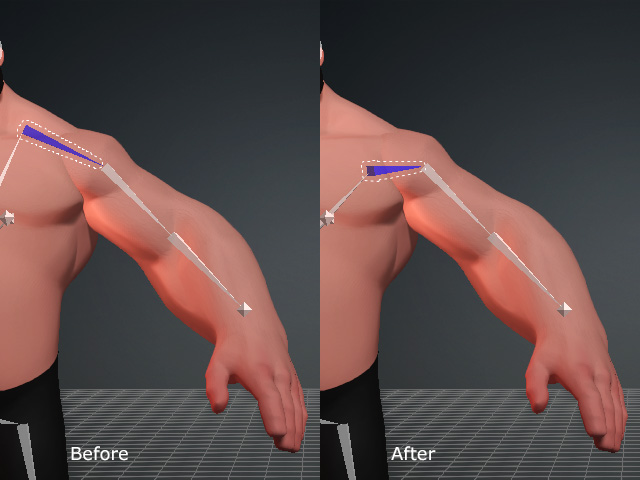
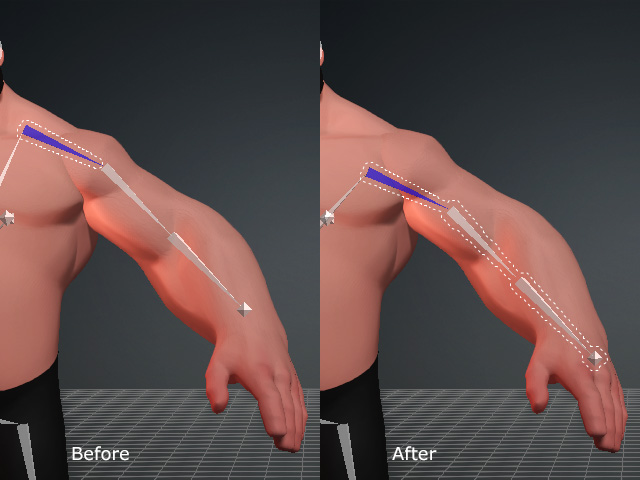
Transform the selected bones with different modes. These radio buttons are only enabled after the skeletal structure is generated.
|
|
B |
Midpoint Placement |
Compels the guides and bones to stay in the mesh volume when activated. Please refer to the Relocating Guides and Bones with Midpoint Placement Feature section for more information. |
|
C |
Symmetry Selection |
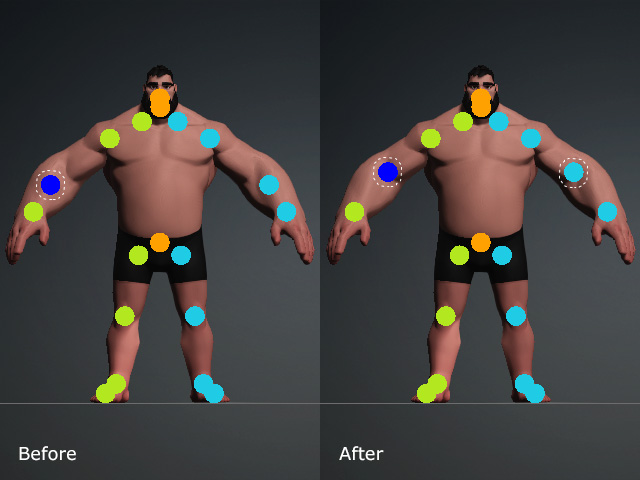
Simultaneously selects and moves bilateral guides or bones. |
|
D |
Generates Guide Points symmetrically on both sides when enabled. Disable it for asymmetrical models to position Guide Points independently. |
|
|
E |
Create Guides |
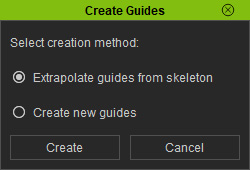
Creates Guide Points automatically or based on the skeleton structure of the imported mesh (FBX format). |
|
F |
Sets the number of fingers on the character. |
|
|
G |
Sets the number of toes on the character. |
|
|
H |
Generate Skeleton |
Generates the body skeleton and Guide Points for the fingers and toes. |
|
I |
Skip Joint Detection |
Proceeds to the ALIGN POINTS step without creating align points. |
|
J |
Guide Point Reference |
Displays a reference image showing the recommended position of the selected Guide Point for accurate placement of body, finger, and toe Guide Points. |
|
K |
GENERATE WRAP POINTS |
Proceeds to the ALIGN POINTS step with align points based on the body skeleton and the finger and toe Guide Points. |
|
L |
3D Viewport |
Switch between different perspective views and drag to reposition the Guide Points or skeleton bones. You can also adjust the orientation of the shoulder, elbow, and thigh joints. |