Pose Detail Refinements
Parts of your ZBrush character may be distorted once it is posed. To resolve this issue, use the Edit Current Pose function to edit the character model for the current pose.
Refer to the Modifying and Refining Posed Characters for more information.
- To begin editing the pose in ZBrush, select the target pose then click on Edit Current Pose.
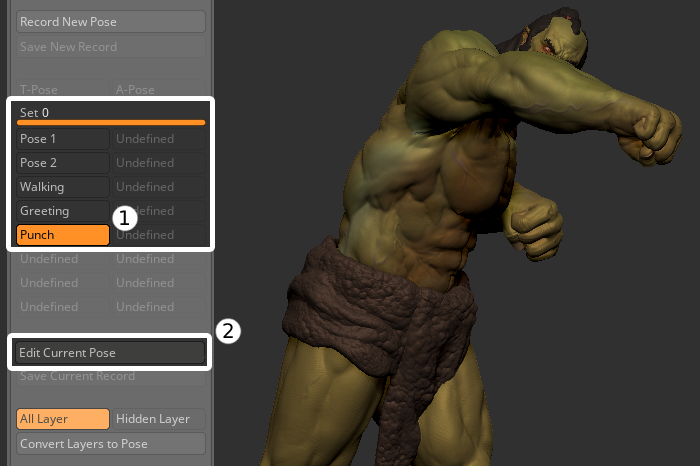
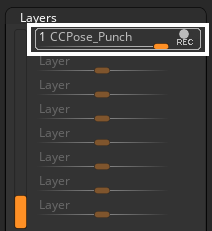
- The subtool layers for the current pose will be set to record, making them ready to receive modifications.
- Choose the subtool you want to edit.
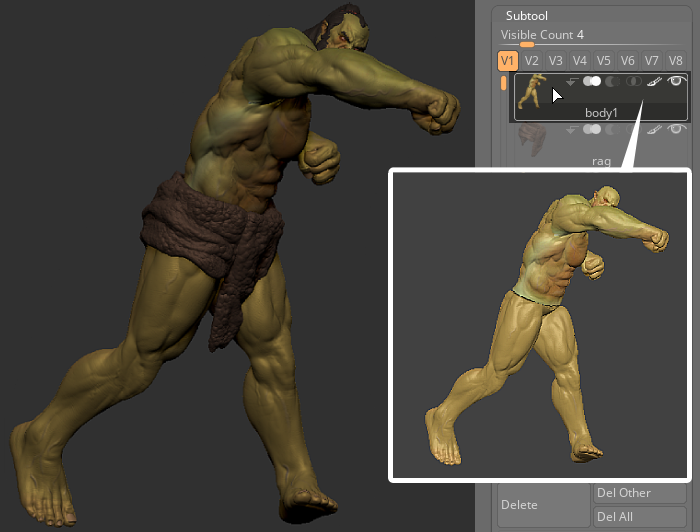
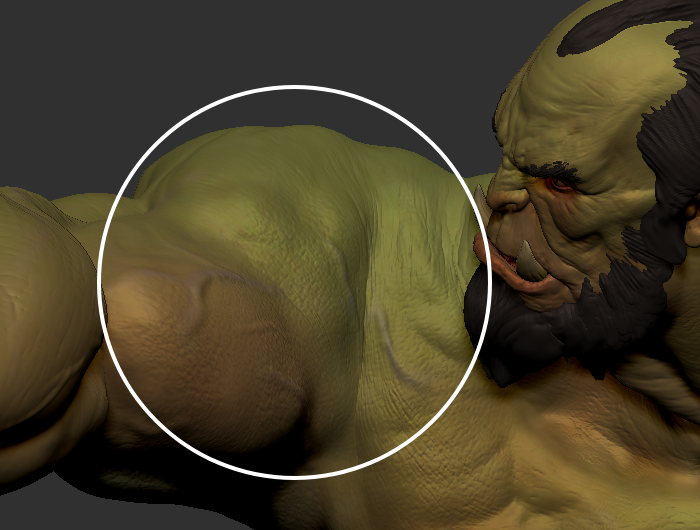
Start editing your mesh, like adding detail or changing its shape.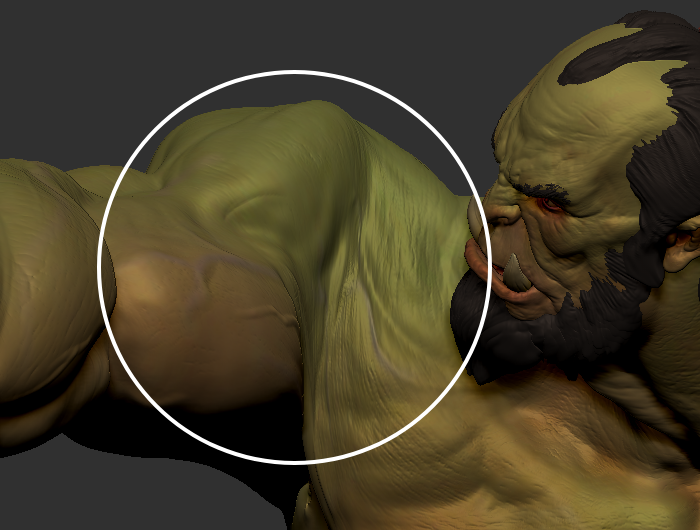
Before
After
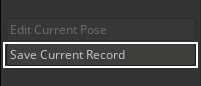
- Once you're done editing your model, click Save Current Record to save the newly edited pose.