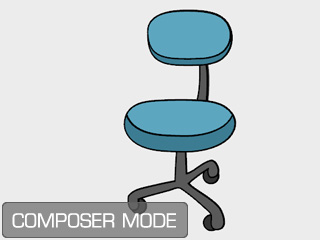
 Render Style button to open the panel.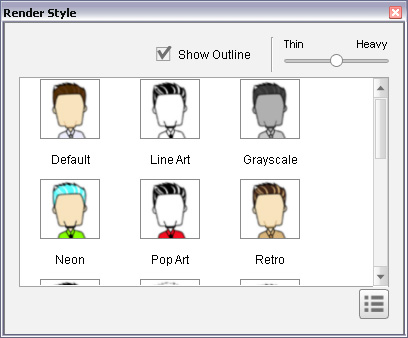
|
|
|
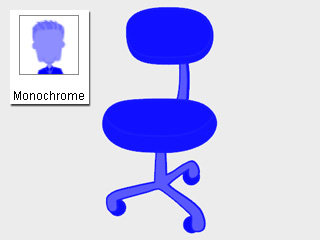
Monochrome: This template shows the initial color of the prop sprites. |
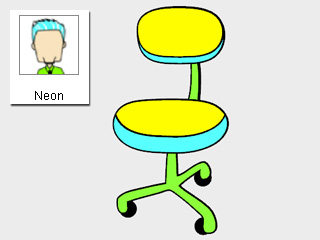
Neon: Innovative and experimental fashion style for the prop. |
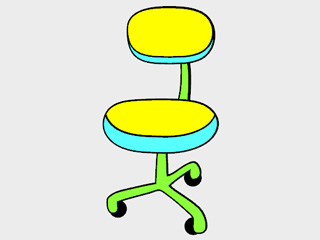
|
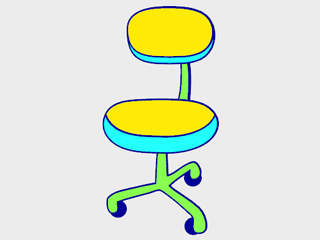
|
|
Weight = 100 |
Weight = 30 |
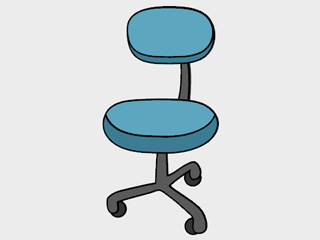
|
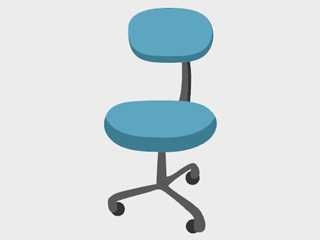
|
|
Show Line = On |
Show Line = Off |
|
Note: |
|
If you want to create custom groups of the prop's sprites, then refer to the section below for more information (please note that the feature only supported by Pro or Pipeline version): |