Refining Face Parts
After refining the overall face, specific areas such as the eyes, nose, or mouth might still require more precise correction. Refining one part at a time helps maintain control over local adjustments and reduces the risk of affecting other completed areas.
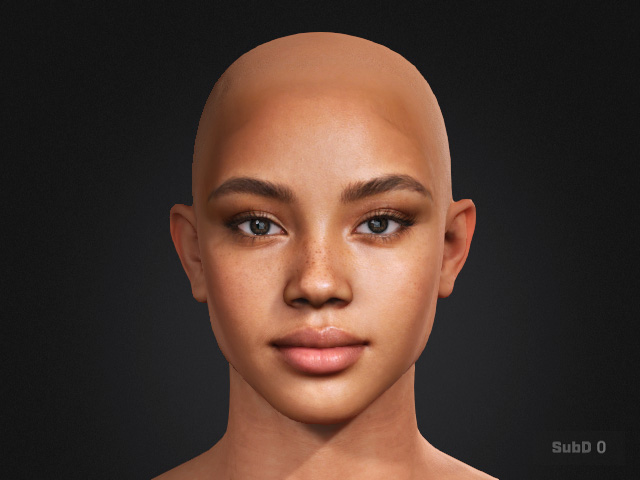
- Create a character with Image mode.
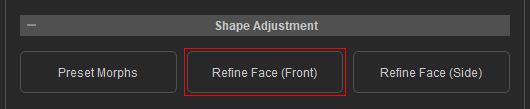
- Go to Headshot 3 > Shape Adjustment > Refine Face.
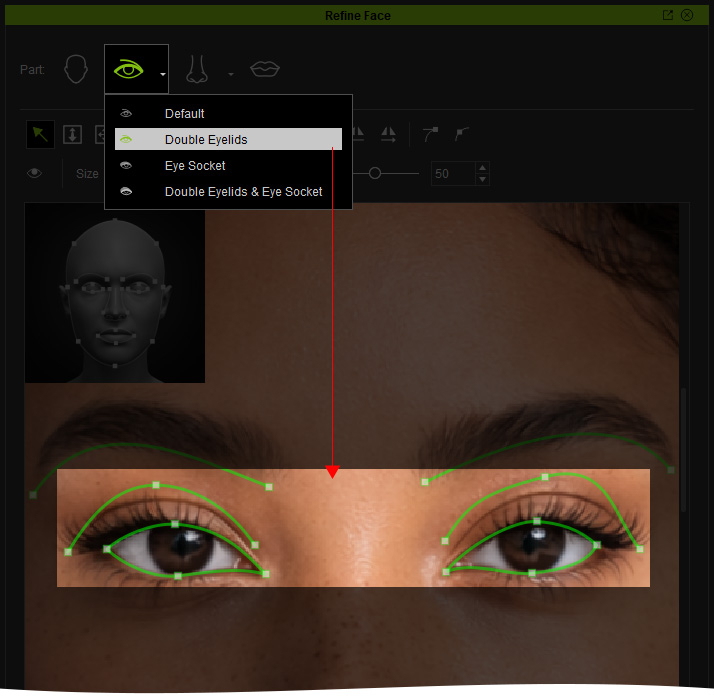
- Enable only the parts you want to modify. In this case, Double Eyelid from Eyes.
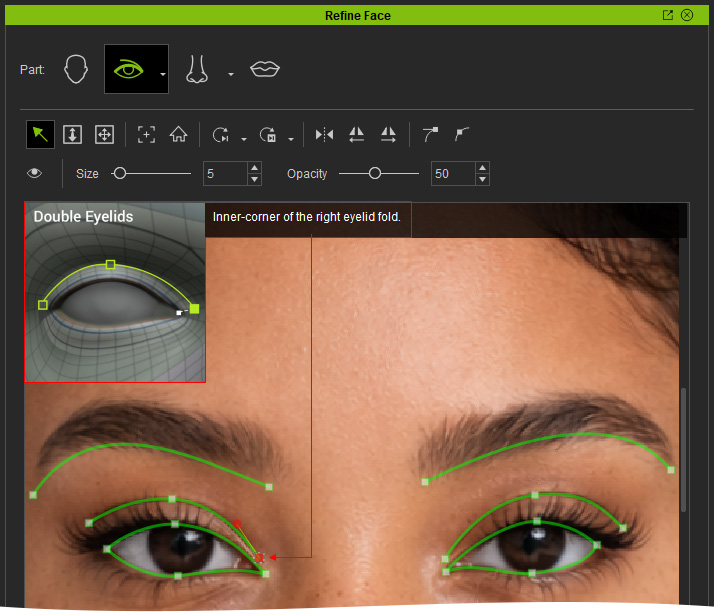
- Follow the visual guide on the top left to place the control points, or for a clearer instruction refer to the page Front face Control point Placement.
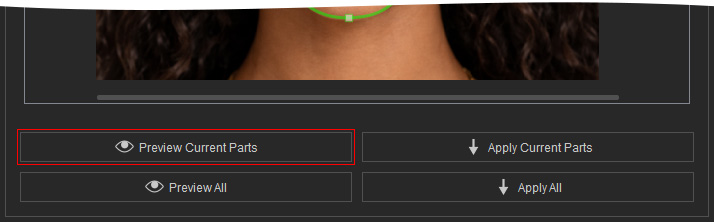
- Press Preview Current Parts to compare the shape of the part mesh to the reference photo
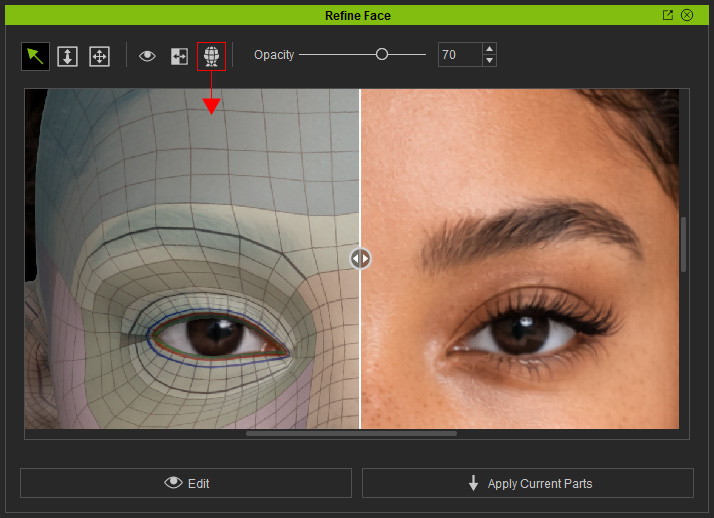
- Turn on Topology Render to better align the control points and ensure the mesh follows the facial structure correctly.
 Note:
Note:- Toggle the topology render button to enable topology view for better alignment.
- It is important to keep the topology clean and correct in order to ensure stable facial deformation and proper morph compatibility. For detailed information about the correct Topology, please refer to this page.
- Compare the generated mesh with the source image using the On-Screen Visibility Area slider.
- Click the Edit button to switch back to the Edit mode for further adjustments.

- Repeat Step 3 to Step 8 until the head mesh matches the reference front image.
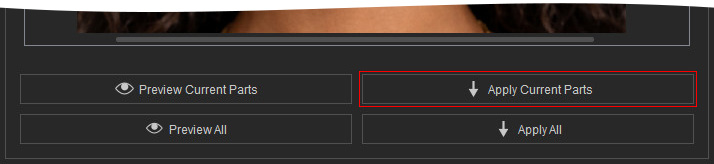
- Click the Apply Current Parts button in the Edit mode.
- Only the eye area is modified, and the effect of double eyelids are greatly enhanced.
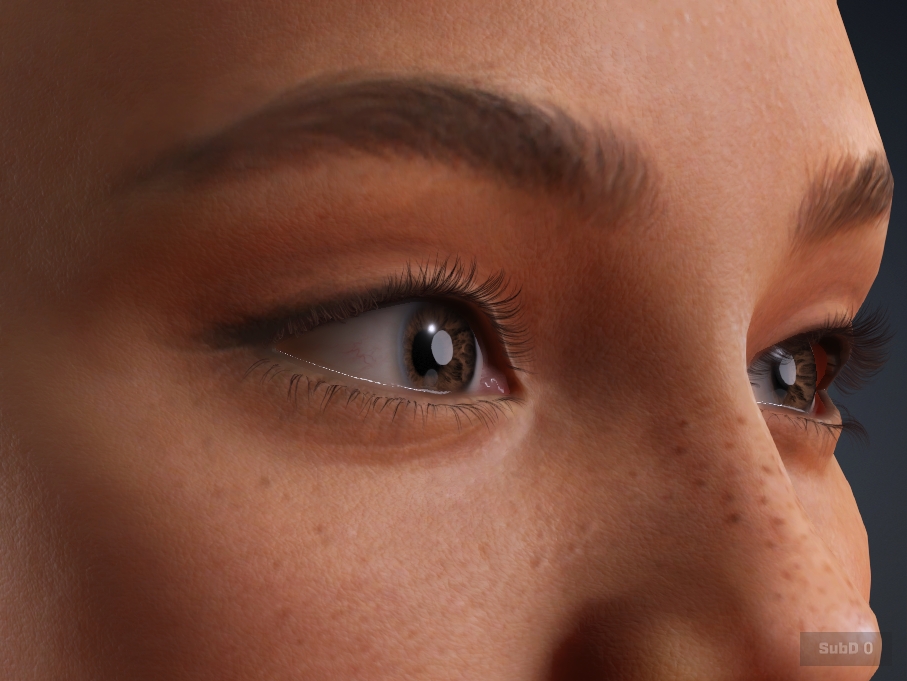
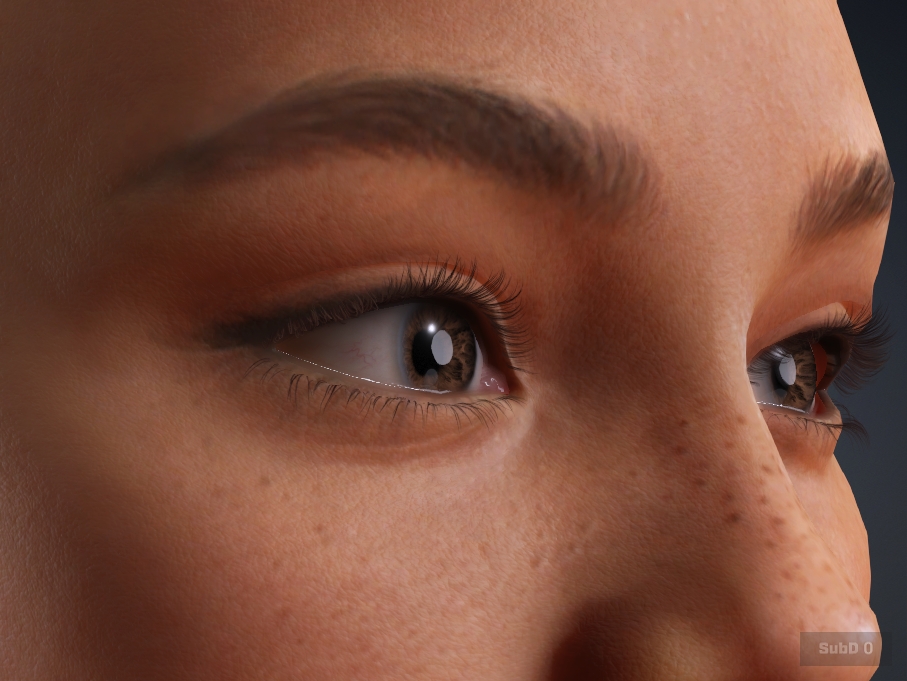
Before Refining
After Refining
