Generating Skin Texture
The Generate Skin Texture subsection provides options for generating and refining skin textures from the selected source image.
Replace Facial Texture
Enable Replace Facial Texture to replace the source facial image used for texture generation. This allows you to update the character's facial texture maps without regenerating the entire character.
For more information, refer to Replacing Facial Texture.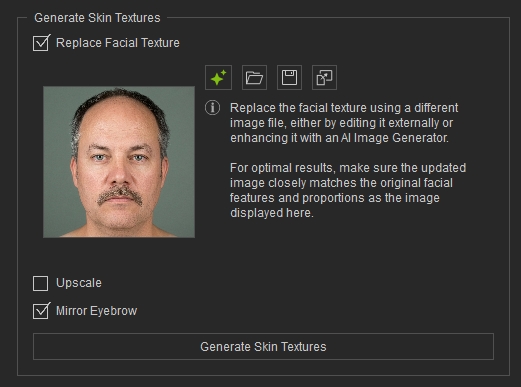
Upscale
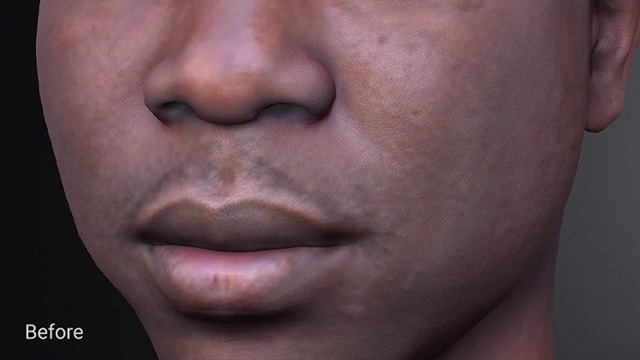
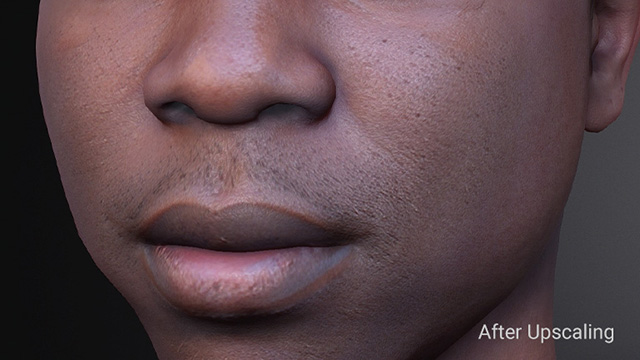
Enable Upscale to use local AI to upscale all generated texture maps, including Diffuse, Normal, and Roughness maps.
Upscaling increases the resolution and sharpness of the generated texture maps and is especially useful for textures generated below 1K resolution.
|
|
|
Texture before Upscale |
Texture after Upscale |
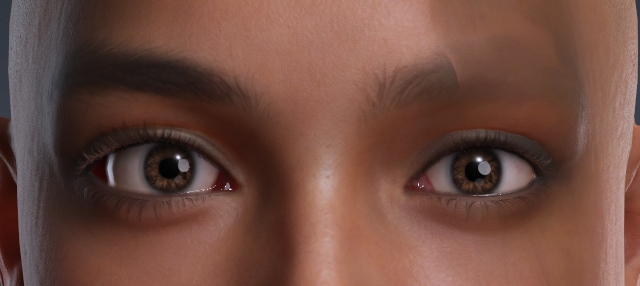
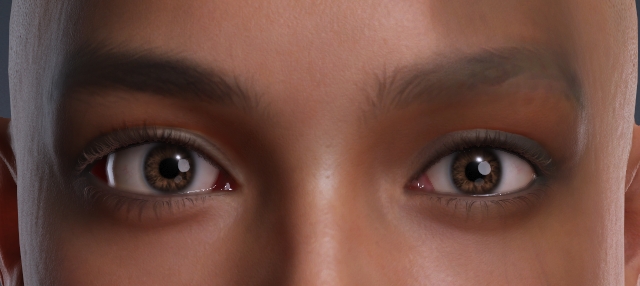
Mirror Eyebrow
Enable Mirror Eyebrow to automatically detect the more complete eyebrow and mirror it to the opposite side.
This is useful when one eyebrow is partially obscured by hair, shadows, or other visual defects, helping maintain eyebrow symmetry and consistency.
|
|
|
Mirror Eyebrow = Disabled |
Mirror Eyebrow = Enabled |
Generate Skin Photo
Click Generate Skin Photo to generate the skin textures according to the selected options.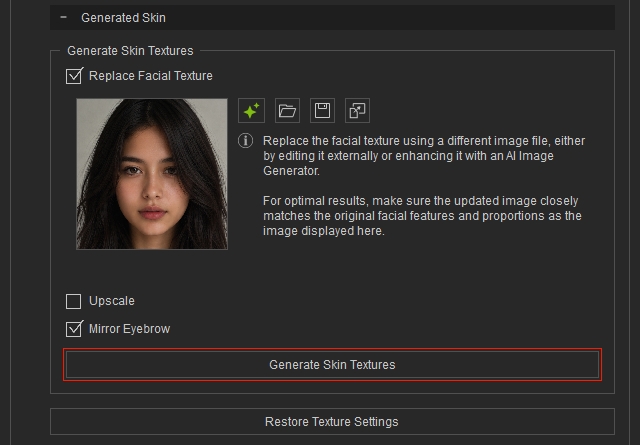
Restore Texture Settings
Restore Texture Settings restores the Diffuse Blend and Normal Blend textures for previously saved characters, ensuring that their blend images display correctly.
Newly generated characters that have not been previously saved do not require this step.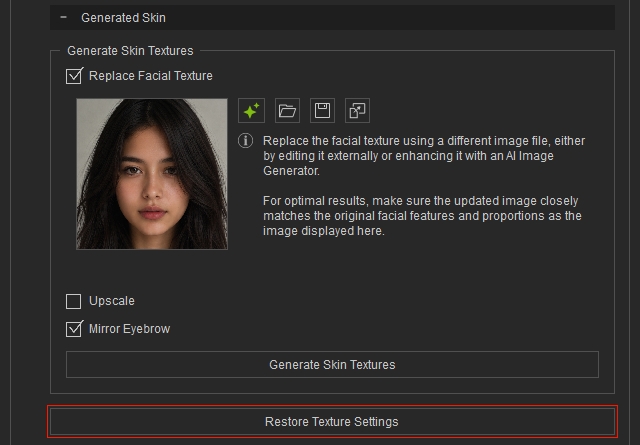
 Note:
Note:
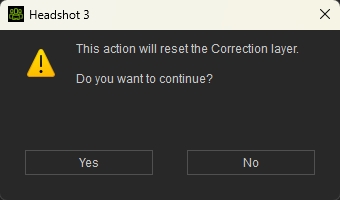
Using Restore Texture Settings removes all modifications made with the Brush Tool. A confirmation dialog appears before the changes are reset. This action cannot be undone.