Modify Panel
In the MP Node Graph panel, Modify panel locates at the right side, including three tab pages, Attributes, Variables and Log.
- Attributes page:
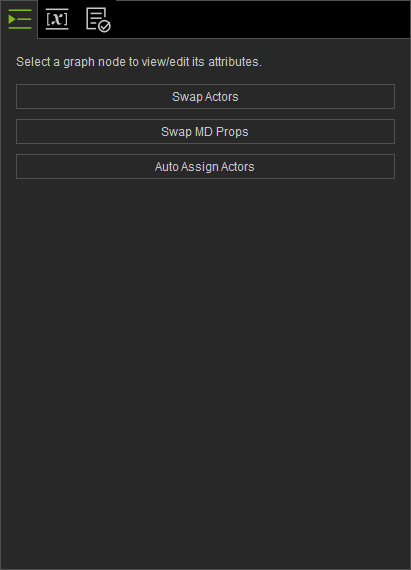
- Multiple or no nodes selected: Displays three buttons, Swap Actors, Swap MD Props and Auto Assign Character.
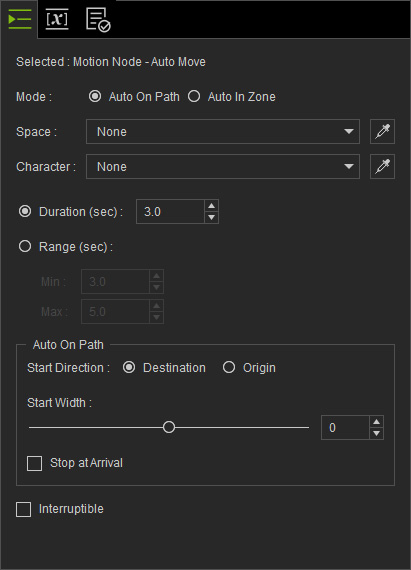
- Single node selected: Displays the attributes of the selected node. Note that the attributes may differ from node to node.
- Multiple or no nodes selected: Displays three buttons, Swap Actors, Swap MD Props and Auto Assign Character.
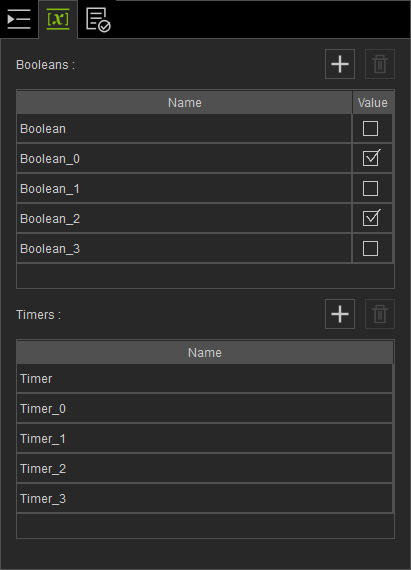
- Variables page: Contains two pools for Boolean and Timer variables. These variables can be accessed only by the Check Boolean, Set Boolean and Time nodes.
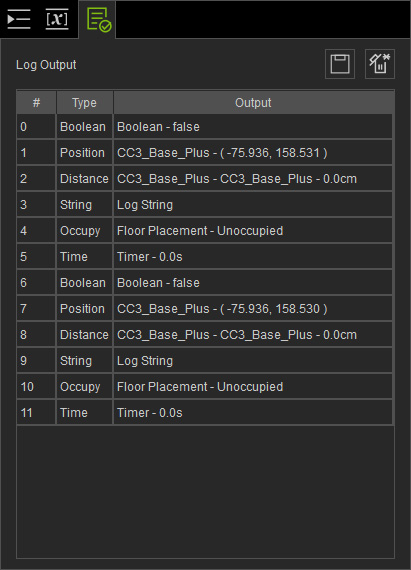
- Log page: The nodes in the Print Node category will output logs in the list.