Adjusting Attributes of Parallel Nodes
Select the Parallel Node in the MP Node Graph viewport, the Attribute page will display the settings of the node.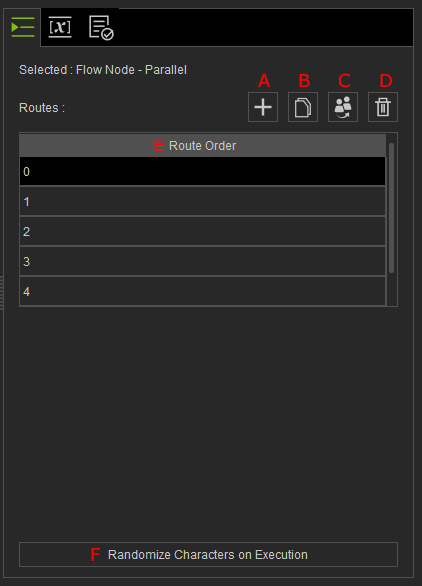
- Add: Adds new output pin. You can click the "+" button as well.
- Duplicate: Duplicate the selected item in the Routes list.
- Select an item and click the Duplicate button (multiple selection is not allowed).
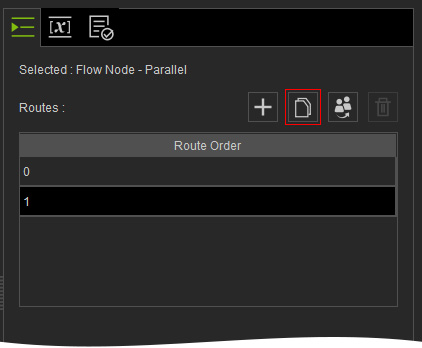
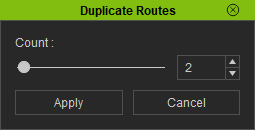
- Duplicate Routes panel will appear, set the Count for duplication and click the Apply button.
The specified number of items will be duplicated.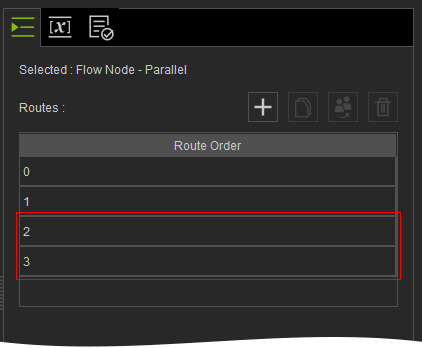
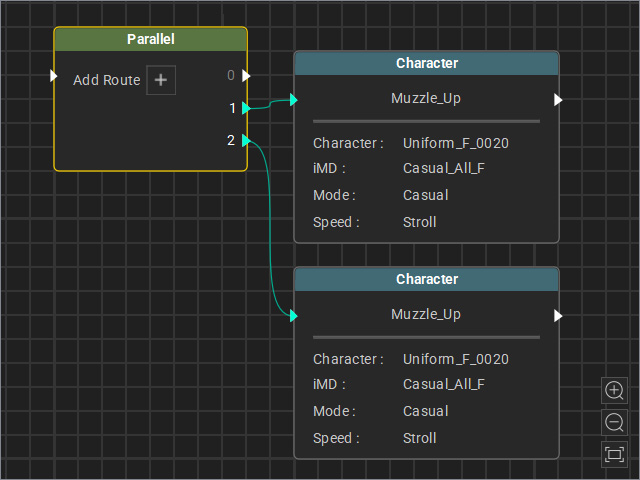
Note that if a route is connected to the source output, the entire route will also be duplicated.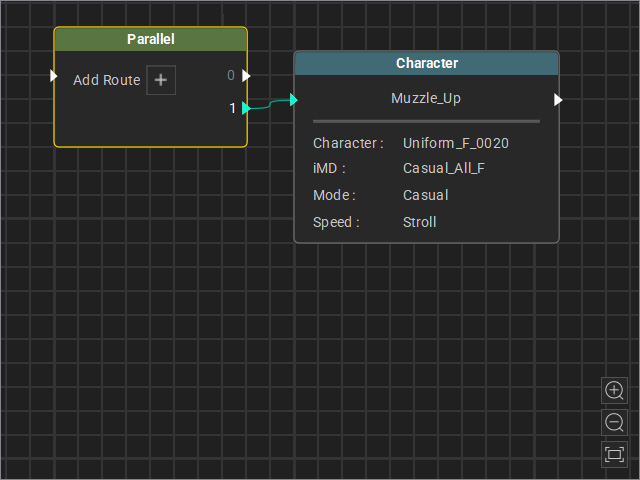
Before
After
- Select an item and click the Duplicate button (multiple selection is not allowed).
- Swap Characters: Manually specify characters to swap the characters of the events associated to the selected route.
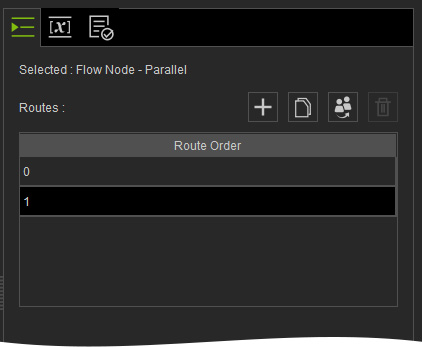
- Remove: Removes the selected route. Multi-selection is allowed.
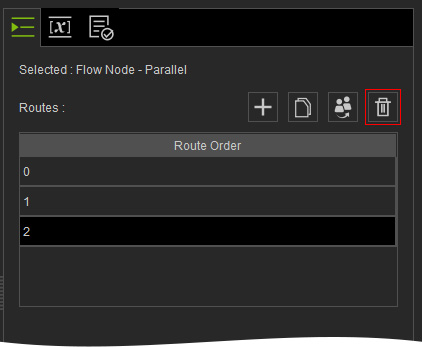
Before
After
- Route Order: The serial number for each route item.
- Randomize Characters on Execution: The events of each route will be applied with random character on the stage.
** Note that it only changes the characters of the routes that are associated to the Random Node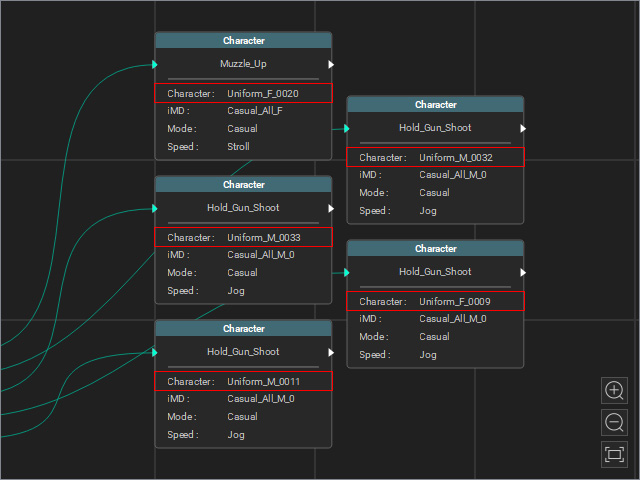
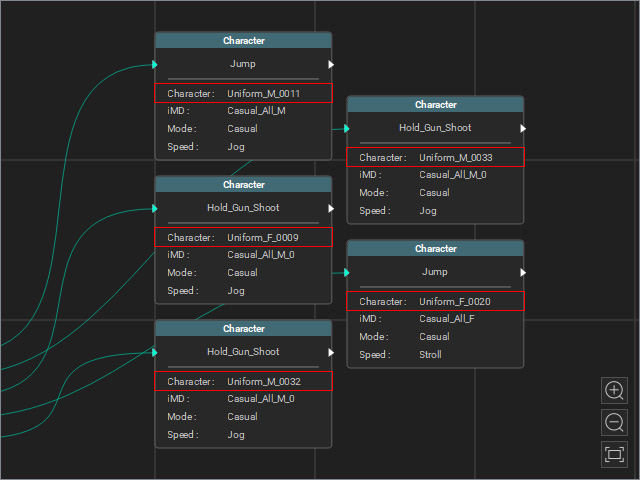
Before
After (Randomly swap characters with each other.)
