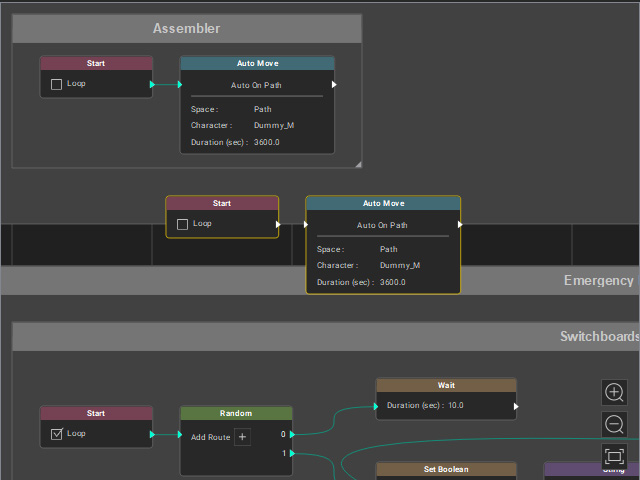
Copying and Pasting Nodes
Once you have configured a large number of nodes and want to duplicate them along with their settings, you can use the copy/paste function to make copies.
If you want to reuse a specific node graph with settings cleared, use the Save and Load Templates method.
- Prepare a node graph with complete setups.
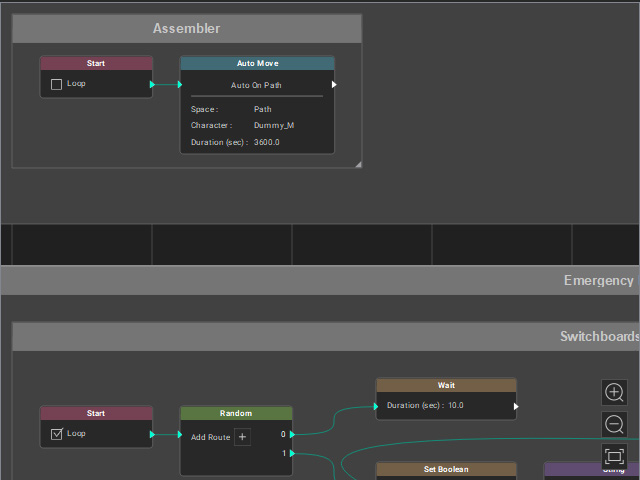
- Select the desired nodes with setups.
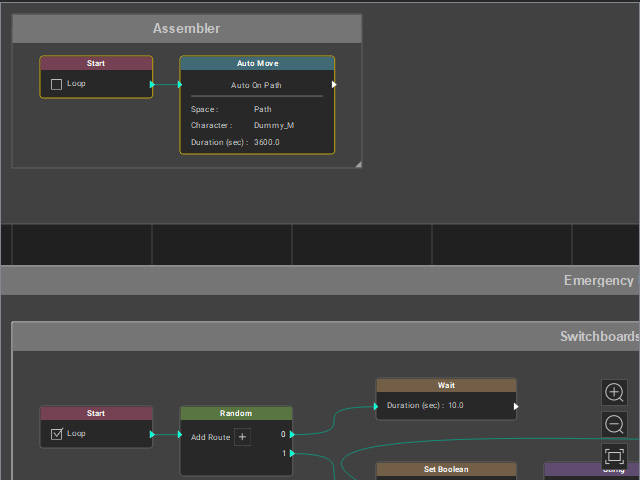
- Press Ctrl + C to copy the nodes, including the setups of the selected nodes.
- Press Ctrl + V to paste the nodes with their setups.