Using Check Boolean Nodes
The Check Boolean Node is used to retrieve the value of a specified Boolean parameter (True or False) to determine which event to execute. When used together with the Set Boolean Node, it allows switching repeatedly between True and False events during Go MD session.
- Create a project with a character.

- Open the MP Node Graph panel and switch to the Variables tab page.
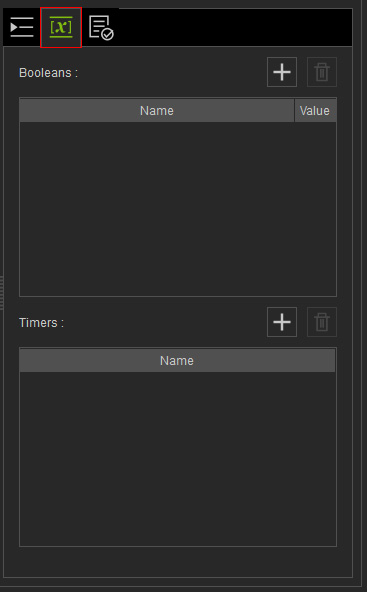
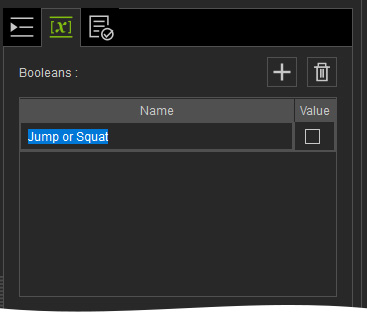
- Click the + button of the Boolean list to add a new boolean variable.

- Name: Double-click to rename the variable.
- Value: Determines the initial value when Go MD mode starts. You can use the Set Boolean node to define its value (Activated = True; Deactivated = False).
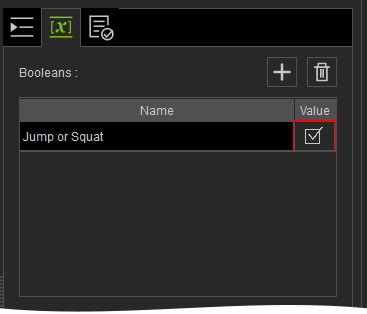
- Name: Double-click to rename the variable.
- Open the MP Node Graph panel. Right-click on the viewport space and choose Condition Node > Check Boolean.
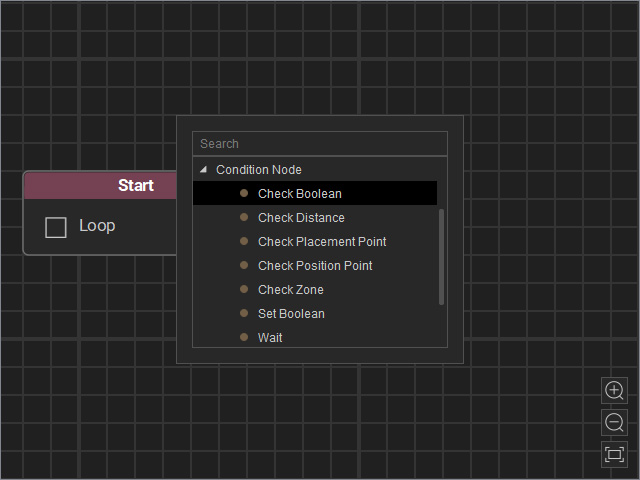
A new Check Boolean node will be inserted on view.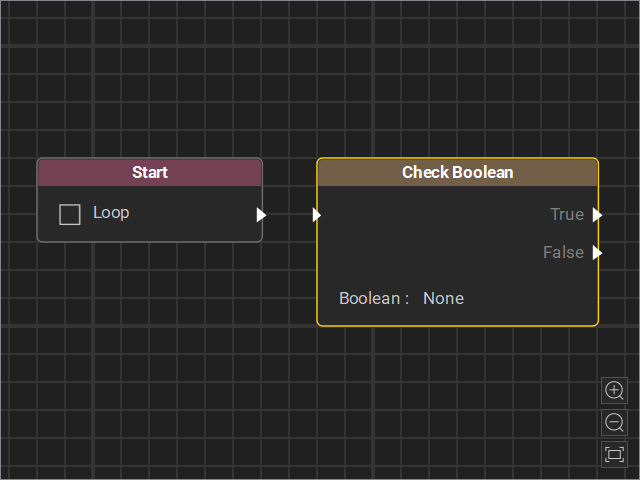
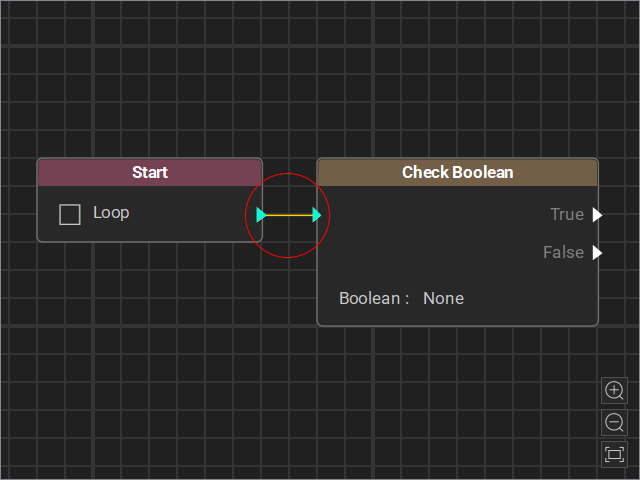
- Drag a flow line from the Start node’s output and connect it to the Check Boolean node’s input.
- Select the node and adjust the settings in the Attributes page.
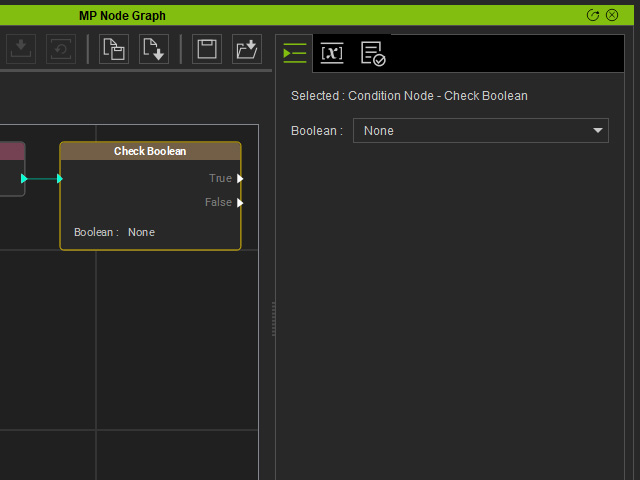
- Boolean: Choose the boolean variable created in step 3.
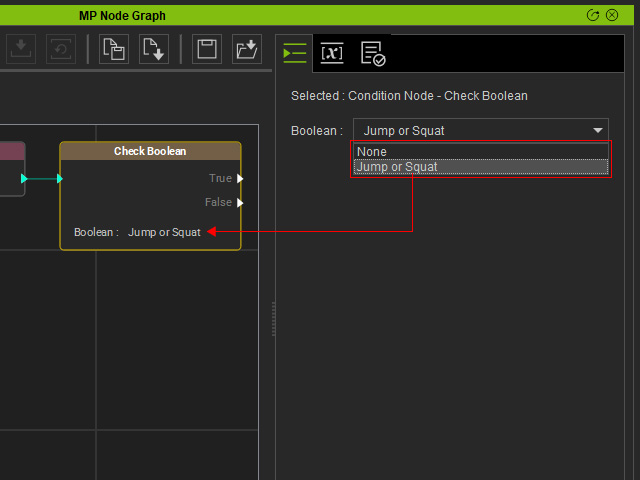
- Notice that the boolean value will lead the flow to True or False event.
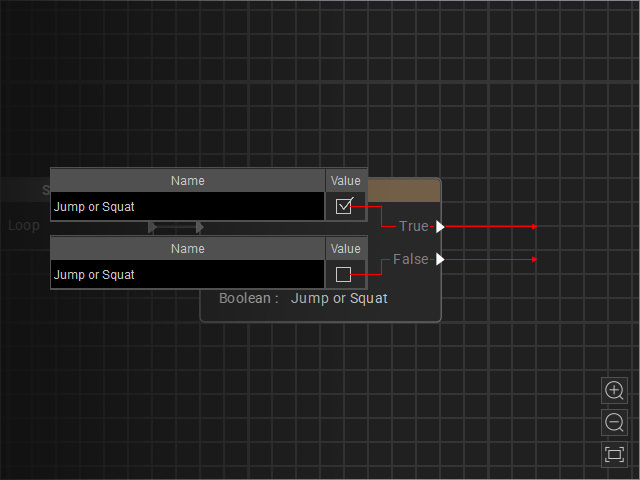
- Boolean: Choose the boolean variable created in step 3.
- Connect events to the True and False outputs. In this case, the character jumps when True and squats when False.
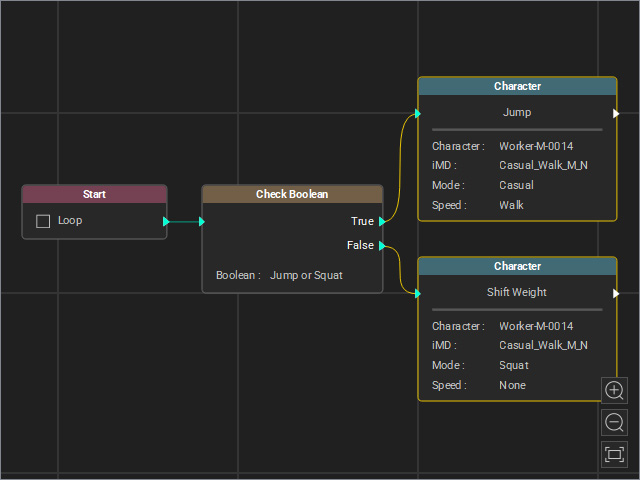
- Start the Go MD Mode to view the animation results.
- When "Jump or Squat" is initially set True:
- When "Jump or Squat" is initially set False:
- When "Jump or Squat" is initially set True:
