Using Parallel Nodes
The Parallel Node can be used to simultaneously execute the events connected after it.
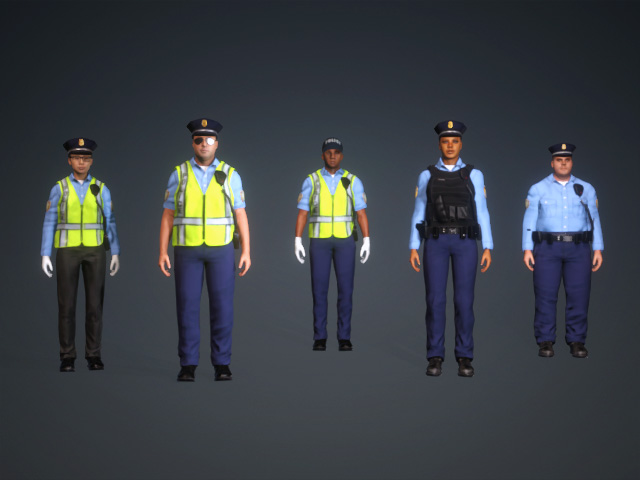
- Create a project with characters.
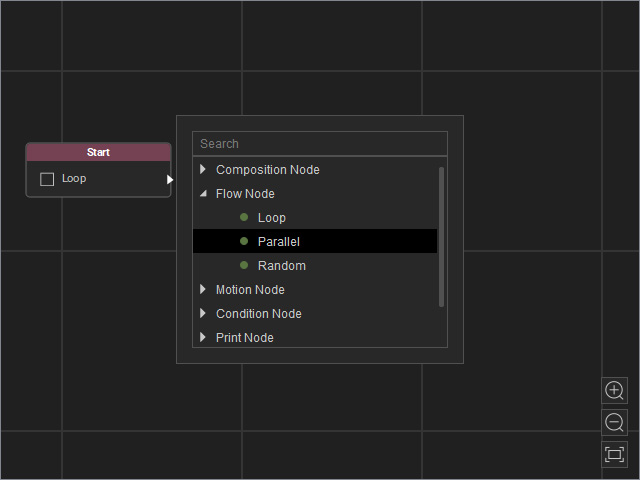
- Open the MP Node Graph panel. Right-click on the viewport space and choose Flow Node > Parallel.
A new Parallel node will be inserted on view.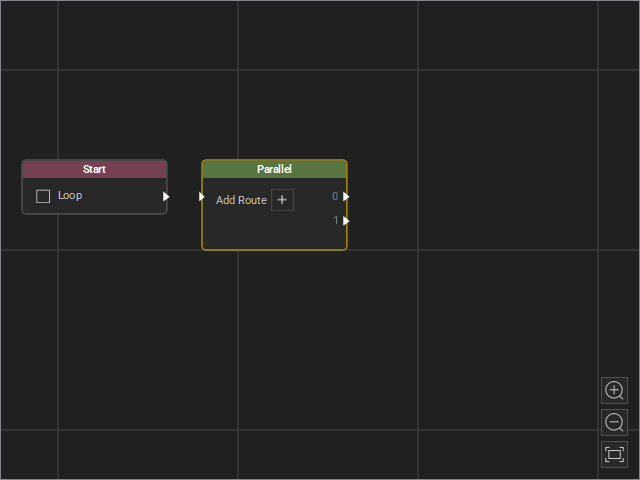
Enable the Loop option on the Start node to play back the graph repeatedly in Go MD mode.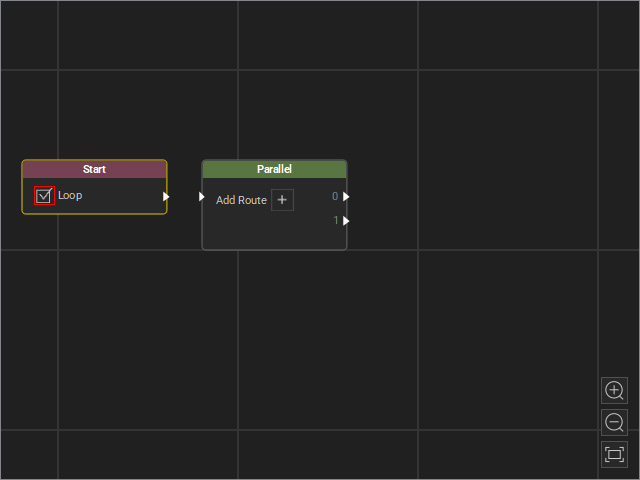
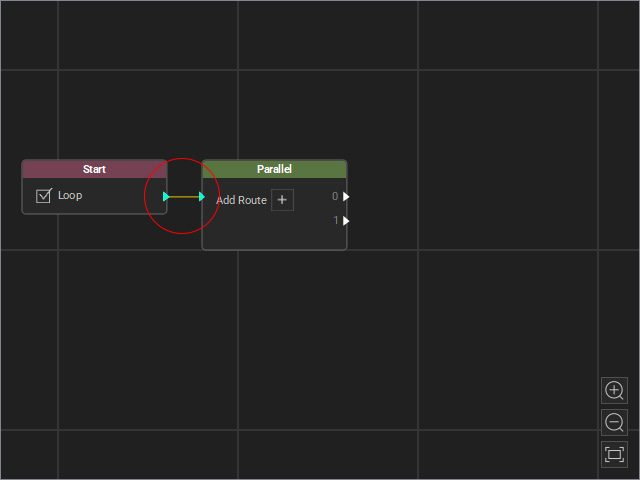
- Drag a flow line from the Start node’s output and connect it to the Parallel node’s input.
- Click the + button specific times to add outputs.
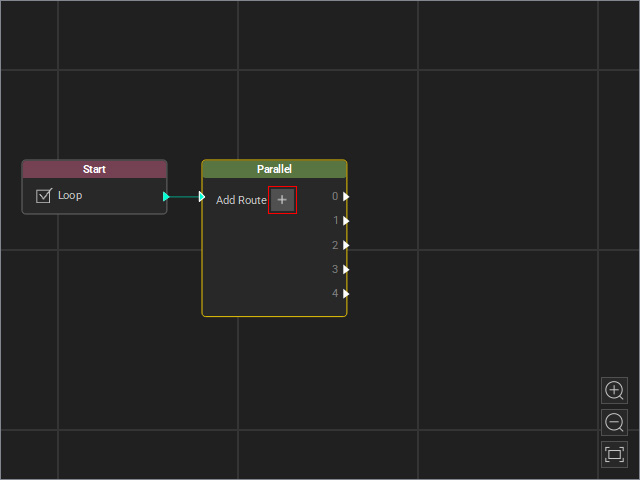
For more information about the setups of the Parallel Node, refer to the Adjusting Attributes of Parallel Nodes section. - Connect the outputs to different event routes.
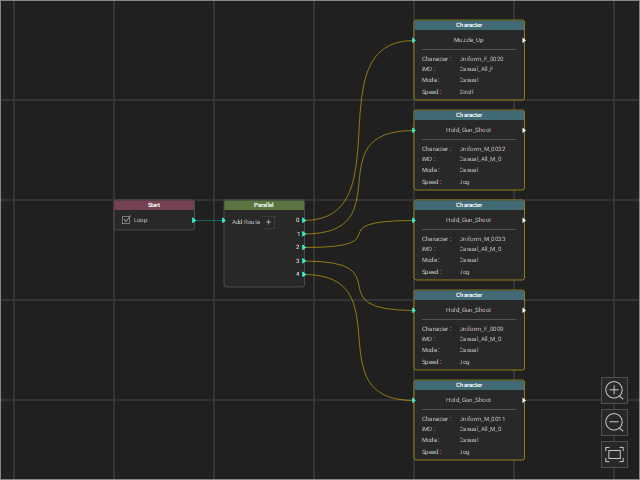
Note that these event routes are Character Nodes that drive the individual characters on stage to perform specific motions.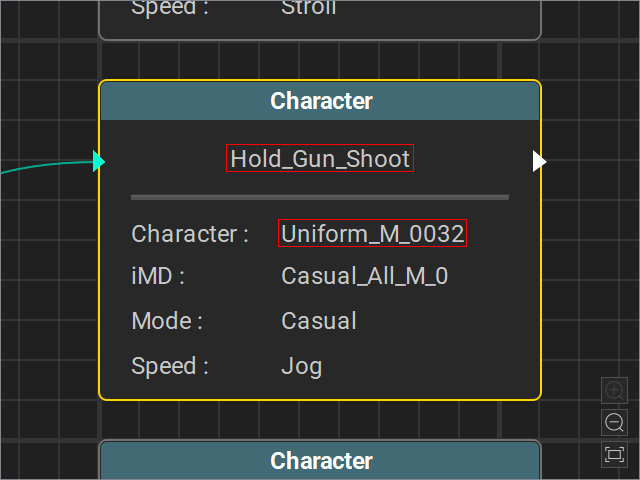
- Start MD Mode to view the animation result, all events of the character's performance will executed in parallel.
