Using Distance Nodes
The Distance Node is used to calculate the distance between two objects (Character, Prop, or MD Prop), record the result in the Log Output list on the Log page, or display the distance value in the 3D scene using a particle-effect text emitter.
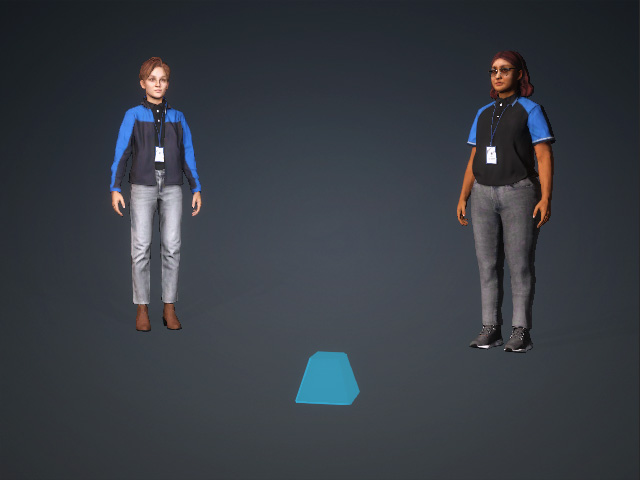
- Create a project with at least two objects (characters, props, or MD Props) and a particle-effect text emitter.
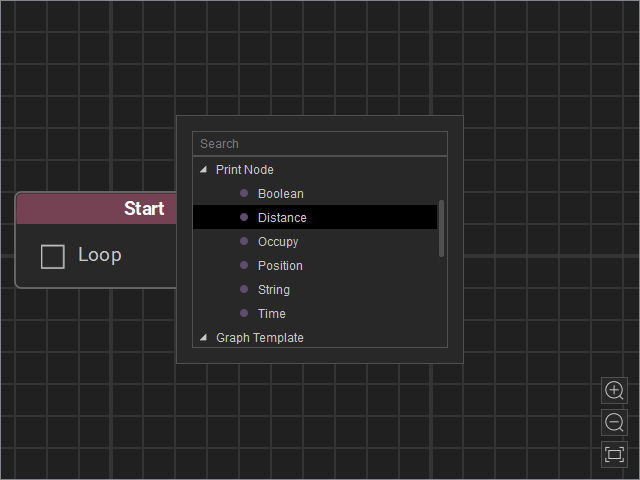
- Open the MP Node Graph panel. Right-click on the viewport space and choose Print Node > Distance.
A new Distance node will be inserted on view.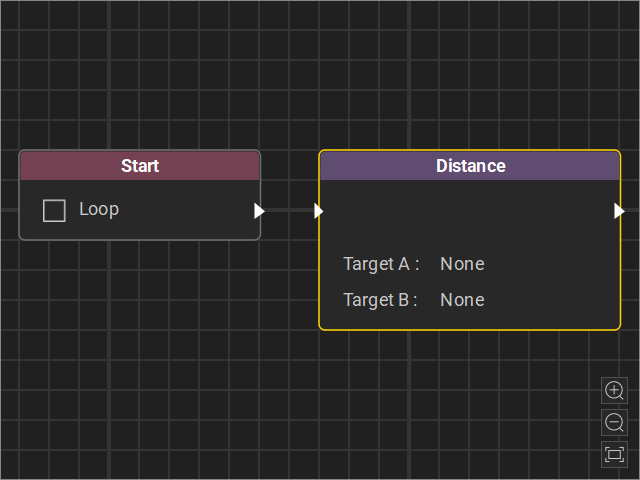
- Drag a flow line from the Start node’s output and connect it to the Distance node’s input.
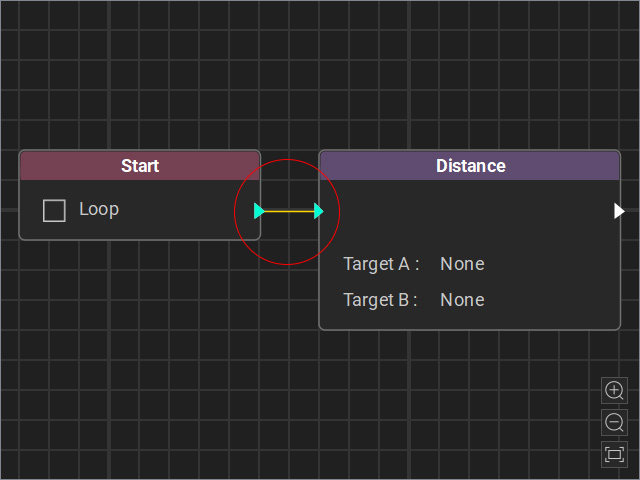
- Select the node and adjust the settings in the Attributes page.
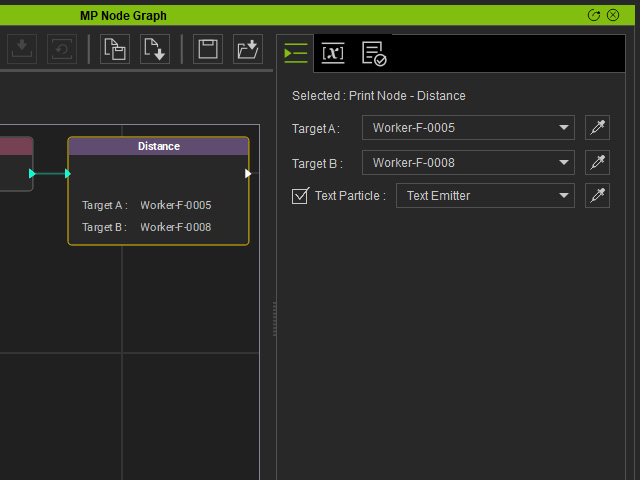
- Target A and Target B: You can pick the two objects for measuring the distance (based on root). The value will be retrieved by this node.
- Text Particle: If you want to use a particle emitter to display the distance on stage, enable this checkbox. Then select the emitter on stage using the drop-down list or the dropper tool.
- Start the Go MD Mode to view the animation results.
- You can switch to the Log page to view the Log Output obtained by the Node. The emitter also displays the string from this list.
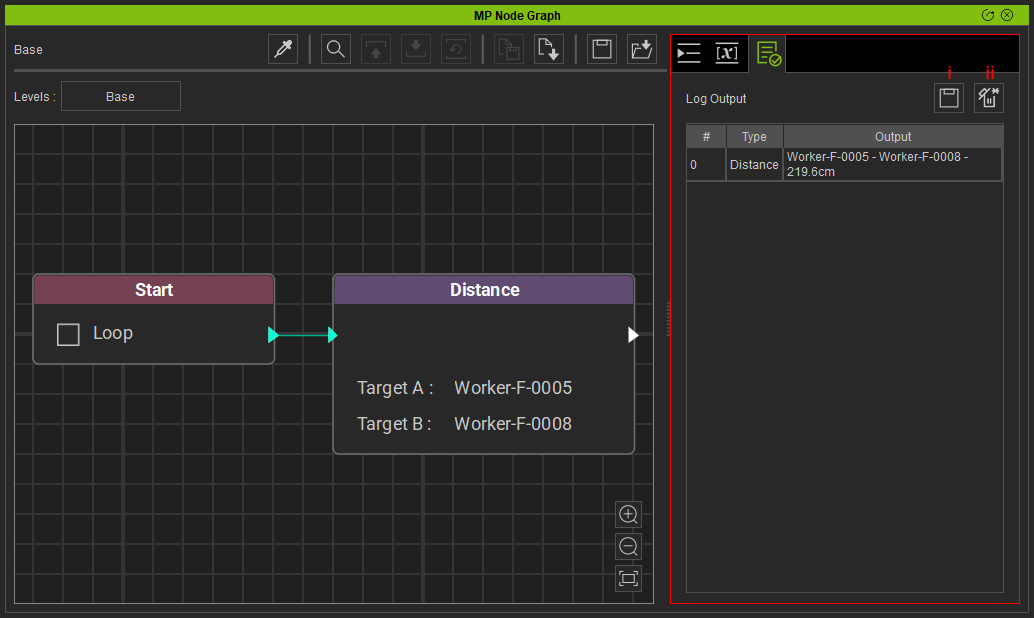
- Save Log: Save the log as a file (*.txt).
- Clear Log: Clear the data in the Log Output list.
