Setting MP Nodes' Character, MD Prop or Prop Fields
In the Motion Planning system, many nodes include Character, MD Prop, or Prop fields to specify which object the node drives. There are two ways to assign them: using the drop-down list or the dropper tool.
- Take a character as the example.
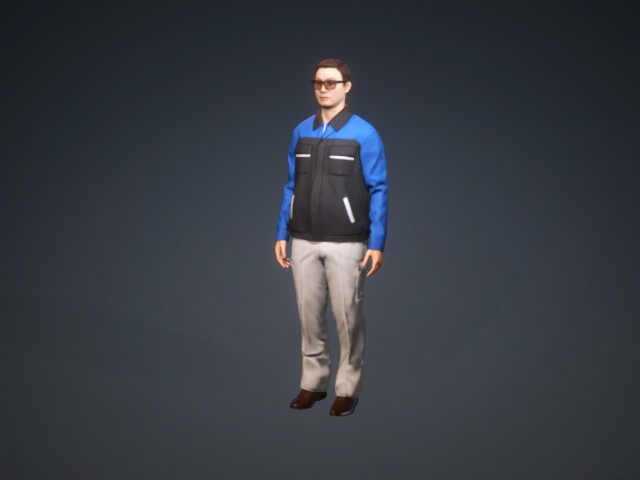
- Select the MP node for associating to the object.
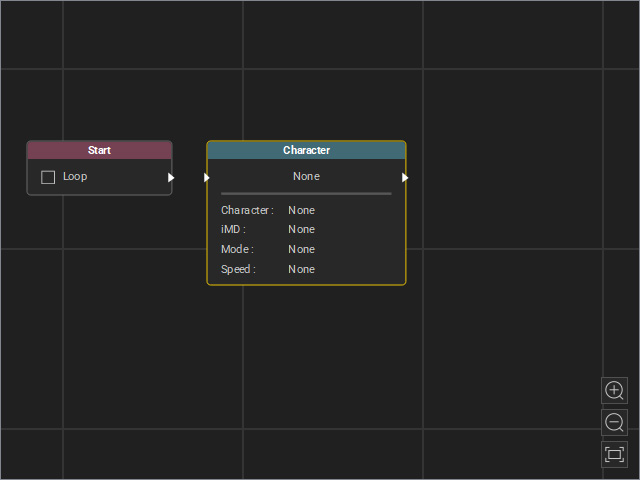
- Set the object fields of the node to associate the node with the target object.
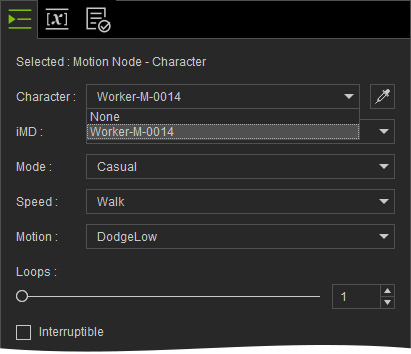
- Drop-down List: Use the drop-down list to set the object field.
- Dropper Tool: Click the dropper tool and pick the desired object in the 3D viewport.
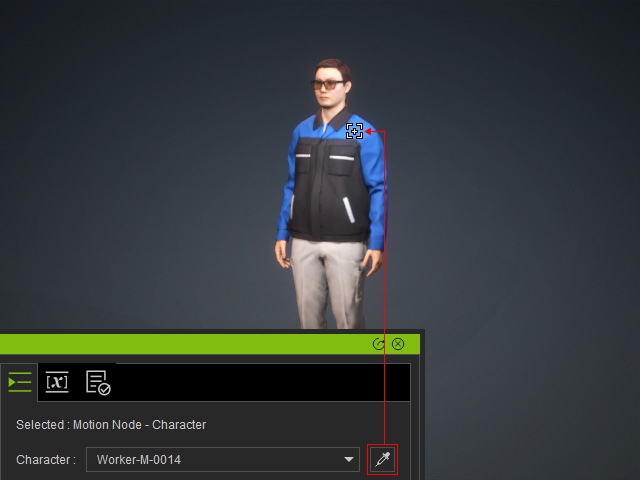
If the target object is an MD Prop, click the Position Point (the round disk with double arrows) instead of the mesh model.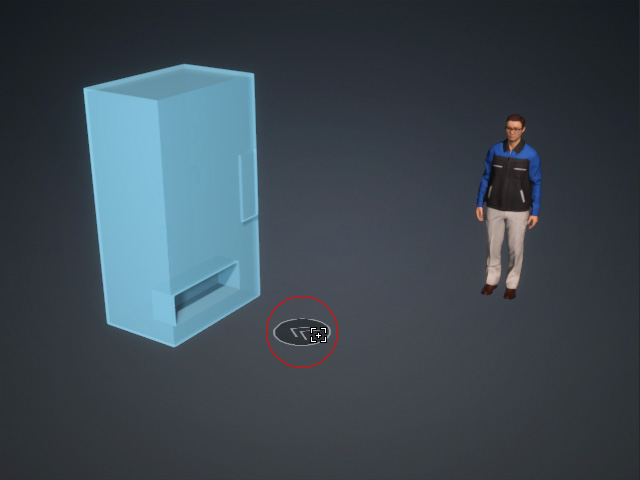
- Drop-down List: Use the drop-down list to set the object field.
