Using Wait Nodes
The Wait Node can be used to set a period of time during which the flow pauses, and then continues to execute subsequent nodes and events after the specified time has elapsed.
- Create a project with a character.

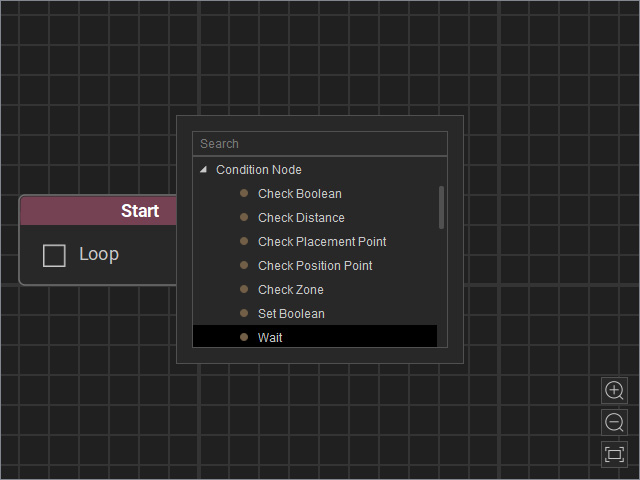
- Open the MP Node Graph panel. Right-click on the viewport space and choose Condition Node > Wait.
A new Wait node will be inserted on view.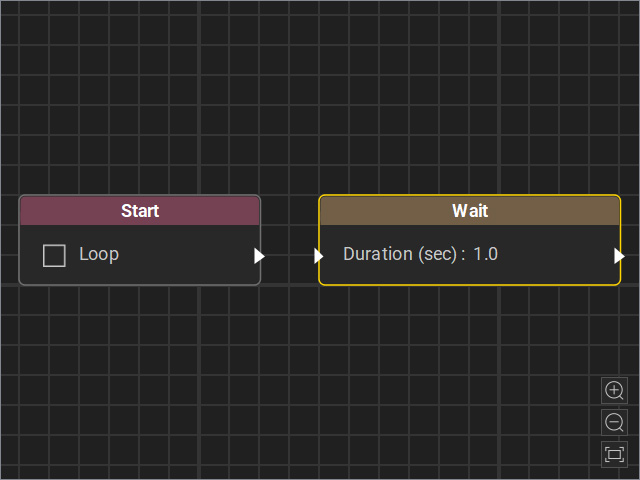
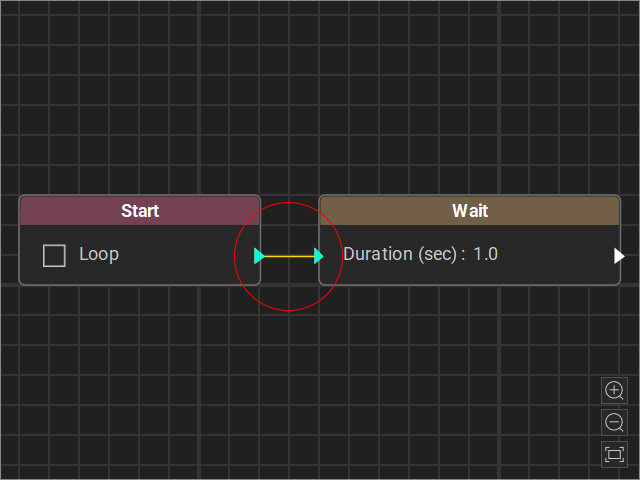
- Drag a flow line from the Start node’s output and connect it to the Wait node’s input.
- Select the node and adjust the settings in the Attributes page.
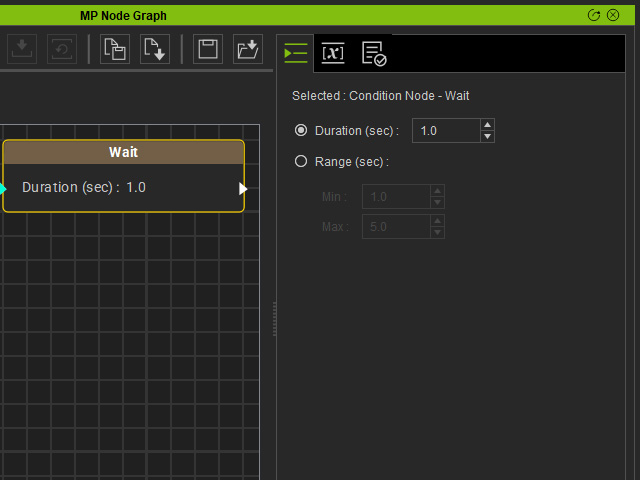
- Duration (sec): Set a fixed waiting time, in this example, 5 seconds (the minimum is 0.1).
- Range (sec): Set a time range. Each time this Node is executed, the system randomly selects a duration (in seconds) within the range to wait.
- Connect an event to the output of the Wait node.
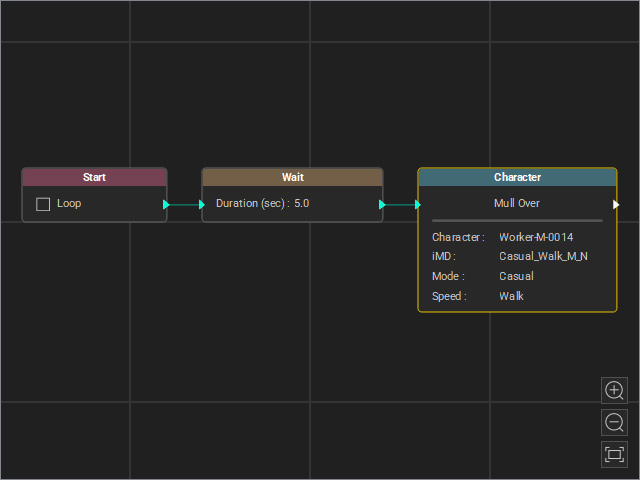
- Start the Go MD Mode to view the animation results.
