Multi-Actor Motion Capture
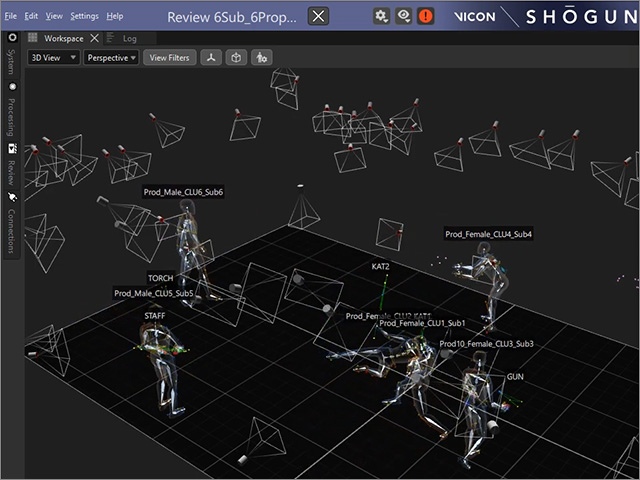
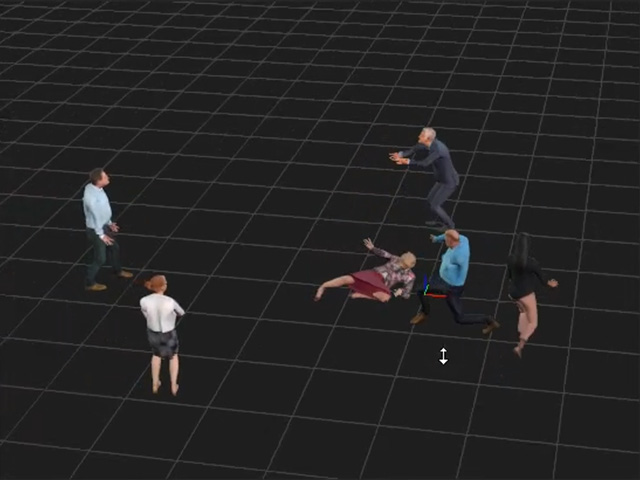
With multiple characters detected in the motion capturing software, you can mapping desired actors to the specific iClone character by means of Motion Live plugin.
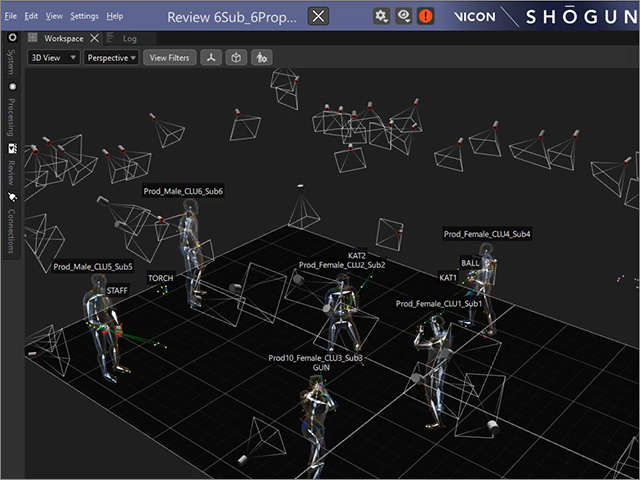
- Set up the body mocap devices and associated software. For this
demonstration we are using Vicon and Shogun Live.
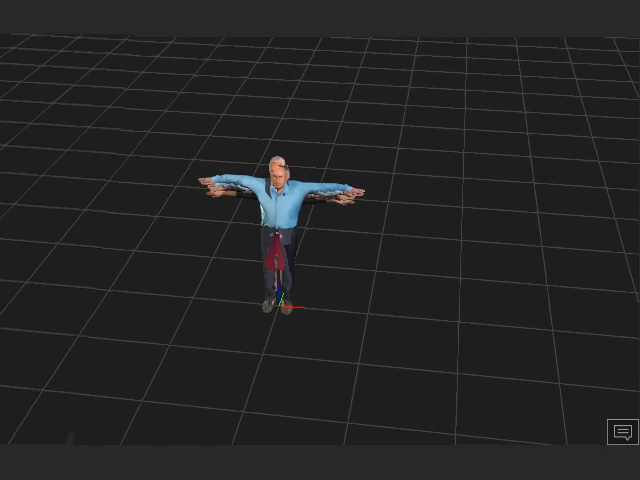
- Deploy some characters in iClone.
-
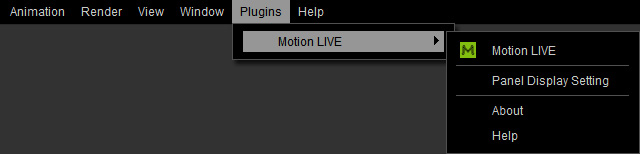
Launch Plugins > Motion LIVE > Motion LIVE.
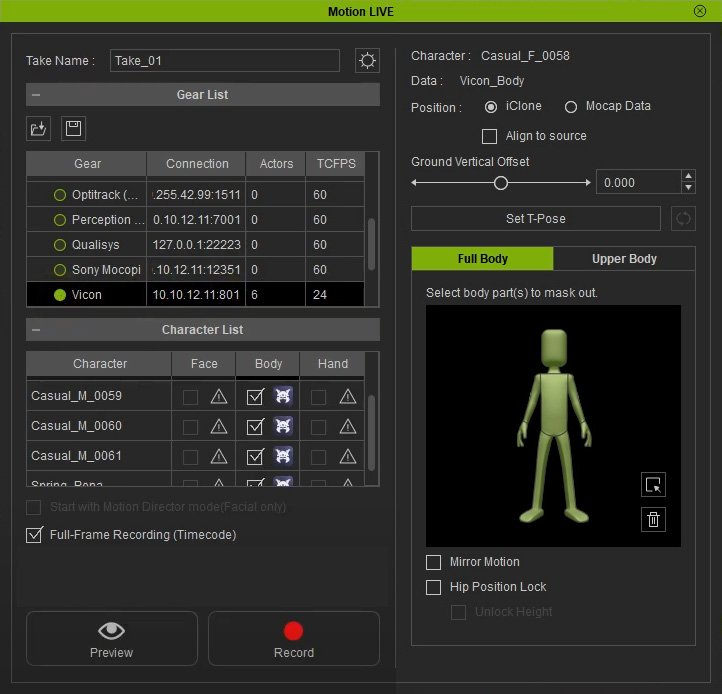
In the following Motion LIVE panel, choose the body
mocap device and click in the cell of the Body column
under Character List.
For basic settings, visit
Motion Live - Body Motions.
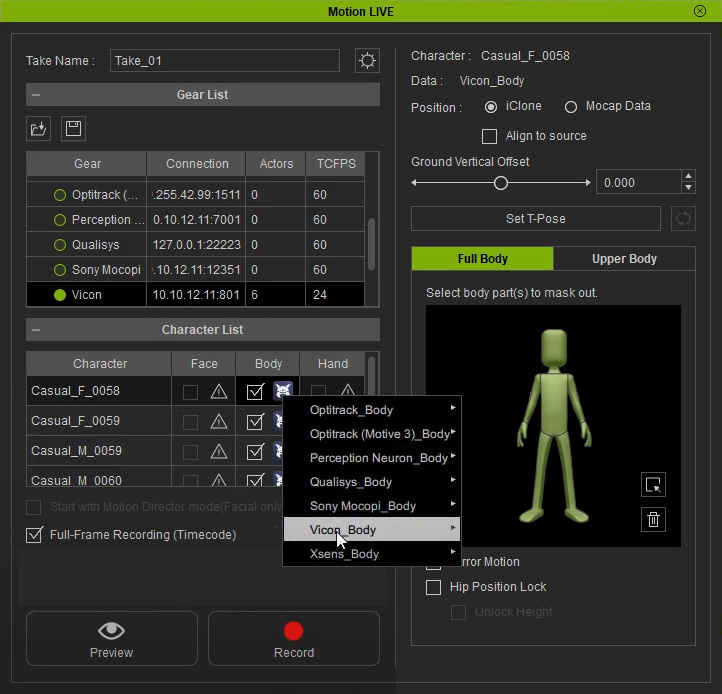
- Click on the device icon in the Body cell of a specific character to display the context menu. Focus on the device name in the menu.
- Choose the desired character in the mocap software from the sub-menu.
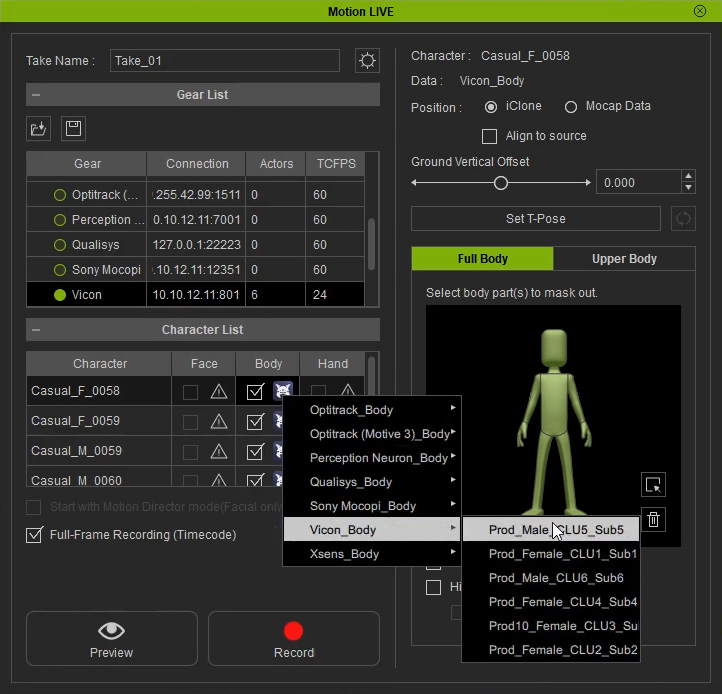
- The character is now driven by the designated mocap performer.
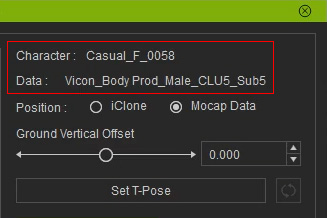
- Repeat the same steps for the other characters in the list to assign
the other actors.
-
Click the Preview
 button, and press the Space Bar to
preview the human motions on the virtual character.
button, and press the Space Bar to
preview the human motions on the virtual character.
-
Click the Record
 button and press the Space Bar to
start recording.
button and press the Space Bar to
start recording.