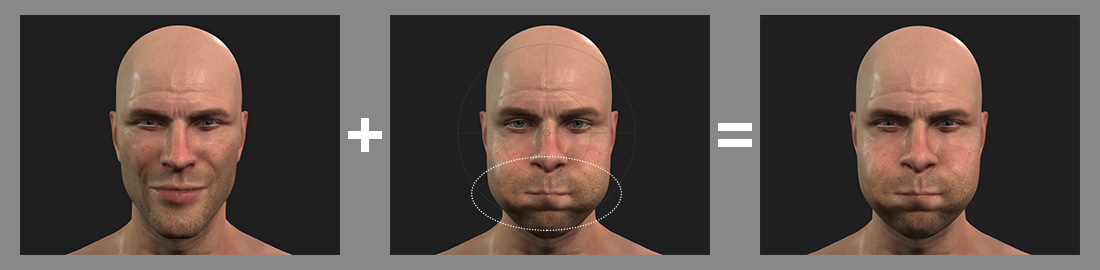
3 Modes for Multi-Layer Capturing (New for v1.1)
Three recording modes are available in the Motion LIVE
panel for producing facial expressions.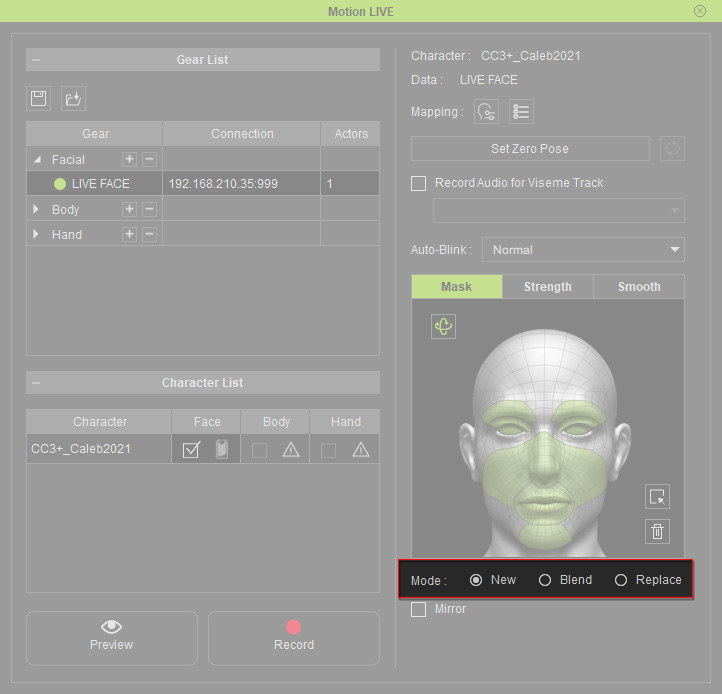
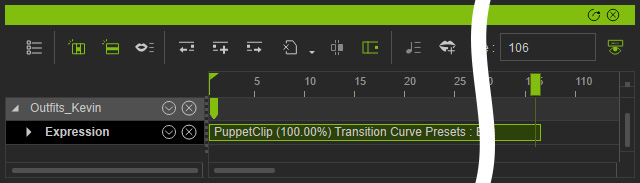
- New: Choose this radio button so that the original clip will be replaced by the newly captured facial expressions.
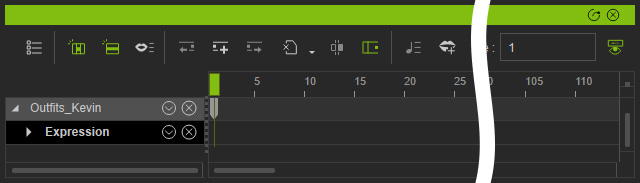
Before recording.
After recording.
- Blend: Choose this radio button so that the new motions of the selected features are blended into the existing clip after recording.
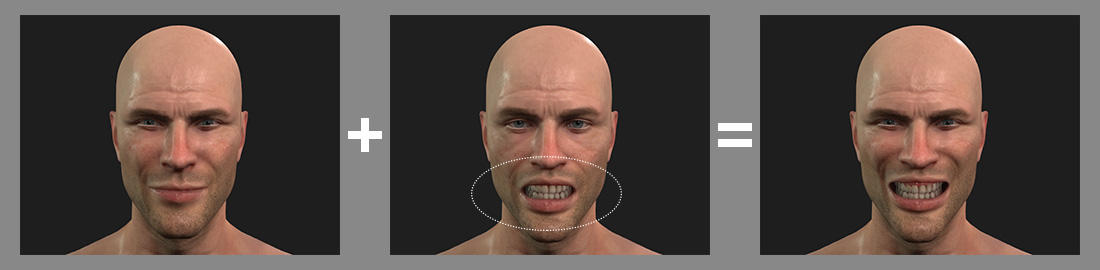
- Replace: Choose this radio button so that the new facial expressions of the selected features replace the facial expressions of the existing clip after capturing.
Replace the animation on existing clips or use it to remove certain facial feature animations.