Removing Facial Expressions (New for v1.1)
After you create facial expressions with the help of Motion Live Plug-in panels, you can remove the specific facial feature expressions, if the result is not ideal with the Mode applied.
- Produce a facial expression clip.
- Open the Motion LIVE plugin panel and click the Clear button on the bottom right corner of the dummy window to deselect all facial features.
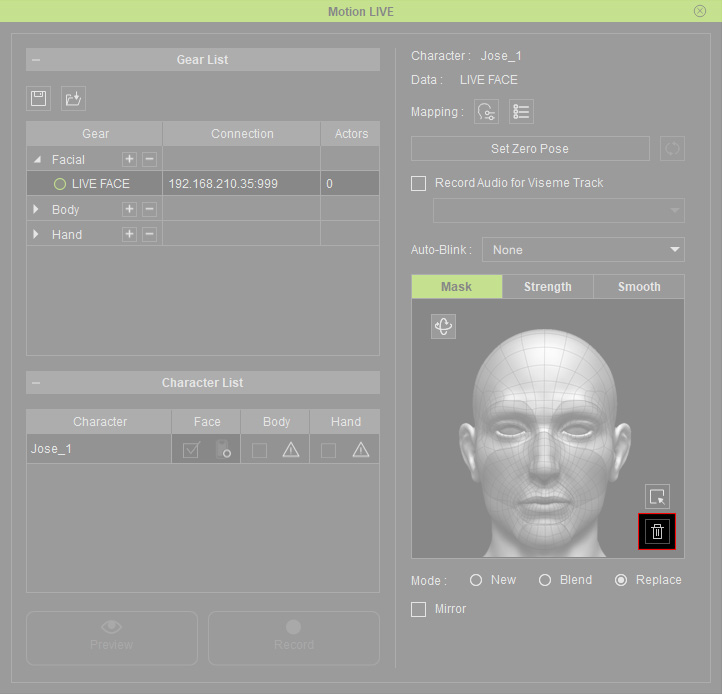
- Select the facial features from the dummy pane for clearing the expressions.
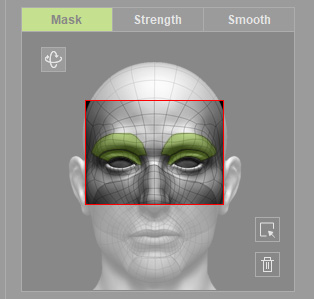
Notice that if you want to clear all facial expressions, then click the Select All button.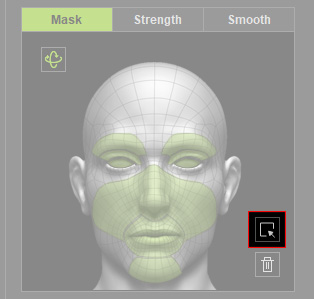
- Choose the Replace radio button.

- Press the Set Zero Pose button.
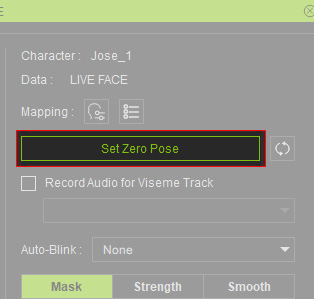
- DO NOT show your face on the software of the mo-cap device (in this case, LIVE FACE on iPhone). This step ensures the facial animation values to be complete zero.
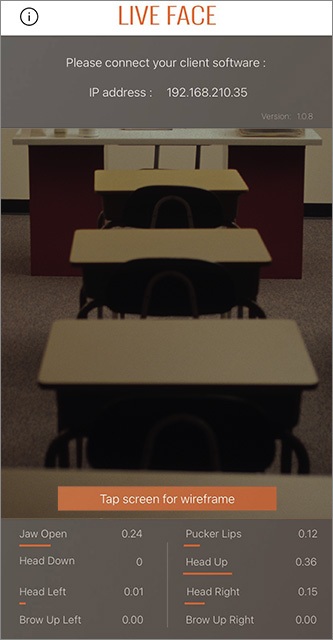
- Click the Record button and hit the space bar to start recording.
- Hit the Space Bar again to stop recording. The picked facial feature's original expressions is now replaced with initial status (no expression).
- The following video compares the facial expressions before and after the steps.
