Dynamically Adjusting Height
During the Preview or Recording process, you may occasionally find that the virtual floor in iClone does not seem to properly align to the horizon, which can cause the character to move as if its on slanted ground, float in the air, or sink into the ground.
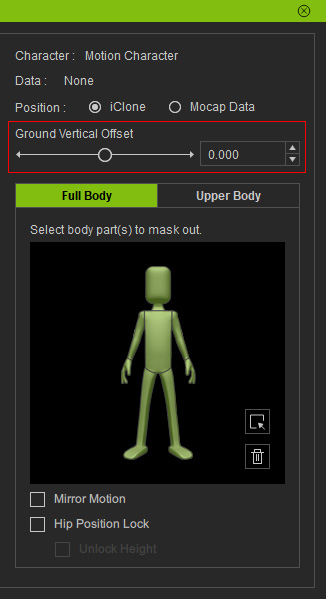
Use the Ground Vertical Offset feature provided in the Motion LIVE plug-in, and get someone to assist you in leveling the virtual floor direction.
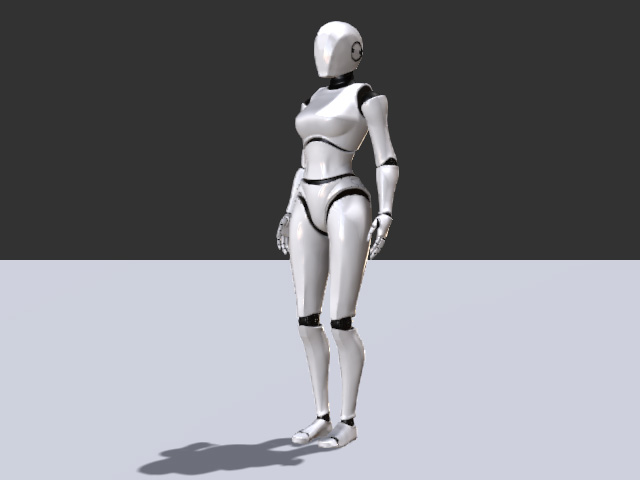
- Prepare a character in the 3D scene.
-
Follow the standard workflow to switch on the Preview mode.
-
Sometimes the character might occasionally float in the air.
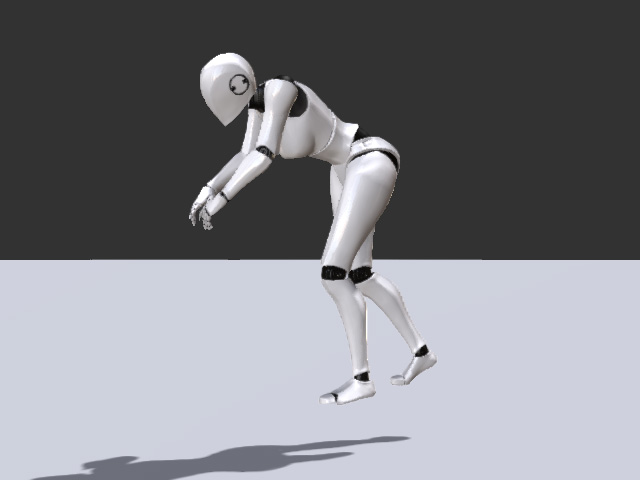
Or it might even sink into the ground.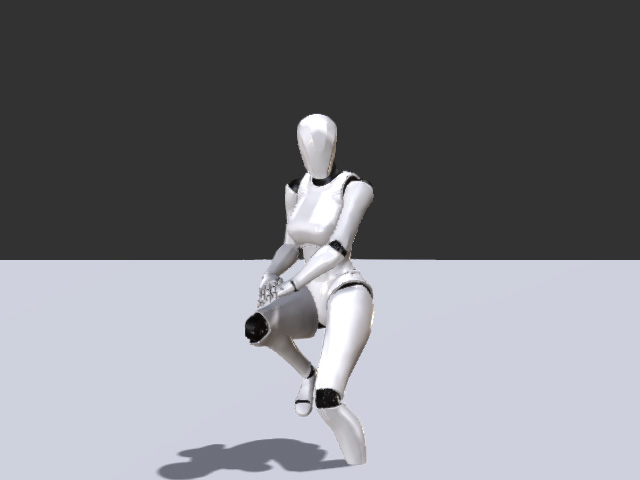
-
Switch the Motion LIVE plug-in to Body Mode.
-
Adjust the Ground Vertical Offset slider in order that the virtual floor align to the desired floor entity in your 3D scene.
-
Once you have obtained the ideal settings for your floor adjustment levels, then you may start to record your motions.

