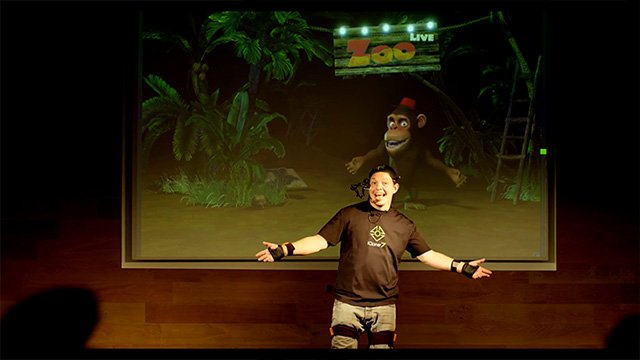
Mocap with Full Screen Mode
It's usually ideal to use Motion LIVE with Full Screen Mode for public performances and impersonations.
-
Create an iClone scene with one or several characters.
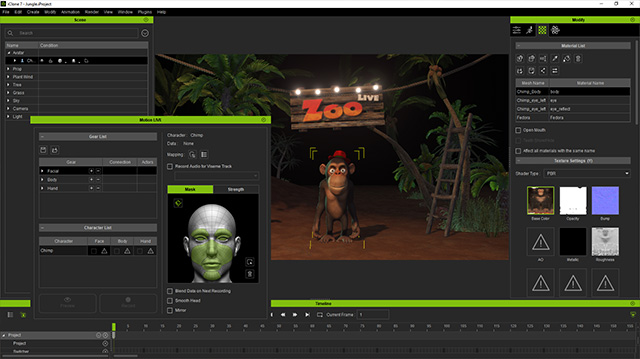
- Project iClone to the screen.
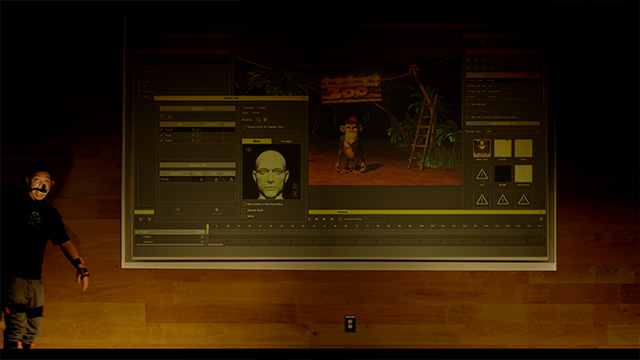
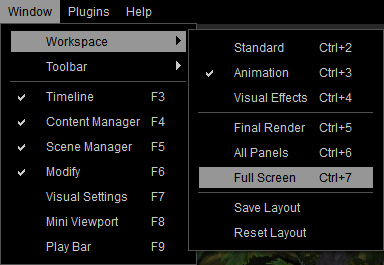
- In order to hide all the user interface so that audiences can
focus on the content in the viewport, go to Window >> Workspace >> Full Screen (shortcut key: Ctrl + 7)
- All user interfaces will be hidden except the Main Menu bar and Motion LIVE plugin.
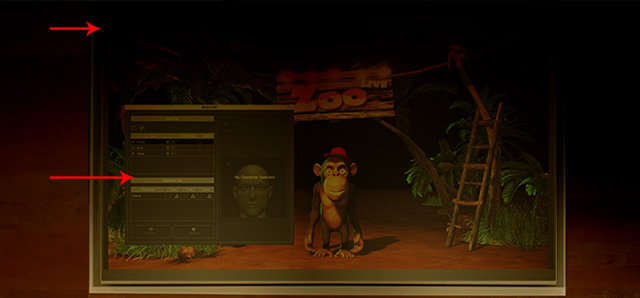
- Select the character and make sure the connection between the mocap gears and the character is successful.
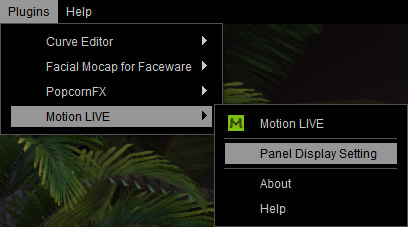
- Go to Plugins >> Motion LIVE >> Panel Display Setting.
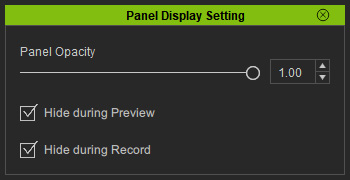
- You can then determine how the panels are displayed (in this case, they are all activated).
- Press Ctrl + F11 to hide the Main Menu bar. Now only the Motion LIVE plugin panel can be seen on the screen.
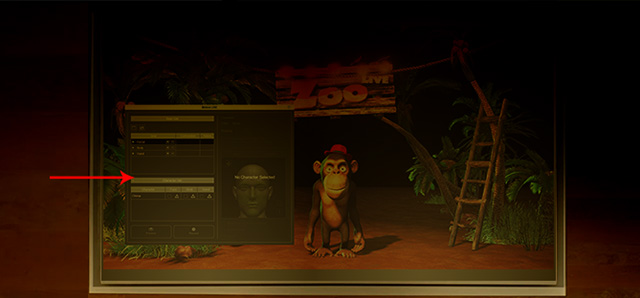
- Enter the Preview or Record mode, as you can see the panel is now hidden.