Choosing RTX Real-Time or RTX Path Traced Rendering Modes
(New for iC v.7.93, CC v.3.44)
When you export iClone or Character Creator projects to Omniverse applications, you are asked to choose the Render Mode.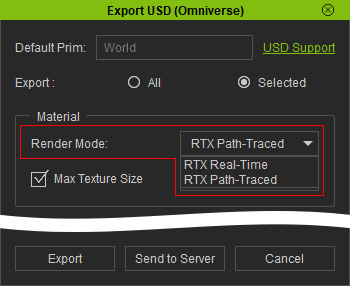
These two settings are mapped to the viewport rendering modes in Omniverse applications: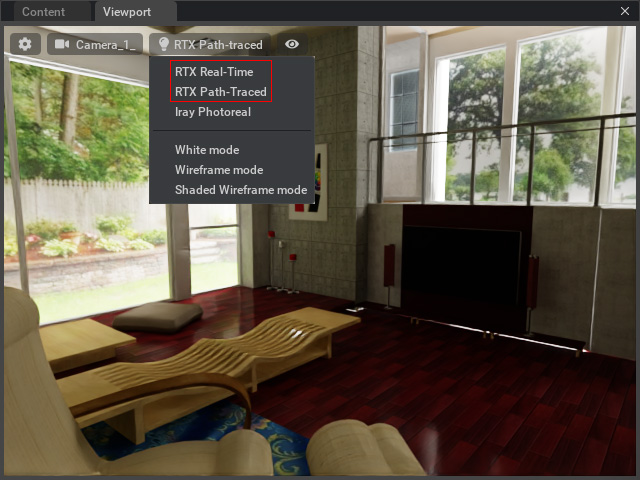
The objects' shaders in iClone can be custom and different, which causes different rendering results in different Omniverse render modes. Please refer the following sections to view the differences and choose the render modes according to your requests.
Characters
- Character of PBR shader:
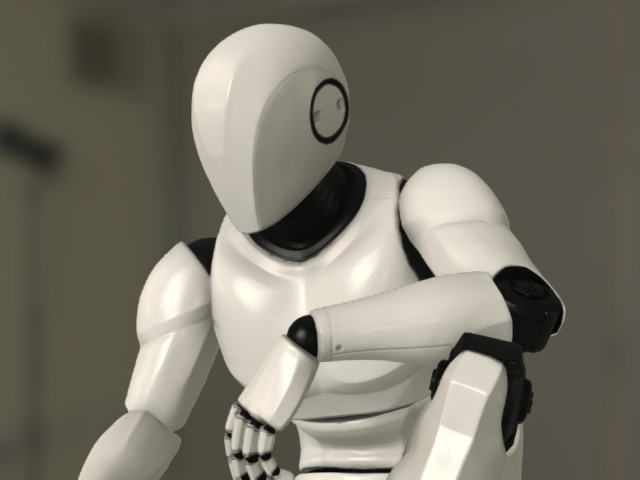
iClone Character with PBR shader, GI = OFF
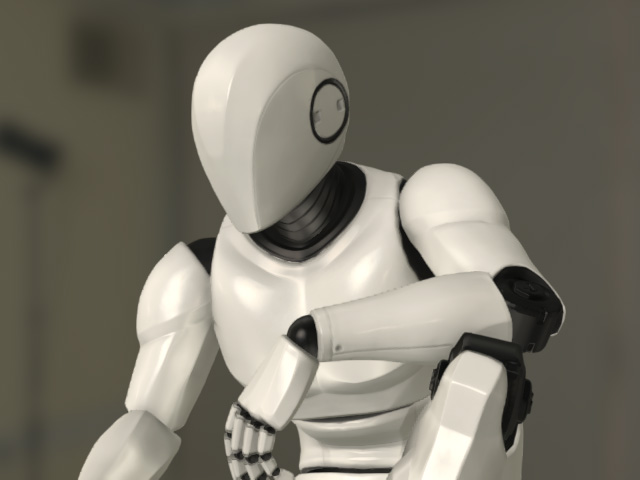
iClone Character with PBR shader, GI = ON
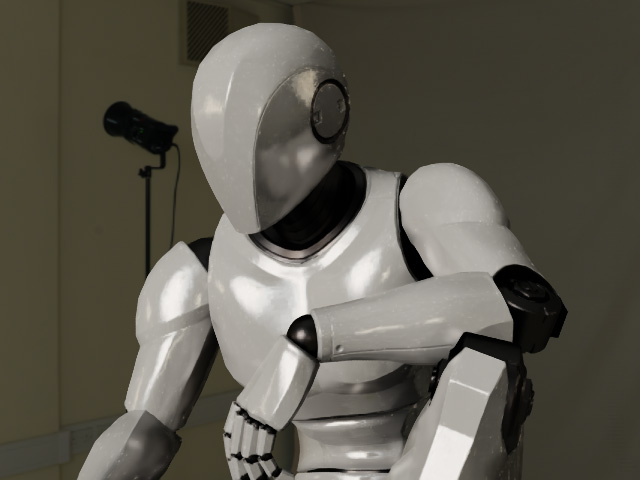
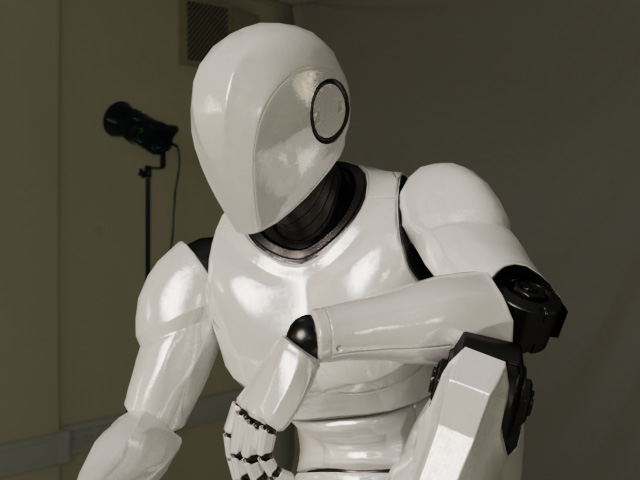
RTX Real-time Render Mode:
Character is rendered with PBR shader.RTX Path-Traced Render Mode:
Character is rendered with PBR shader. Higher quality of light bounce and surface reflectivity. - Character of Digital Human shader:
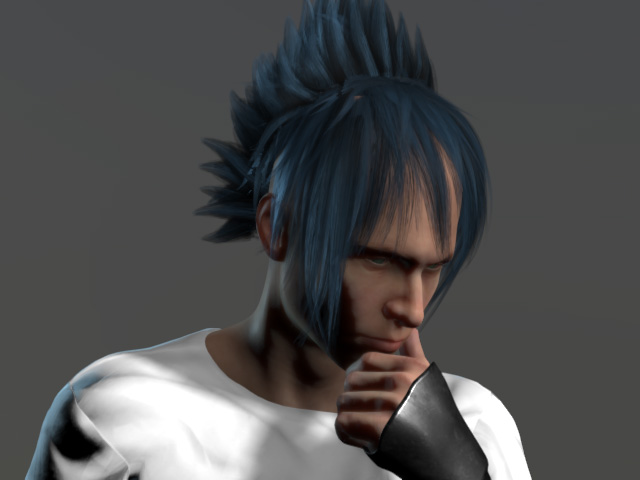
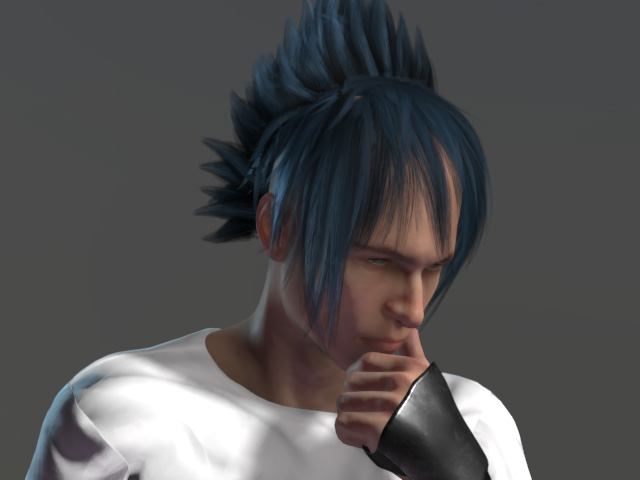
iClone Character with Digital Human shader, GI = OFF
iClone Character with Digital Human shader, GI = ON
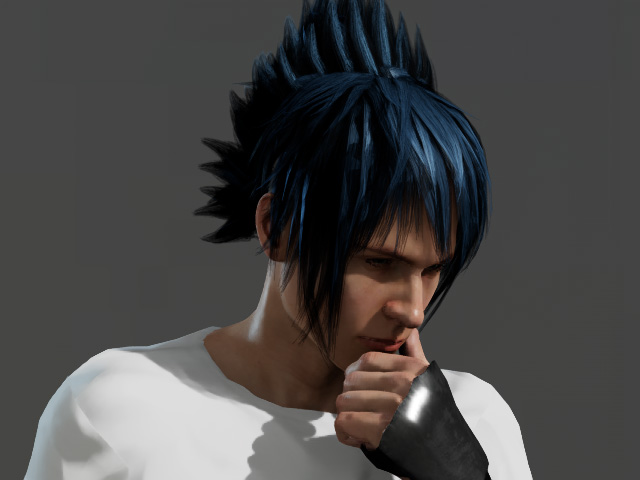
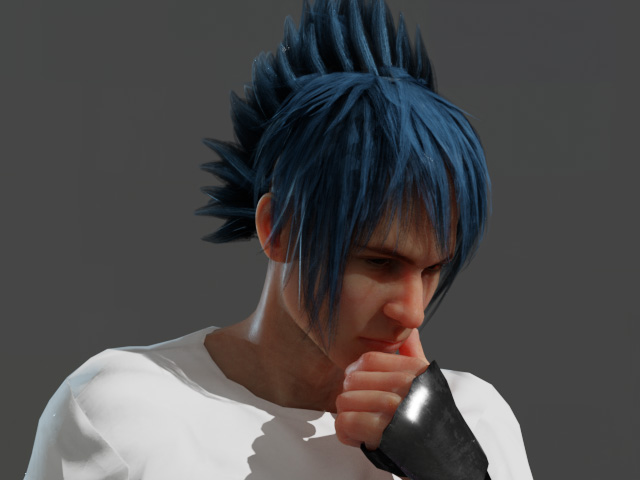
RTX Real-time Render Mode:
Character is rendered with PBR shader. No SSS effect.RTX Path-Traced Render Mode:
Character is rendered with PBR shader plus the SSS effect.
Props
- Props of PBR shader:
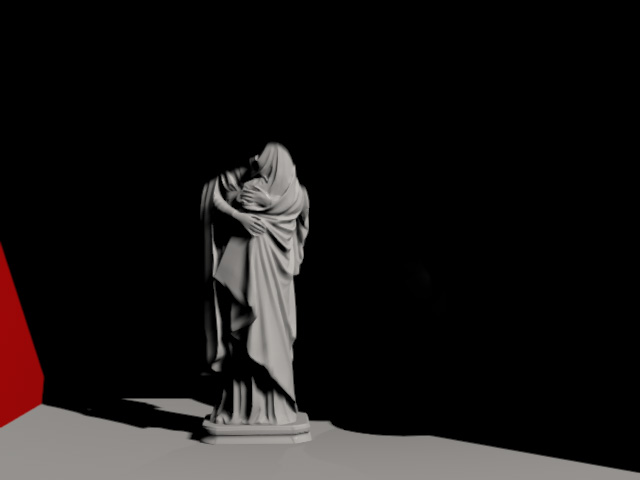
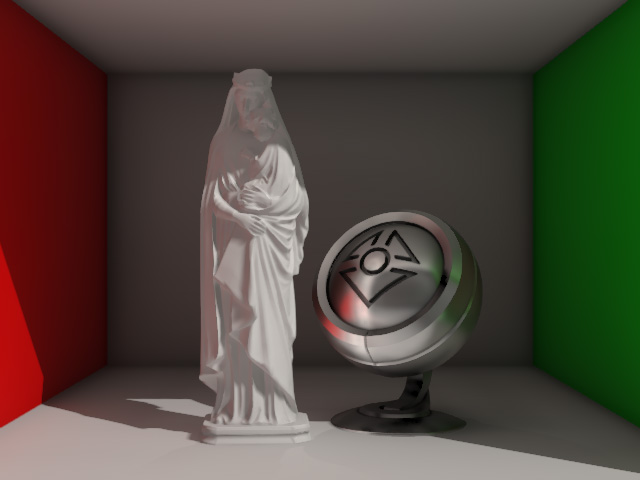
iClone Props with PBR shader, GI = OFF
iClone Props with PBR shader, GI = ON
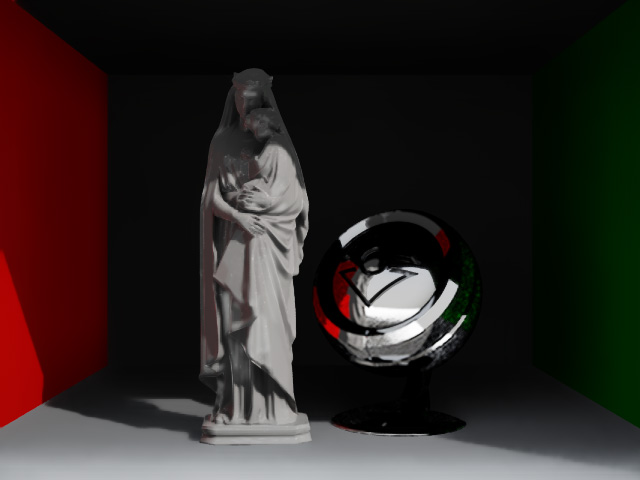
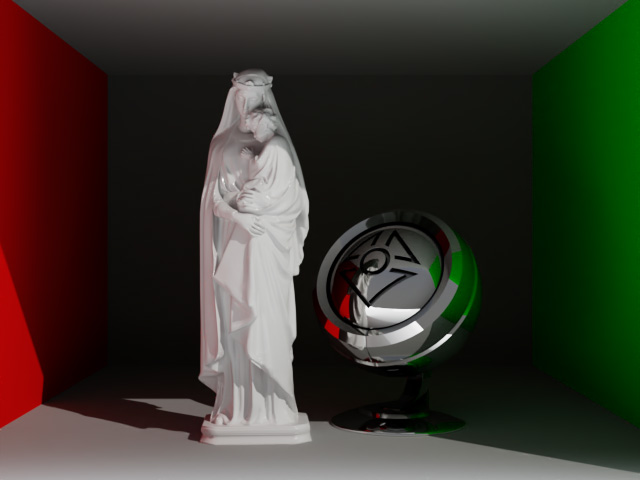
RTX Real-time Render Mode:
Props are rendered with PBR shader.RTX Path-Traced Render Mode:
Props are rendered with PBR shader. Higher quality of light bounce and surface reflectivity. - Translucent props with SSS shader:
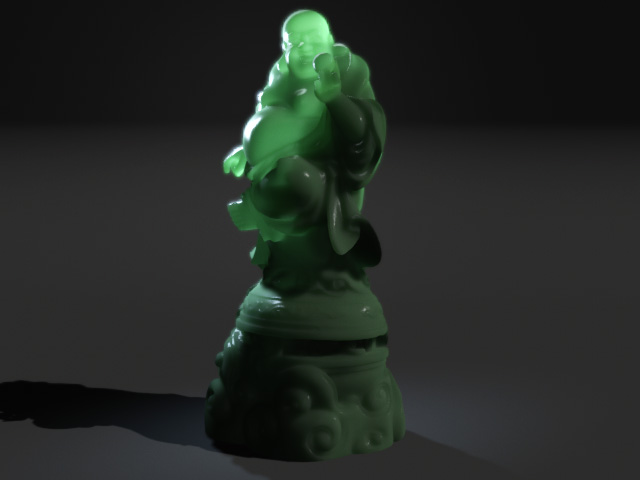
iClone Props with SSS shader, GI = OFF
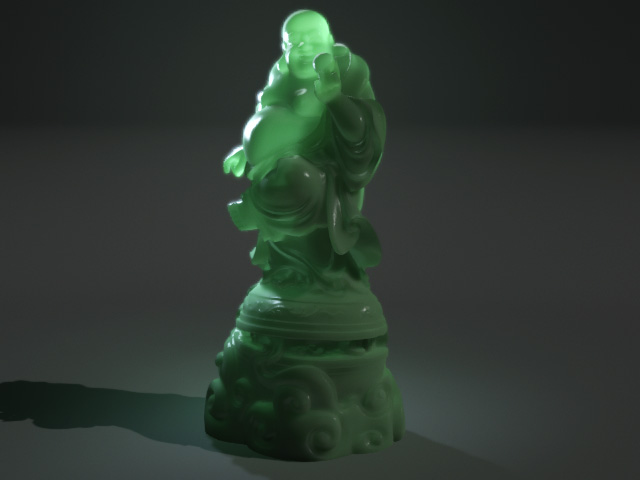
iClone Props with SSS shader, GI = ON
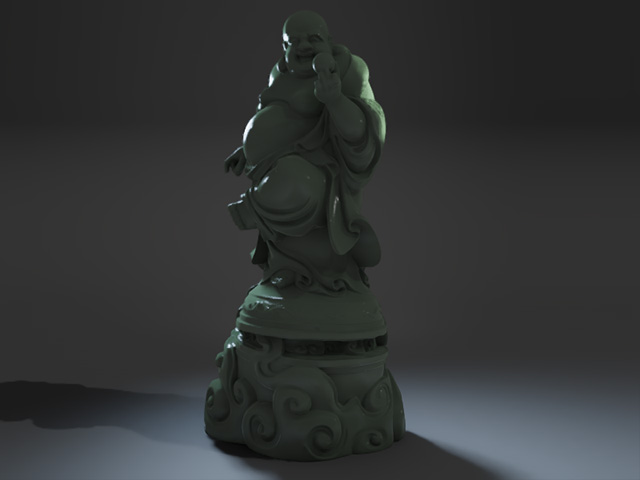
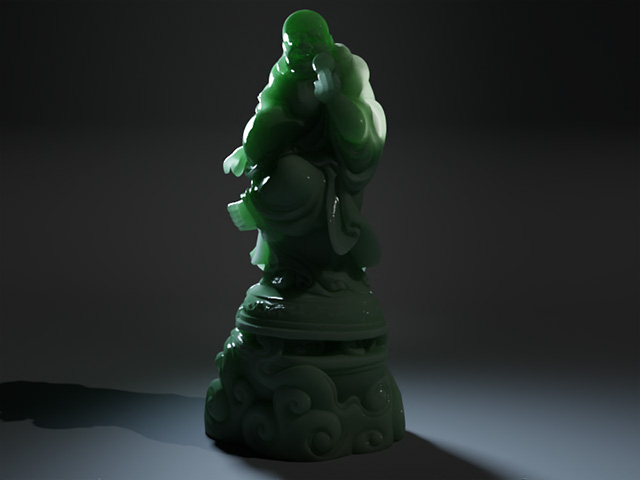
RTX Real-time Render Mode:
Props are rendered with PBR shader. No SSS effect.RTX Path-Traced Render Mode:
Props are rendered with PBR shader plus the SSS effect. - Transparent Props:
In iClone or Character Creator, props can be translucent but can not be transparent. Therefore, in order to create transparent props in Omniverse application, you have to first transfer the props of SSS shader from iClone or Character Creator into USD files and then manually set the transmission parameters in Omniverse application to produce the transparent effect.
