Applicable Templates in Omniverse
(New for iC v.7.93, CC v.3.44)
The applicable templates in Omniverse can be found in the Local Host or intranet Server to have fully accessibility to these contents.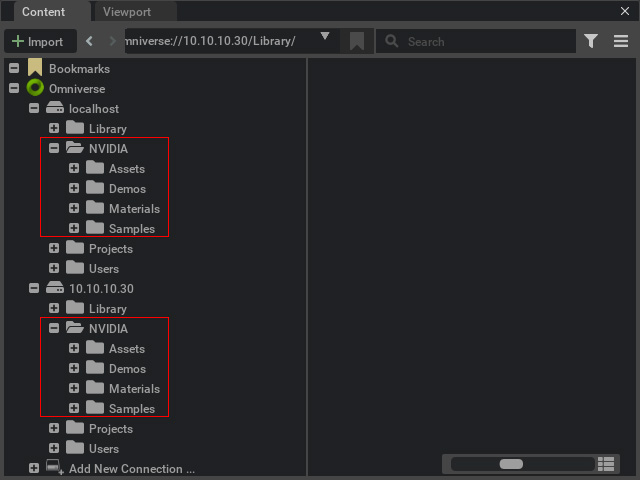
However, in certain Omniverse applications, these templates are separately distributed into different libraries. Take Omniverse Create for example, the some (but not all) of these contents are categorized into four libraries, Materials, Skies, Assets, and Samples.
-
Materials
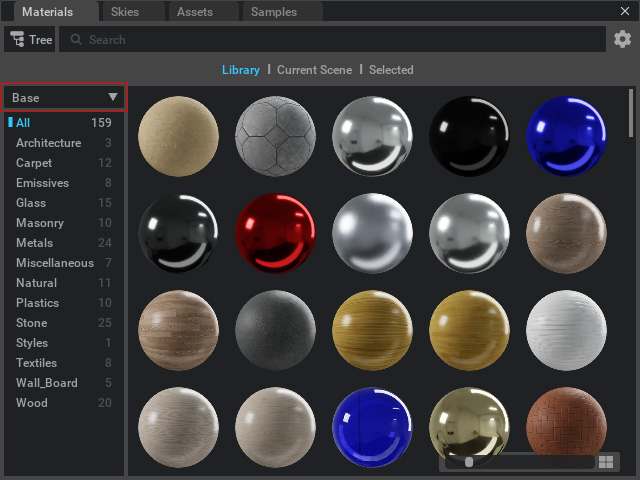
In the Materials library, there are two sub-categories, Base and vMaterials
- Base:
- vMaterials:
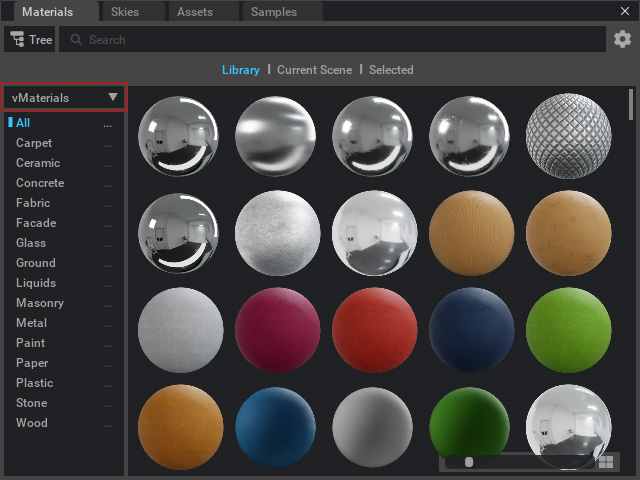
Simply drag and drop the material onto any mesh surface to replace the original material.
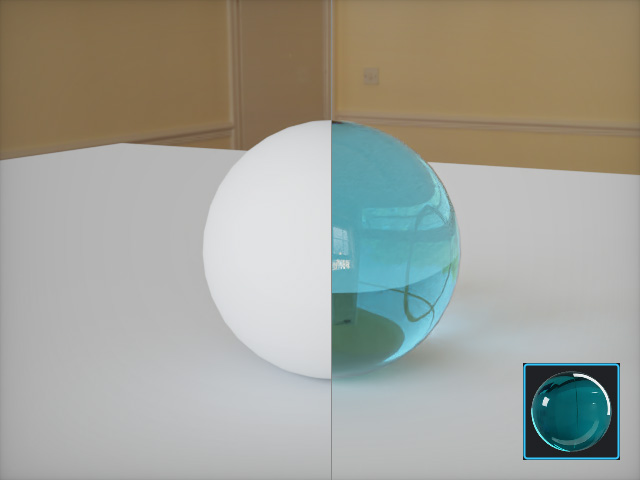
- Base:
-
Skies
The skies in Omniverse emits even and photorealistic lights to the entire environments.
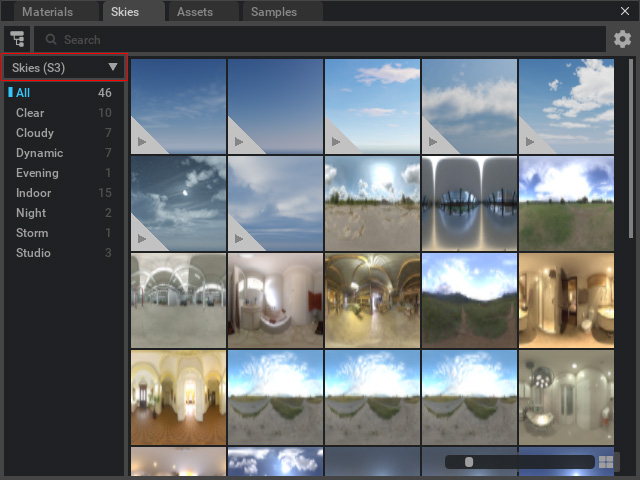
Double-click on the desired sky template to apply it to the stage.
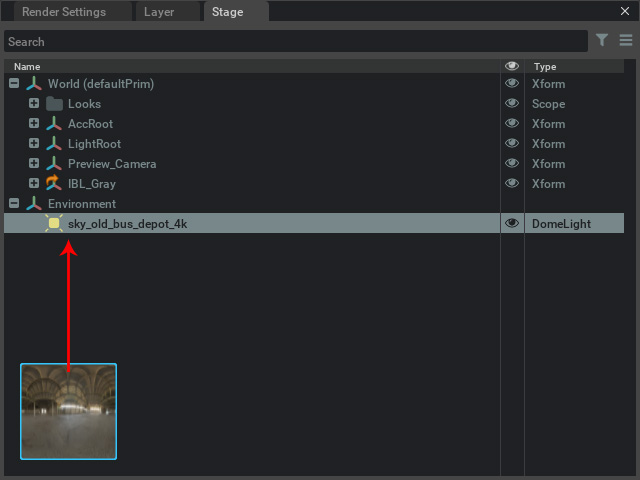
The environment is lighten up by the sky dome (DomeLight). You need to manually turn on the sky to make it visible.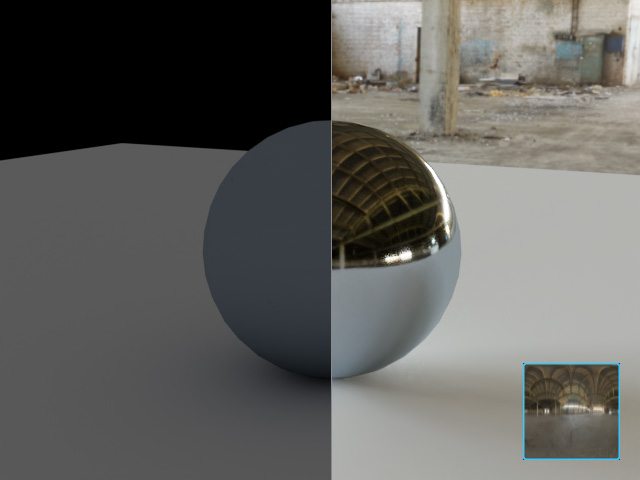
-
Assets
The Assets library contains three sub-categories, Vegetation, Residential and Marbles.
- Vegetation: You can apply different plants from this sub-category.
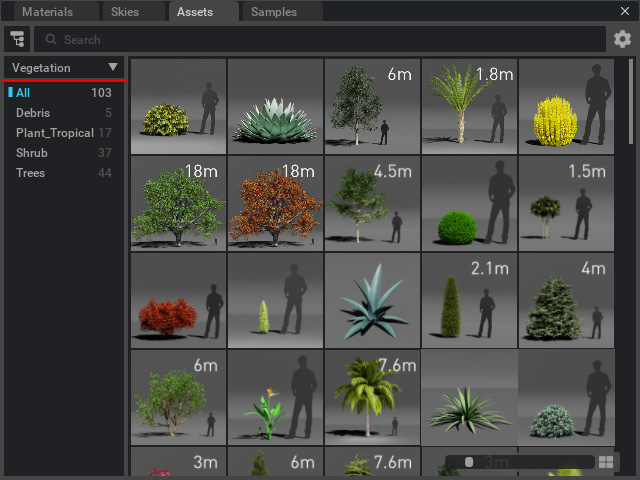
Drag and drop the templates elsewhere to plant them in the scene.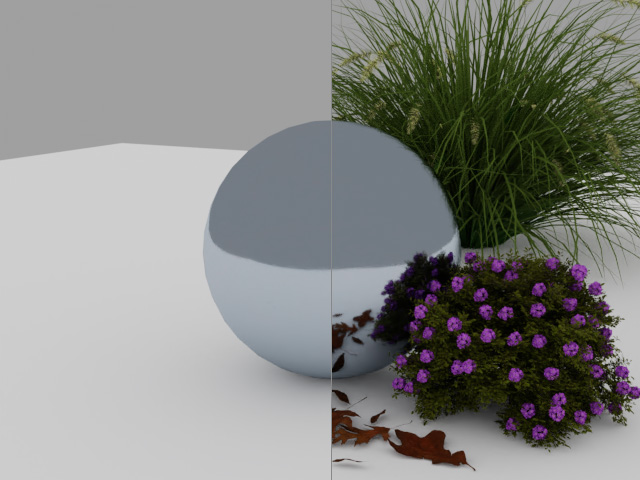
- Residential: Basically, the residential sub-category contains kinds of props.
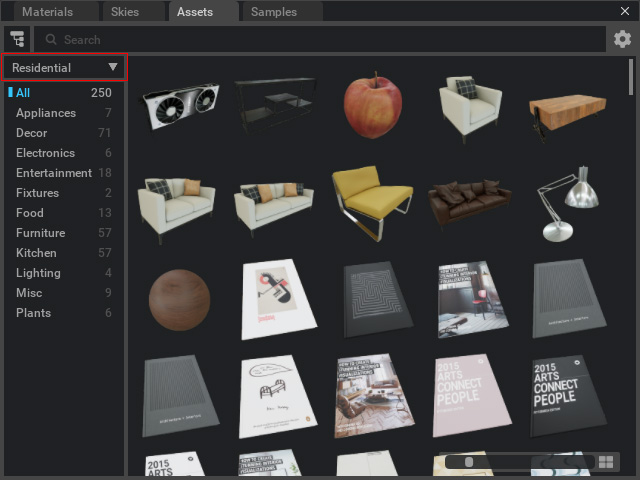
Drag and drop the templates elsewhere to sit them in the scene.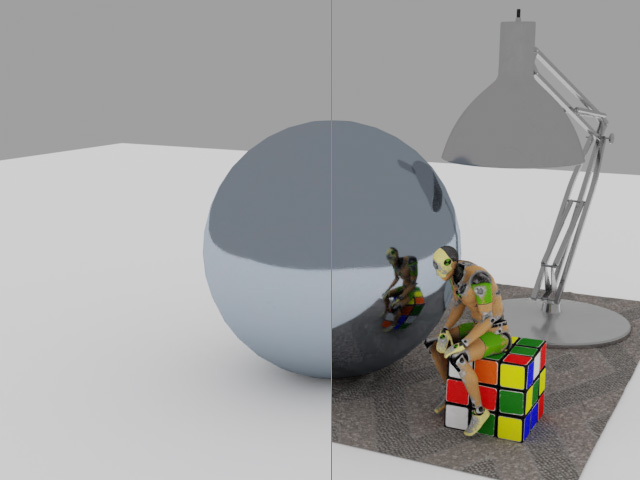
- Marbles:
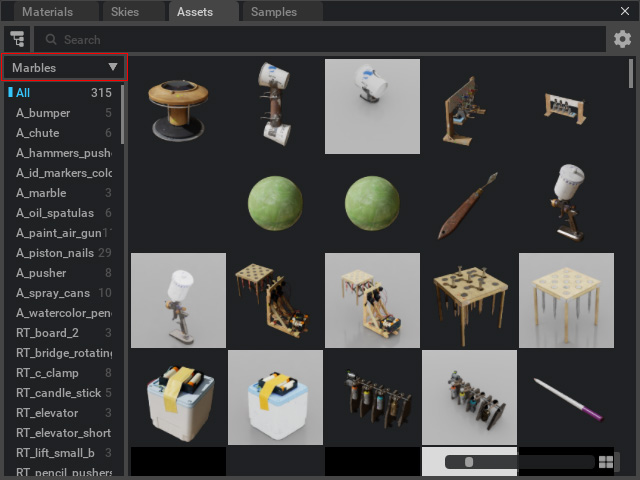
Drag and drop the templates elsewhere to sit them in the scene.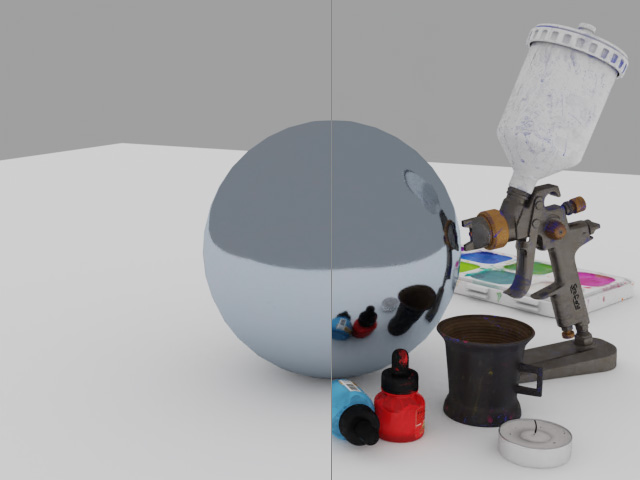
- Vegetation: You can apply different plants from this sub-category.
-
Samples
The Samples library in Omniverse contains pre-made projects.
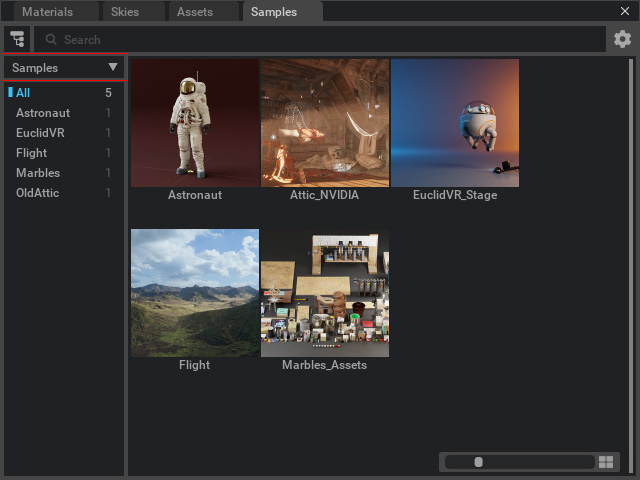
Double-click on the desired sky template to open the project. These files may contains animations.