Using Scar Tool
After you apply the Scar tool, the scars composed of different layers cover on the skin materials.
|
Material |
Before |
After |
|
Head |
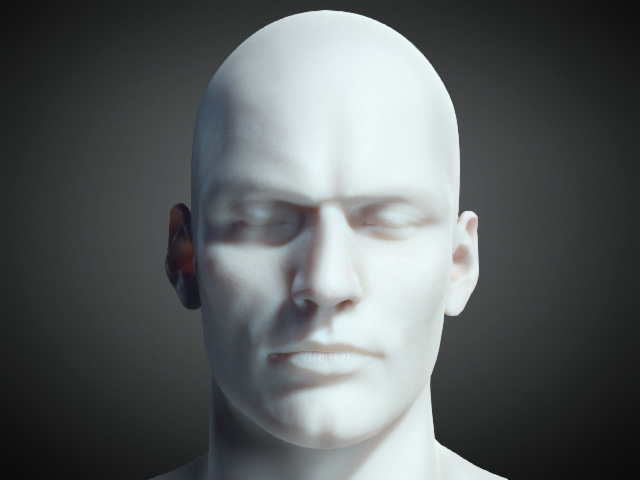
|
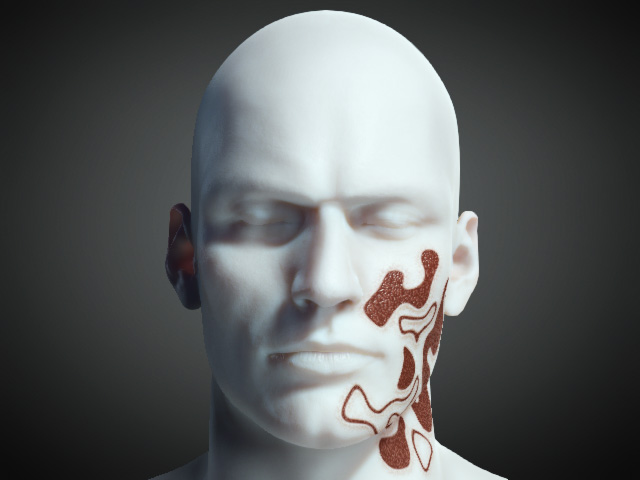
|
|
Arm |
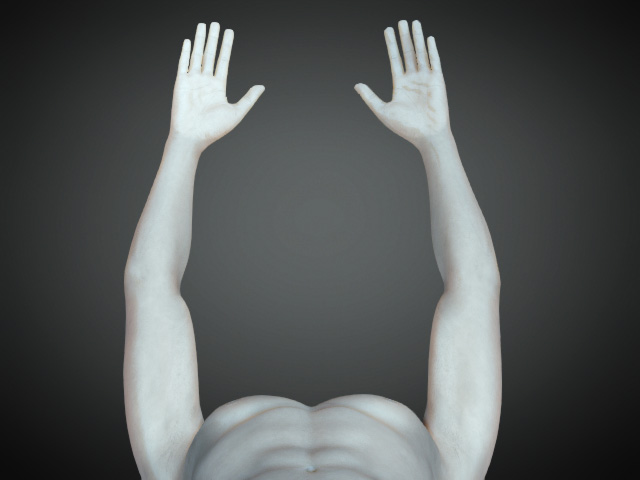
|
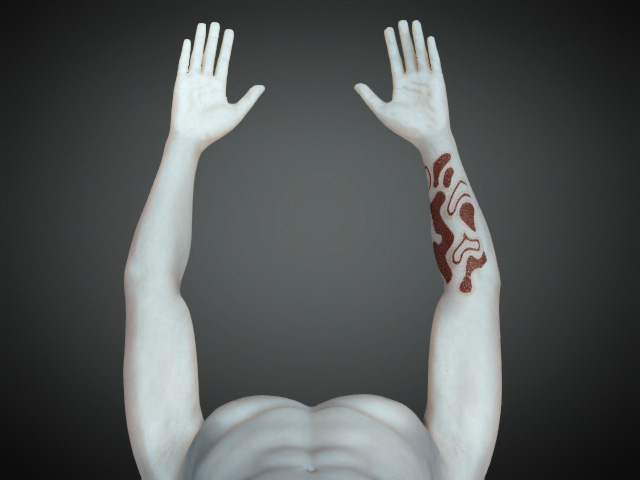
|
|
Body |
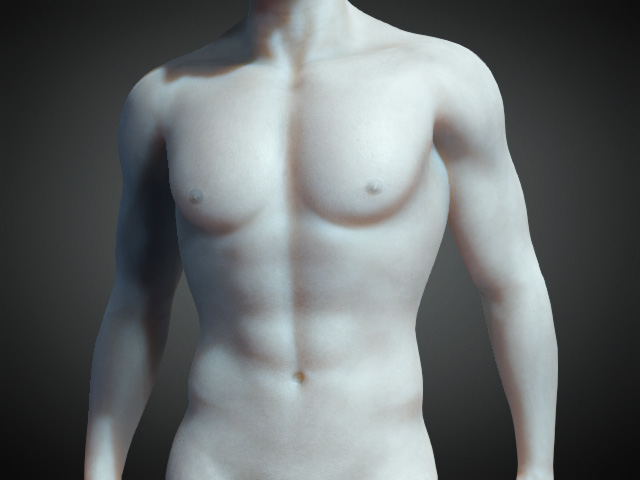
|
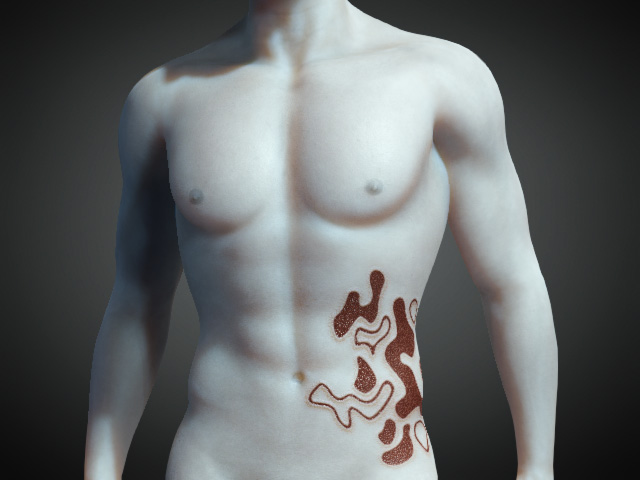
|
|
Leg |
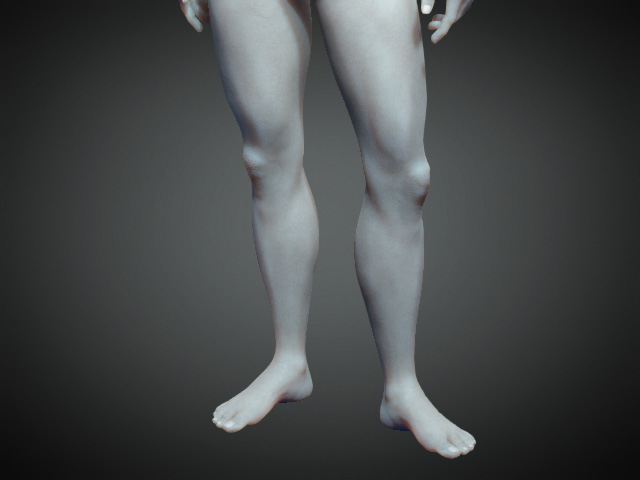
|
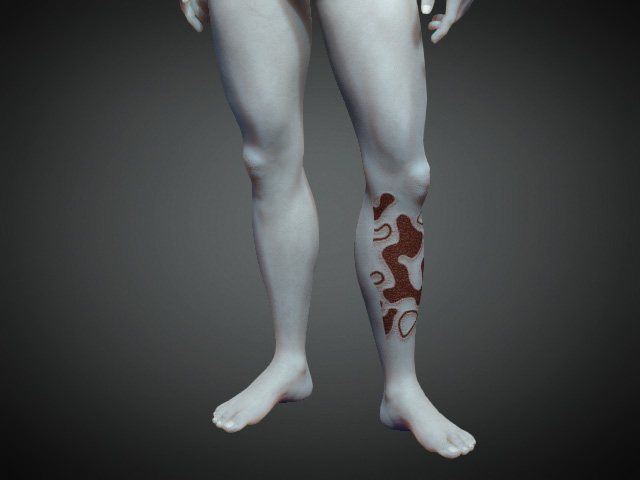
|
Theory of Scar
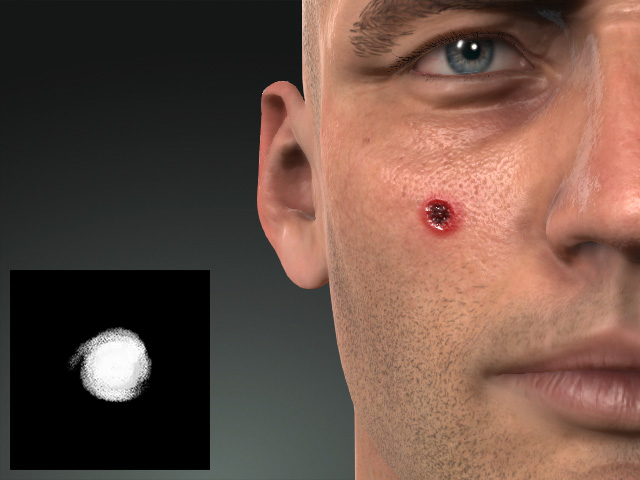
- The scar effect is actually a square patch on the skin with a mask texture to cutoff all the unnecessary regions
in order to form the shape of the scar.
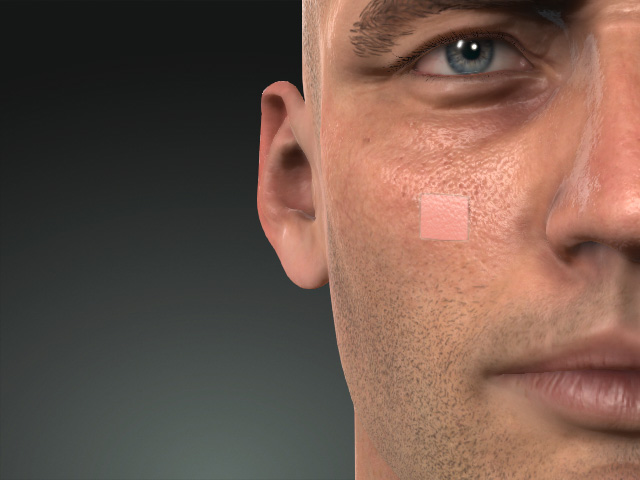
Scar patch without mask.
Patch get masked out.
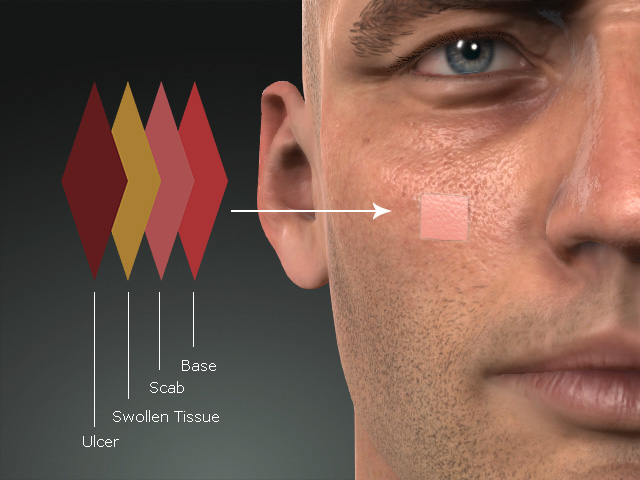
- Each patch is composed of layers, the Base, Scab, Swollen Tissue and Ulcer. You can individually adjust them in the corresponding sub-sections.
The user interface for the Appearance Editor resembles the following illustration: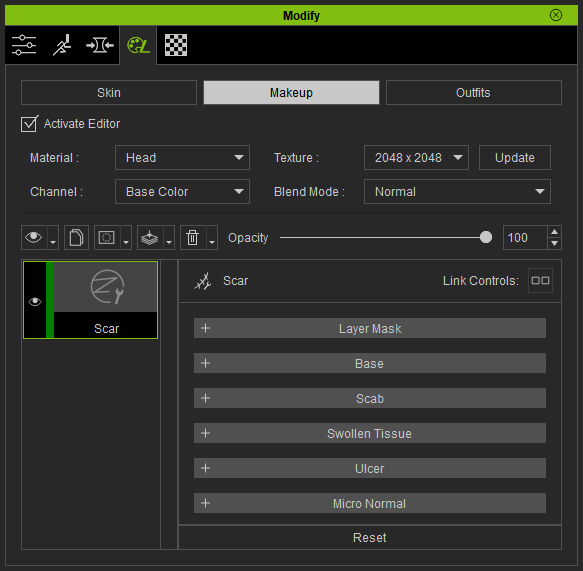
 Layer Mask
It contains the mask for the entire layer effect. The textures in this section can be edited if you have purchased and installed
the SkinGen Plugin.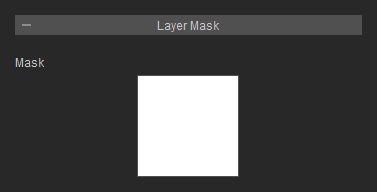
Refer to the Layer Mask section for more information.
Base
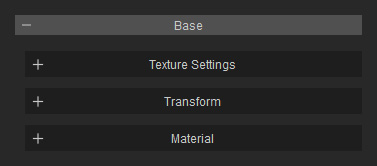
Texture Settings
This subsection contains two channels for cutting out the shape of the scar and the inflamed area spreading from the scar. The textures in this section can be edited if you have purchased and installed
the SkinGen Plugin.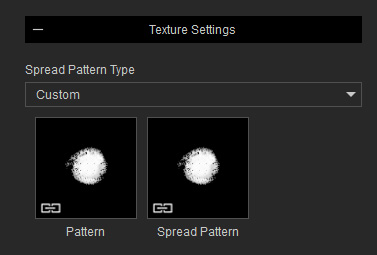
Transform
The Transform subsection contains settings for transforming the entire scar patch.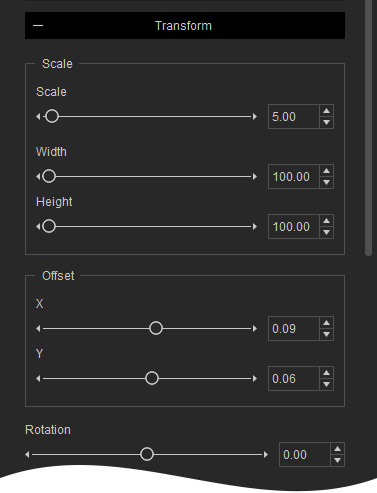
- Scale:
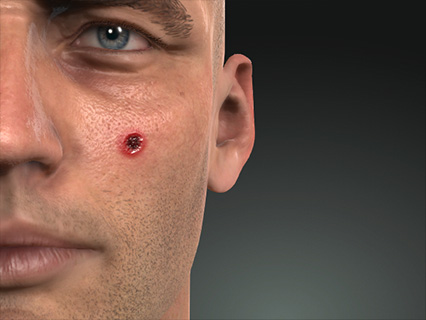
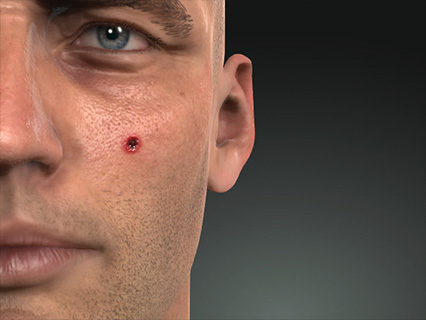
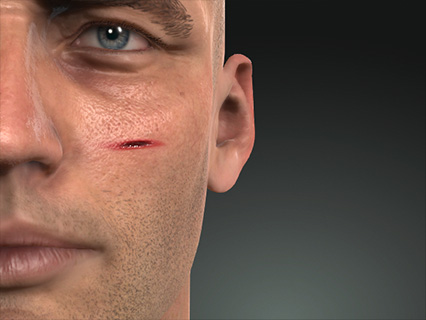
Scale = 4.00
Width, Height = 100.00, 100.00
Scale = 3.50
Width, Height = 300.00, 50.00
- Offset:
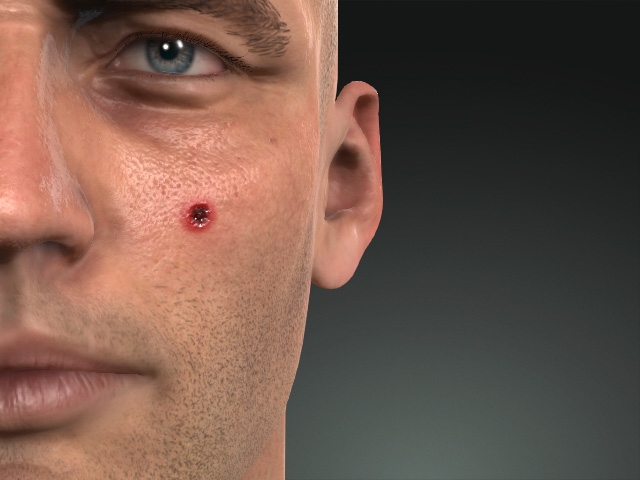
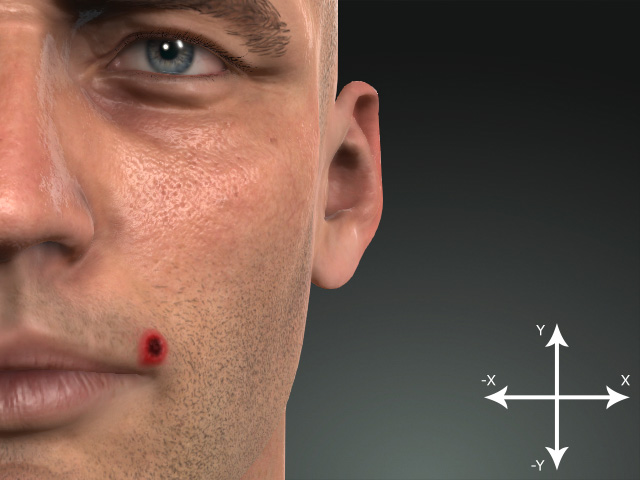
X, Y = 0.09, 0.06
X, Y = 0.06, 0.00
- Rotation:
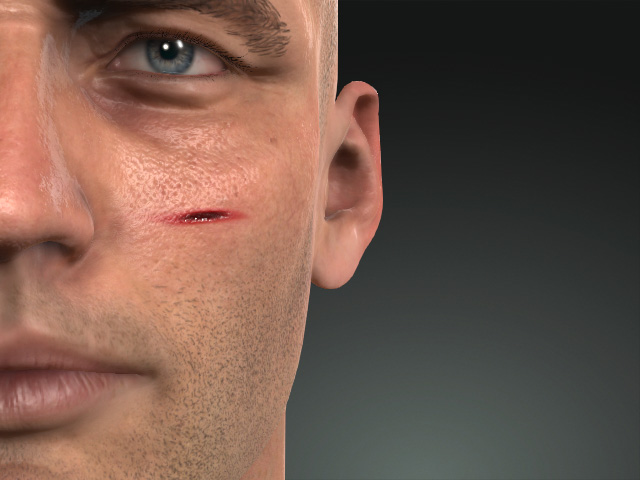
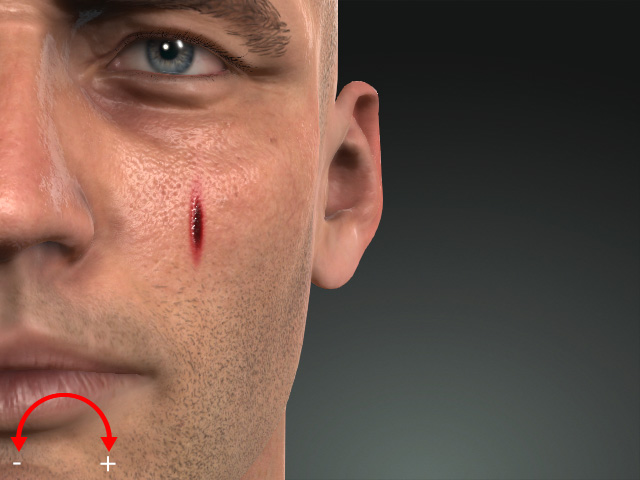
Rotation = 0.00
Rotation = 4.00
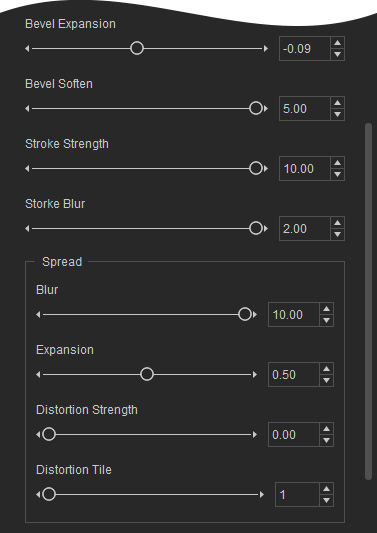
- Bevel
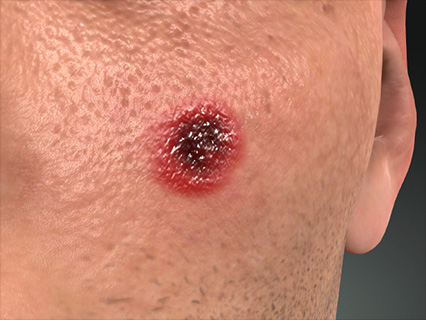
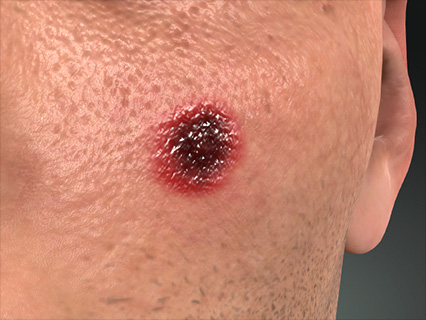
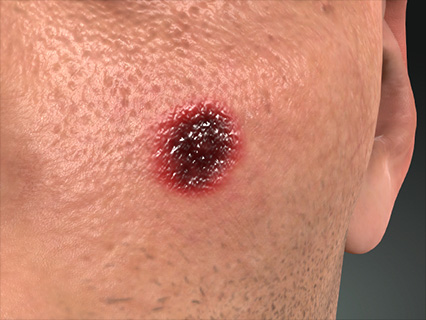
Bevel Expansion = 0.00
Bevel Soften = 1.00
Bevel Expansion = 0.05
Bevel Soften = 5.00
- Stroke
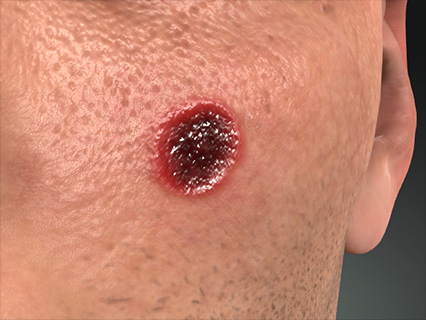
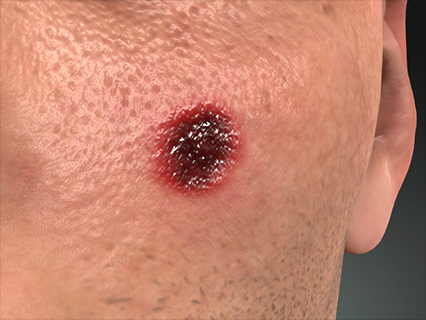
Stroke Strength = 0.00
Stroke Blur = 0.00
Stroke Strength = 50.00
Stroke Blur = 5.00
- Spread
Blur and Expansion
- Expansion
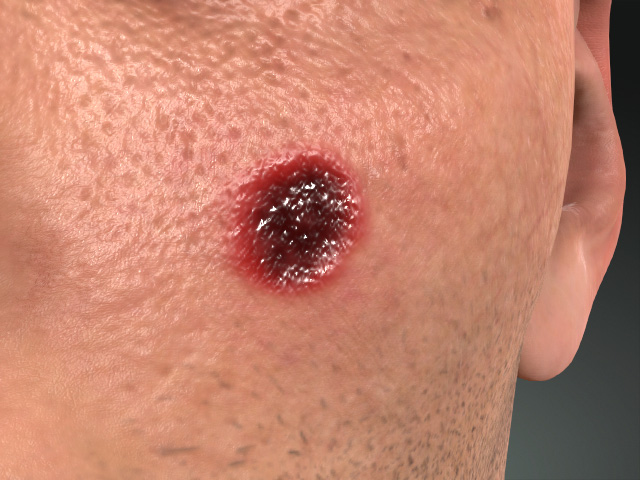
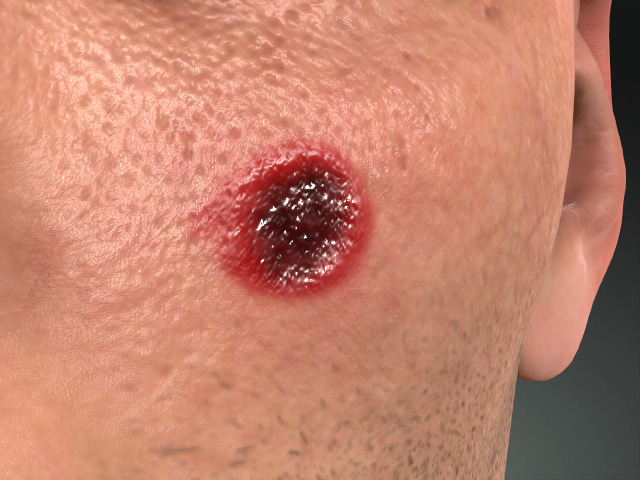
Expansion = 0.00
Expansion = 1.00
- Blur
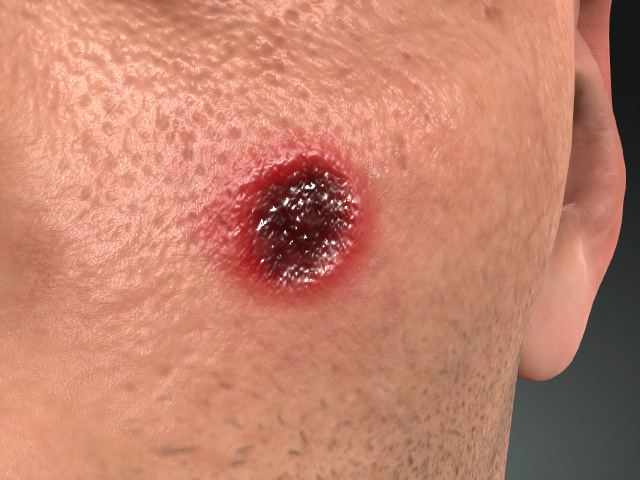
Blur = 0.00
Blur = 10.00
Distortion
- Distortion Strength
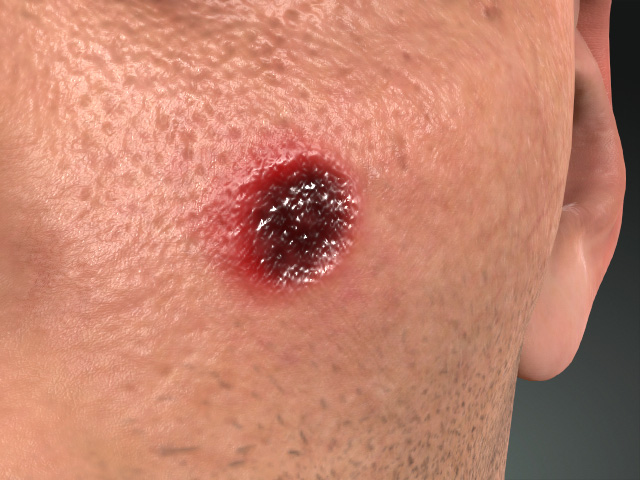
Strength = 0.00
Strength = 20.00
- Distortion Tile
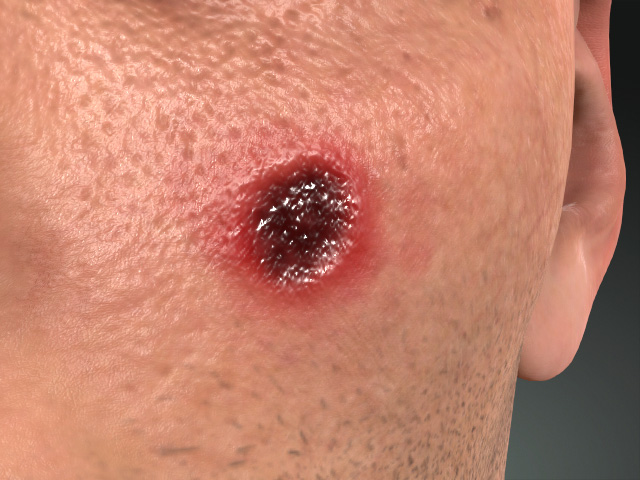
Tile = 1.00
Tile = 2.00
- Expansion
Material
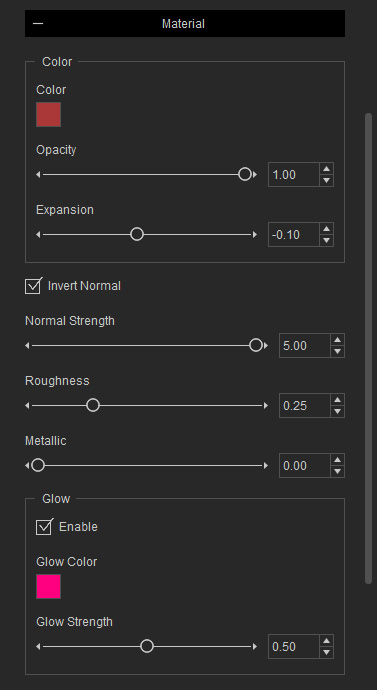
- Color
- Color
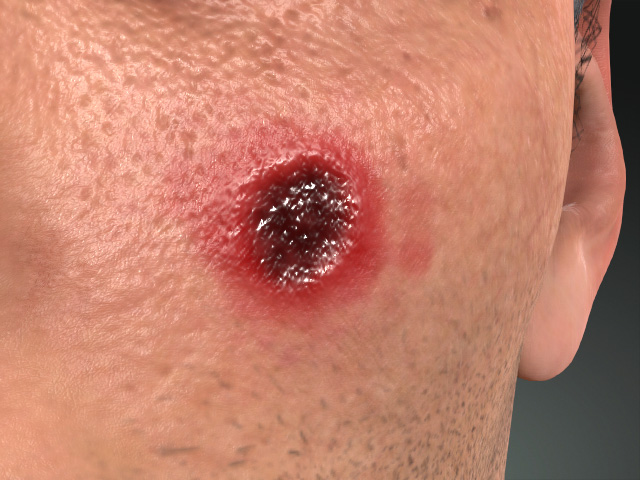
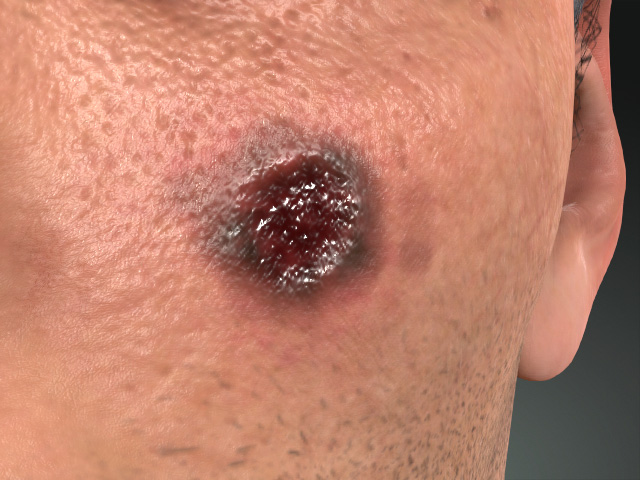
Color = #9D1414
Color = #263223
- Opacity and Expansion
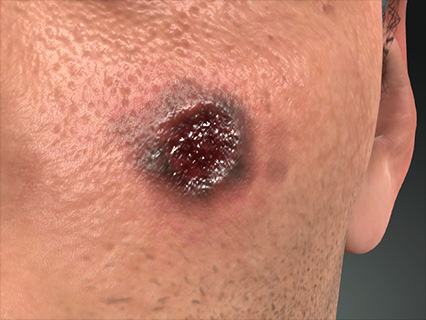
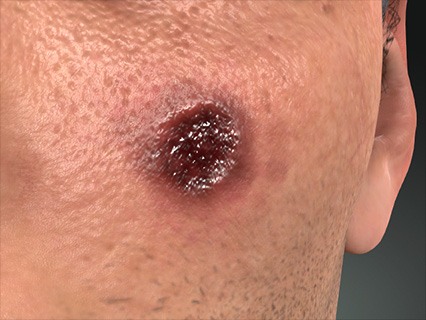
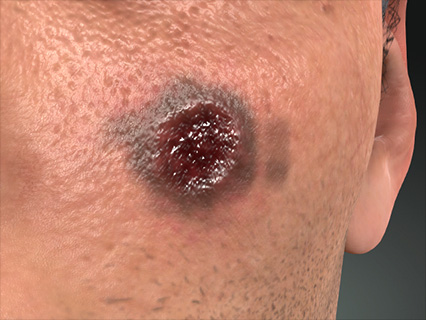
Opacity = 1.00
Expansion = -0.10
Opacity = 0.60
Expansion = 0.75
- Color
- Normal: These settings determine the bumpiness of
the scabbed part of the scar.
- Invert Normal
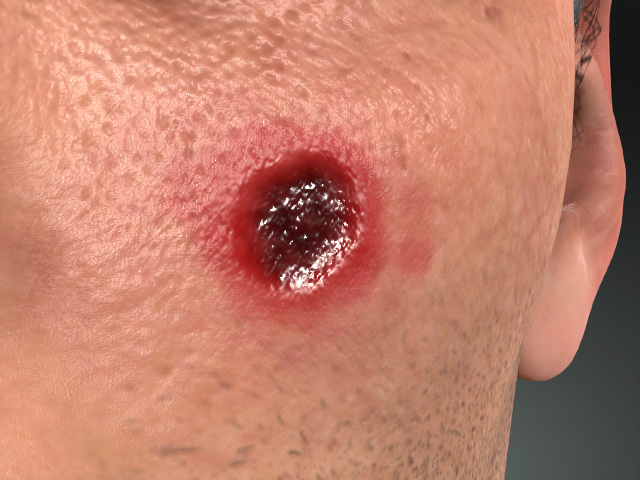
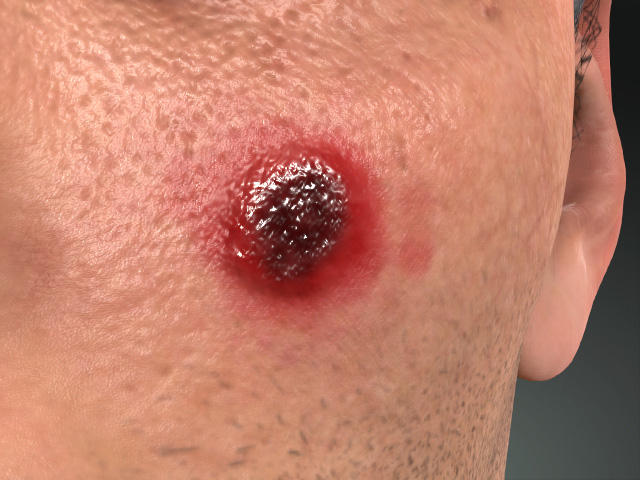
Invert Normal = On
Invert Normal = Off
- Normal Strength
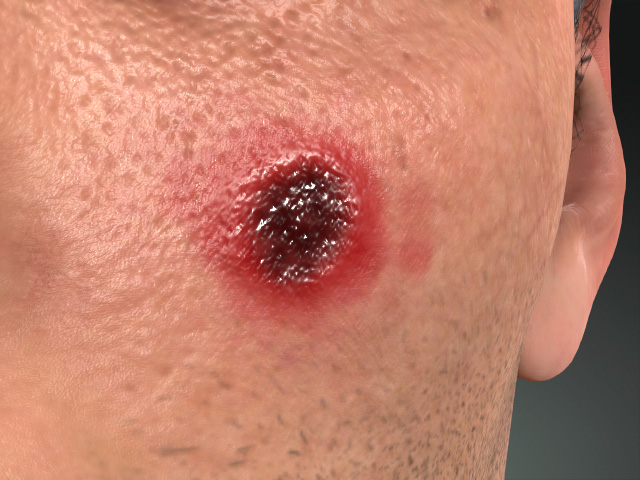
Normal Strength = 20.00
Normal Strength = 0.00
- Invert Normal
- Roughness and Metallic
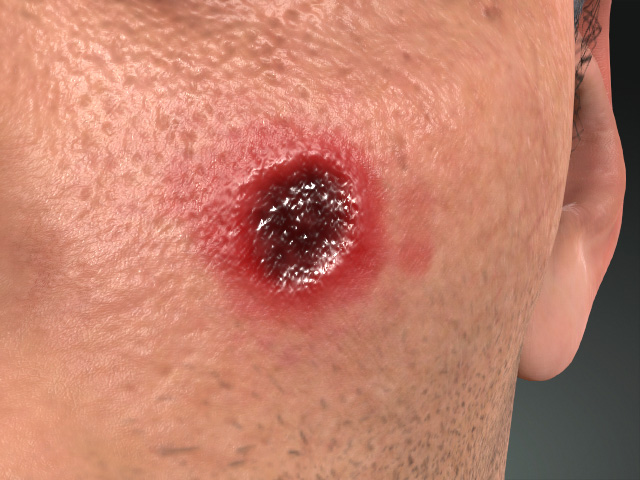
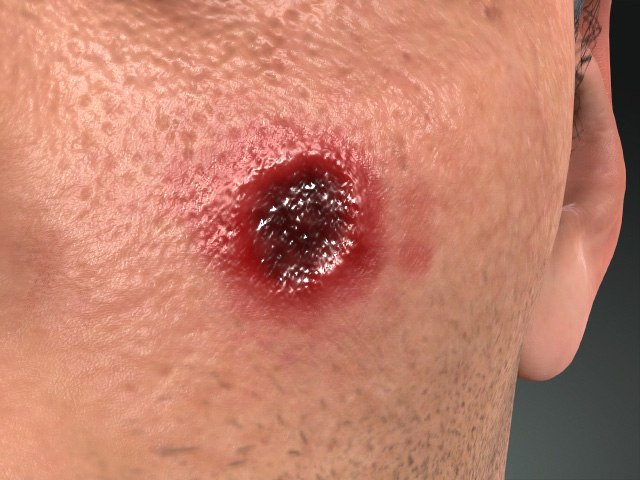
Roughness = 0.25
Metallic = 0.00
Roughness = 0.00
Metallic = 1.00
- Glow
- Color
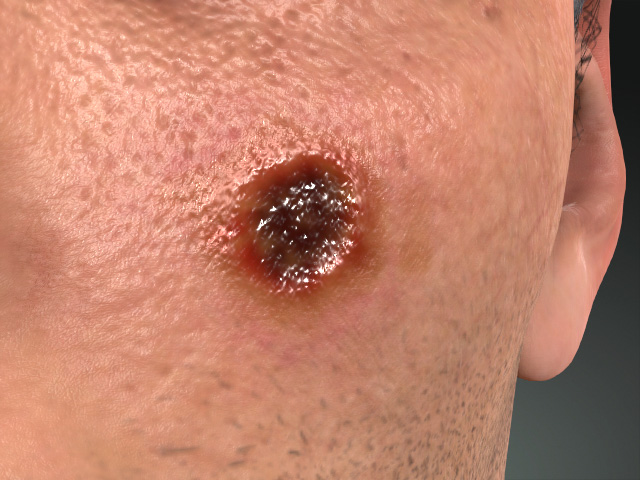
Enable = Off
Enable = On
Glow Color = #00FF00
- Strength
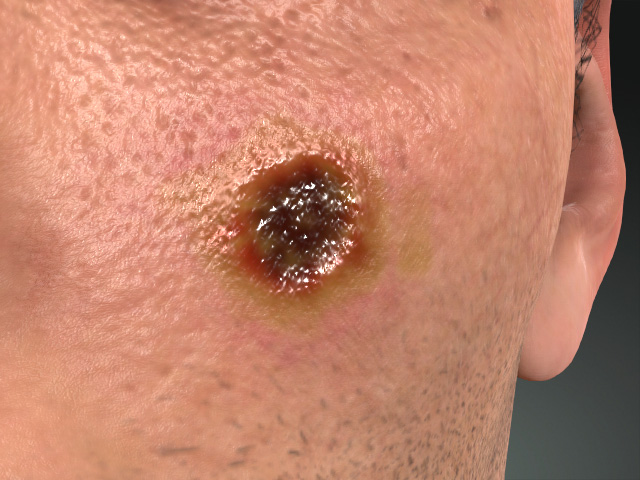
Strength = 0.50
Strength = 0.80
- Color
Scab
The Scab section contains two subsections with settings for modifying the Scab, basically the cut itself, on the scar.
Keep in mind that the settings is basically focus on the Pattern texture in the Texture Settings subsection of the Base section.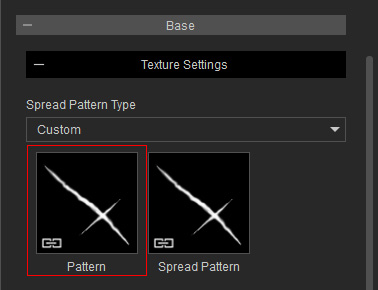
Transform
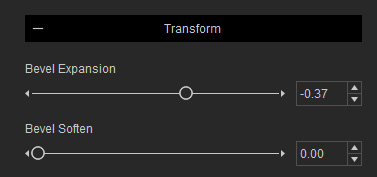
- Bevel Expansion
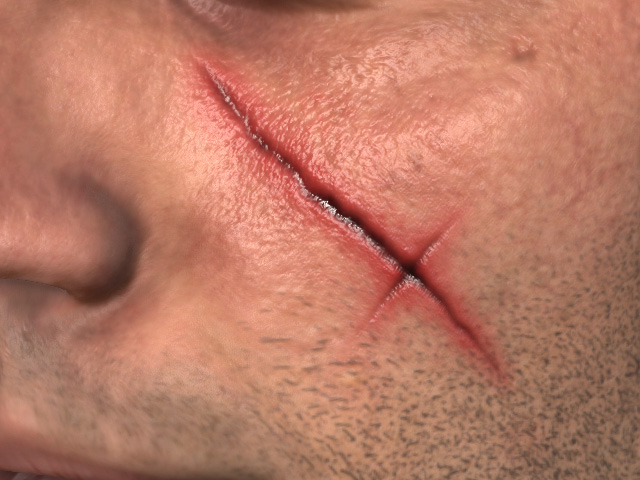
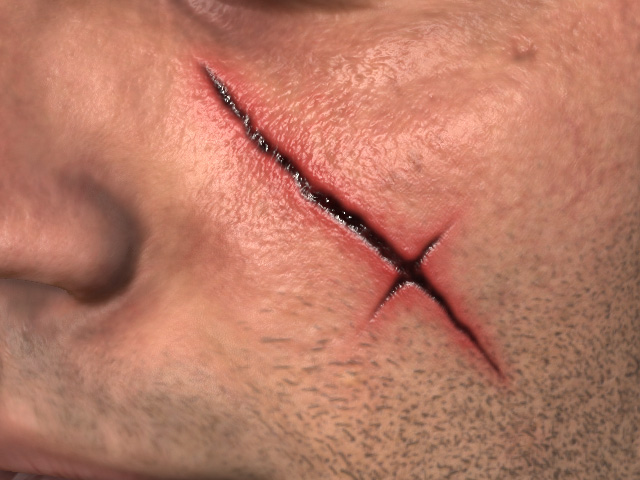
Bevel Expansion = -0.30
Bevel Expansion = 0.00
- Bevel Soften: This setting can smooth the edge of the cut.
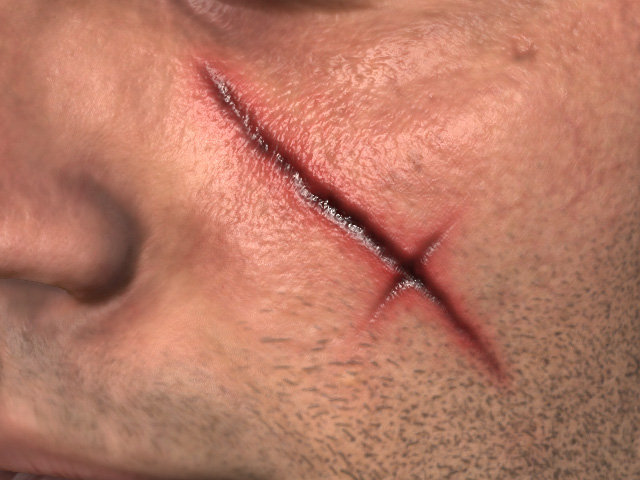
Bevel Soften = 0.00
Bevel Soften = 5.00
Material
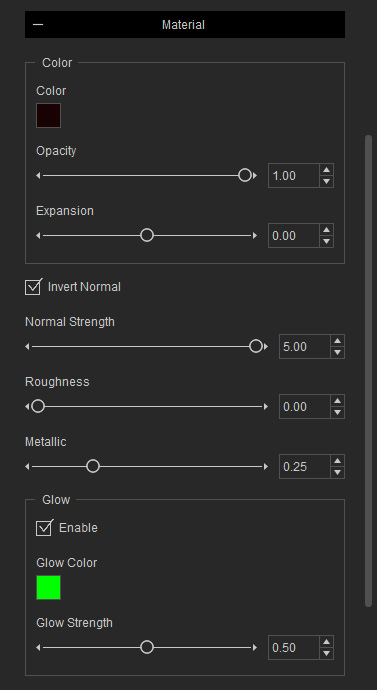
- Color
- Color
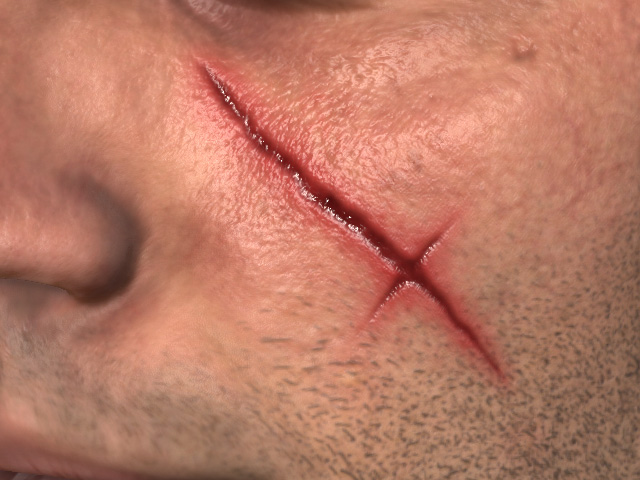
Color = #180303 (Dark red)
Color = #691C1C
- Opacity and Expansion
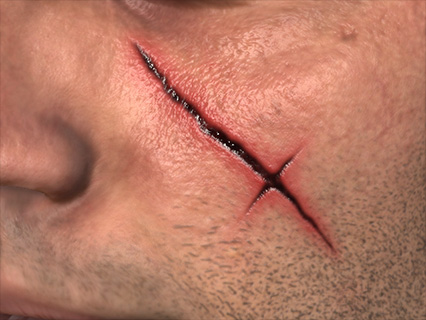
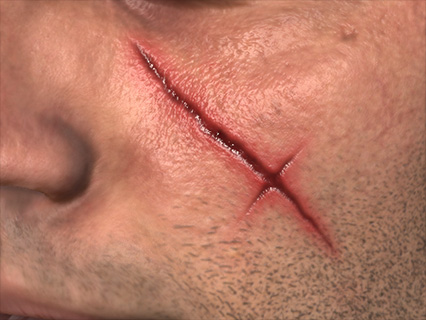
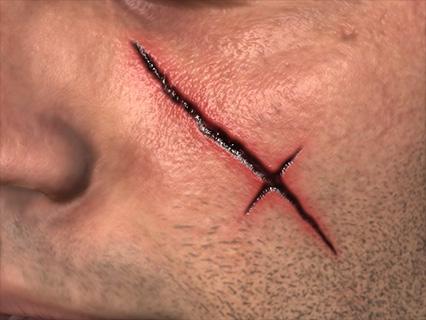
Opacity = 1.00
Expansion = 0.00
Opacity = 0.50
Expansion = 1.00
- Color
- Normal: These settings determine the bumpiness of t he scab part of the scar.
- Invert Normal
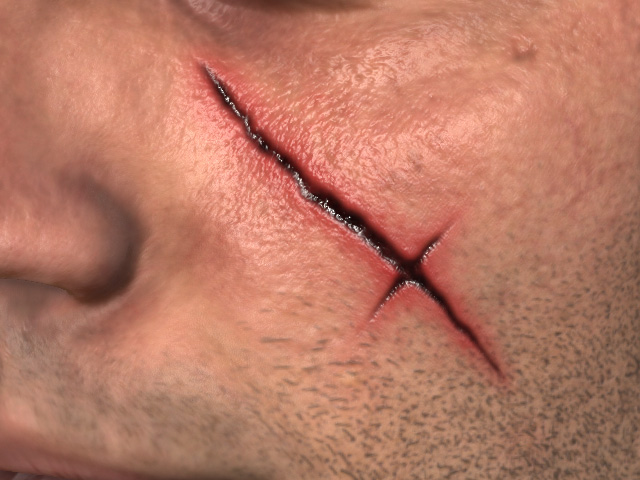
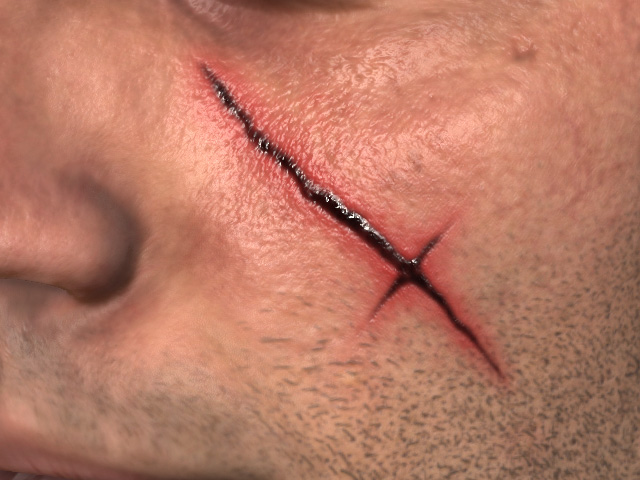
Invert Normal = On (Indent cut)
Invert Normal = Off (Scar)
- Normal Strength
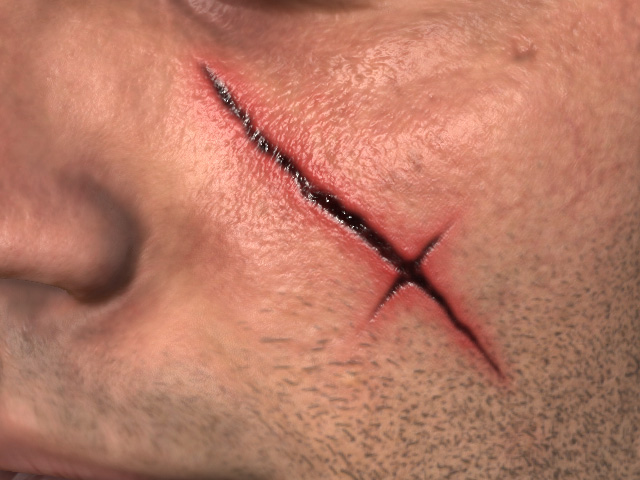
Normal Strength = 20.00
Normal Strength = 0.00
- Invert Normal
- Roughness and Metallic
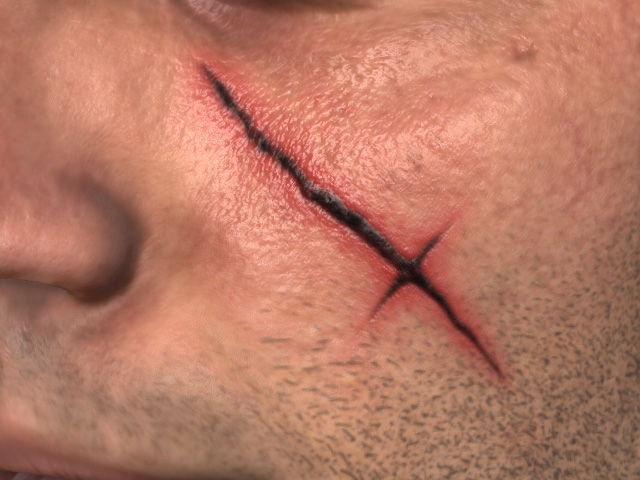
Roughness = 0.00
Metallic = 0.25
Roughness = 0.50
Metallic = 1.00
- Glow
- Color
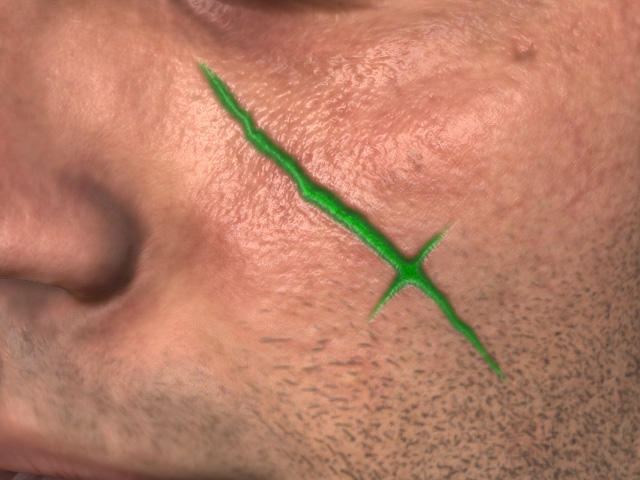
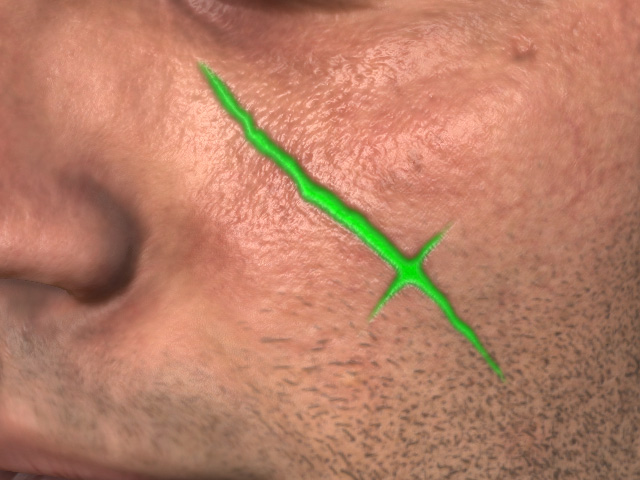
Enable = Off
Enable = On
Glow Color = #555500
- Strength
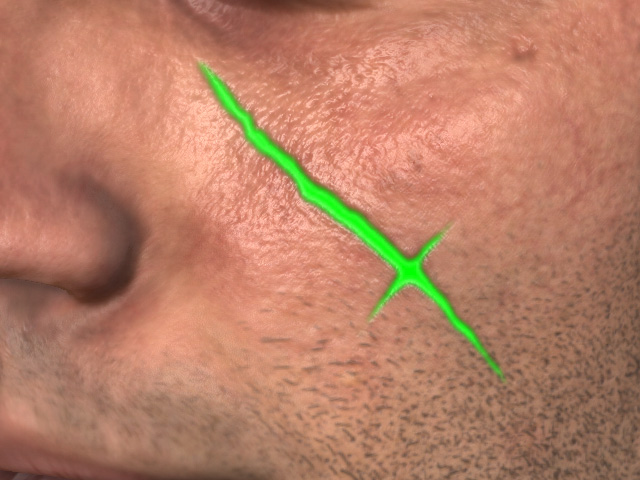
Strength = 0.50
Strength = 1.00
- Color
Swollen Tissue and Ulcer
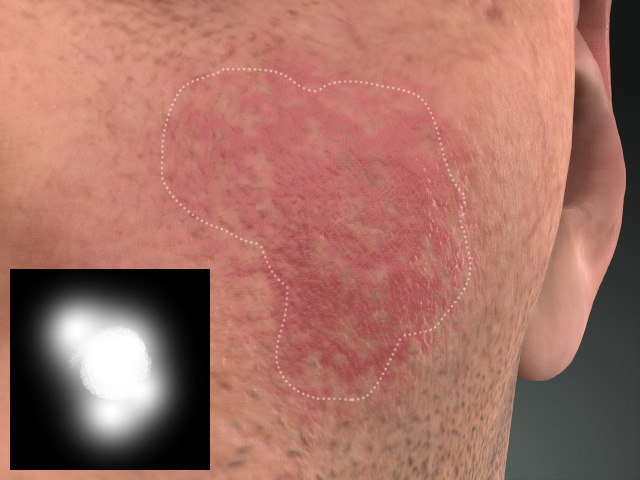
For the swollen tissue and ulcer sections, they have identical settings, but they influences different parts of the scar. For better observation, the effect from the other layers are disabled.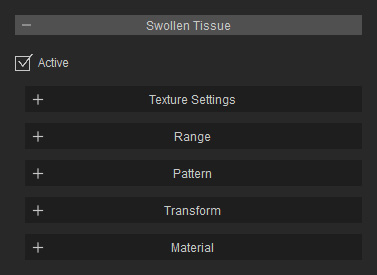
Texture Settings
The texture channels determine the shape of this layer and the pattern to be filled up in this shape. The textures in this section can be edited if you have purchased and installed SkinGen Plugin.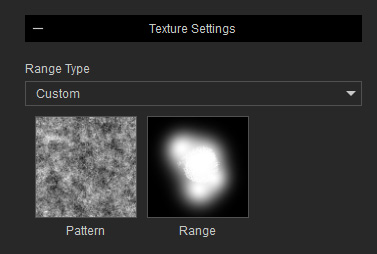
|
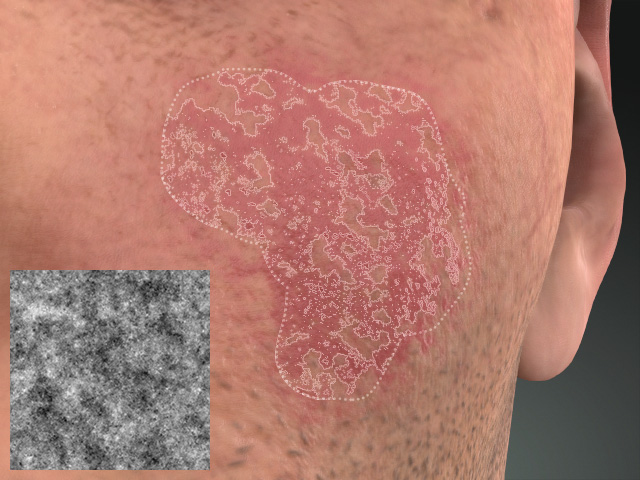
|
|
Range |
Pattern |
Range
This section contains settings for adjusting the Range texture in the Texture Settings section.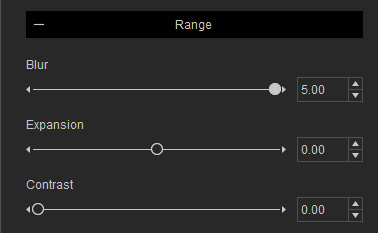
- Contrast
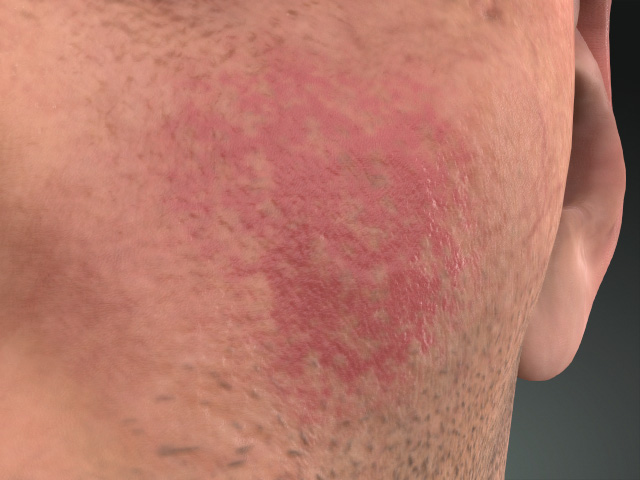
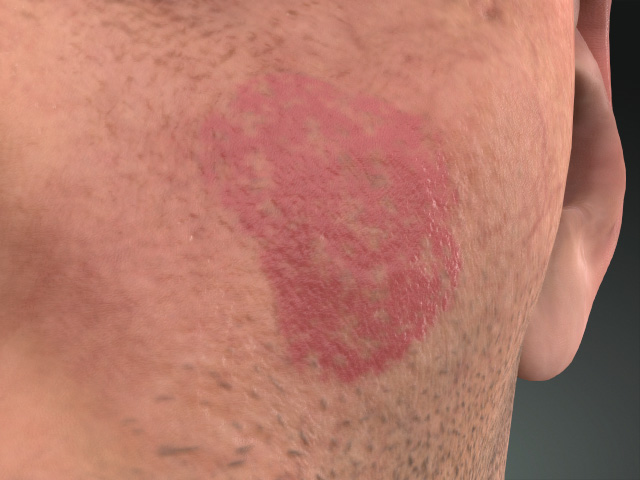
Contrast = 0.00
Contrast = 1.00
- Expansion
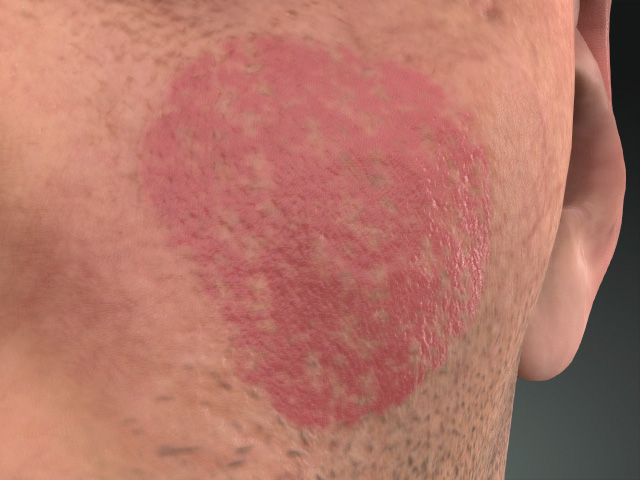
Expansion = 0.00
Expansion = 1.00
- Blur
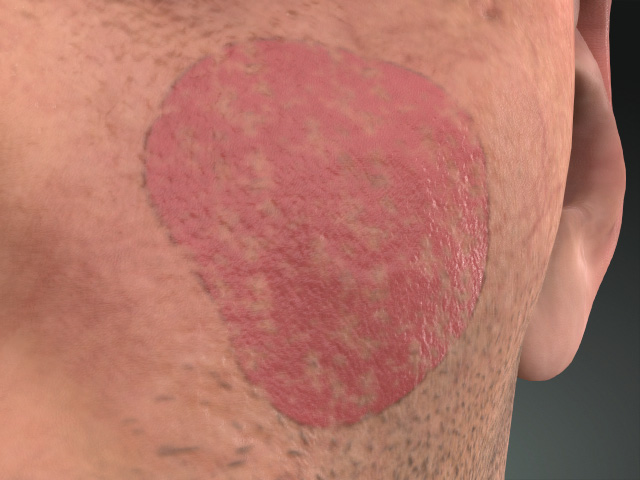
Blur = 5.00
Blur = 1.00
Pattern
This section contains settings for adjusting the Pattern texture in the Texture Settings section.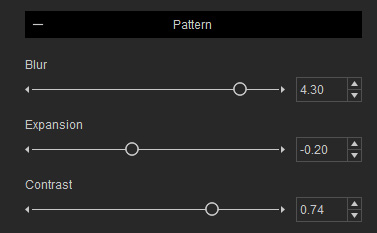
- Contrast
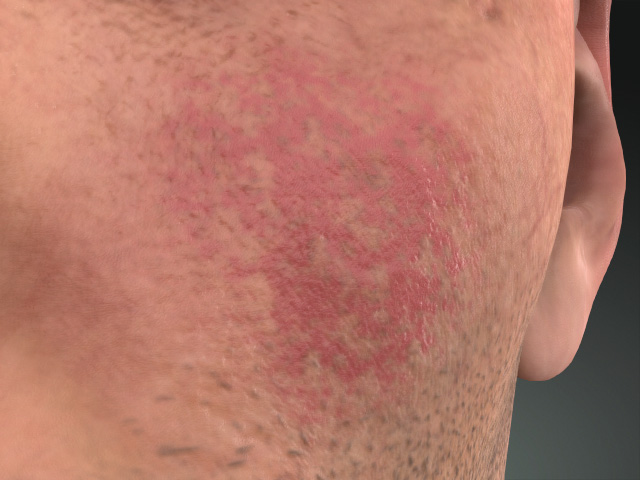
Contrast = 0.74
Contrast = 1.00
- Expansion
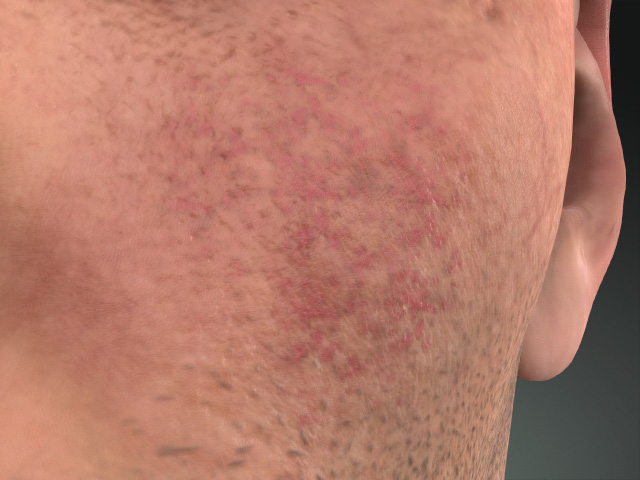
Expansion = -0.20
Expansion = -0.40
- Blur
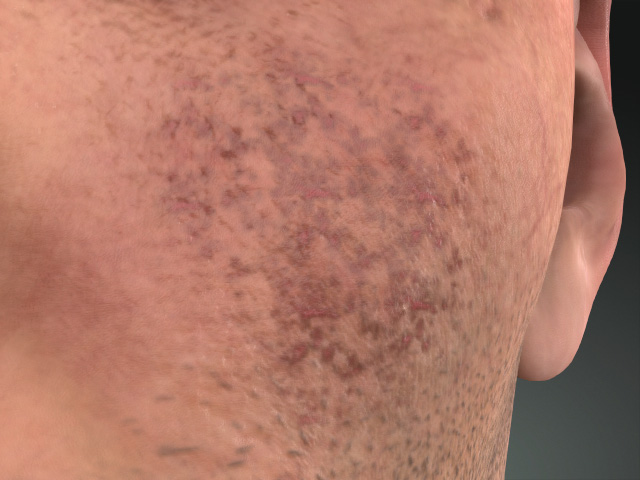
Blur = 4.30
Blur = 1.00
Transform
This section contains settings for transforming the Pattern texture.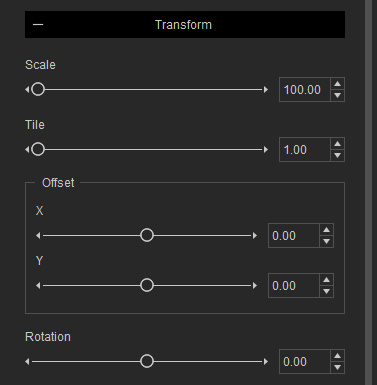
- Scale
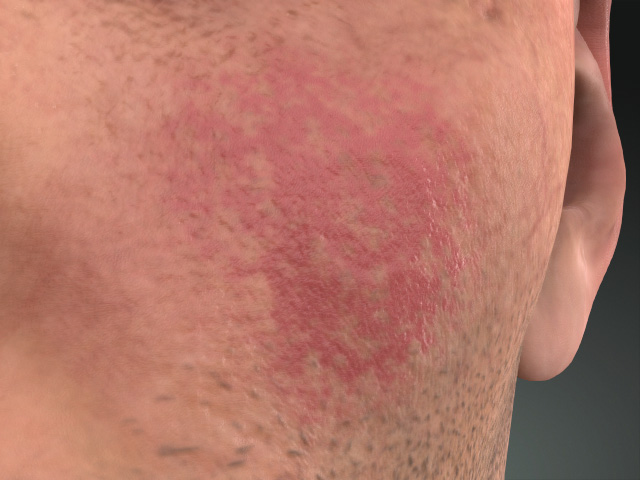
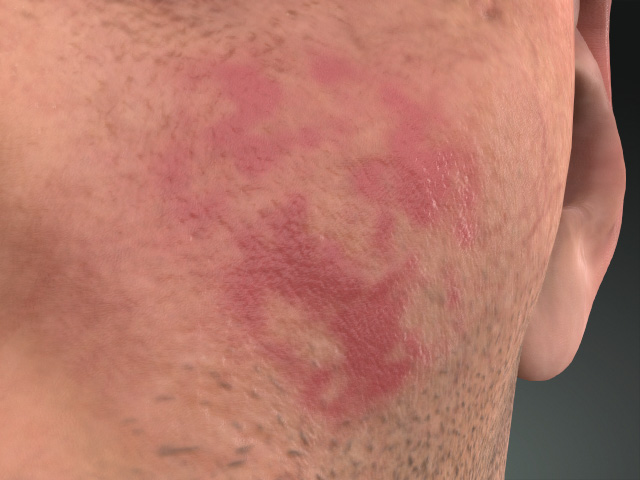
Scale = 100.00
Scale = 500.00
- Tile
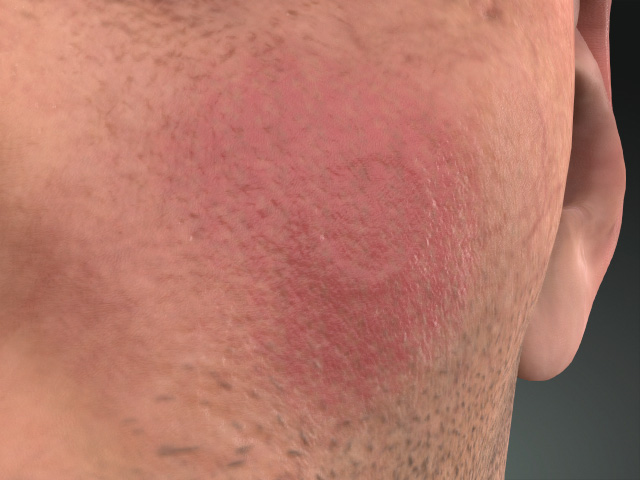
Tile = 1.00
Tile = -0.40
- Offset
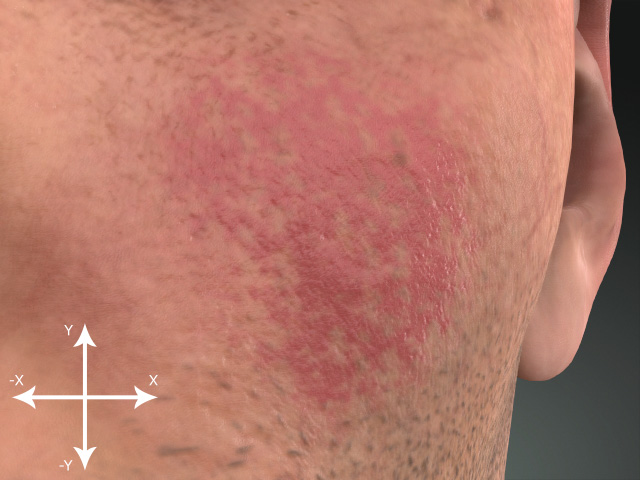
X, Y = 0.00, 0.00
X, Y = 0.05, 0.05
- Rotation
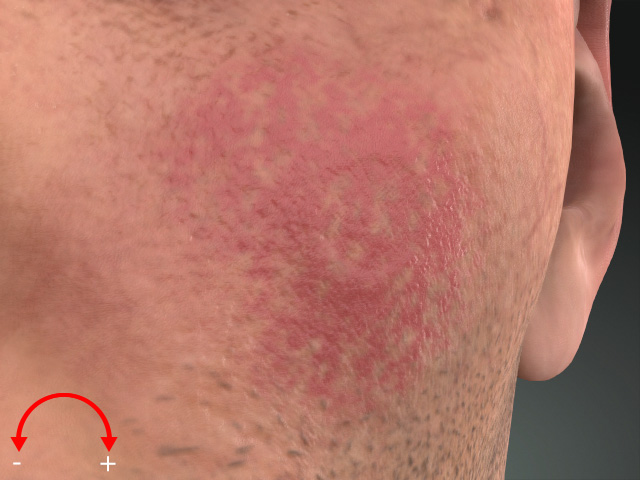
Rotation = 0.00
Rotation = 0.15
Material
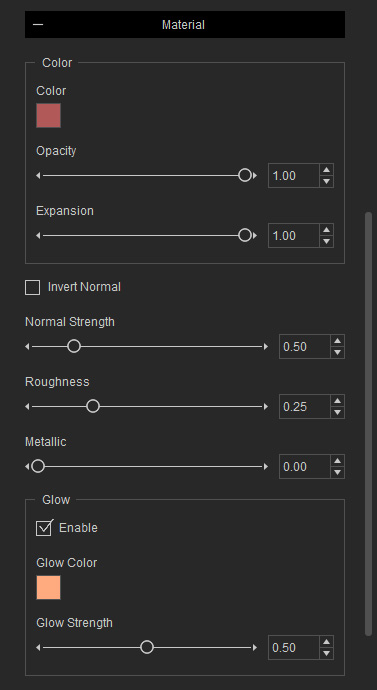
- Color
- Color
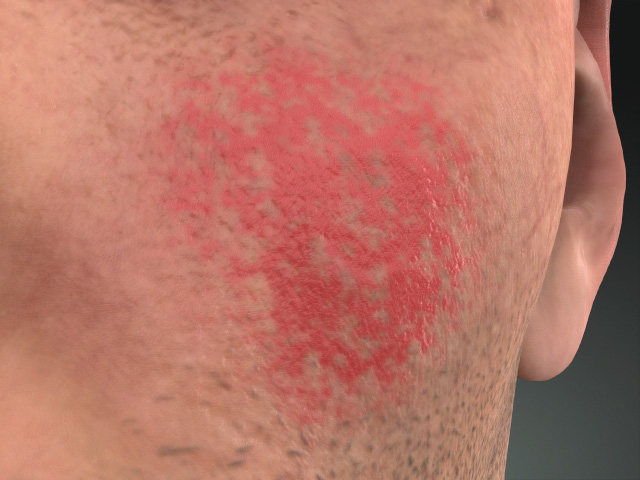
Color = #B15959
Color = #C14646
- Opacity and Expansion
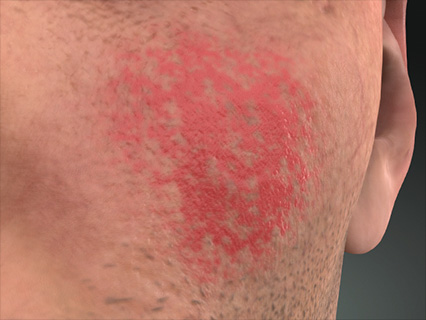
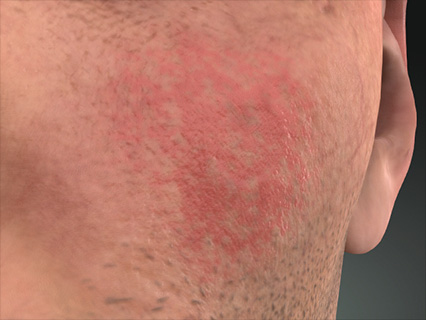
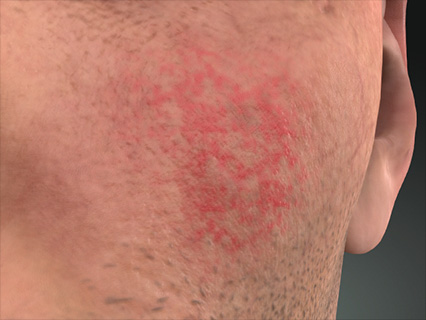
Opacity = 1.00
Expansion = 1.00
Opacity = 0.50
Expansion = 0.50
- Color
- Normal: These settings determine the bumpiness of t he scab part of the scar.
- Normal Strength
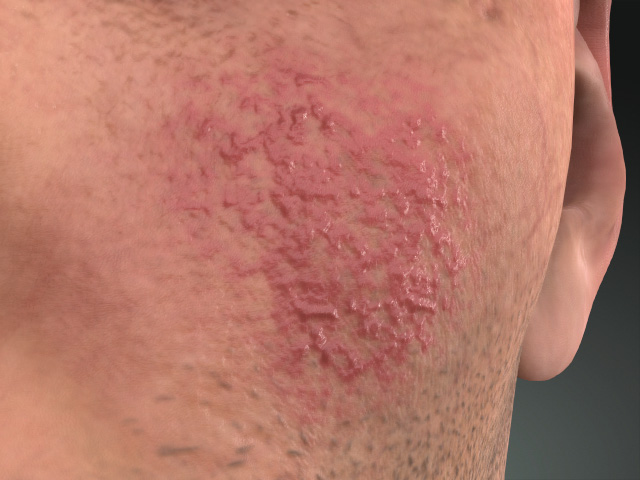
Normal Strength = 0.50
Normal Strength = 10.00
- Invert Normal
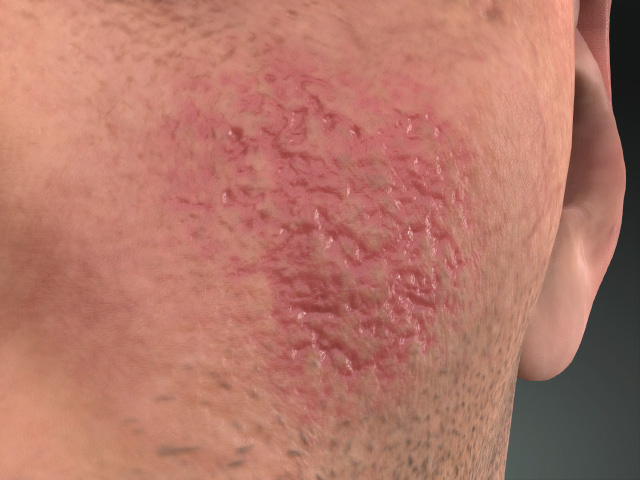
Invert Normal = Off
Invert Normal = On
- Normal Strength
- Roughness and Metallic
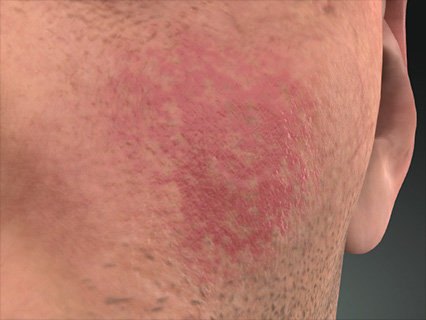
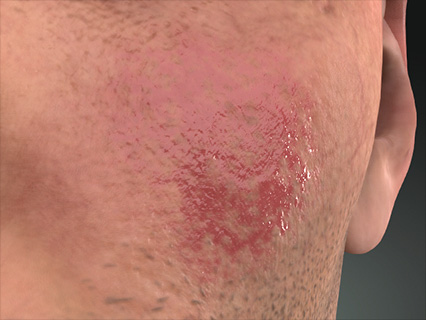
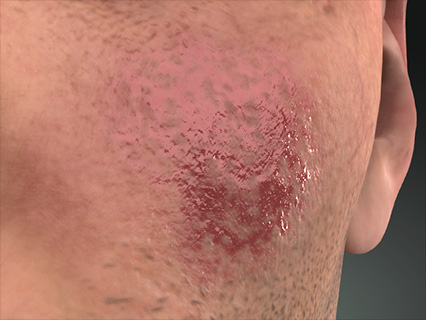
Roughness = 0.25
Metallic = 0.00
Roughness = 0.00
Metallic = 0.50
- Glow
- Color
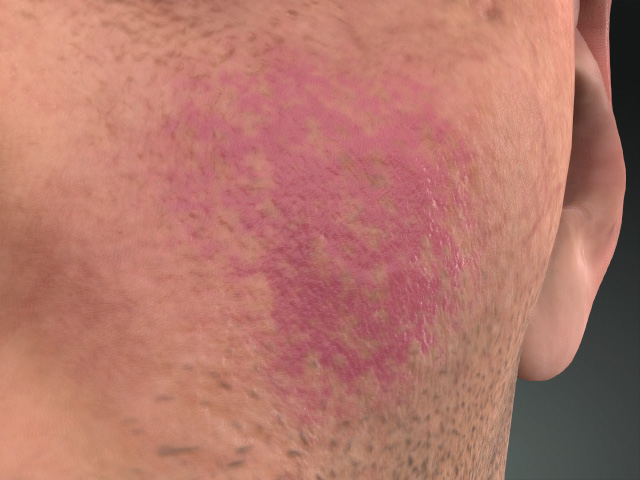
Enable = Off
Enable = On
Glow Color = #55007F
- Strength
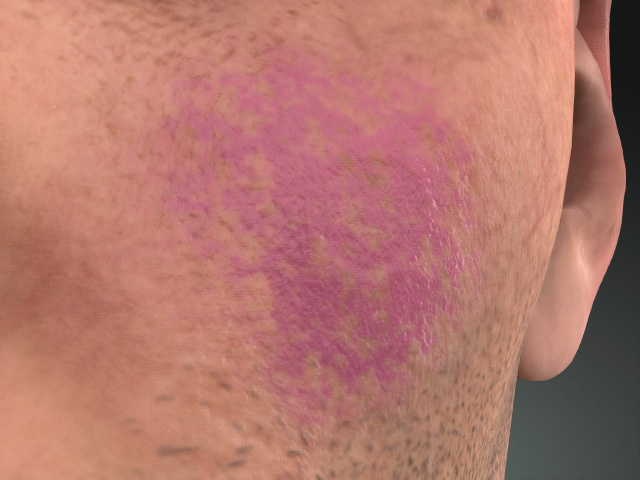
Strength = 0.50
Strength = 1.00
- Color
