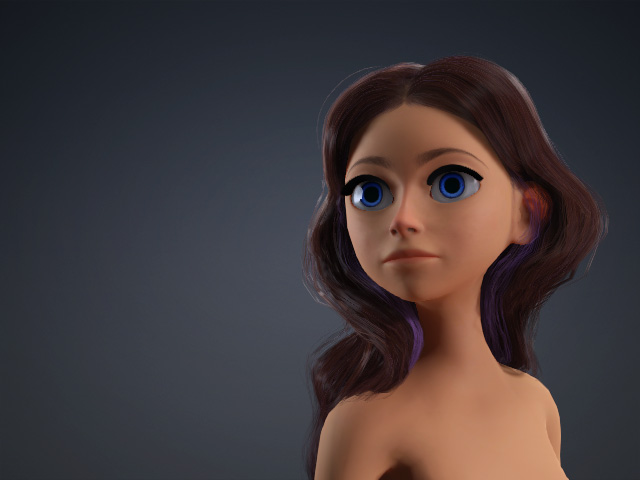
Creating Custom Smart Hair
After version 3.4, you are able to not only create cartoon styles, but also even more exquisite and realistic hair.
- Create a new project.
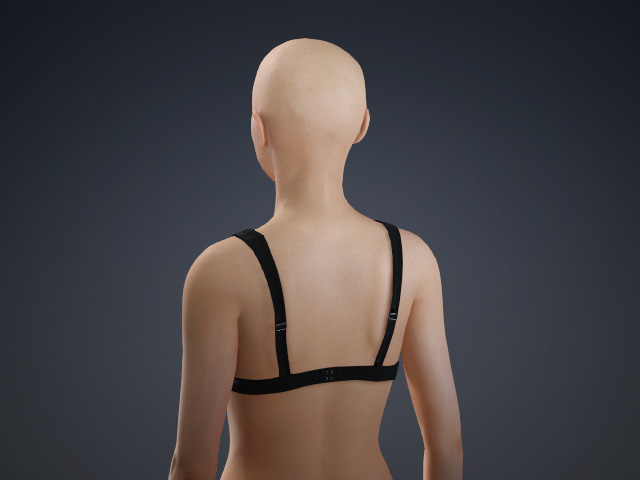
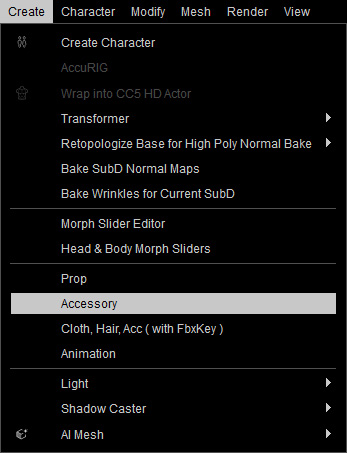
- Load a model file in OBJ or FBX format by accessing the Create menu > Accessory command.
If the hair mesh was generated using AI Mesh Generator, it automatically attaches to the head as an accessory, allowing you to skip step 2 and 3. - The model will be loaded. By default, it is loaded as an accessory and attached to the root of the character.
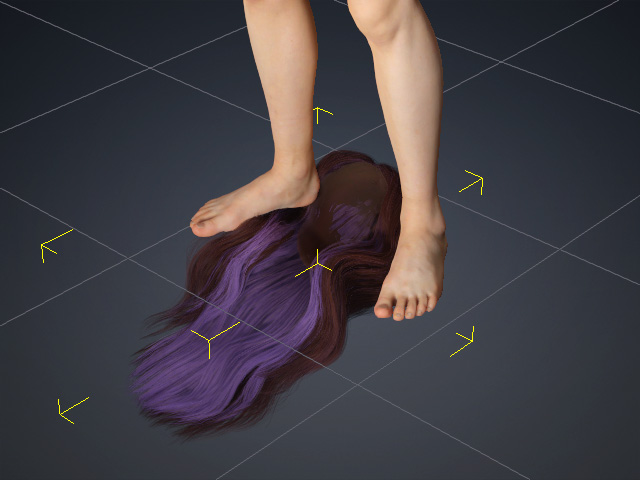
- Transform the accessory to a proper size, angle and position to fit the
dimensions of the character.
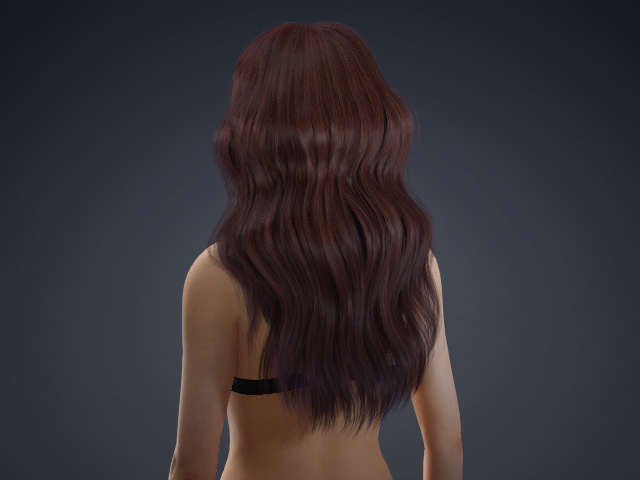
 Note:
Note:- The hair is currently an accessory, therefore, it will not move along with the facial expressions or body motions.
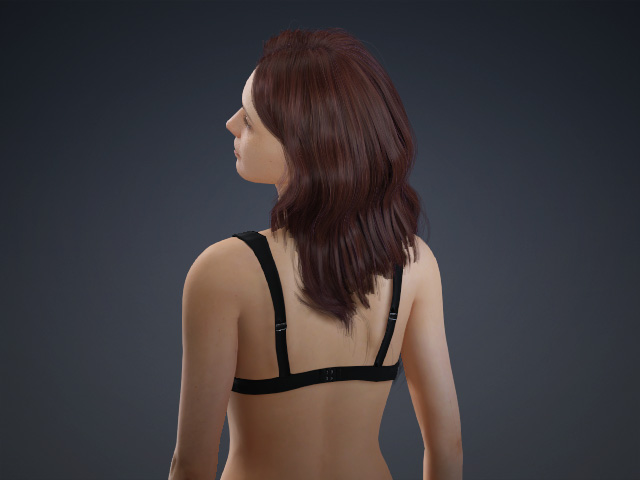
- Edit the mesh faces if necessary or any surfaces poke-through issues remain.
- Optionally smooth the normals of the accessory and set it to PBR shader type.
- The hair is currently an accessory, therefore, it will not move along with the facial expressions or body motions.
- In order to assign the skin weight to the accessory and turn it into facial hair, select it and access the Modify menu > Create Hair, Brows, Beard, Lashes command.
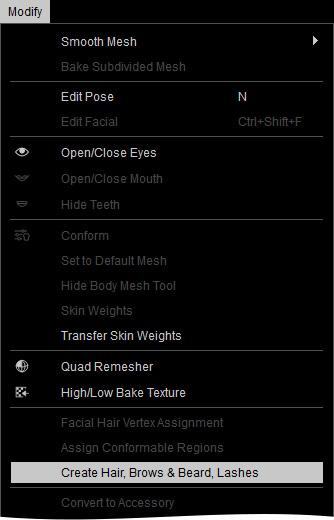
Alternatively, go to the Modify panel > Attribute tab > Modify section and click the Create Hair, Brows, Beard button.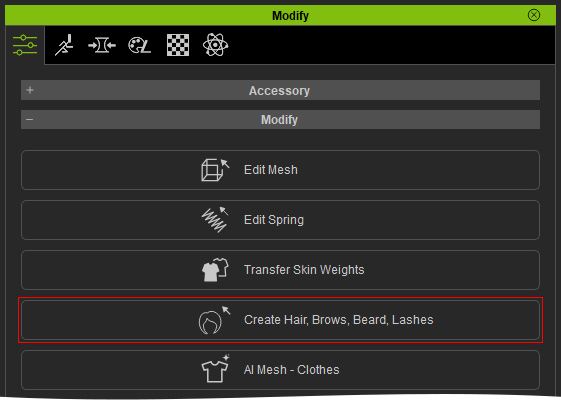 Note:
Note:The selected item must be an accessory for the Create Hair, Brows, Bread, Lashes button to show up in the attribute tab, and for the same button to light up in the modify menu.
- In the Create Hair, Brows, Beard, Lashes panel, pick the target Hair preset for the accessory to be turned to. This step not only assigns skin weights to the vertices, but also sets the model as a new piece of hair element.
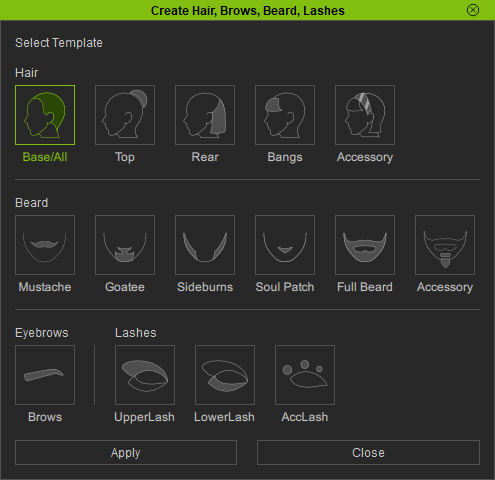
In this case, the Base/All is selected. Refer to the Smart Hair Element System section for more information about the relations between the hair parts and the regions. - Click the Apply button to automatically set the skin weights for the hair in the previous step.
If you selected the Base/All, Top, Rear, or Bangs template in the previous step, choose the hair length in the Hair Binding panel, then click the Apply button again.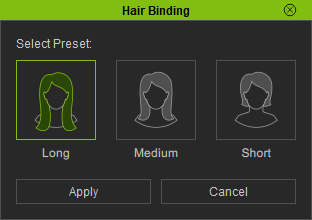
Please also refer to the Hair Binding Presets section for more information. - Change the facial expressions or the body pose for the character to observe the
conversion.
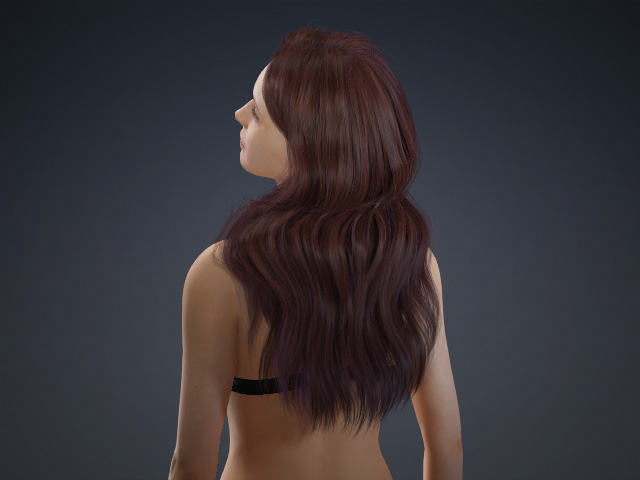
If you find any inappropriate skin-weight issues, then refer to the Re-assigning Smart Hair Skin-Weights page for more information. - If the result is ideal, then you can save it to the HairStyle, HairGroup or HairElement library for expanding the collection of your custom hairs. In this case, the beard is saved as a HairElement.
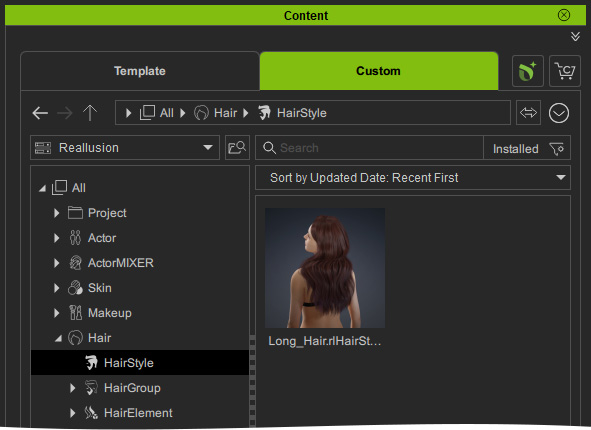
- You can then apply this custom hair template to any other character.