Hair, Clothing & Accessory Template
In AI Studio, go to Templates > Custom Tools to explore all 6 template tools. Click the Hair, Clothing & Accessory template to open it.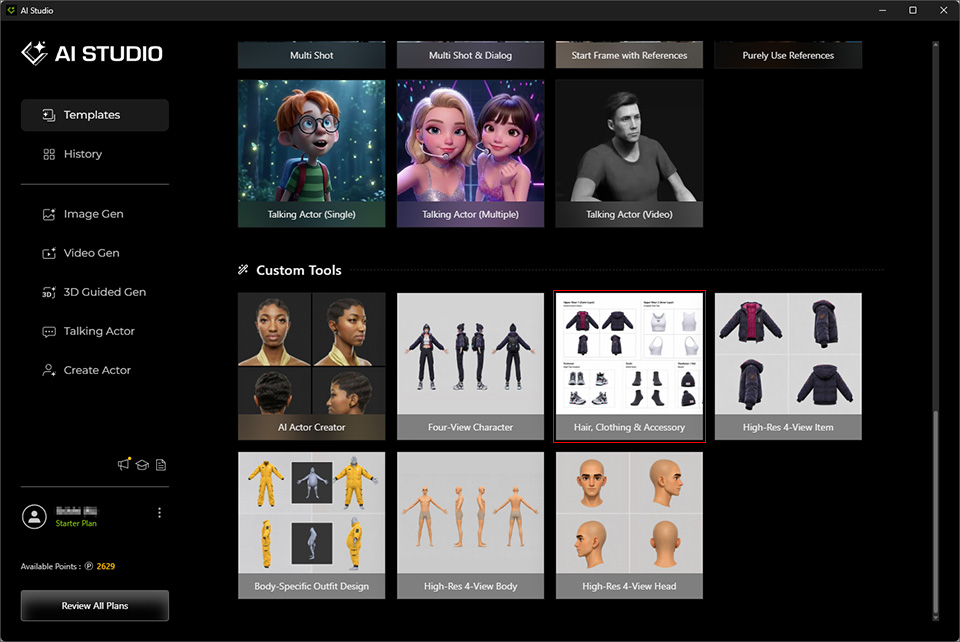
The Hair, Clothing & Accessory template generates a single image containing front, left, right, and back views of the hair, clothing, and accessories on the character from the Four-View Character template (or any custom four-view character photo). This image can be used as a source image for the High-Res 4-View Item templates in AI Studio.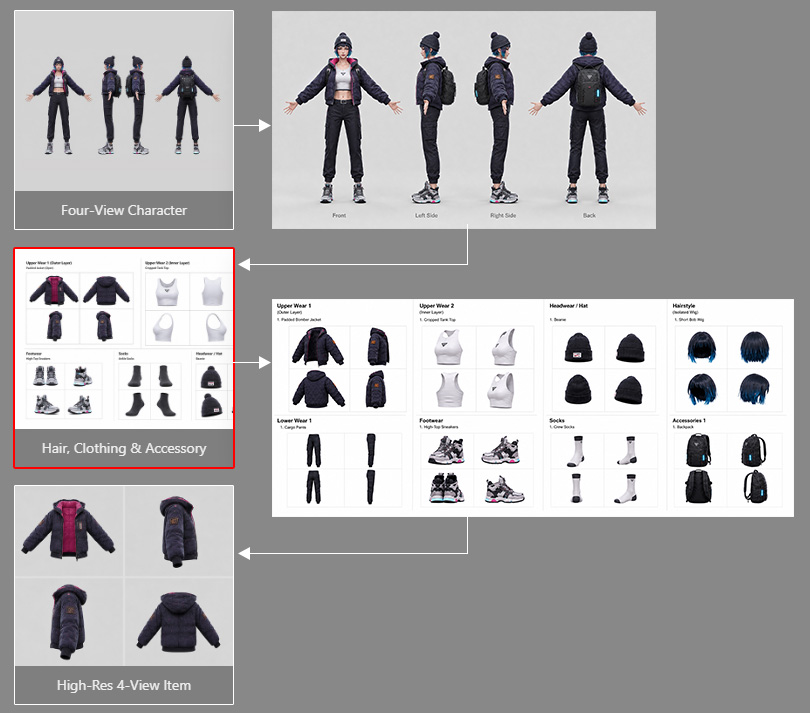
Replace Reference Images
- After the template opens, AI Studio automatically goes to Image Gen > Edit > Custom (under the Operation section).
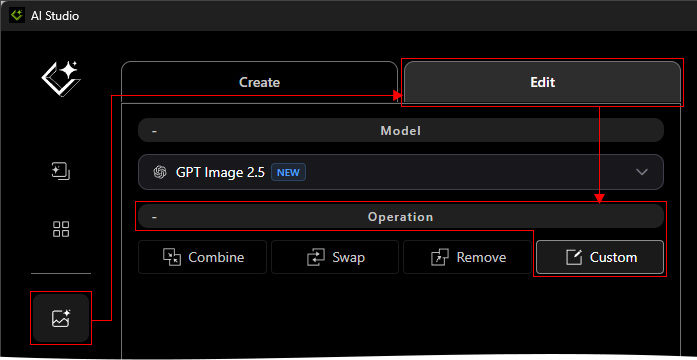
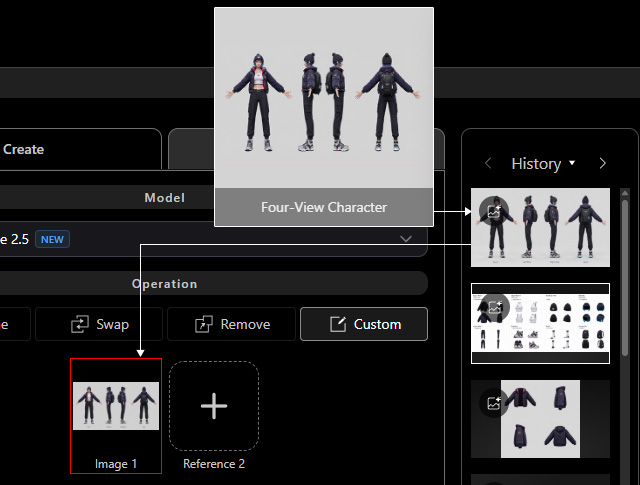
- Drag and drop an image of the character generated from the Four-View Character template in the History list (or any custom character four-view image) to replace Image 1.
Update the Prompt
This preset is designed for conceptual design and does not alter the prompt. Then click the GENERATE button.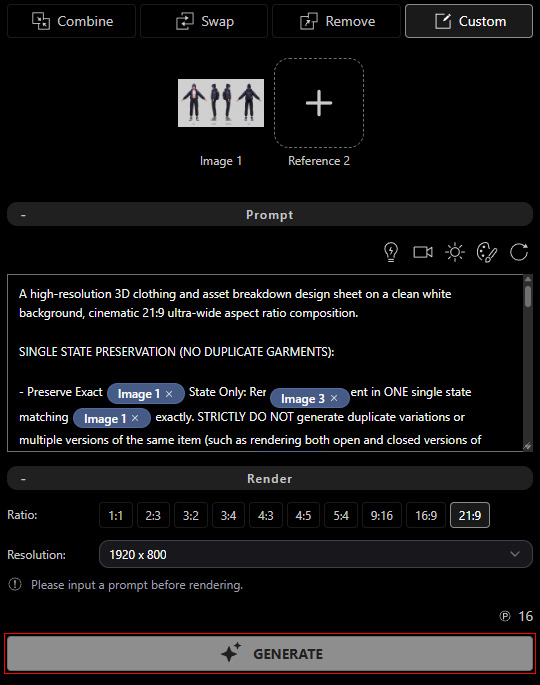
AI Studio will generate an Outfit Breakdown Sheet. It is ready for the High-Res 4-View Item template.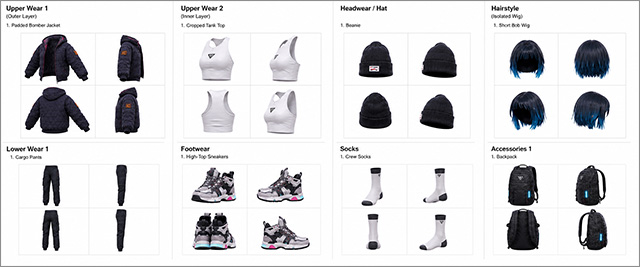
Upscale the Image (Optional)
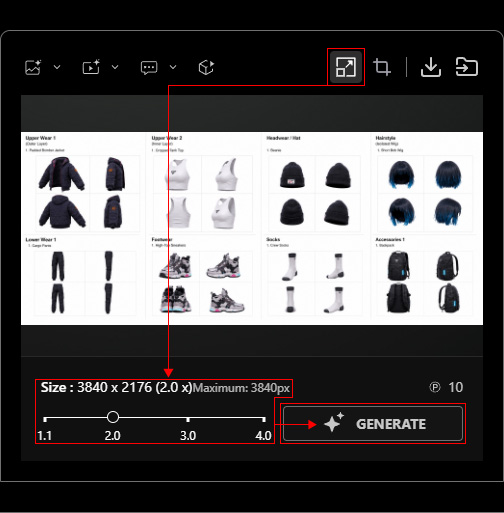
If needed, use Upscale to increase the image resolution.