Shrink Wrap Settings
Character Creator 5.2 provides two Collision Types to prevent mesh penetration between clothing and the character: Tuck In and Pull Out. In Tuck-in mode, use Shrink Wrap Settings to control how the entire garment shrinks around overlapping clothing.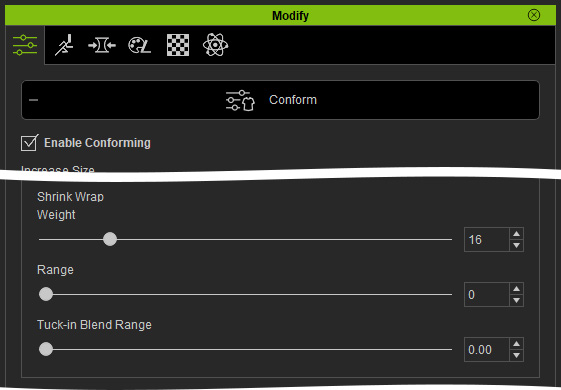
- Weight: Controls the overall shrink strength of the garment, excluding areas where clothing overlaps.
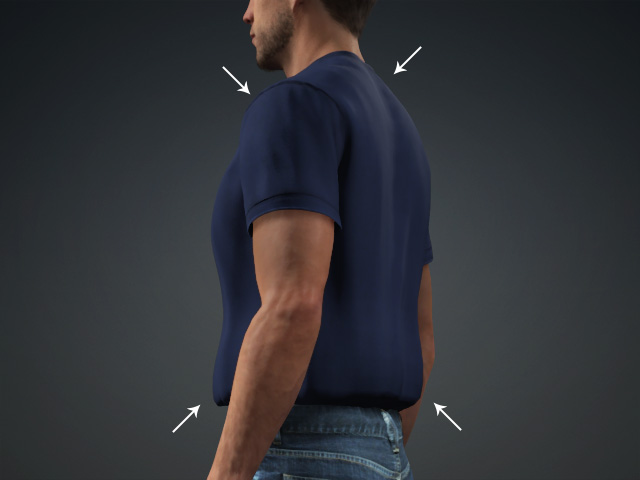
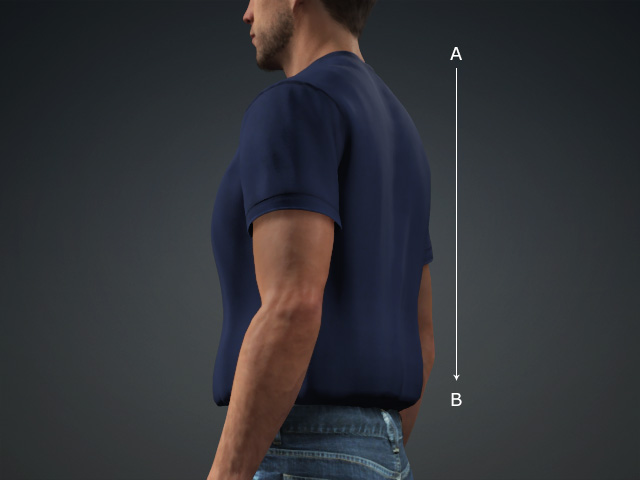
- Range: Defines the shrink area from the farthest point (A) to the nearest point (B) relative to the overlapping area.
- Notice that the Weight and Range must be used together. If either value is set to zero, the shrink effect is disabled.
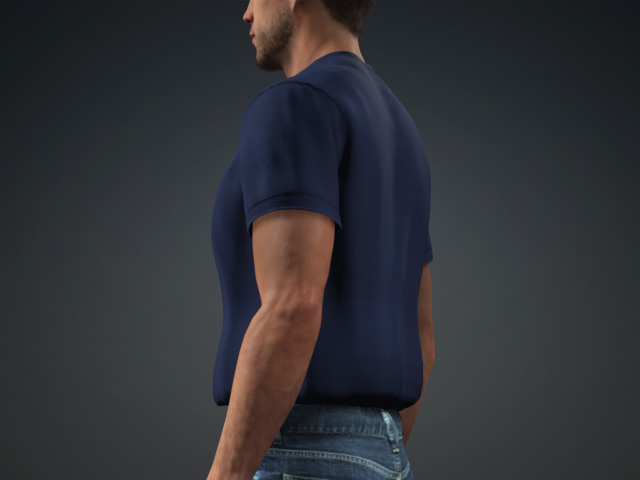
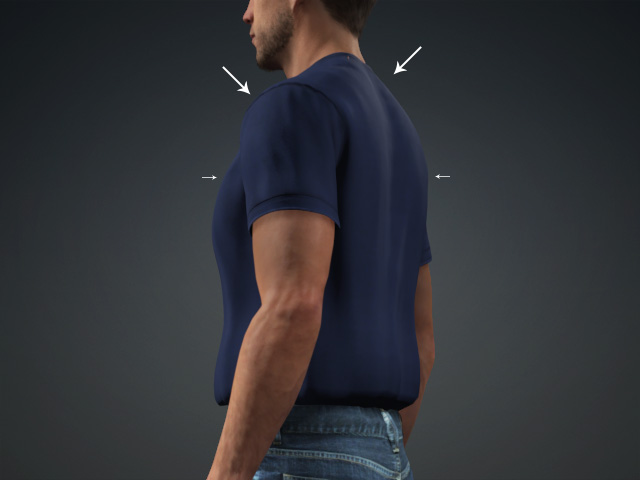
Weight = 40
Range = 0Weight = 40
Range = 100 - Tuck-in Blend Range: Controls the tuck-in strength from the nearest point (C) of the overlapping area to the farthest point (D), which is halfway across the garment.
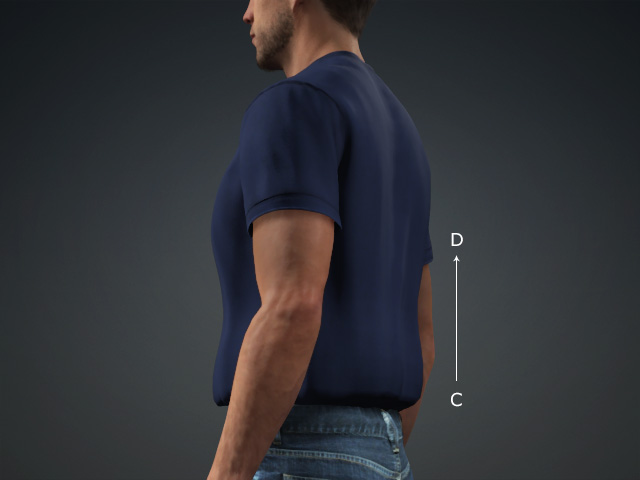
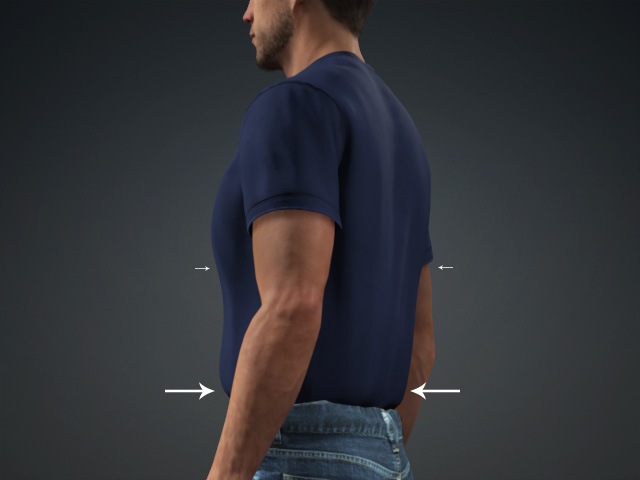
Weight = 40
Range = 0
Tuck-in Blend Range = 0Weight = 40
Range = 0
Tuck-in Blend Range = 10.00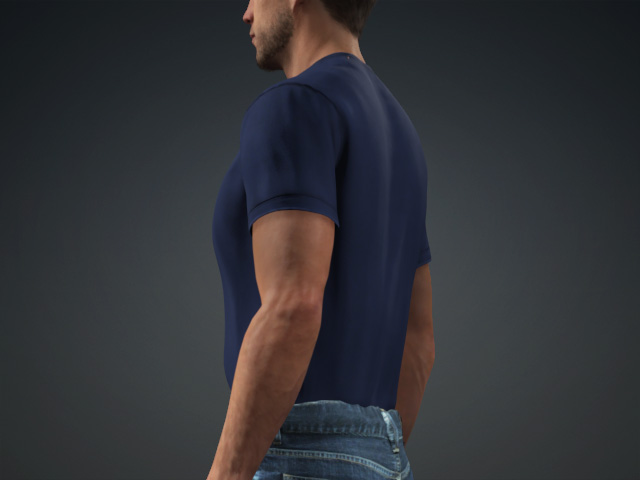
Weight = 40
Range = 200
Tuck-in Blend Range = 10.00
