Switching Collision Types
Character Creator 5 provides two Collision Types to prevent mesh penetration between clothing and the character: Tuck In and Push-out. Tuck In preserves the shape of the outer garment by shrinking the inner garment, while Push-out is the legacy method (used in CC 5.1 and earlier) that preserves the inner garment by expanding the outer garment. You can switch between these modes as needed.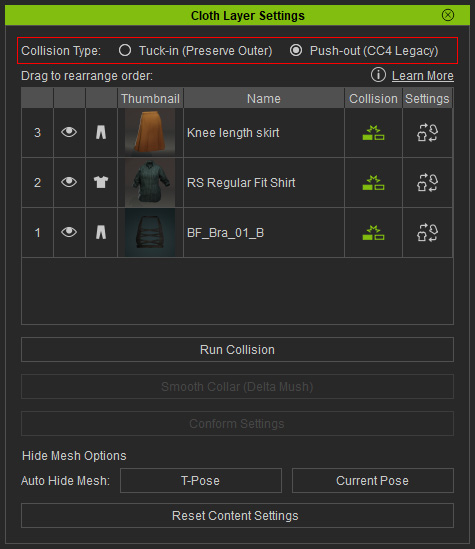
Push-out (CC4 Legacy)
This mode preserves the shape of the inner garment while expanding the outer garment to prevent mesh penetration. It is the default mode for the projects created before CC5.1 (included).
|
|
|
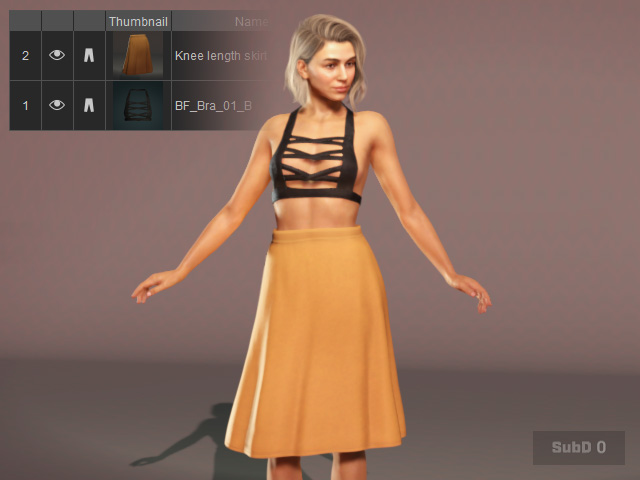
The garments applied to the character. |
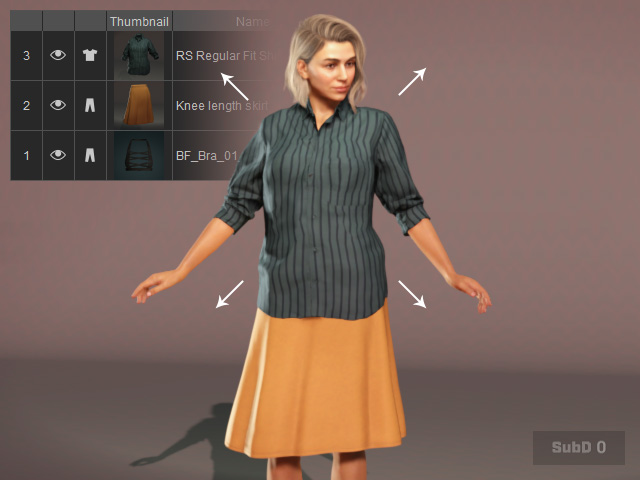
The inner garment shape is kept when a outer cloth is applied and auto-expanded to conform the body shape. |
However, if you rearrange the order of the garments, then the visual flaw appears due to the keep-inner-shape technique.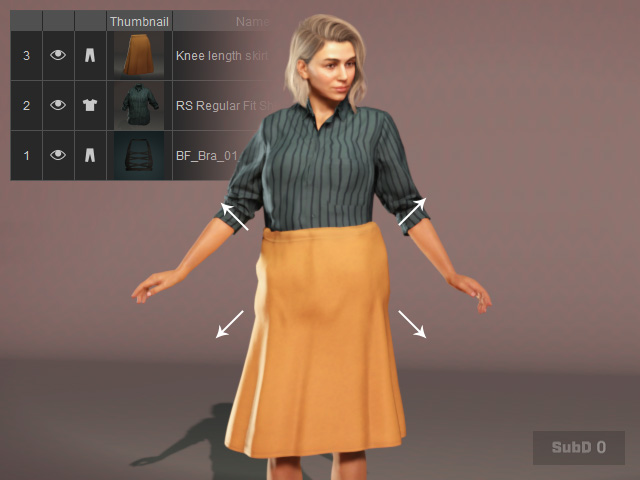
Then you may consider to switch to the Tuck-in mode.
Tuck-in (Preserve Outer)
This mode preserves the shape of the outer garment while shrinking the inner garment to prevent mesh penetration. Additionally, you can configure the Shrink Wrap Settings to define the Tuck-in inset behavior.
|
|
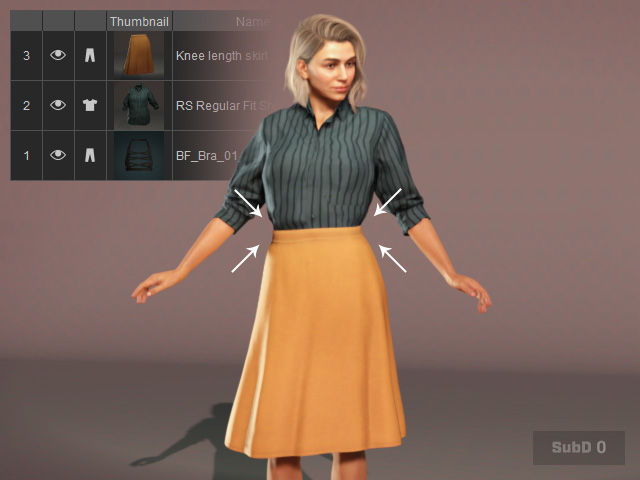
|
|
Push-out mode. |
Tuck-in mode: Keeps the outer garment's shape while shrinks the inner one to prevent from the penetrating issues. |
Switching Between Tuck-in and Collision
In the Cloth Layer Settings panel, Tuck-in keeps garments in their original shape while tucking lower-layer clothing into outer garments according to the clothing layer order.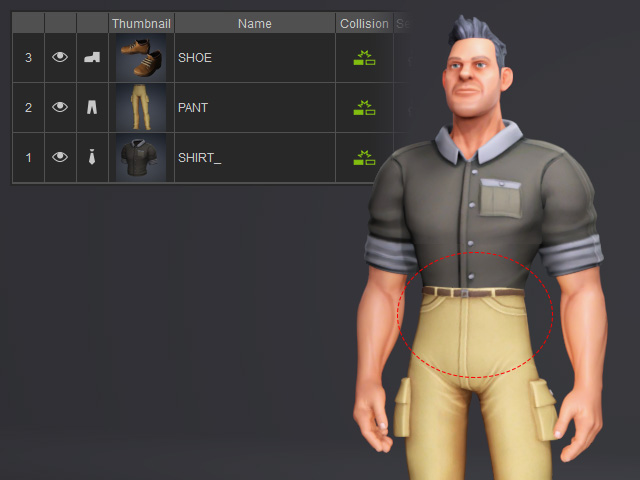
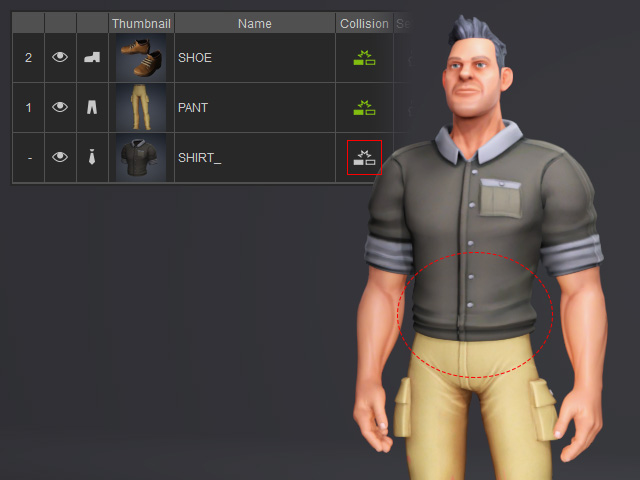
To keep a lower-layer garment outside the outer garment, toggle off its Collision button. This allows you to control whether each garment is tucked in or remains outside, as needed.