Preparing Models for Body Wrap
Imported models may contain multiple elements, such as a body mesh combined with clothing. 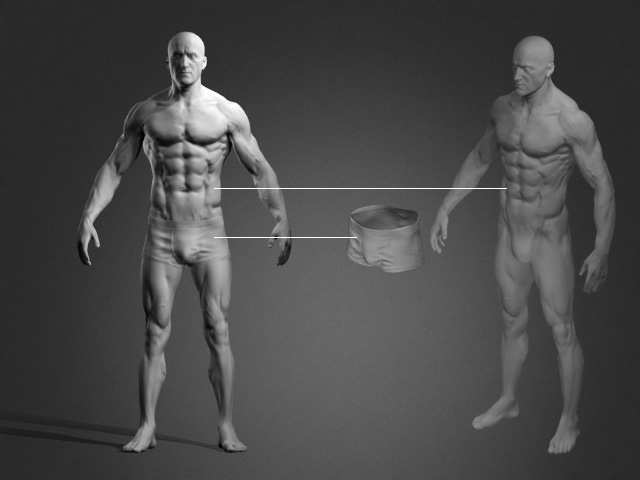
Before using Body Wrap, decide whether to wrap the bare body or the body together with its clothing.
Wrapping the Bare Body
If you only want to wrap the bare body, remove the clothing elements before starting Body Wrap. See [Removing Clothing from Imported Models] for details.
- Select the model.
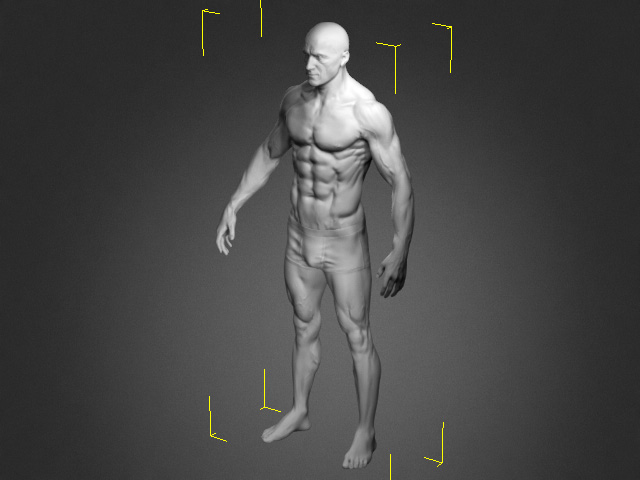
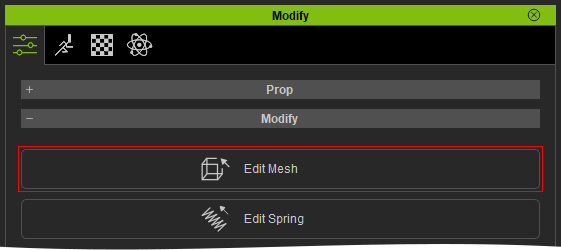
- Enter Edit Mesh mode.
- Switch to the Element mode and select the clothing element to delete.
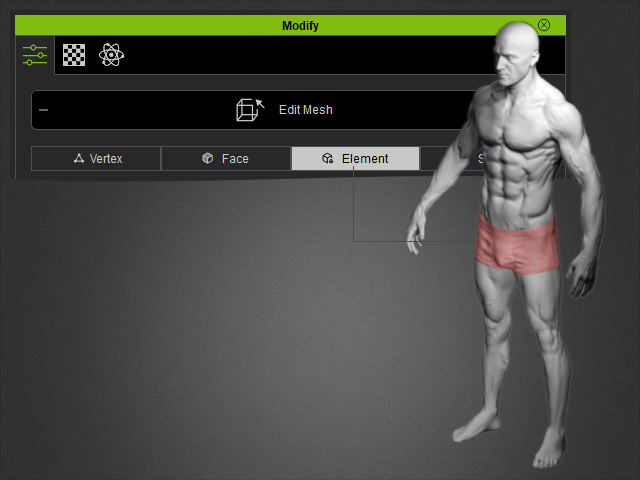
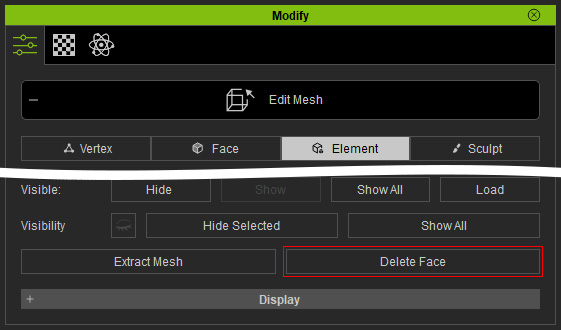
- Delete the element by clicking the Delete Face button.
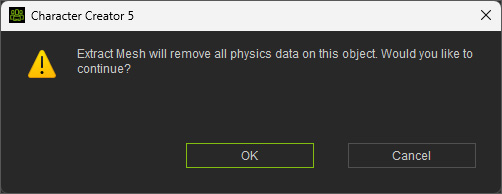
- Click the OK to confirm.
- Click the Edit Mesh button again to exit the Edit Mesh mode.
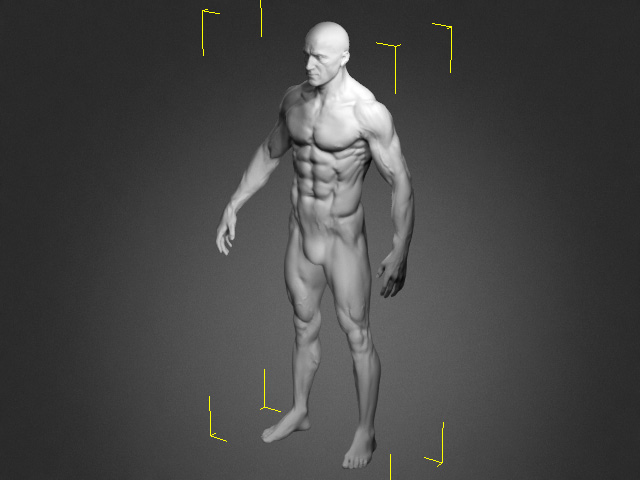
- Enter Body Wrap mode to start the Body Wrap procedure.
Wrapping the Body with Clothing
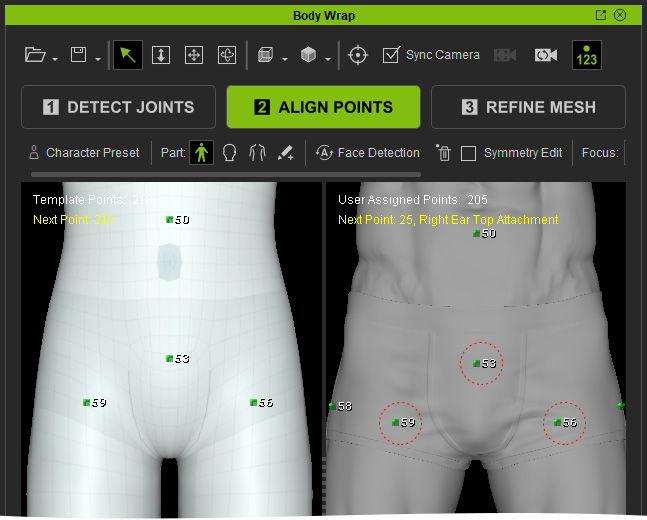
If you want to wrap the body together with its clothing, the direction of the clothing surface normals can affect how alignment points are generated during the ALIGN POINTS step.
- Surface Normals Facing Outward: When all clothing layers have their surface normals (red arrows) facing outward, rays extending from the bones pass through the layers until they reach the outermost clothing surface. Alignment points (green) are generated where the rays intersect the outermost layer.
- Surface Normals Facing Inward: When a clothing layer has surface normals (yellow arrow) facing inward, it blocks the outward rays. Alignment points (green) are generated on the last body or clothing surface reached before the rays are blocked. However, these points may be hidden behind outer clothing layers and therefore may not be visible.
- Inward-Facing Clothing Penetrating the Body: When inward-facing clothing penetrates the body mesh, the rays may be blocked without reaching a usable clothing surface. In this case, alignment points cannot be generated on the clothing, so you must place them manually.
Restoring Missing Alignment Points
- In the ALIGN POINTS step, identify the missing alignment points.
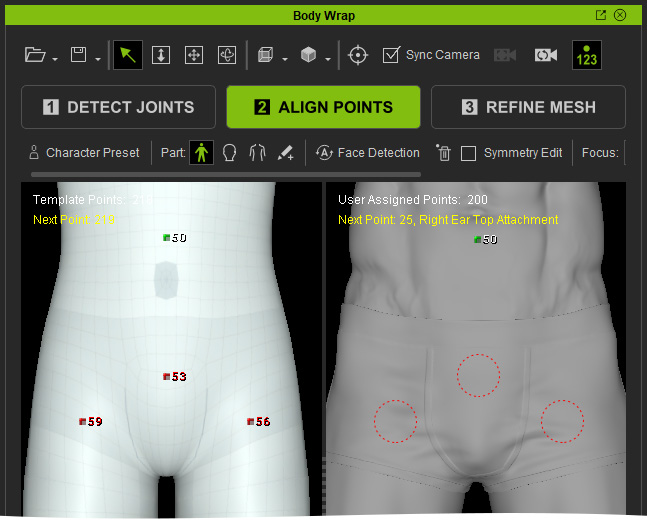
- Return to the viewport and select the model with inward-facing surface normals.
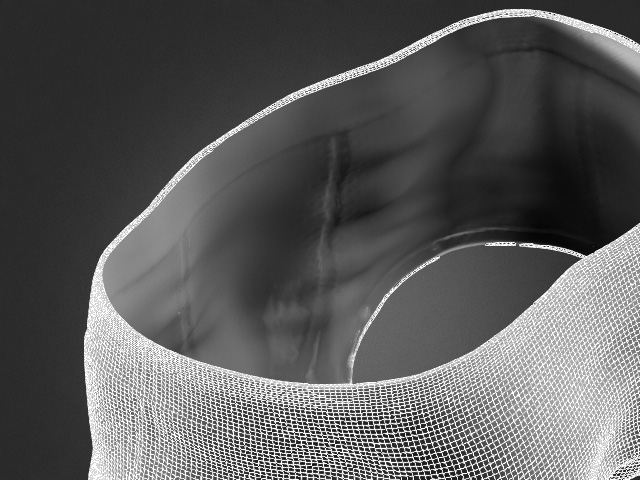
- Enter Edit Mesh mode and remove the inward-facing faces. See Deleting Mesh Faces and Opening AI-Generated Clothing with Edit Mesh sections for details.
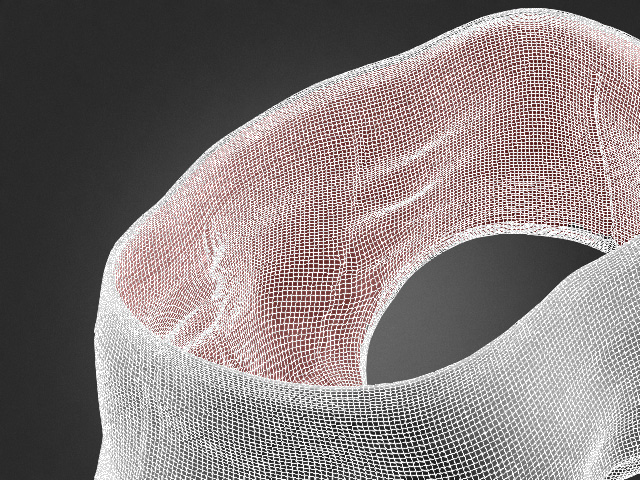
Before (inward faces selected)
After (inward faces deleted)
- Exit Edit Mesh mode.
- Resume the Body Wrap process and return to ALIGN POINTS. The previously missing alignment points should now appear.