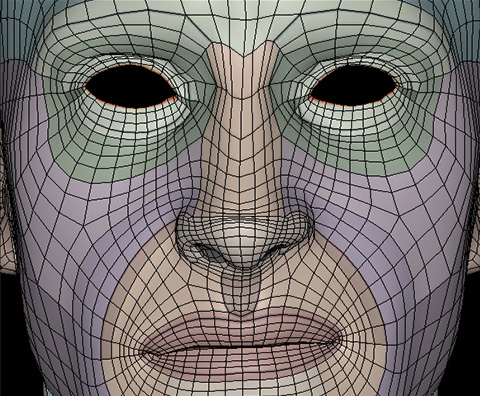
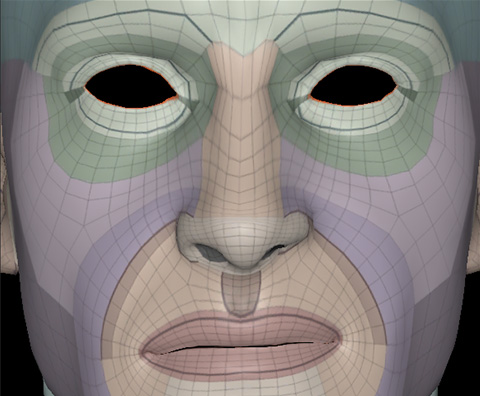
User Interface for REFINE MESH Step
The DETECT JOINTS step establishes the key joint positions of the imported character using Guide Points. These points are then used to generate a full-body skeleton, which serves as the basis for generating the Align Mesh Points required for the subsequent wrapping process.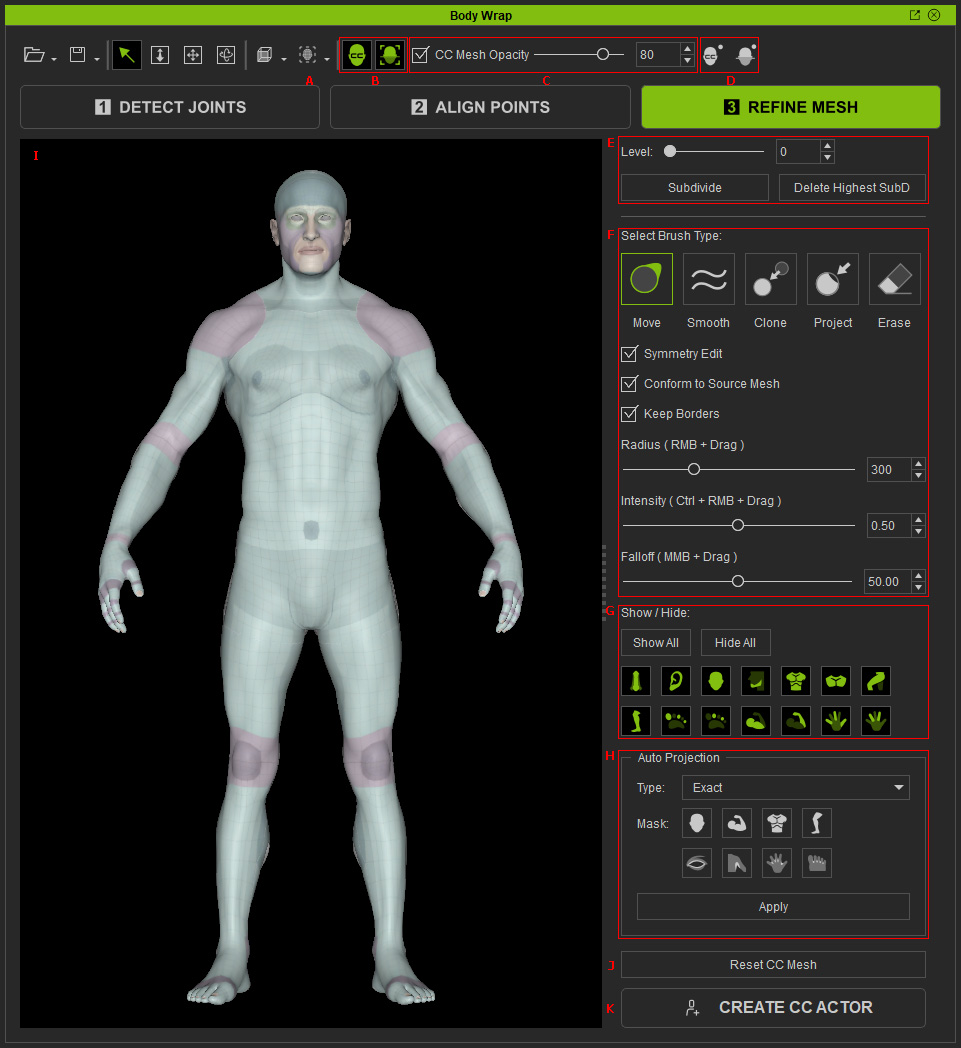
|
Feature |
Description |
|||||||||||||
|
A |
Render Style |
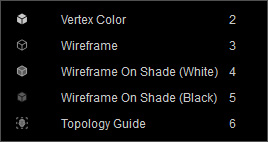
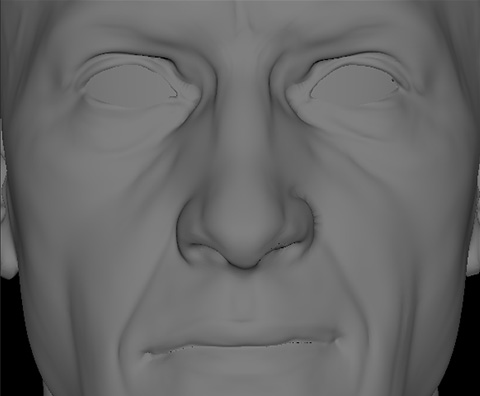
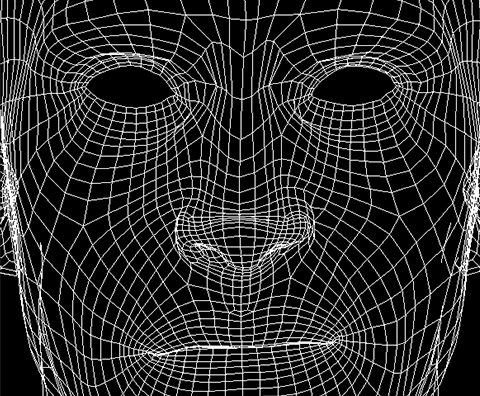
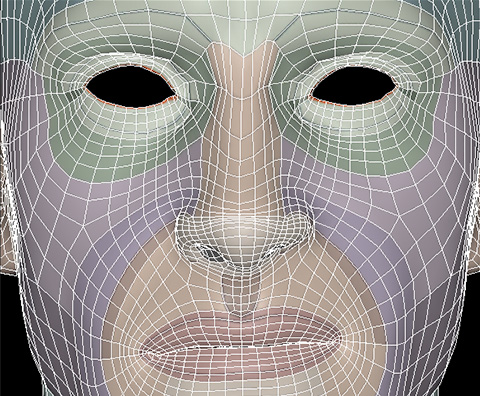
Selects the render style for the CC HD character:
|
||||||||||||
|
B |
Show/Hide Models |
Shows or hides the CC HD character and the imported character model. |
||||||||||||
|
C |
CC Mesh Opacity |
Adjusts the opacity of the CC HD character. |
||||||||||||
|
D |
Show/Hide Align Points |
Shows or hides the Align Points on the CC HD character and imported character model. |
||||||||||||
|
E |
Subdivides the CC HD character by up to two levels to provide more geometry for detailed reshaping and better matching of the imported character model. |
|||||||||||||
|
F |
Provides brush tools for shaping the surface, including Move, Smooth, Clone, Project, and Erase. |
|||||||||||||
|
G |
Show / Hide Body Parts |
Shows or hides different parts of the CC HD character to facilitate localized brush editing. |
||||||||||||
|
H |
Auto Projection |
Automatically conforms the surface of the CC HD character to the shape of the imported character model. |
||||||||||||
|
I |
Viewport |
Displays the CC HD character and imported character model for viewing and surface-shaping operations. |
||||||||||||
|
J |
Reset CC Mesh |
Discards all surface edits and restores the CC HD character to the shape generated when entering the Refine Mesh step. |
||||||||||||
|
K |
Create CC Actor |
Generates the CC HD character with its shape conformed to the imported character model. |