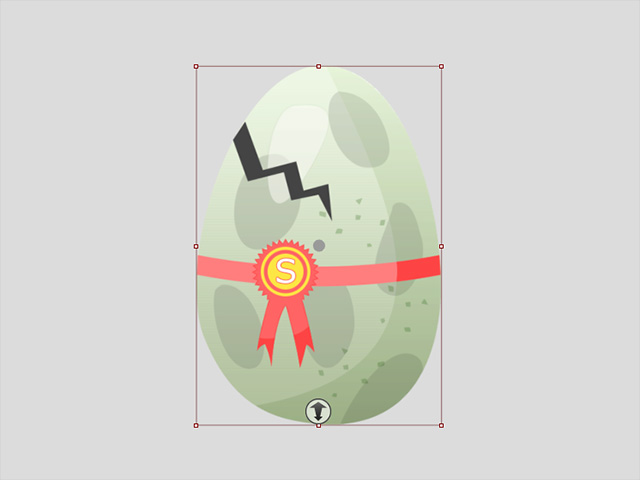
Creating Props of Official PSD Structures
The basic PSD structure for a prop is composed of two main folders: "RL_Pivot" and "RL_Image".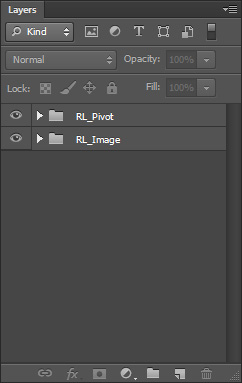
 RL_Pivot
This main folder contains layers of the pivot layers for the entire object and the sprites.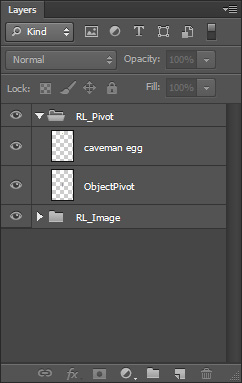
The object pivot is a red-blue cross while the sprite pivots are represented by yellow points with crosses on them. You can reposition these pivots freely in either Cartoon Animator or in your favorite image editor.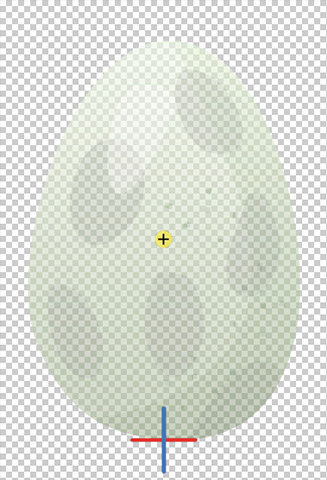
RL_Image
This main folder contains the sprite folder with image layer(s).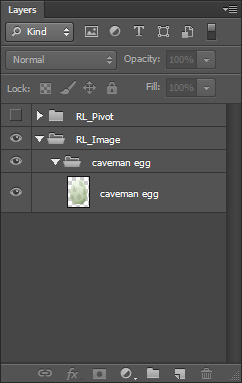
- You can freely add layers in the sprite folder in accordance with the Grouping Rules for G3 Characters and props.
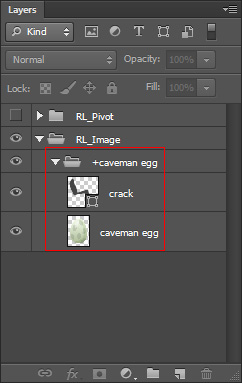
The elements in the sprite will be updated after you save the document in the image editor.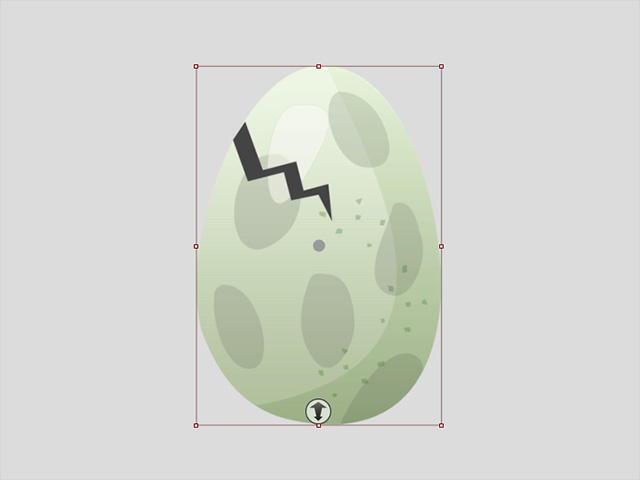
- You can add unlimited number of sprites by creating new sprite folders in the "RL_Image" main folder.
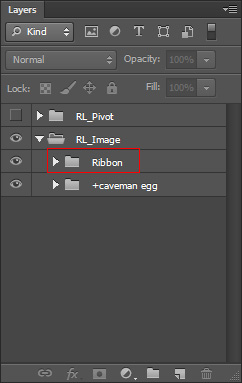
Save the document to transfer the modifications back to Cartoon Animator.