Applying Presets for AI Detail Generation
Under the AI Generation > Detailing tab, select prompt presets from the drop-down list for various applications. These presets use both positive and negative prompts to ensure the AI produces realistic and consistent texture details.
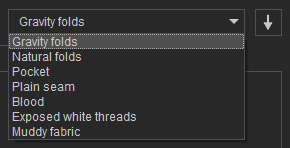
Click the down-arrow button beside the list to load the example texts into the prompt fields (as shown below).
Preset | AI Output | Positive Prompt | Negative Prompt |
Gravity folds | 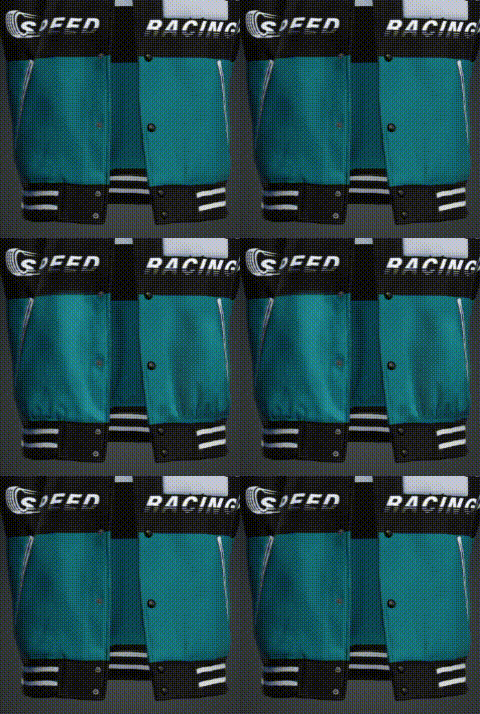 | (Gravity folds:1.0) | worst quality, normal quality, low quality, low res, blurry, text, watermark, logo, banner, extra digits, cropped, jpeg artifacts, signature, username, error, sketch, duplicate |
Natural folds | 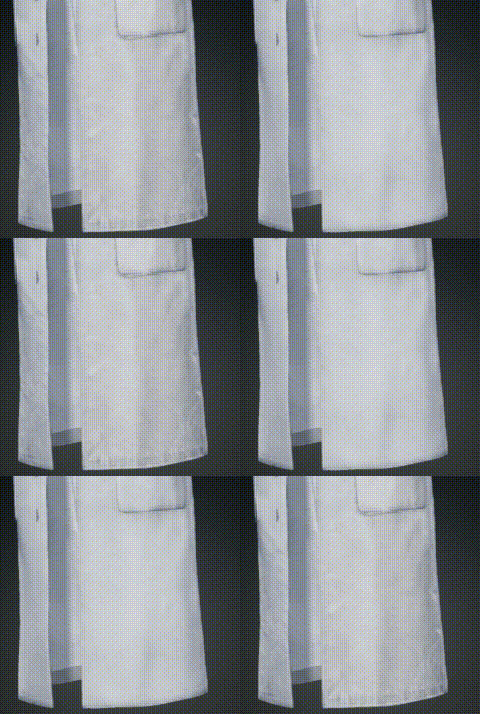 | (Natural folds:1.0) | |
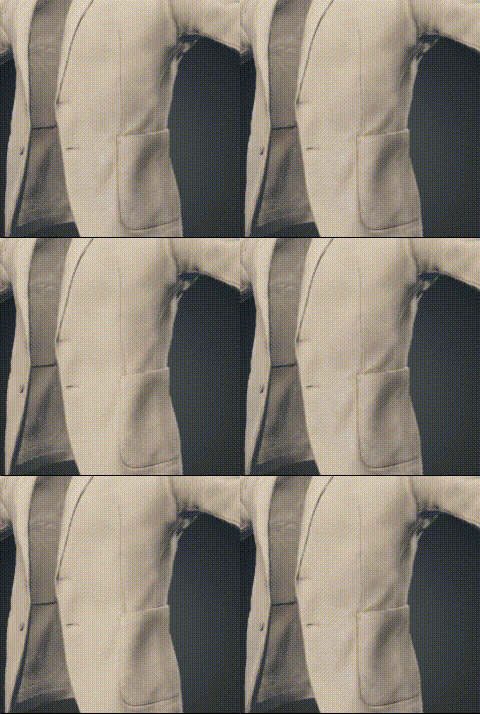 | (Patch Pocket:1.0) | ||
Plain Seam | 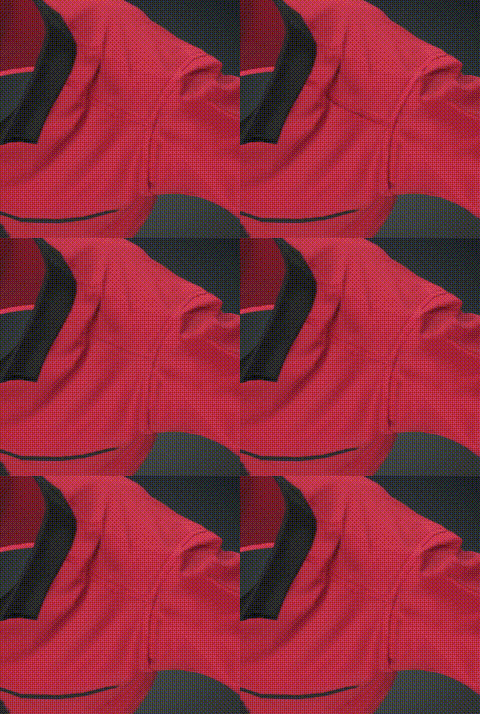 | (Plain Seam:1.0) | |
Blood | 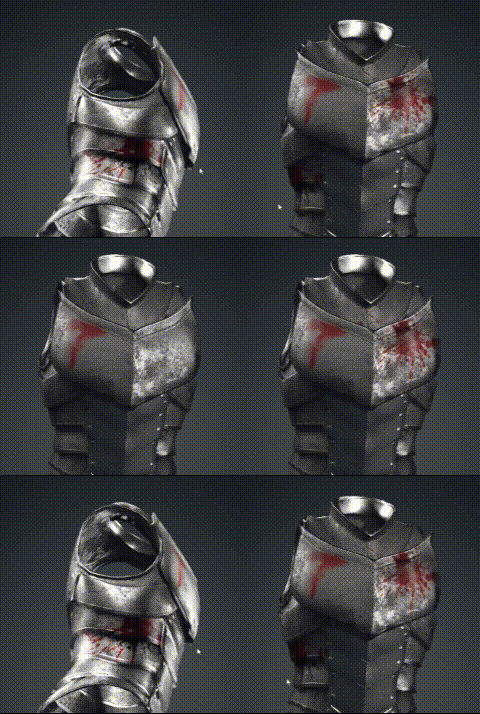 | (Blood:1.0) | |
Exposed white threads | 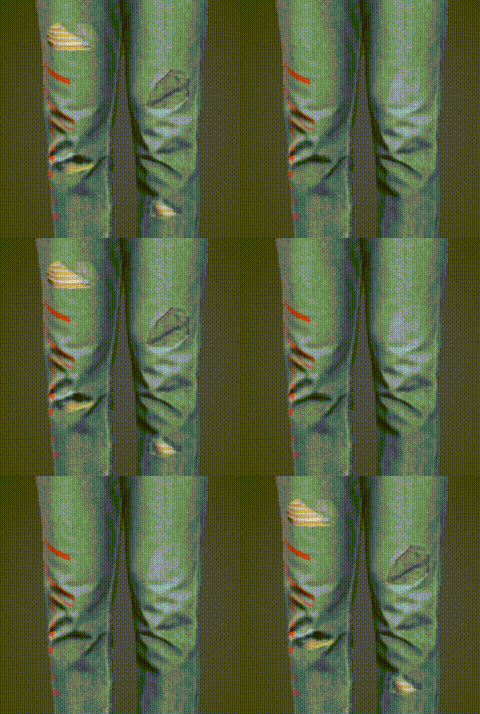 | (exposed white threads:1.0) | |
Muddy fabric | 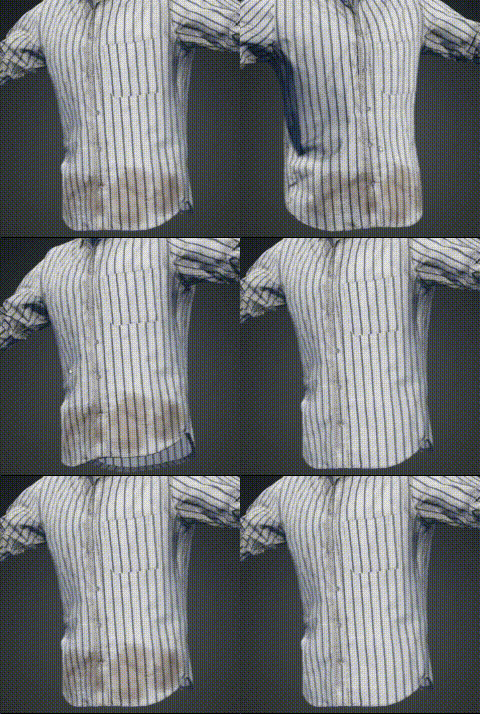 | (Muddy fabric:1.0) |
