Downloading ActorCore Characters
- Go to the ActorCore Actor store page.
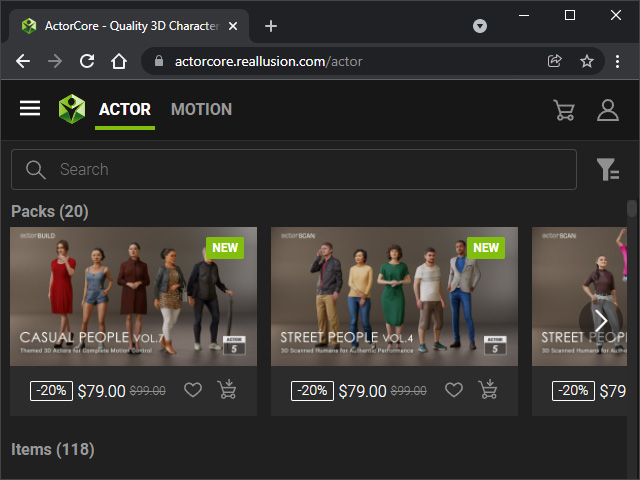
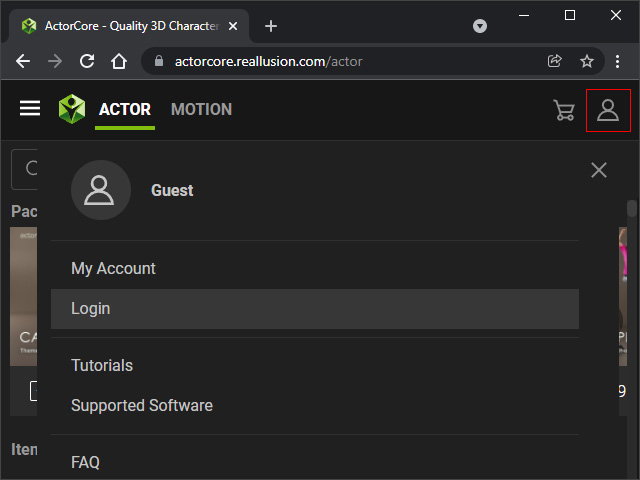
- Log in to your account.
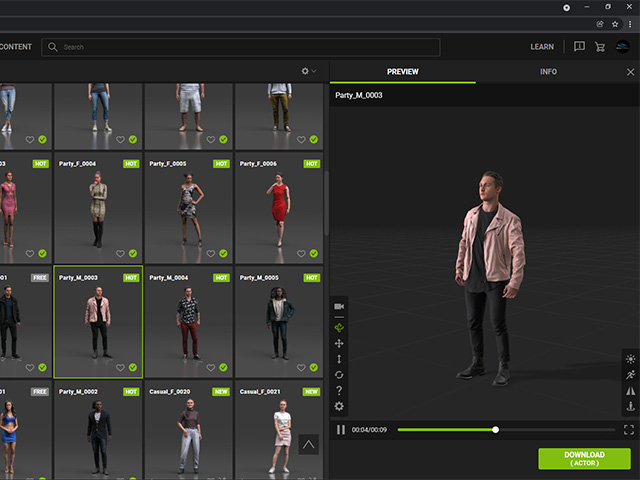
- Pick the desired actor that you have purchased.
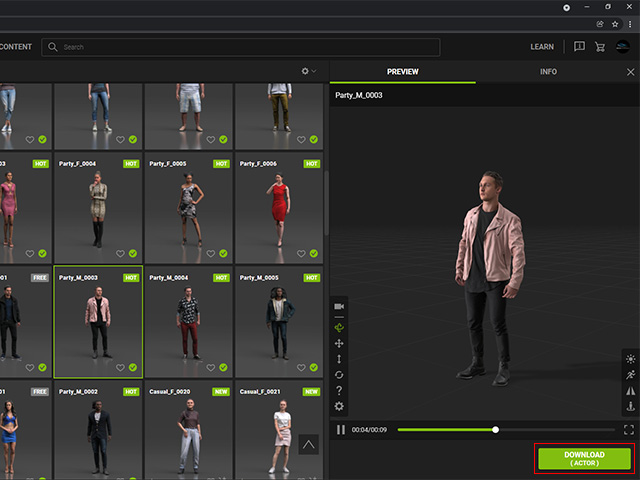
- Click the DOWNLOAD (ACTOR) button under the preview window.
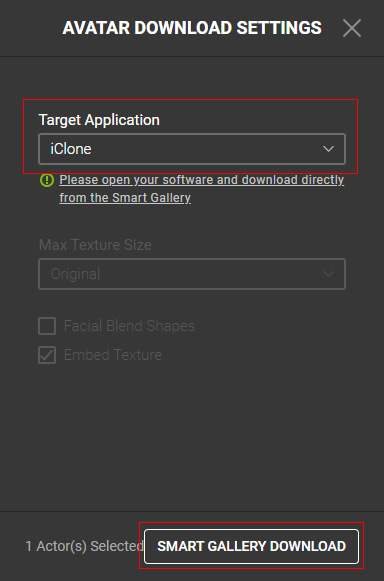
- Set the Target Application to iClone and click the Smart Content Manager DOWNLOAD button
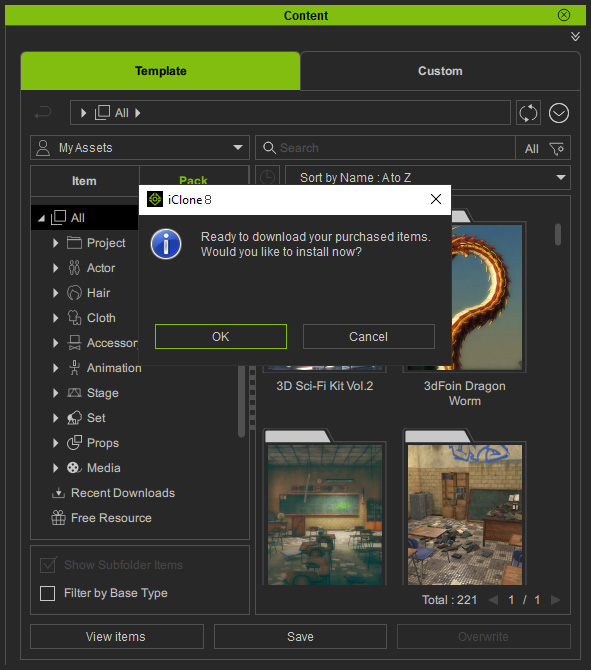
- The Content Manager in iClone will pop up a dialog
window. Click the OK button to download the actor.
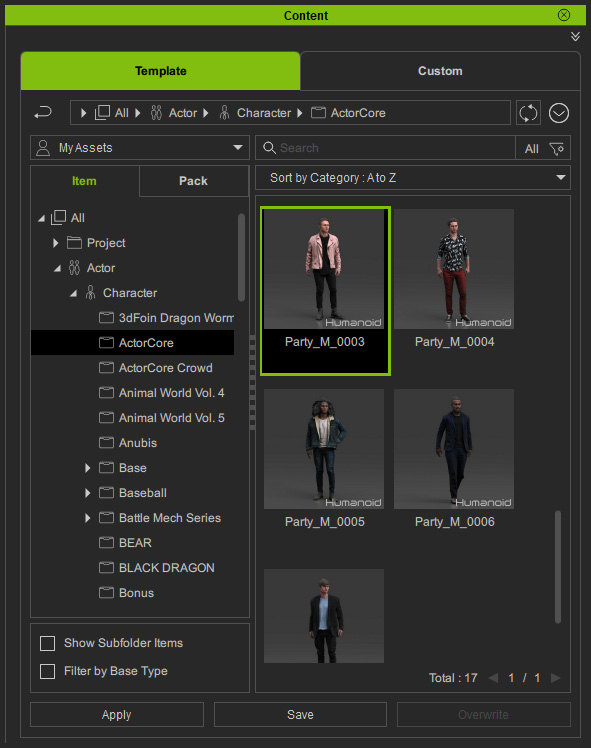
- Double-click on the actor.
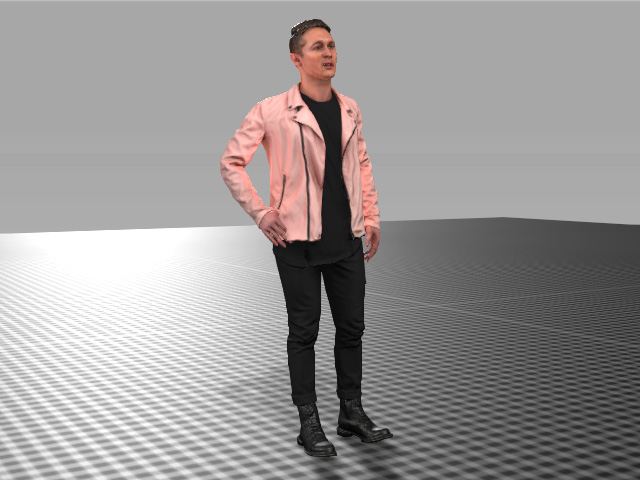
- You can start to animate the actor with iClone
animation-related functionalities.
Please refer to the Applying Material Modifier to ActorCore Characters section for more information.
