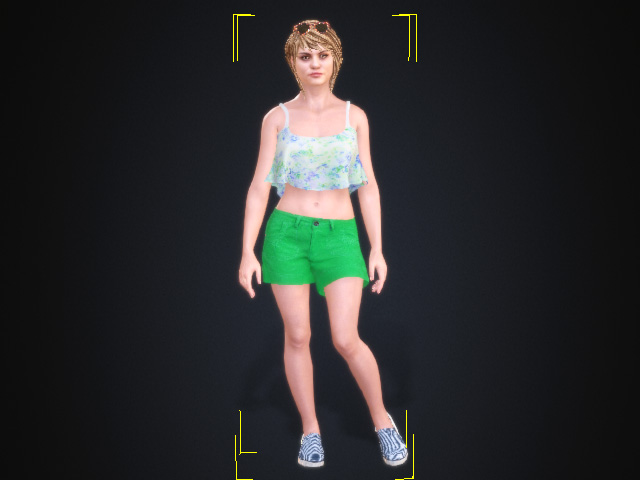
Applying Material Modifier to ActorCore Characters
By applying Material Modifier to the ActorCore Characters, you can divide the character into several specific parts with Mask Maps and then individually adjust the parts to produce the final textures.
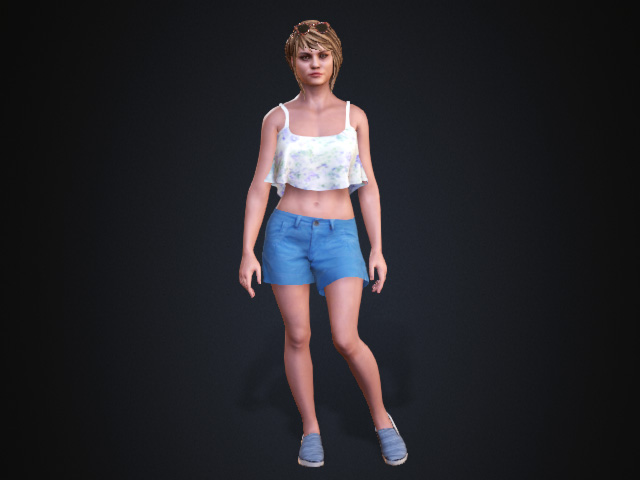
- Apply a ActorCore Character to the scene.
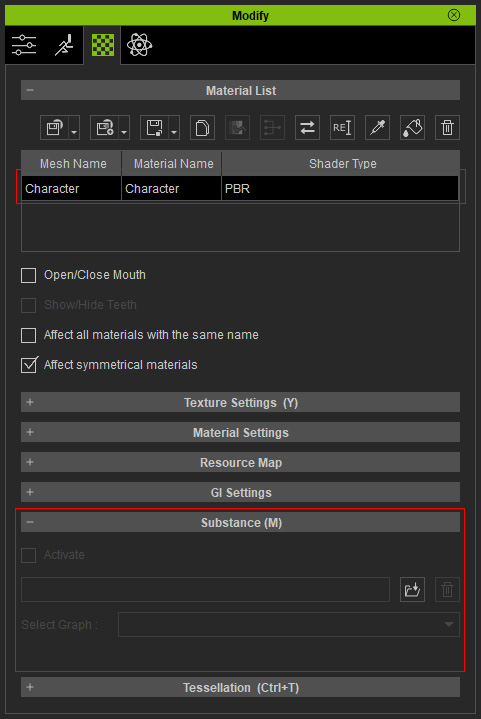
- Make sure the character is selected and open the Modify panel, switch to the Material tab. As you can see there is only one material and the Substance section is disabled.
If you modify either of the textures (Base Color, in this case) , the entire character will be influenced.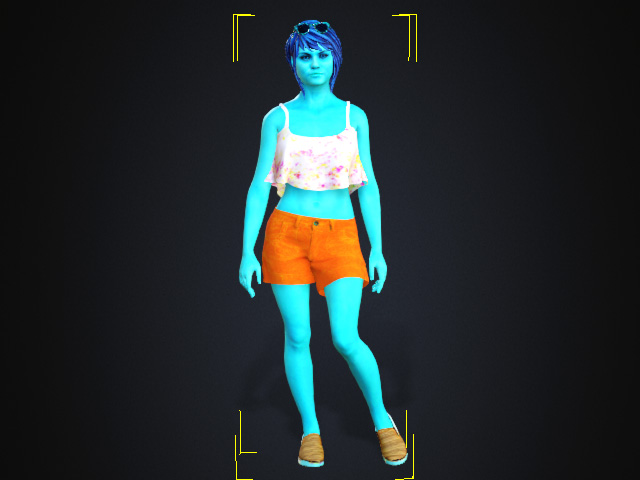
- Find the MaterialModifier in the Materials Pack from the Content Manager.
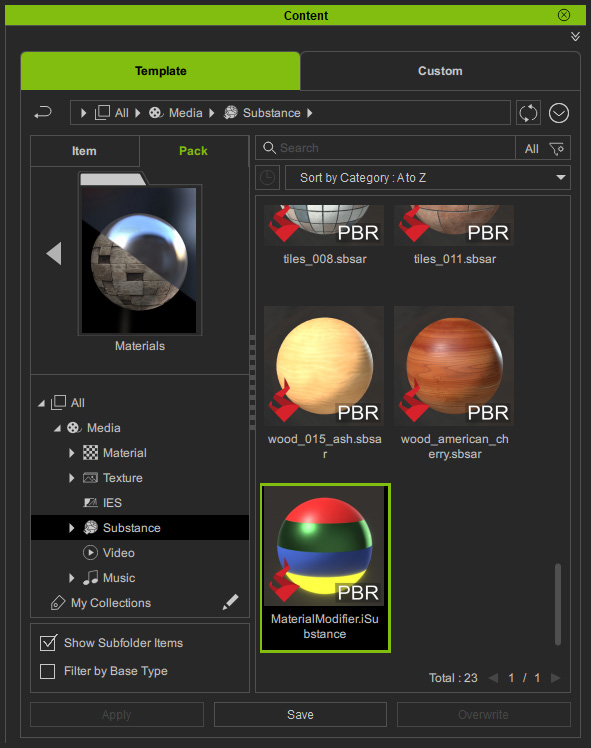
- Apply this template to the character. The Substance Settings section will be enabled with settings and sub-sections added.
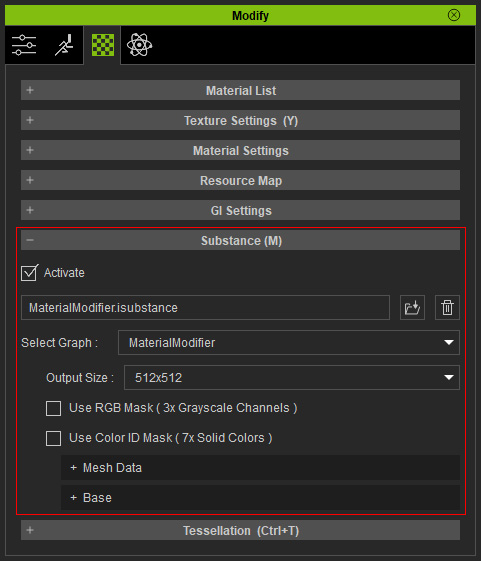
Refer to the Substance Settings of Material Modifier section for more information. - Tweak the settings to individually adjust different parts to affect the textures of the character.