Layer Order for Image Layer Objects
Reordering the image layers is easier than ever compared to prior
versions of iClone.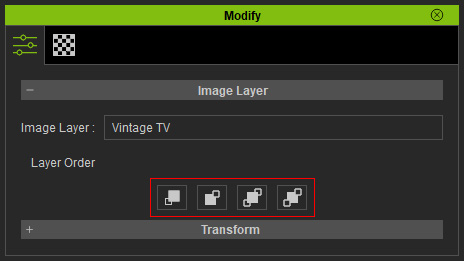
These four buttons will be disabled if there is only one image layer in the project.
 Note:
Note:
Dragging and dropping an image into the viewport applies it as a 2D Background, not an Image Layer. To create an Image Layer object and use features like Layer Order, see Creating a New Image Layer.
Move Forward
When you have two images layers, you can use the Move Forward button to move a target layer
up one level.
button to move a target layer
up one level.
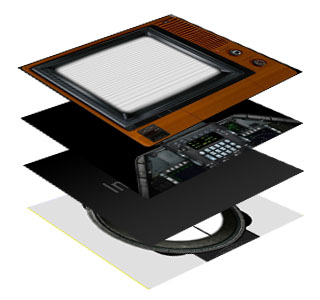
|
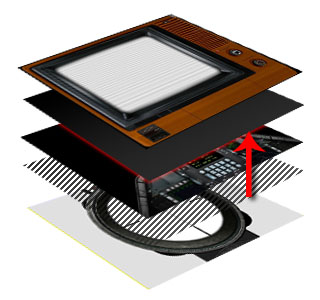
|
|
Original layer order. |
After reordering. |
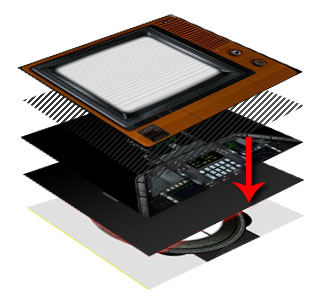
Move Backward
When you have two images layers, you can use the Move Backward button to move a target layer back one level.
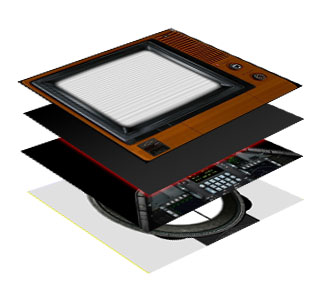
|
|
|
Original layer order. |
After reordering. |
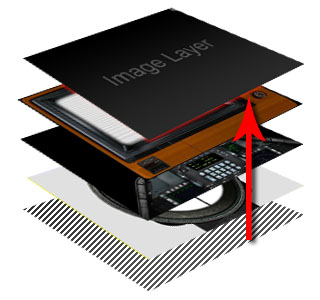
Move to Top
When you have multiple image layers, you can select one of the layers to move it to the very top of all the layers.
|
|
|
|
After reordering. |
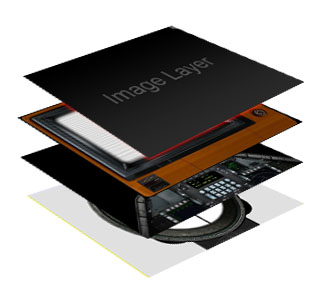
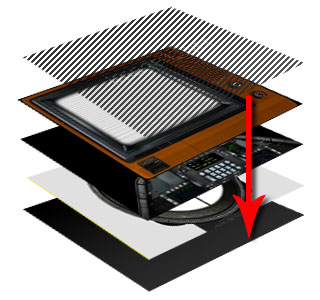
Move to Bottom
When you have multiple image layers, you can select one of the layers and move it to the very bottom of all the layers.
|
|
|
Original layer order. |
After reordering. |
Note:
An Image Layer is overlaid on top of the viewport and may obstruct normal viewport manipulation. Select another object in Scene Manager to deselect the Image Layer. The image Layer cannot be selected in the viewport, select with Scene Manager to continue customizing
