Cloud, Moon and Star Settings
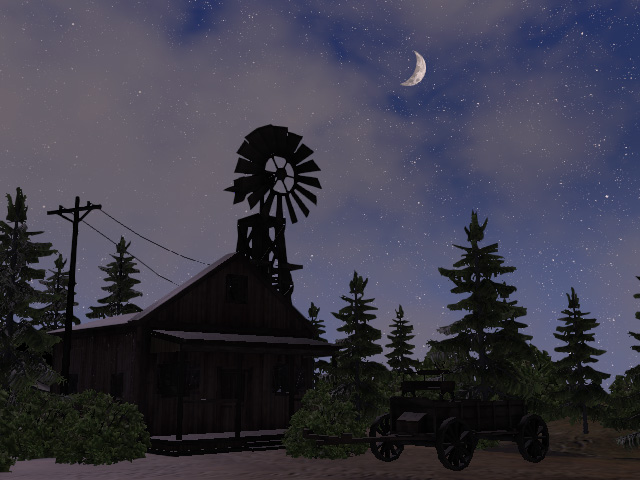
When you record the time elapse animations, you can set the cloud in the sky, the eclipse of the moon and the density of the stars for the night. In the case for this page, a night scene is used as an example.
- Set the time to night with the Sky Tool.
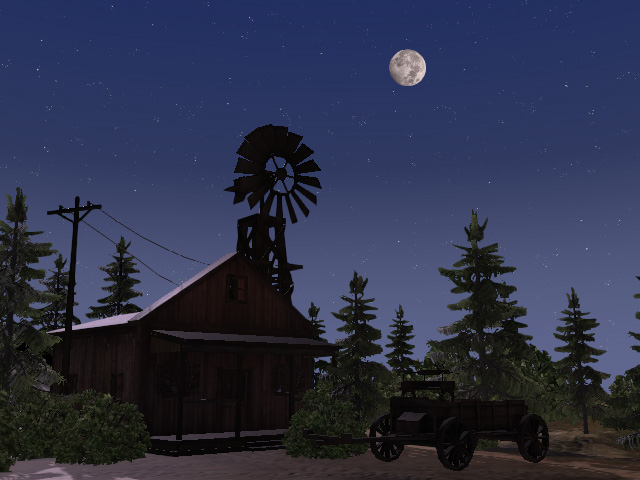
- Switch to the Cloud setting tab.
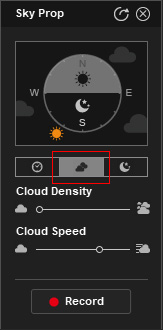
- Drag the sliders to determine the density of the cloud and the speed for the clouds to flow.
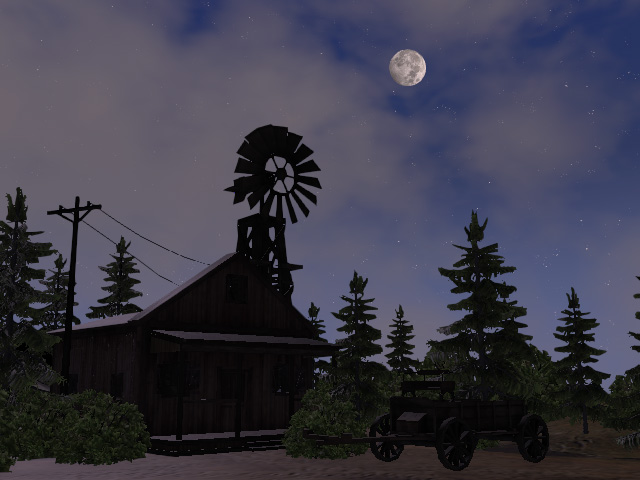
- Switch to the Night settings tab.
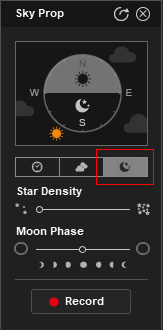
- Drag the slider to determine the density of the stars and the eclipse of the moon.
- Click the Record button to record the time elapse animation.
- Playback to view the result. You can always re-record again with different settings if you are not satisfied with the result.
