Advanced Water Parameters - Underwater Fog
If you want to create a mysterious or eerie atmosphere for underwater scenes, you
can turn on the
Underwater Fog feature. Please see
Basic Water Parameters - Color and
Basic Water Parameters - Wave before this section.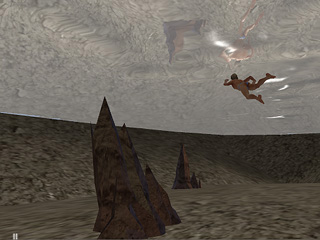
Underwater Fog OFF
- Go to the Modify panel and then scroll to the Advanced Water Parameters section.
- Check the Underwater Fog box.
- Click the color picker and select the desired fog color.
- Enter a value for Start to specify where the Fog starts.
-
Specify the value for End to specify where the Fog ends.
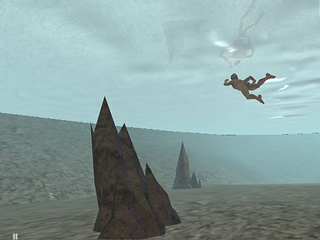
Start = 0
End = 3500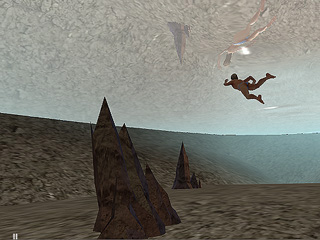
Start = 1500
End = 3500
