Motion Layer Key Alignment
In iClone, each motion clip can have its own layer keys to create pose influence for the entire clip. However, the motion layer key can not affect any other motion clip on the track. By using the Motion Layer Key Alignment feature, you are able to sample the final layer key in the previous motion clip and paste it into the first frame of the current motion clip with only one command. This can then ensure the final pose of the previous clip melds into the first frame of the current clip seamlessly.
-
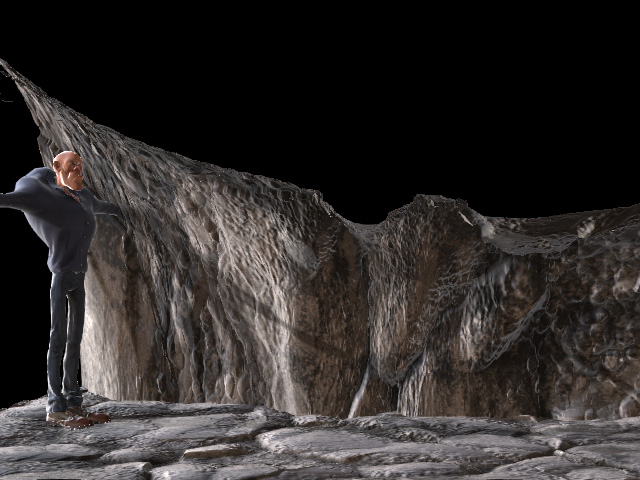
Create a project.
-
Apply a motion to have the character move forward.
- Set a motion layer key at the end of the walking motion clip to lean the character more.
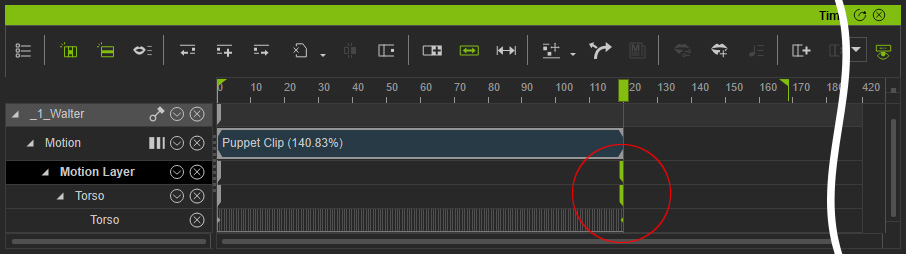
Playback to view the result. - Apply another motion clip right after the existing one.
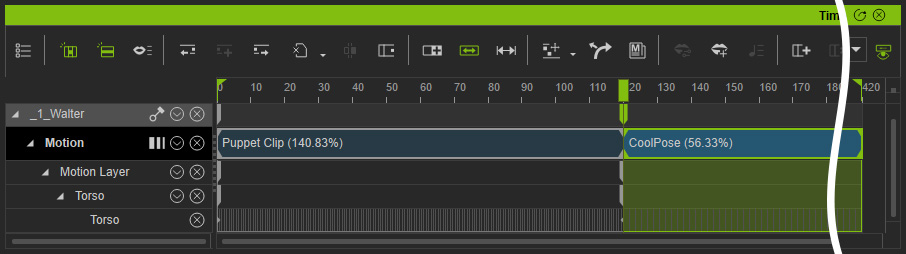
Playback and you will find the character abruptly change the pose when it goes to the first frame of the new motion clip. - Right click on the new motion clip and execute the Align to Previous Key command from the context menu.
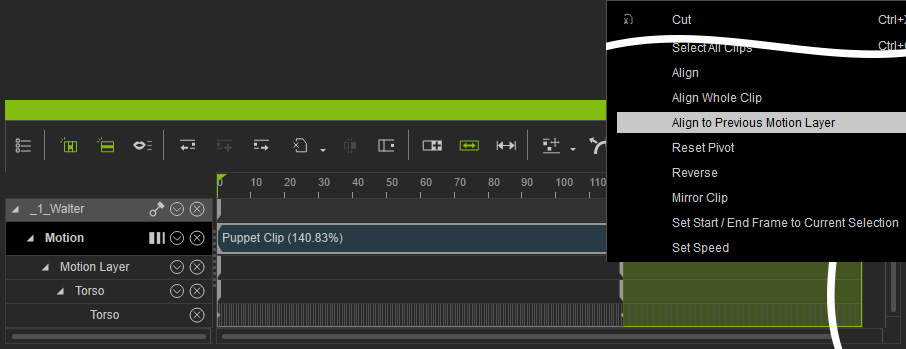
iClone samples the last motion layer key, then copies and pastes the key into the first frame of the currently selected motion clip.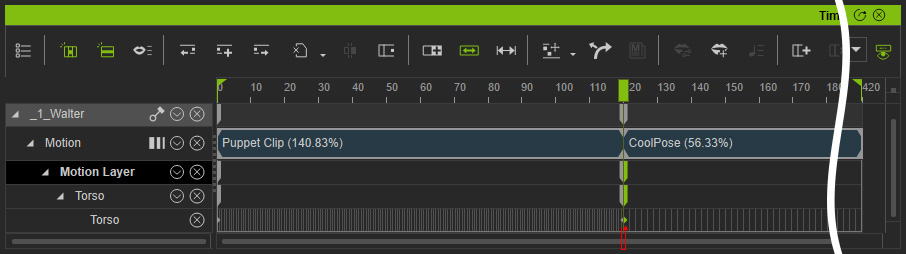
- Playback and the first pose of the current clip will be align to the previous one.
