How to move body parts with World and Local IK methods
When you want to use the IK mode to move a body part, you can decide to move by world or local axis.
-
Create a project with a character.
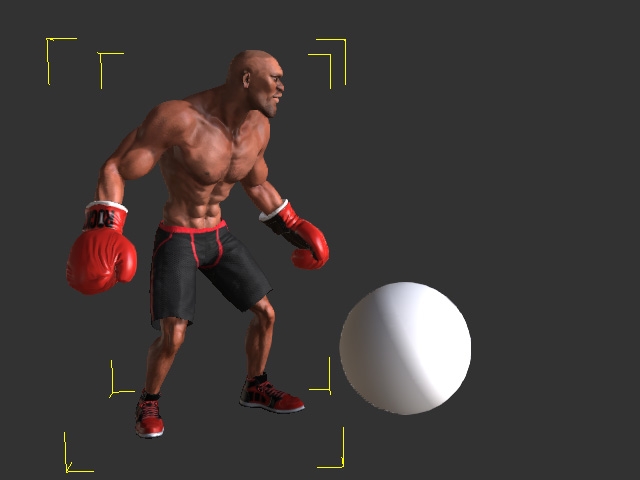
- Launch the Edit Motion Layer panel (Shortcut: N); Set the pose for the actor with FK mode.
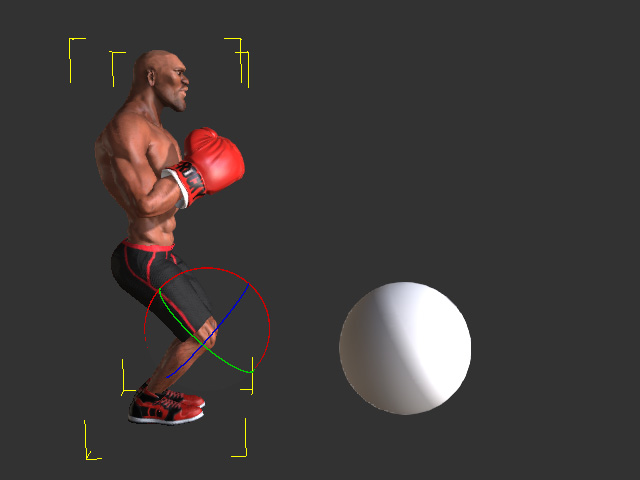
-
Select the Move tool in the
general toolbar.

- Go to another frame.
- Start editing character's body parts with IK in world-space; A new pose key will be automatically added.
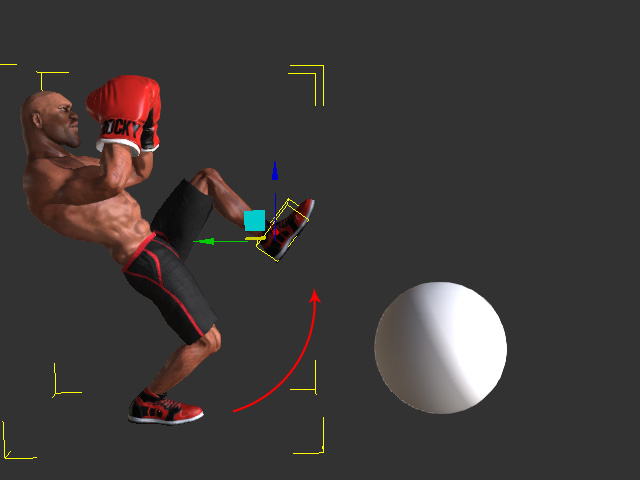
- Go to another time frame.
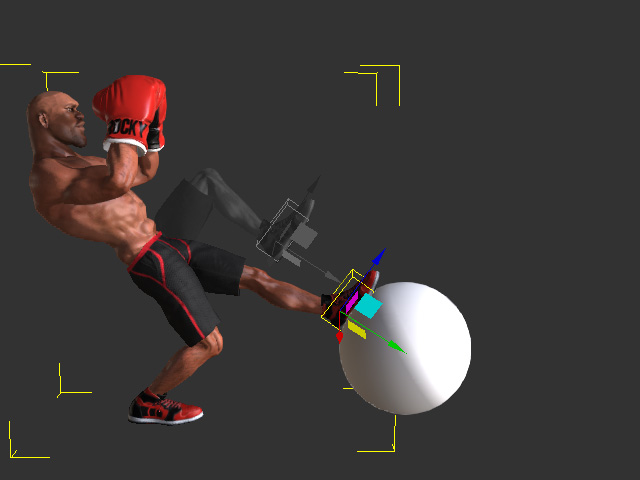
- Click the down-arrow button next to the Move tool to choose the Local Move mode.

- As you will find the gizmo rotates to align to the coordinate of the selected bone.
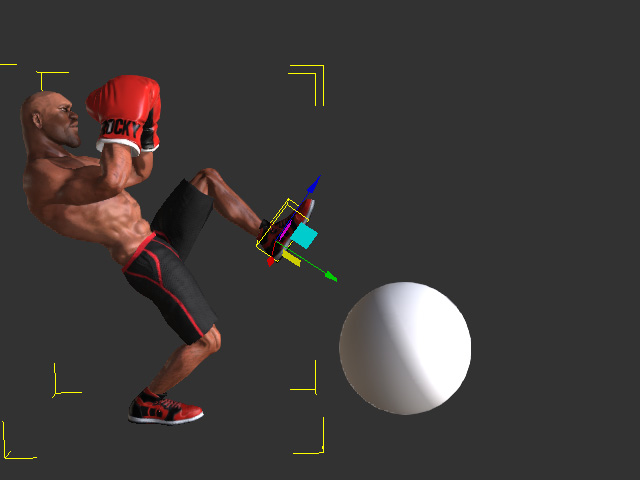
- Edit a new pose for the character to add a new pose key with the rotate gizmo.
- Playback to view the results.
