From Kinematic to Dynamic
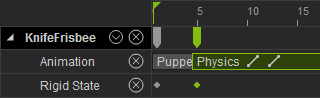
A Kinematic rigid body can be animated with transform keys that are produced manually or through puppet motion. When you combine this characteristic with the Setting State Key feature, the animations of the Kinematic rigid body will generate inertia force as soon as the rigid body turns to be a Dynamic one.
-
Select the prop that you want to be a rigid body.
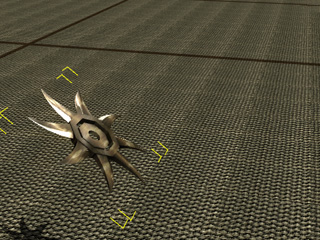
- Set it as a Kinematic rigid body by activating the Activate Physics box and pressing down the Kinematic button in the Modify >> Physics tab.
- Open the Prop Puppet panel.
-
Utilize the prop puppet function to move and/or rotate the Kinematic rigid body.
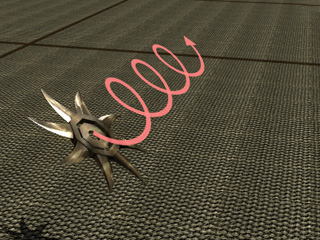

The anticipated moving and rotation of the Kinematic rigid body.
The puppeteering result will be kept in the Animation track as a clip.
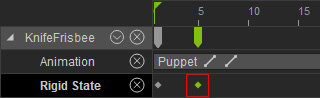
- Go to the time frame where you want the prop to start falling.
-
Set its physics state to Dynamic.
-
Go to the start frame of the project and play back to simulate. When the rigid body turns to a Dynamic state,
the transform keys will form an inertial force, which causes the rigid body to rotate, move and fall.
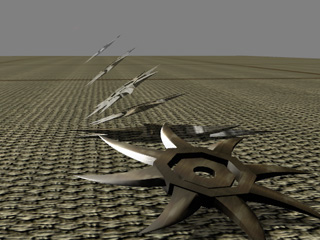
-
The simulated animation clip will be generated after the Dynamic key.